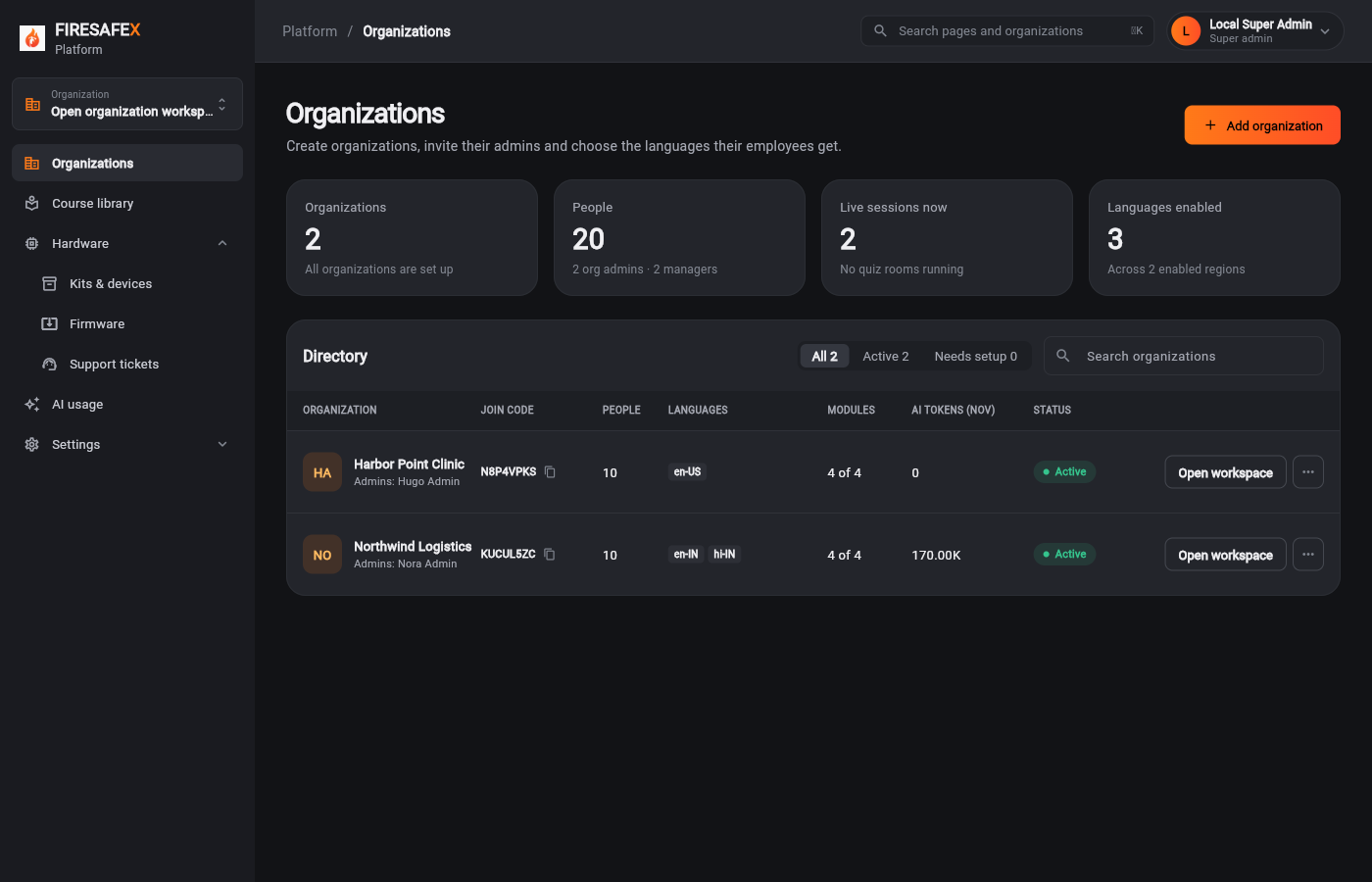
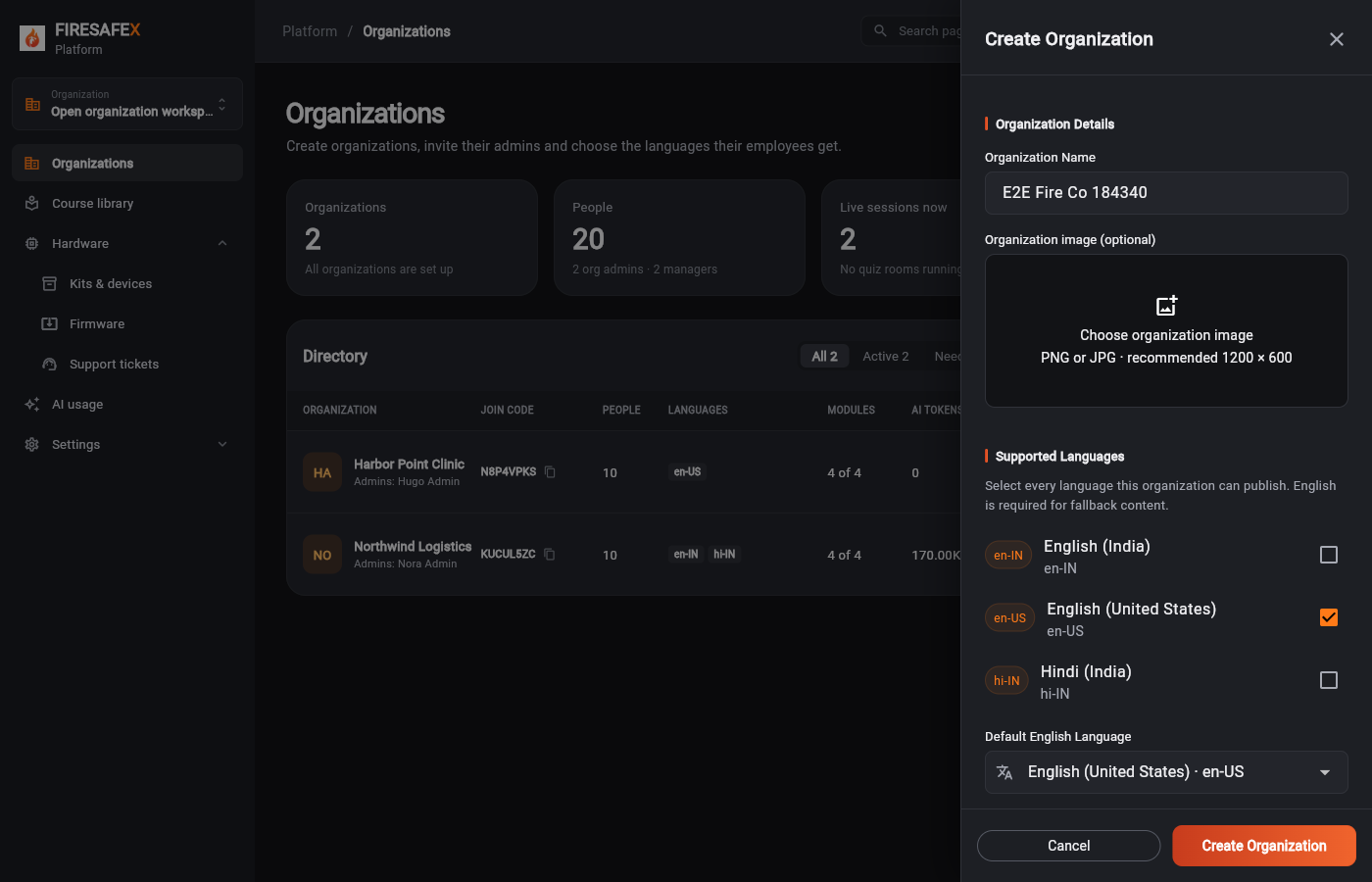
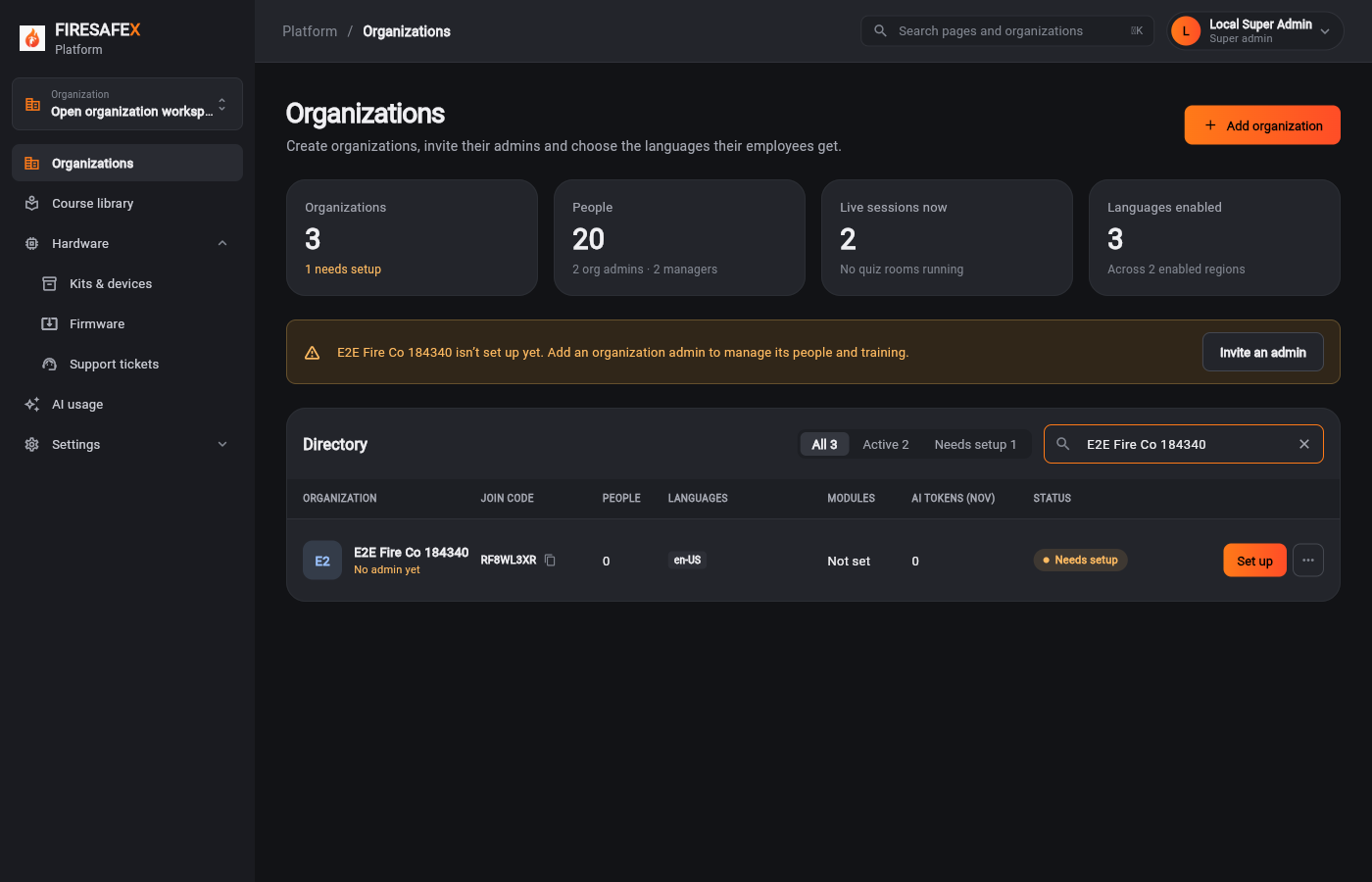
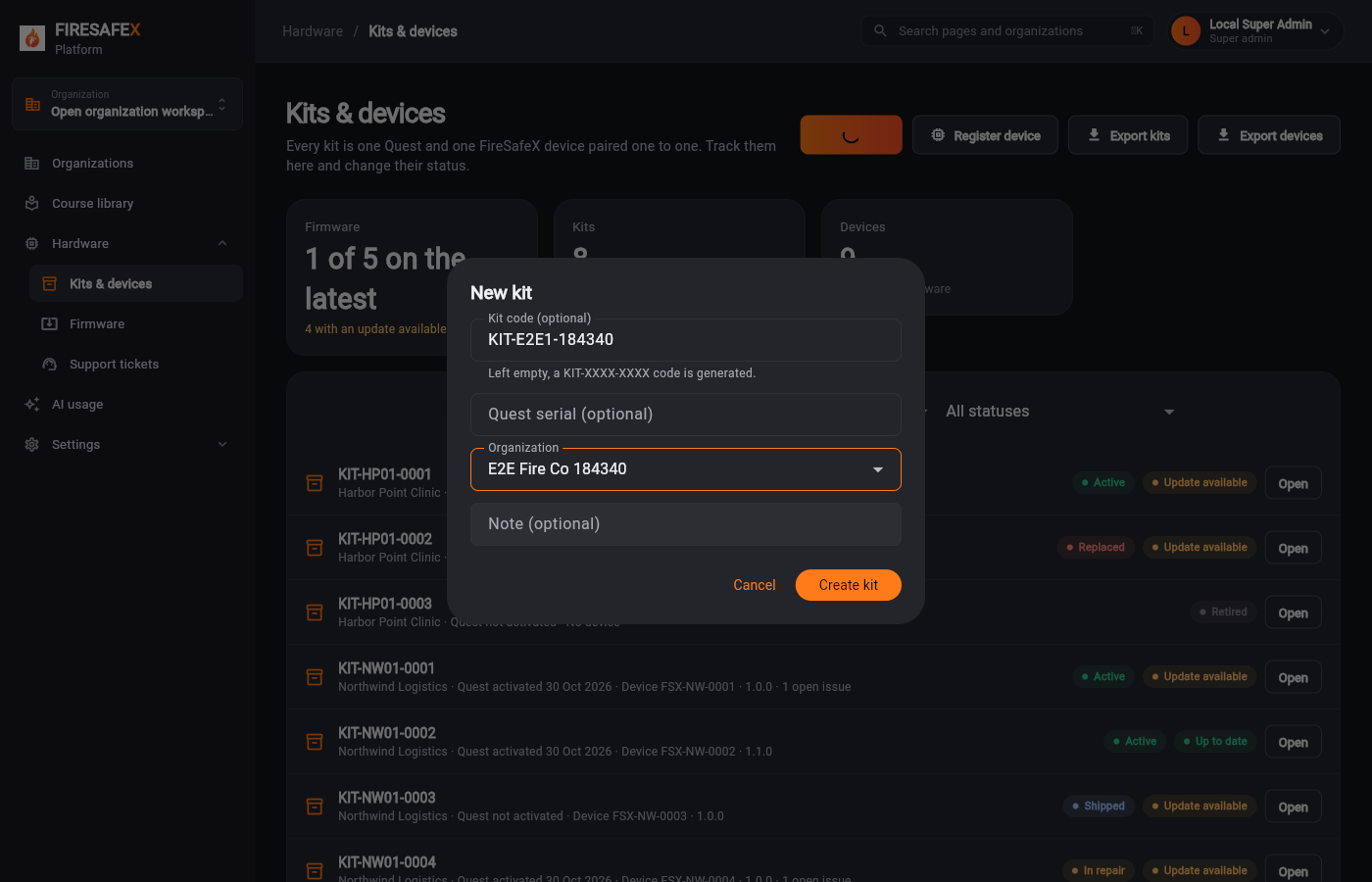
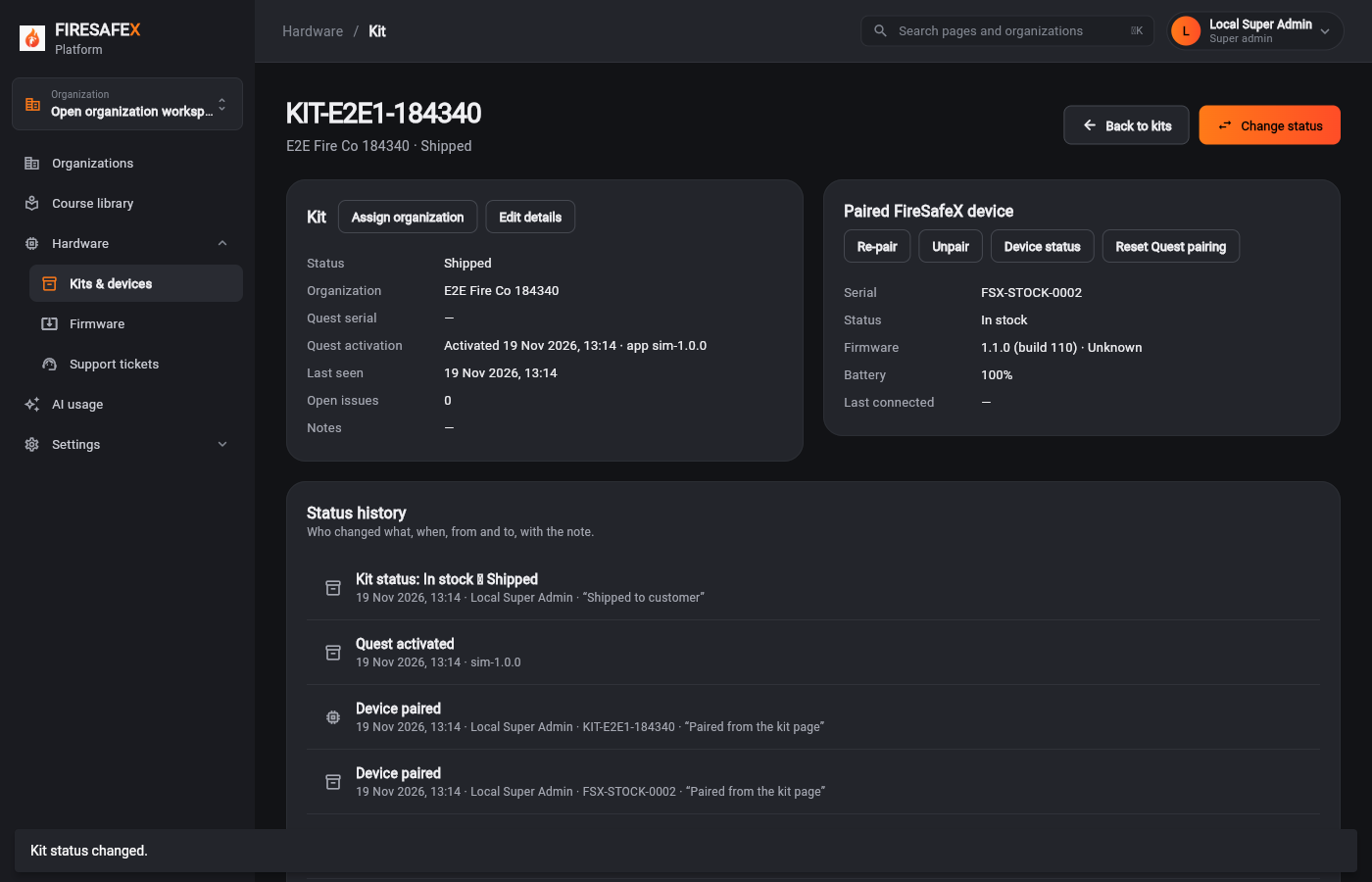
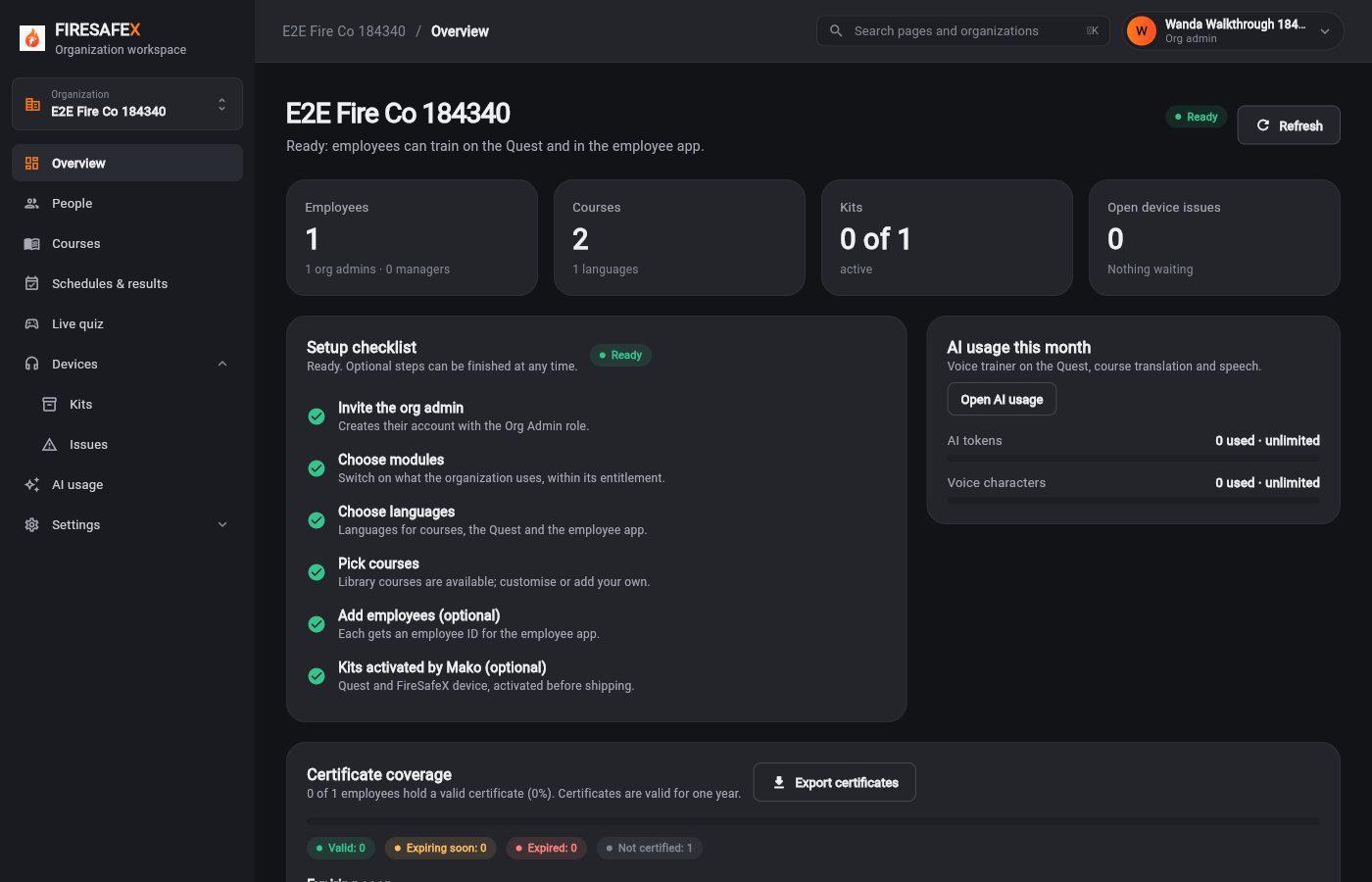
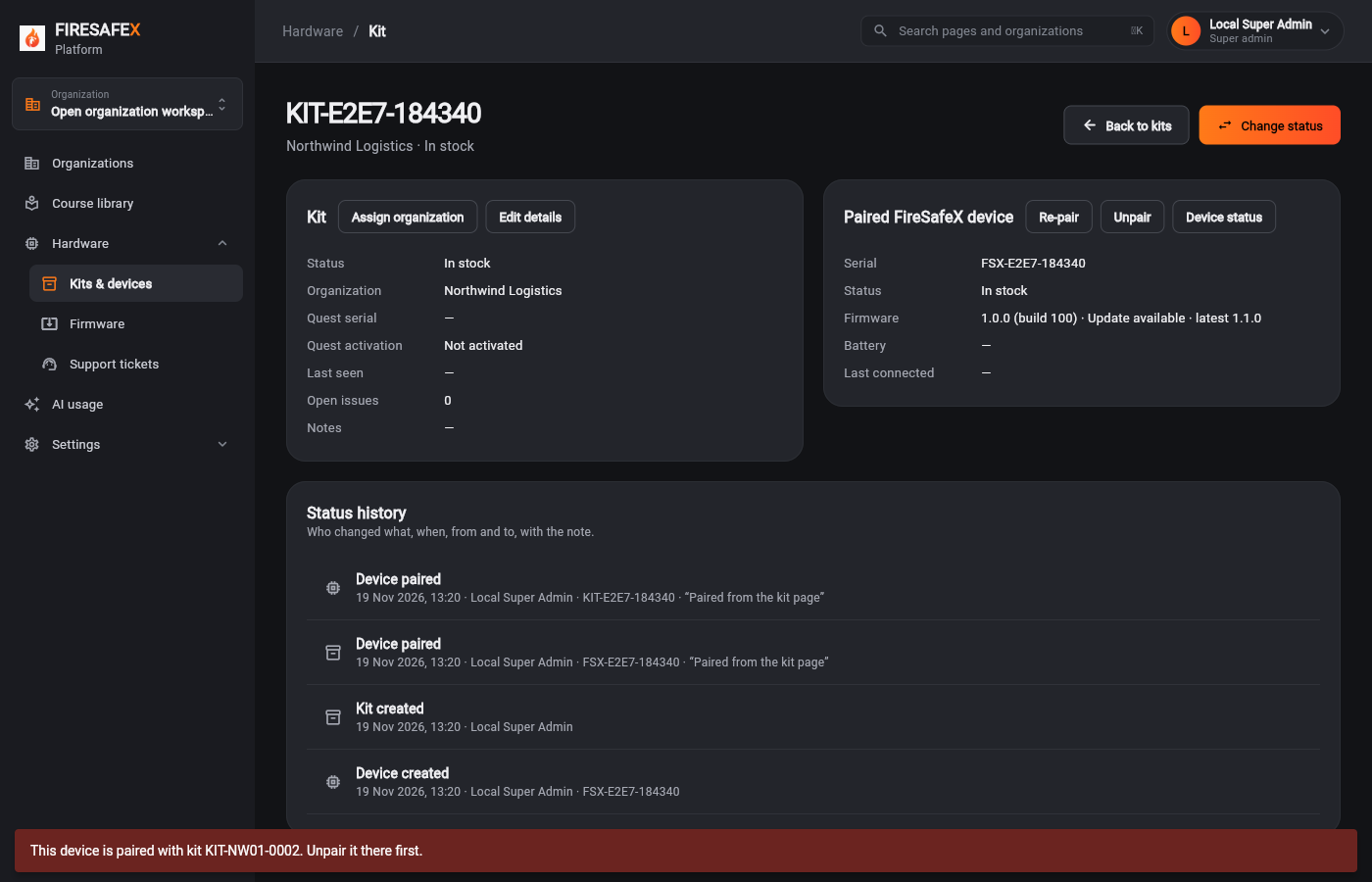
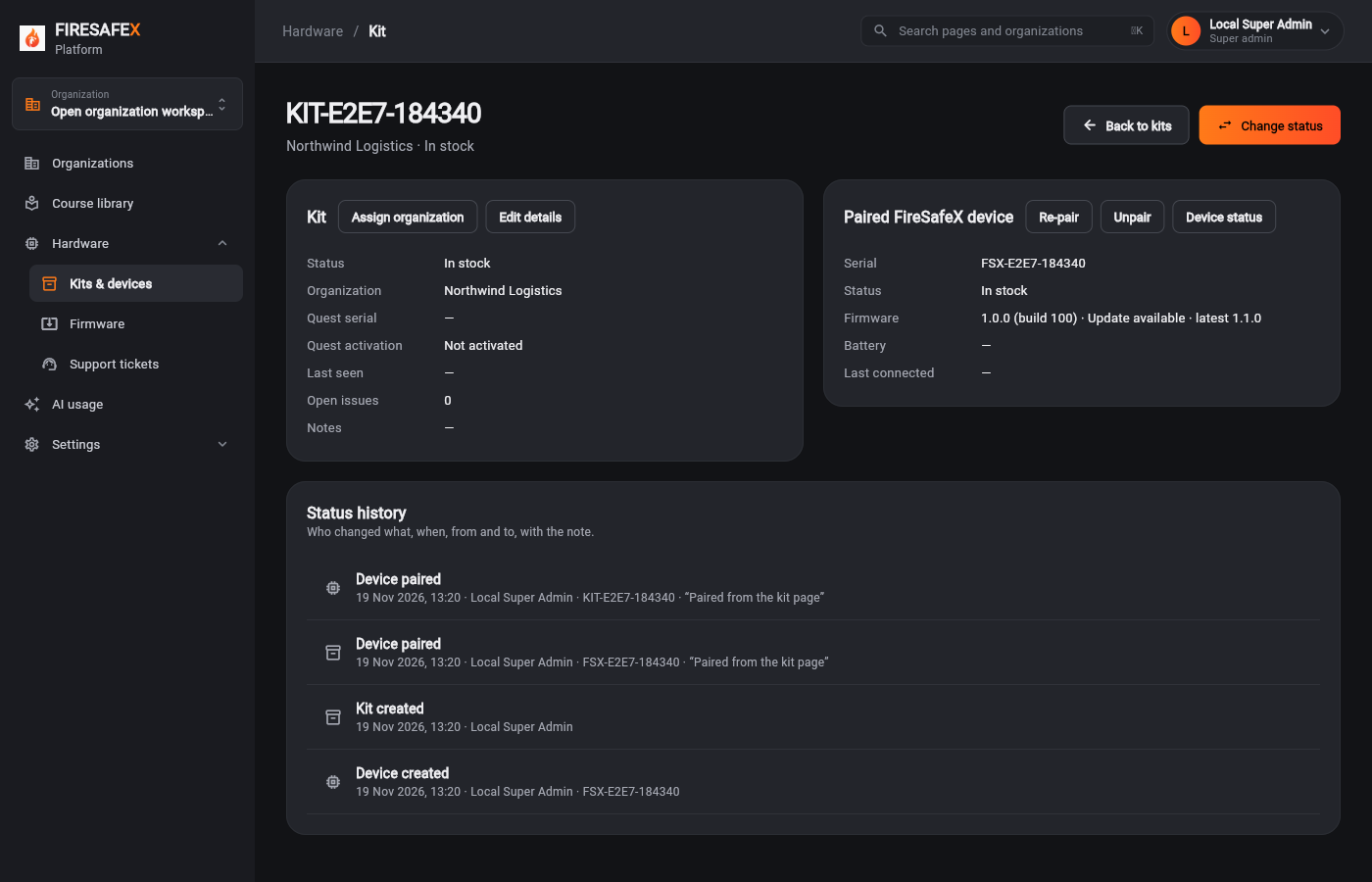
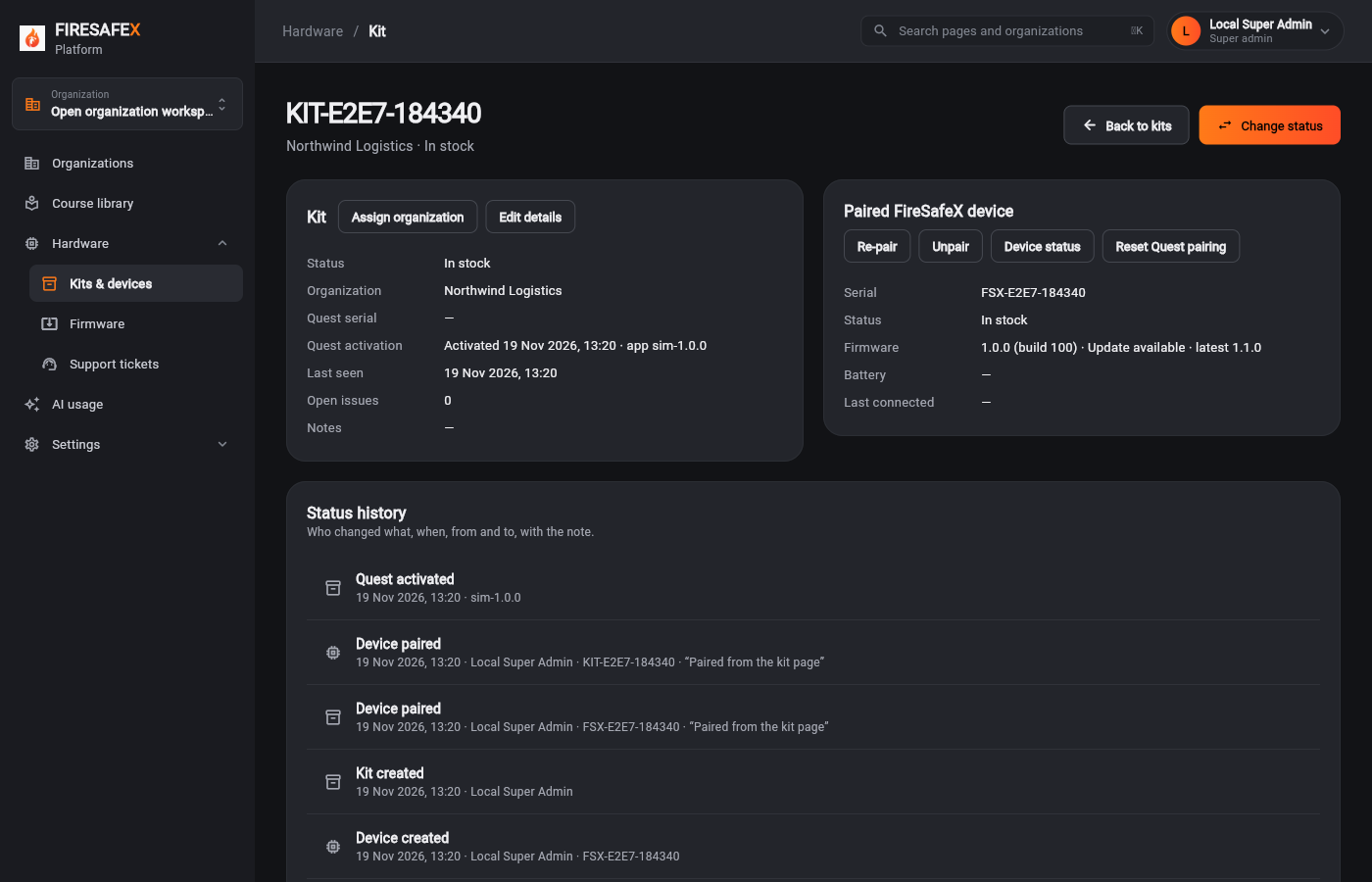
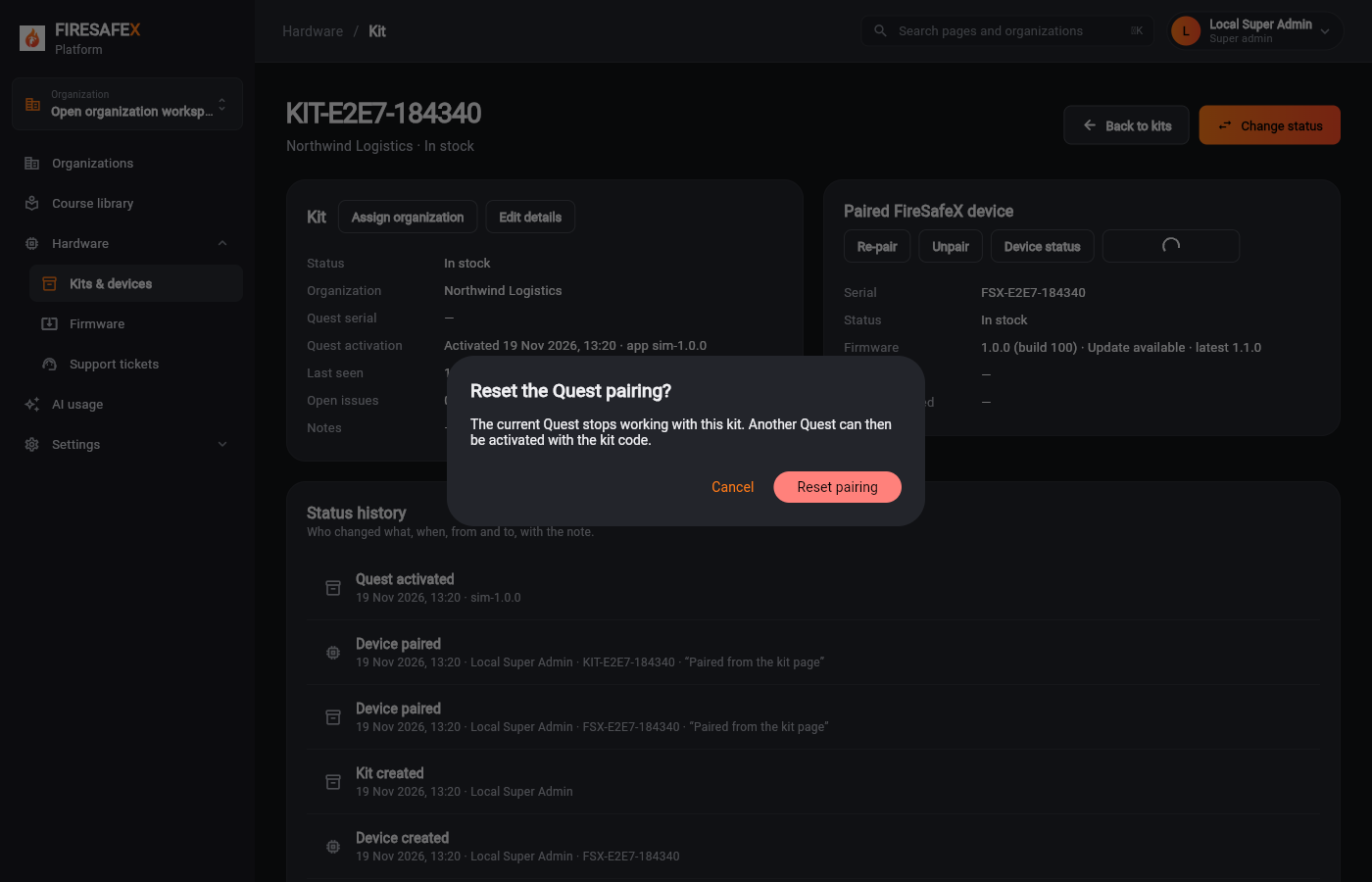
1.1super admin creates the organization
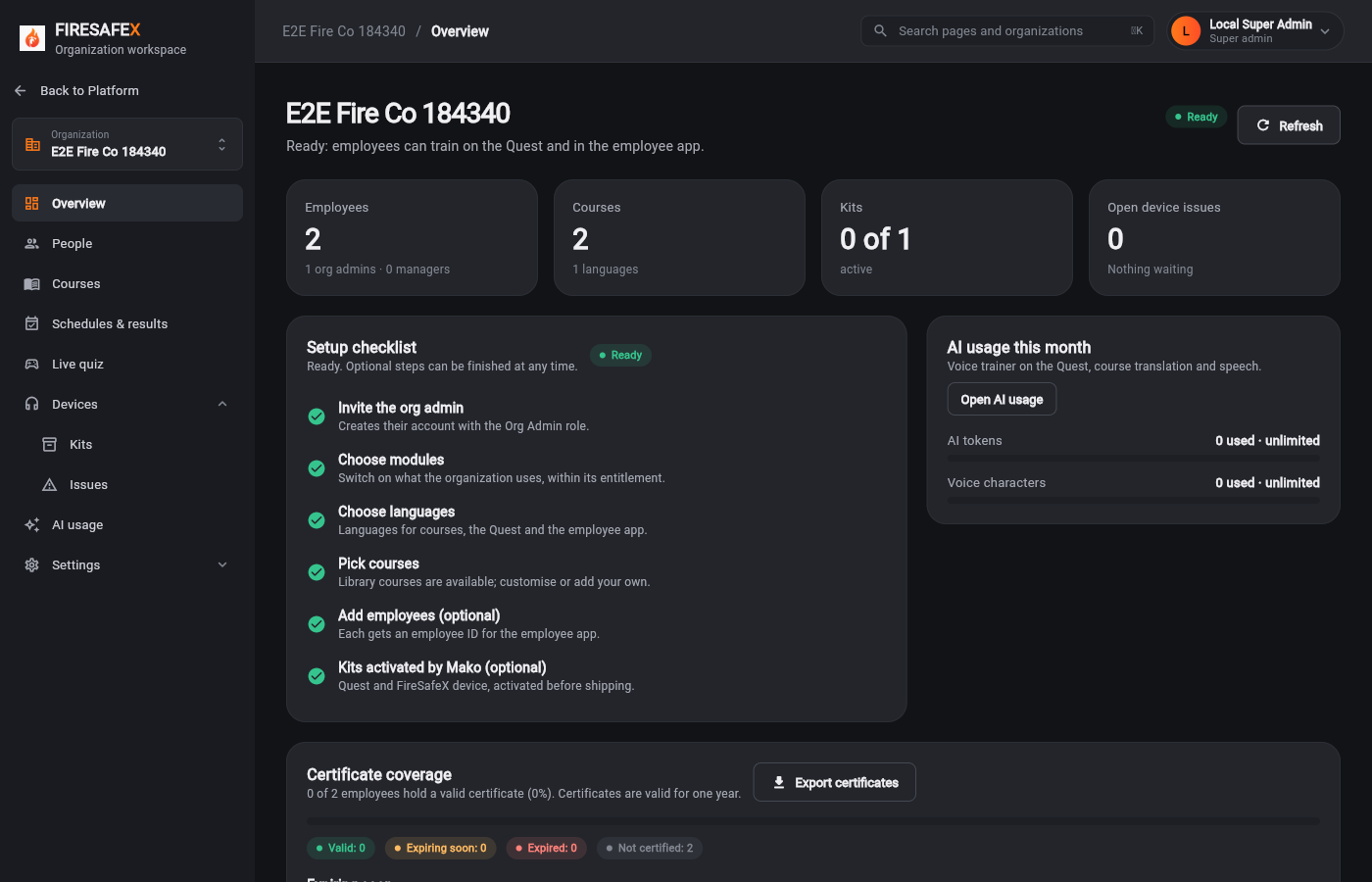
Signed in as Local Super Admin · Super admin
New flow, local stack: end-to-end browser suite
68 of 68 browser tests passed.
No role mismatches: every screenshot was taken as a role of its steps, or as a role noted below. 190 of 190 screenshots record who was signed in (120 read from the page header, 42 from the sign-in where a dialog covered the header, 28 simulators, public and signed-out pages).
Steps whose test also signs in as another role, by design:
Each screenshot is checked against the lanes of the steps its test covers: Super admin, Org admin, Org admin · Manager (or the firmware simulator, their mobile app), Employee (or the Quest), the simulators. Signed-out and public pages count for anyone.
Server and app tests run separately; e2e.sh does not run them. Counts as of 19 Nov 2026.
Flow 1
From a new organization to employees training. The customer never activates anything.
Step for: Super admin (Mako)Screenshots as Super adminRoles match
Signed in as Local Super Admin · Super admin
Step for: Super admin (Mako)Screenshots as Super adminRoles match
Signed in as Local Super Admin · Super admin
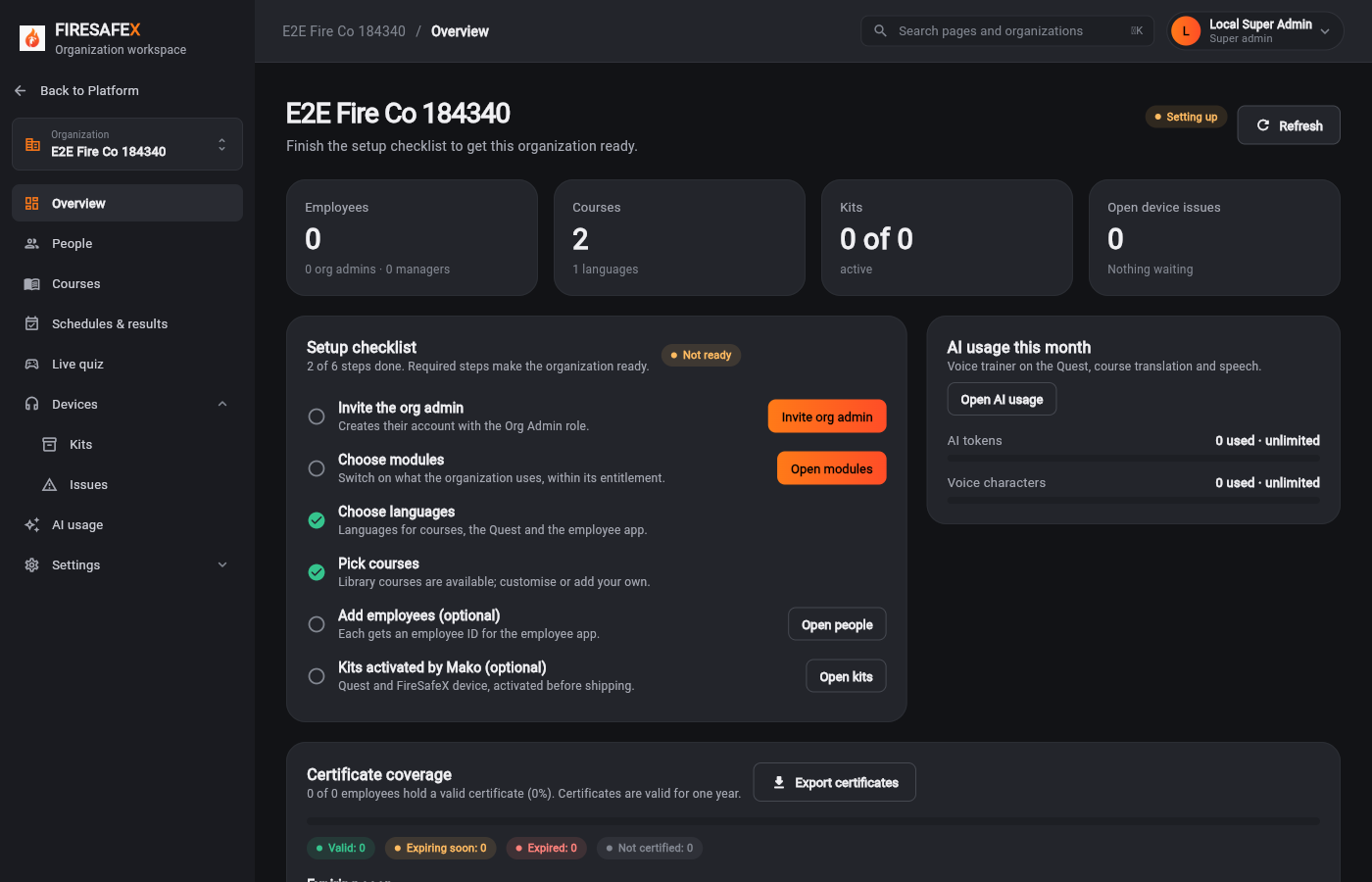 004Checklist not ready
Signed in as Local Super Admin · Super admin
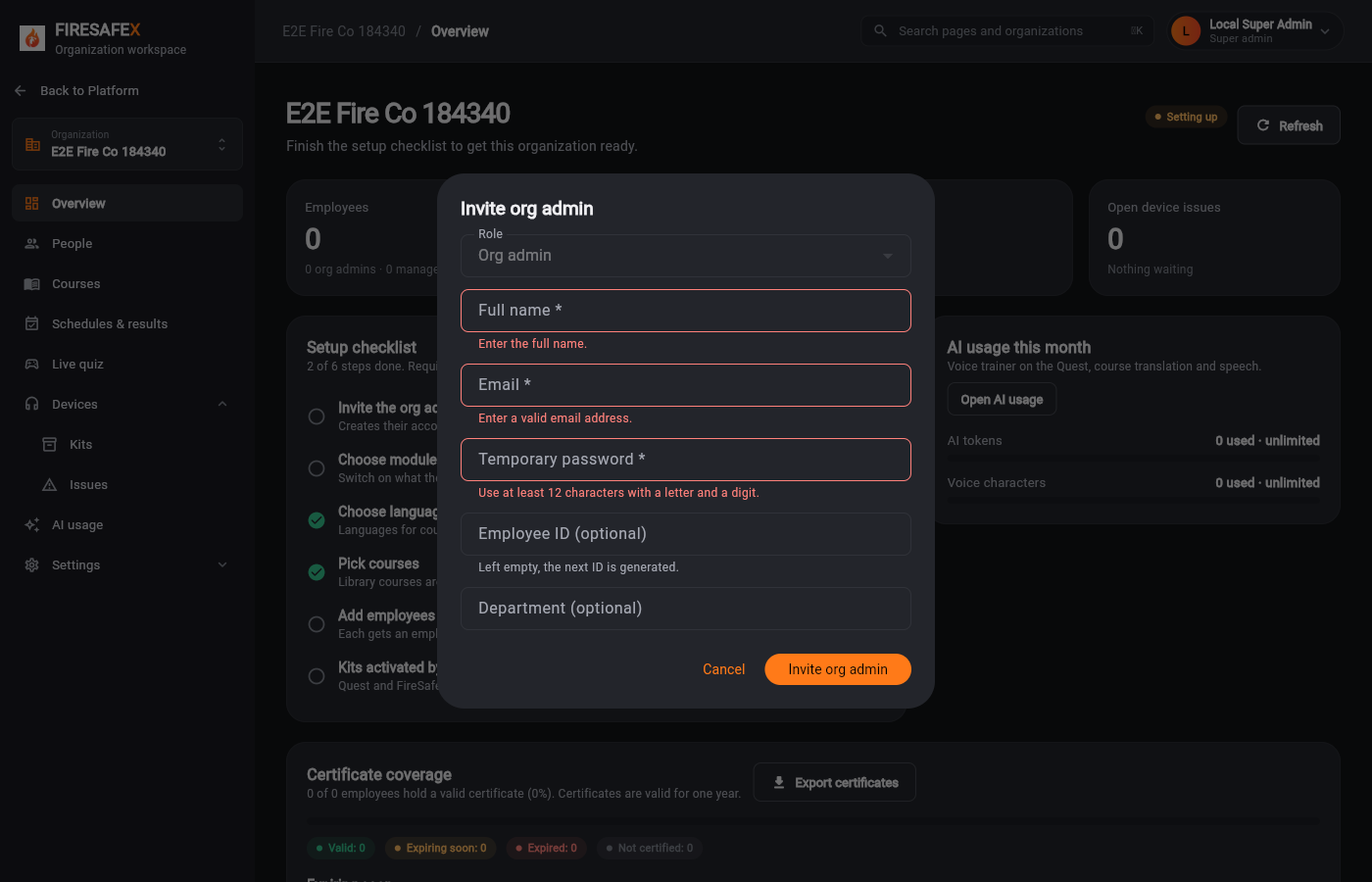 005Invite org admin empty refused
Signed in as Local Super Admin · Super admin
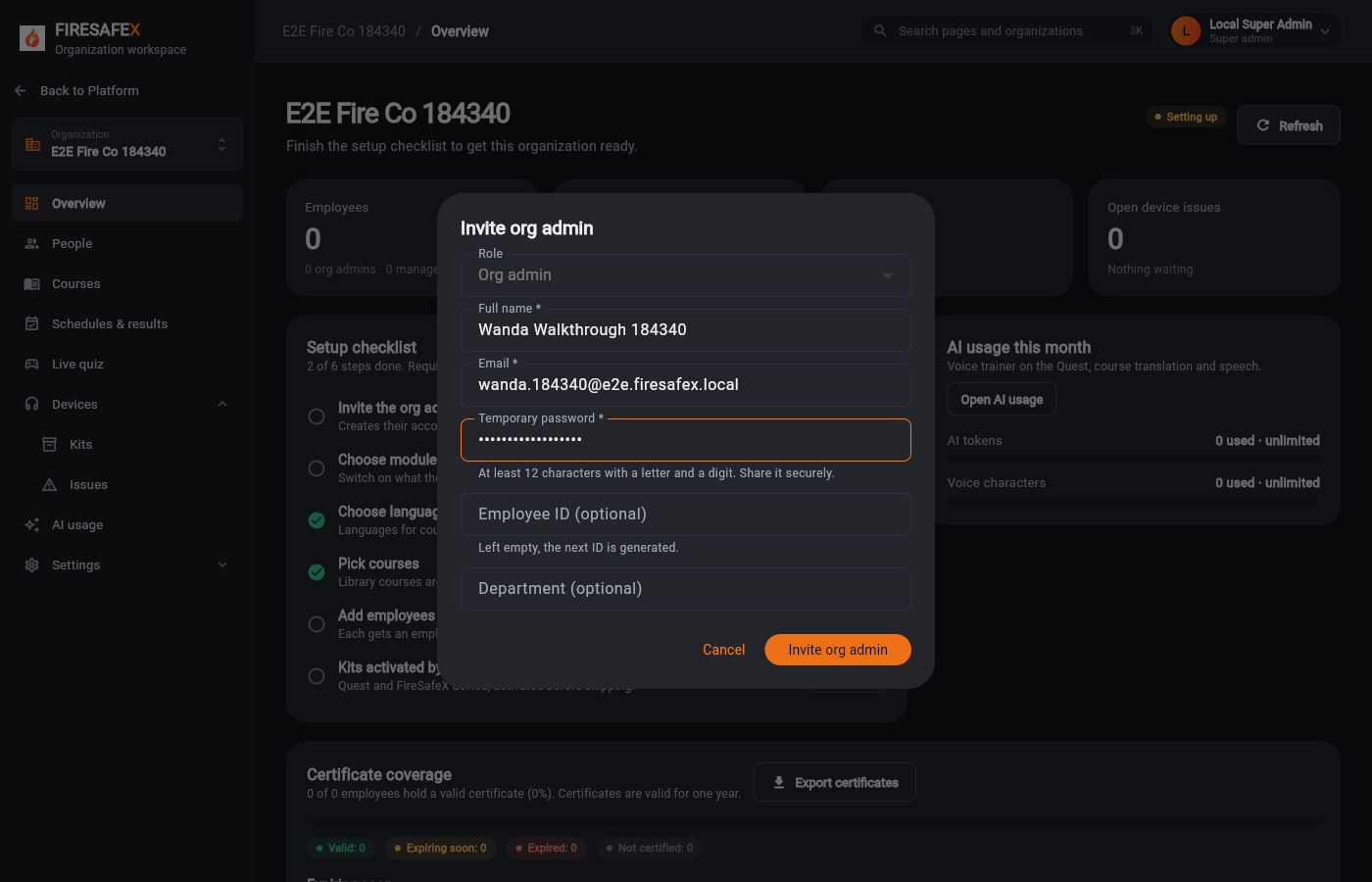 006Invite org admin
Signed in as Local Super Admin · Super admin
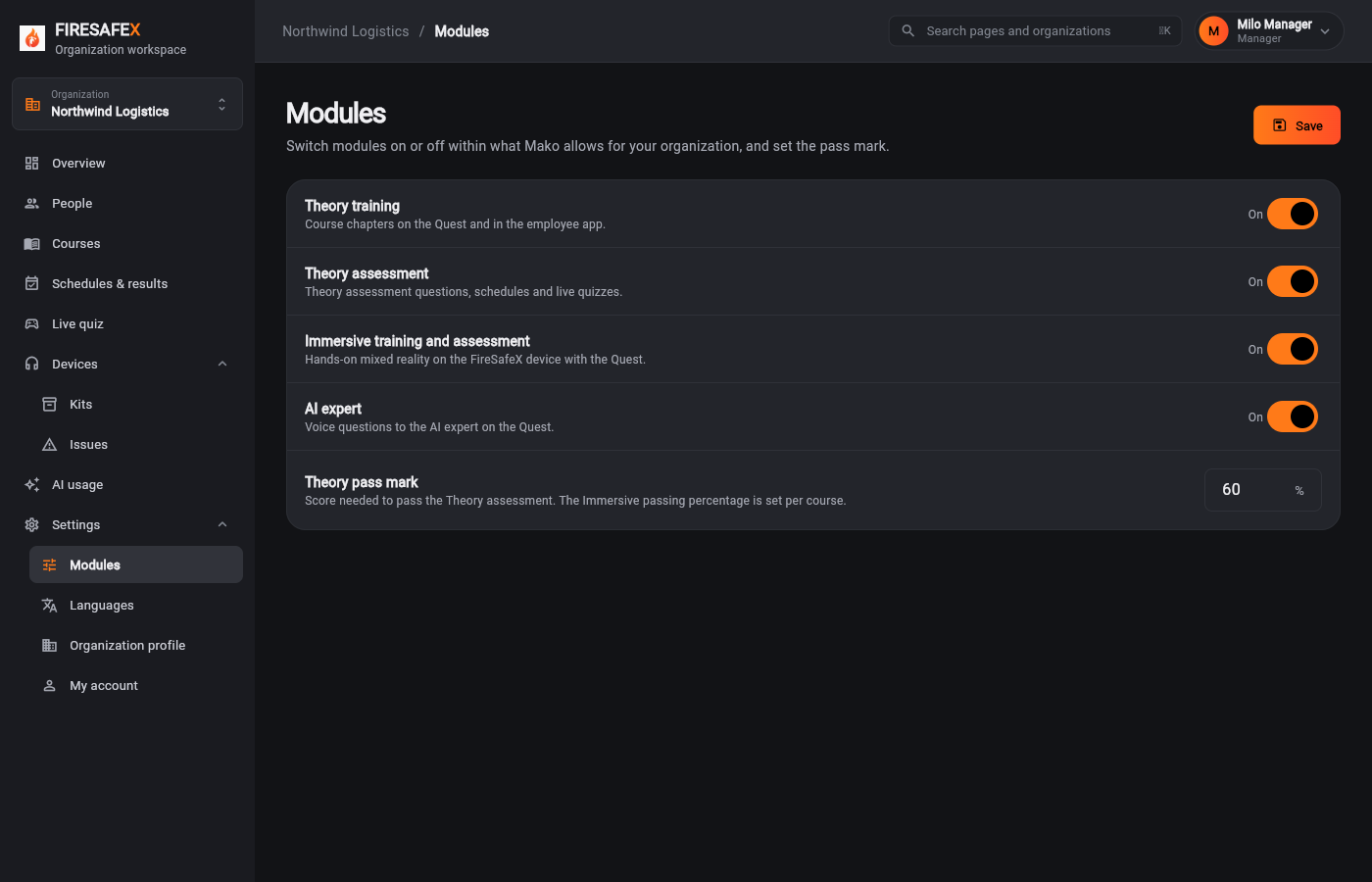
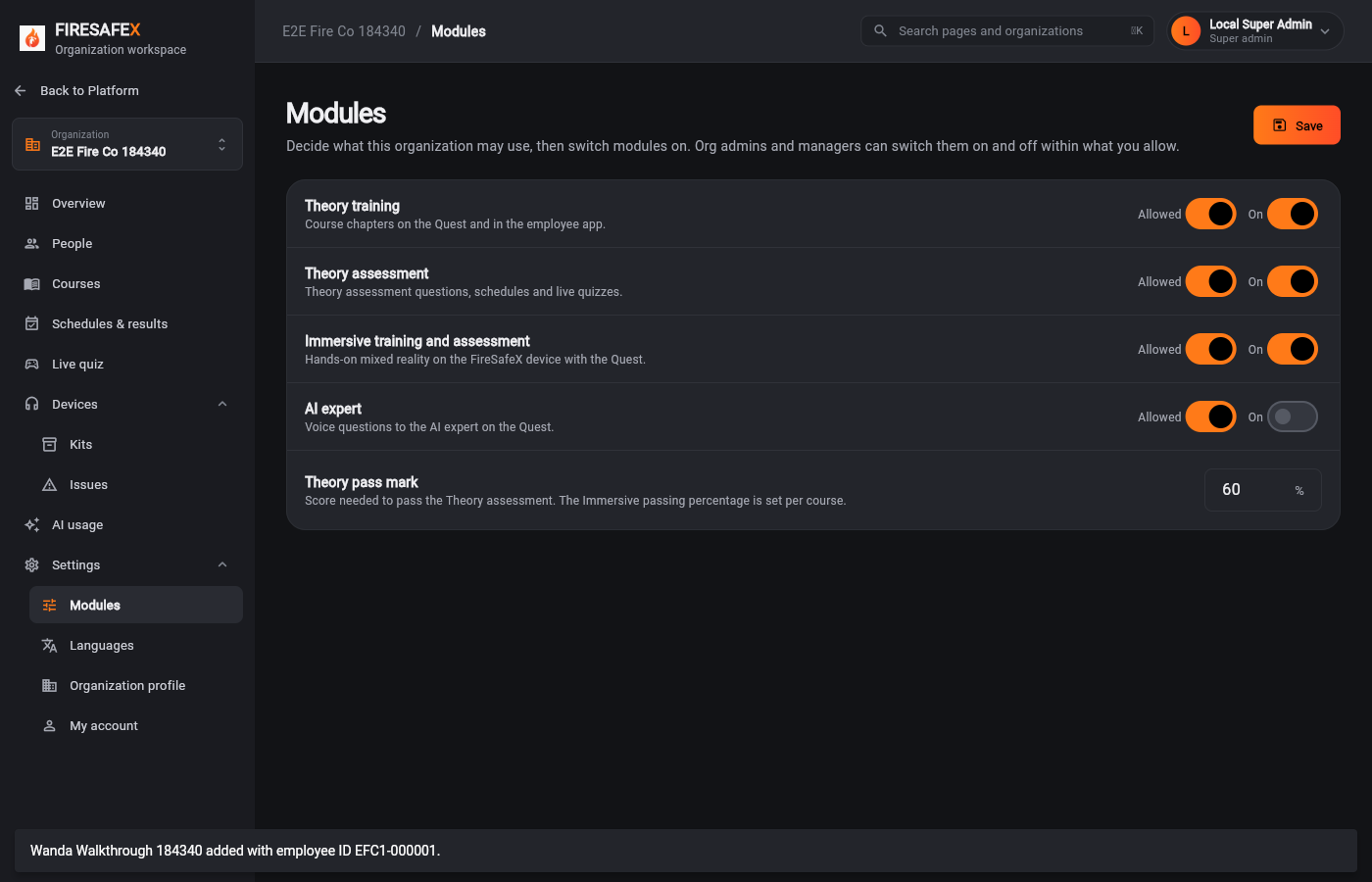 007Modules
Signed in as Local Super Admin · Super admin
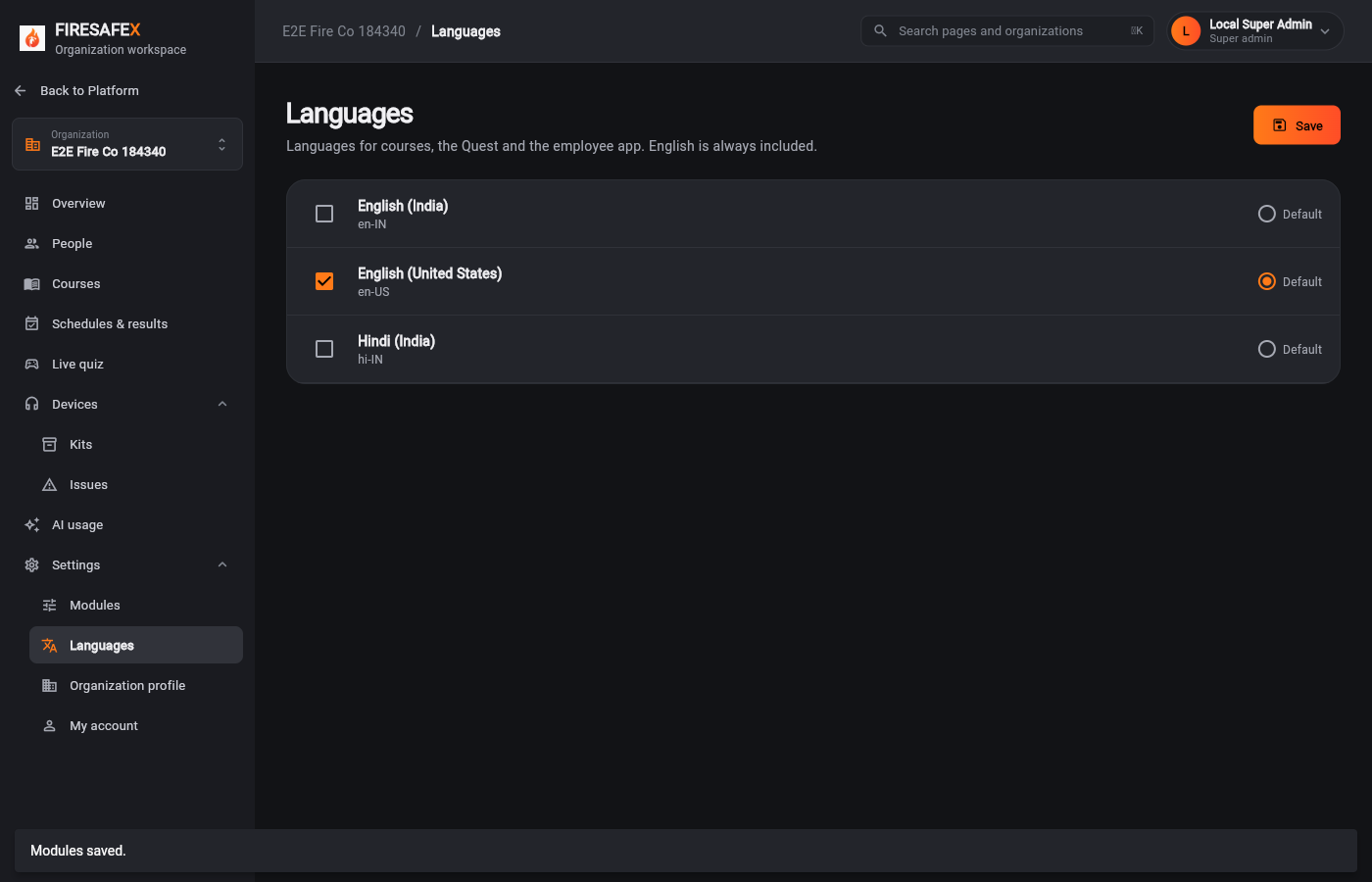 008Languages
Signed in as Local Super Admin · Super admin
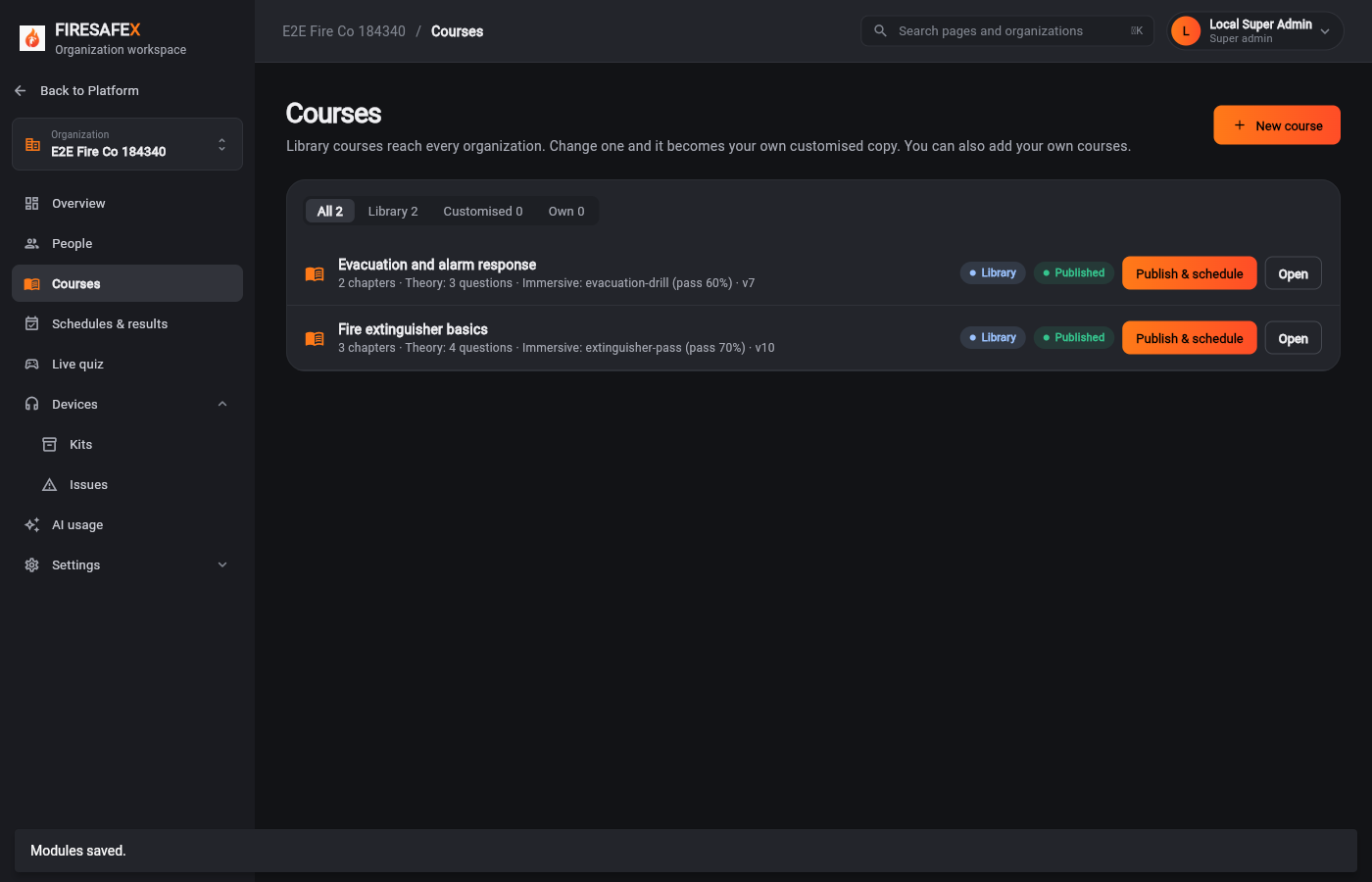 009Courses library
Signed in as Local Super Admin · Super admin
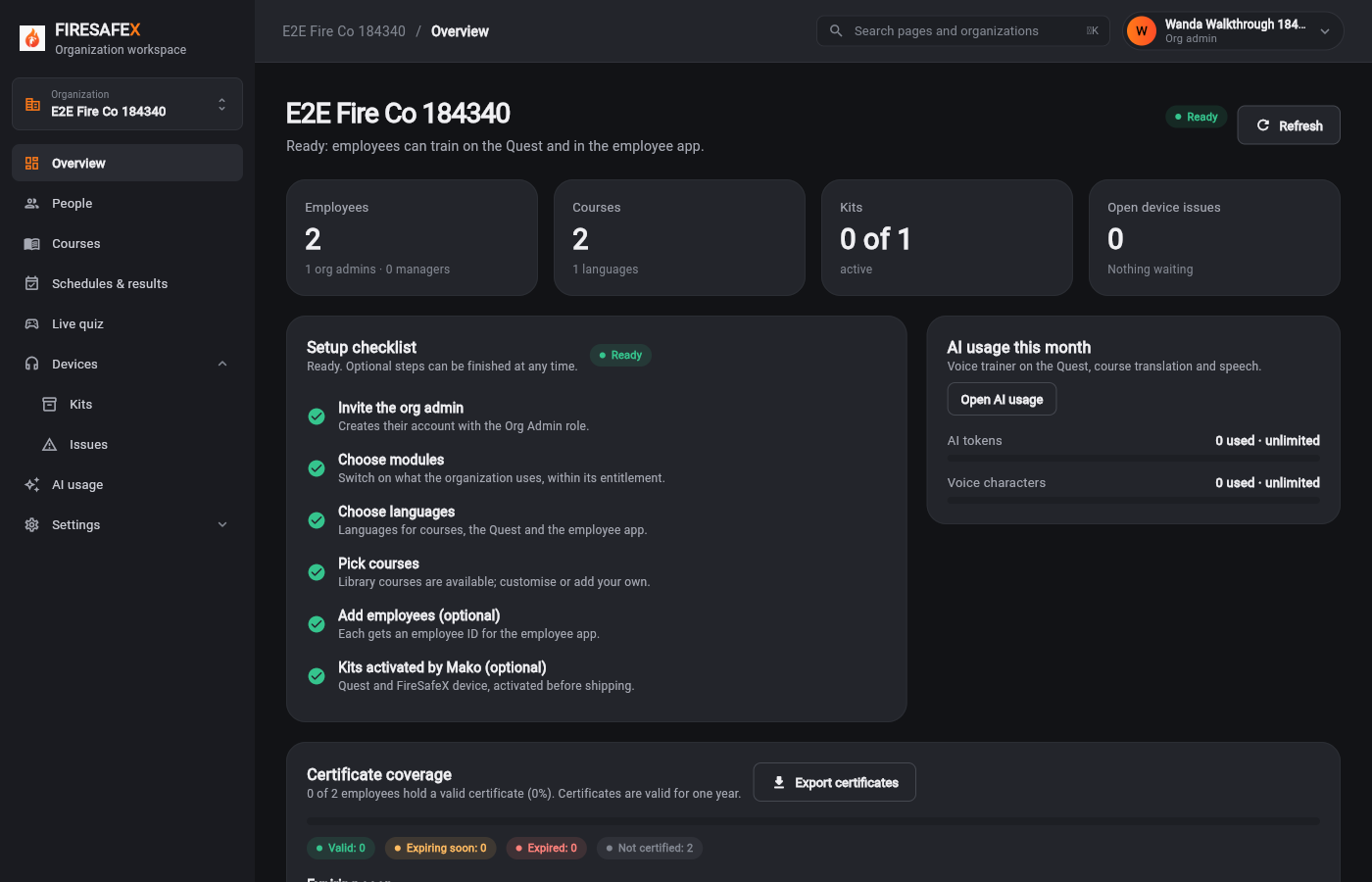
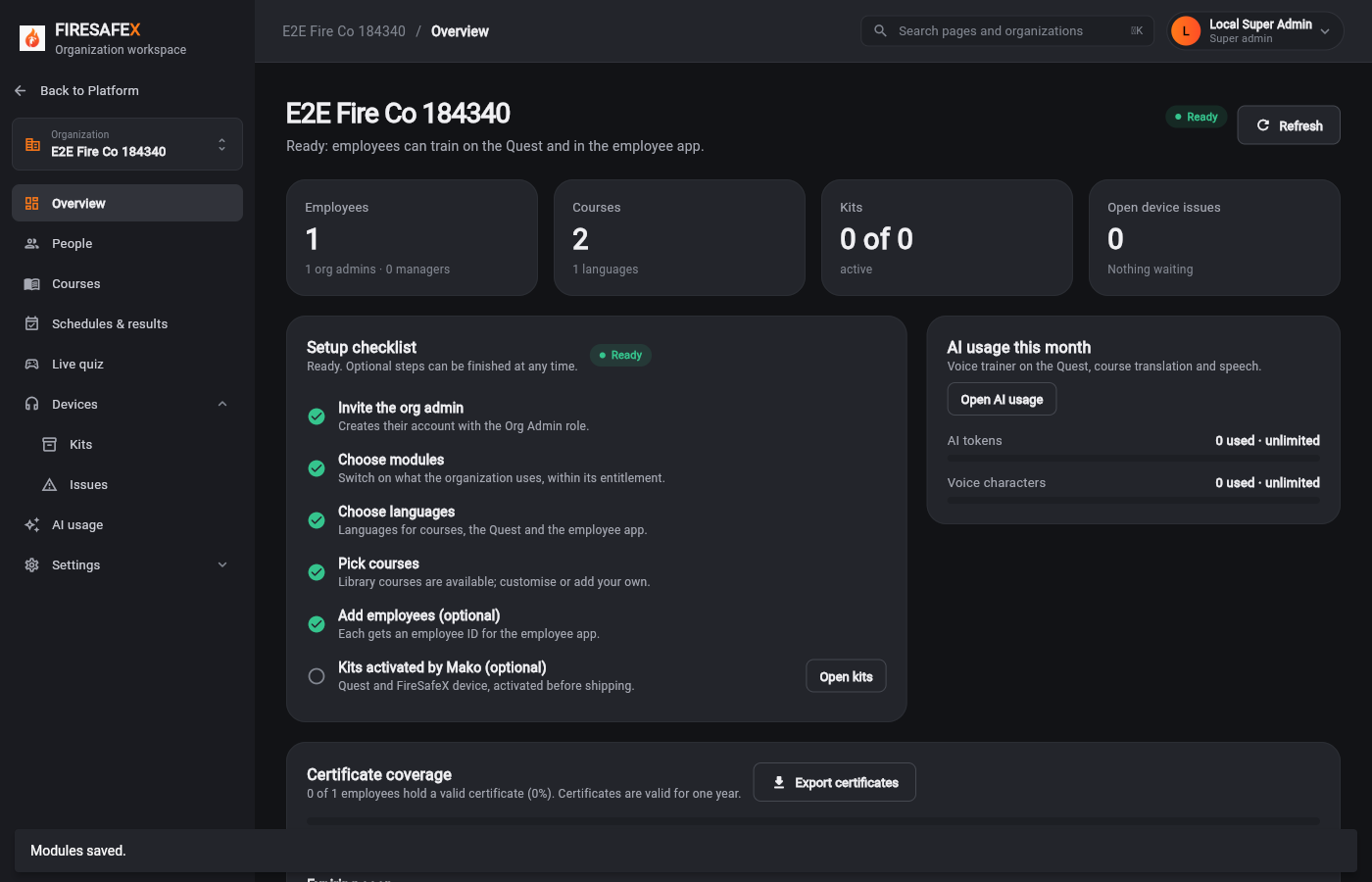 010Checklist ready
Signed in as Local Super Admin · Super admin
Step for: Super admin (Mako)Screenshots as Super admin, Quest simulatorRoles matchAlso as Quest simulator, by design
Signed in as Local Super Admin · Super adminQuest simulator
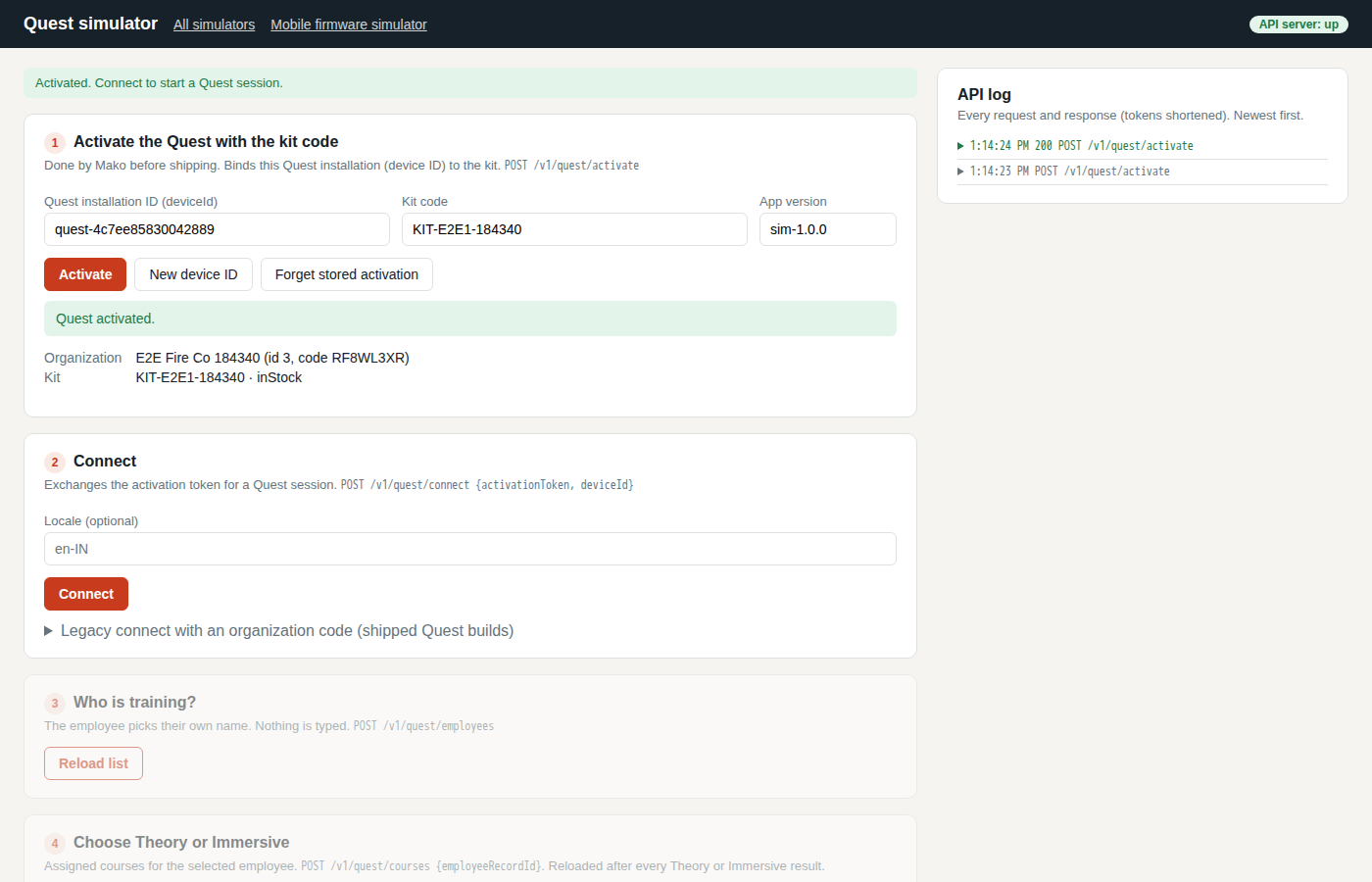
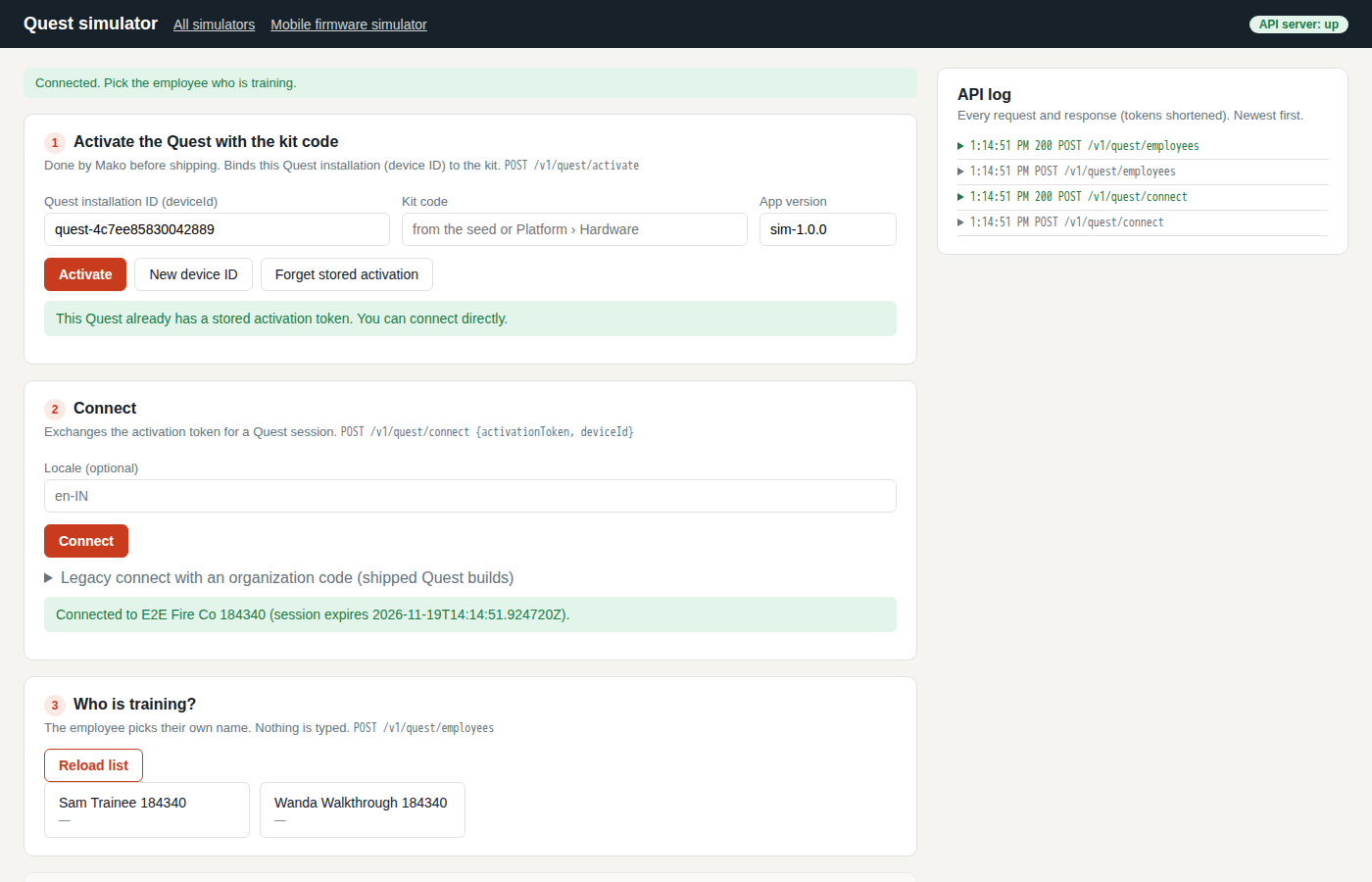
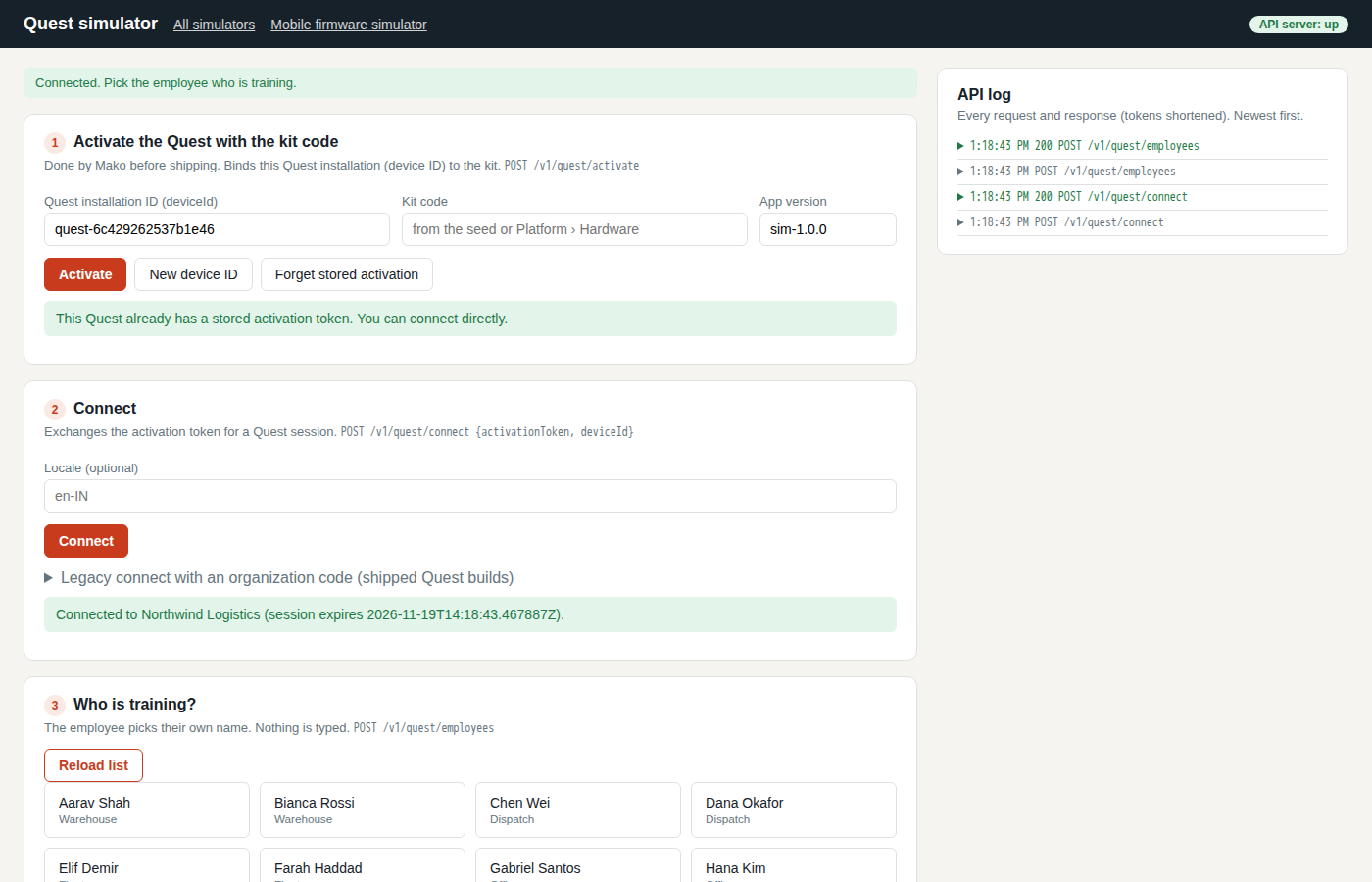
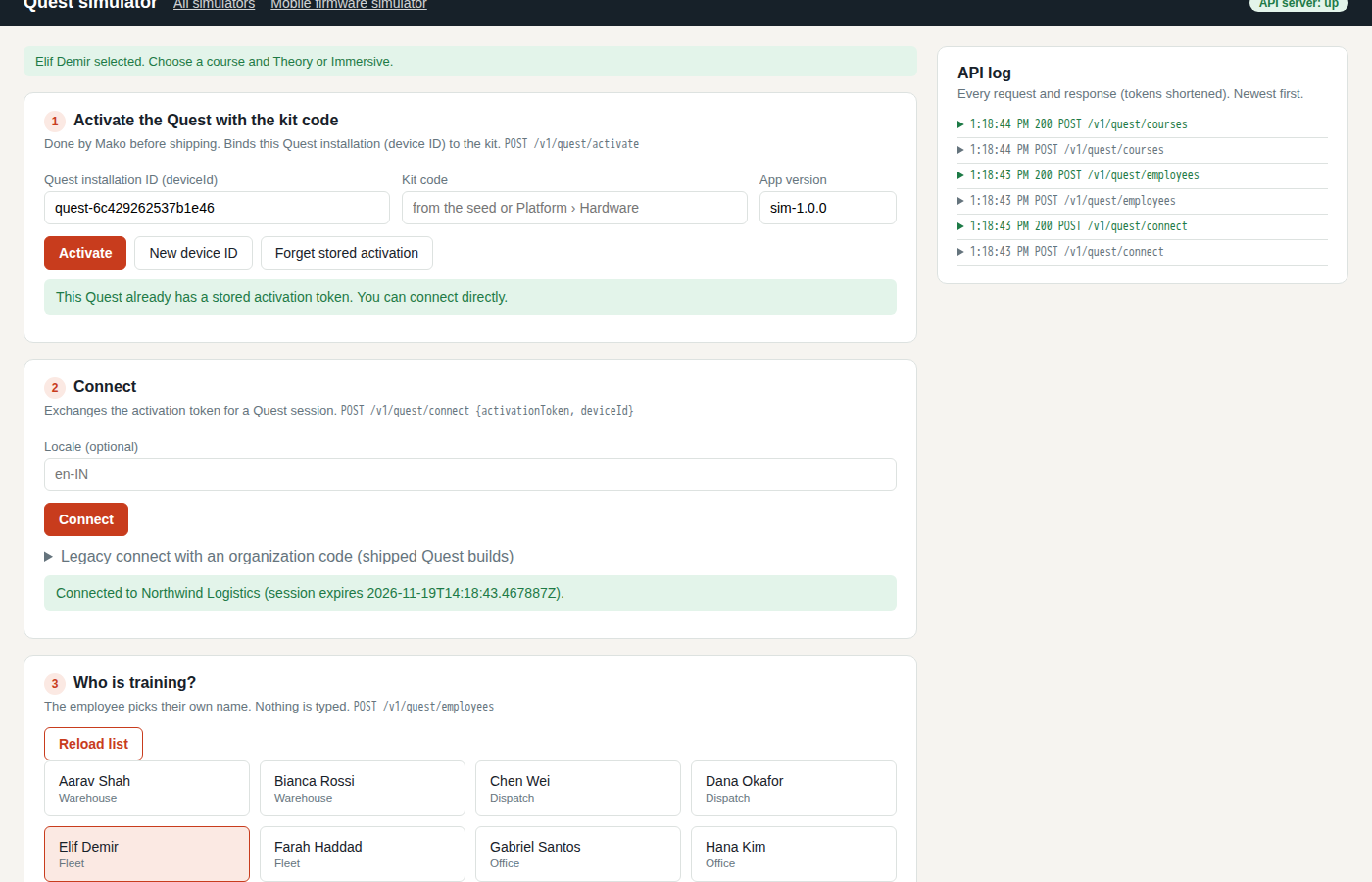
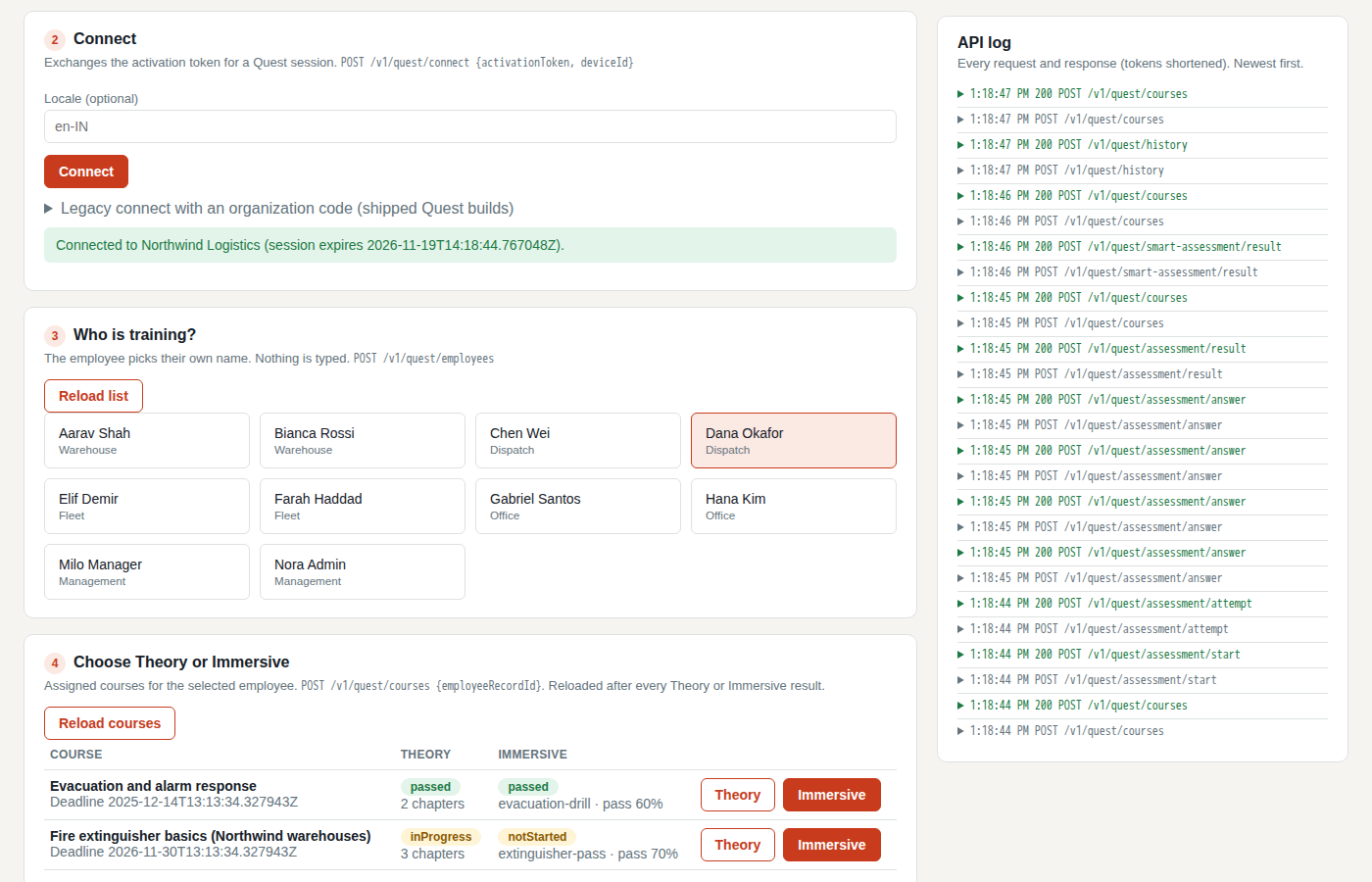
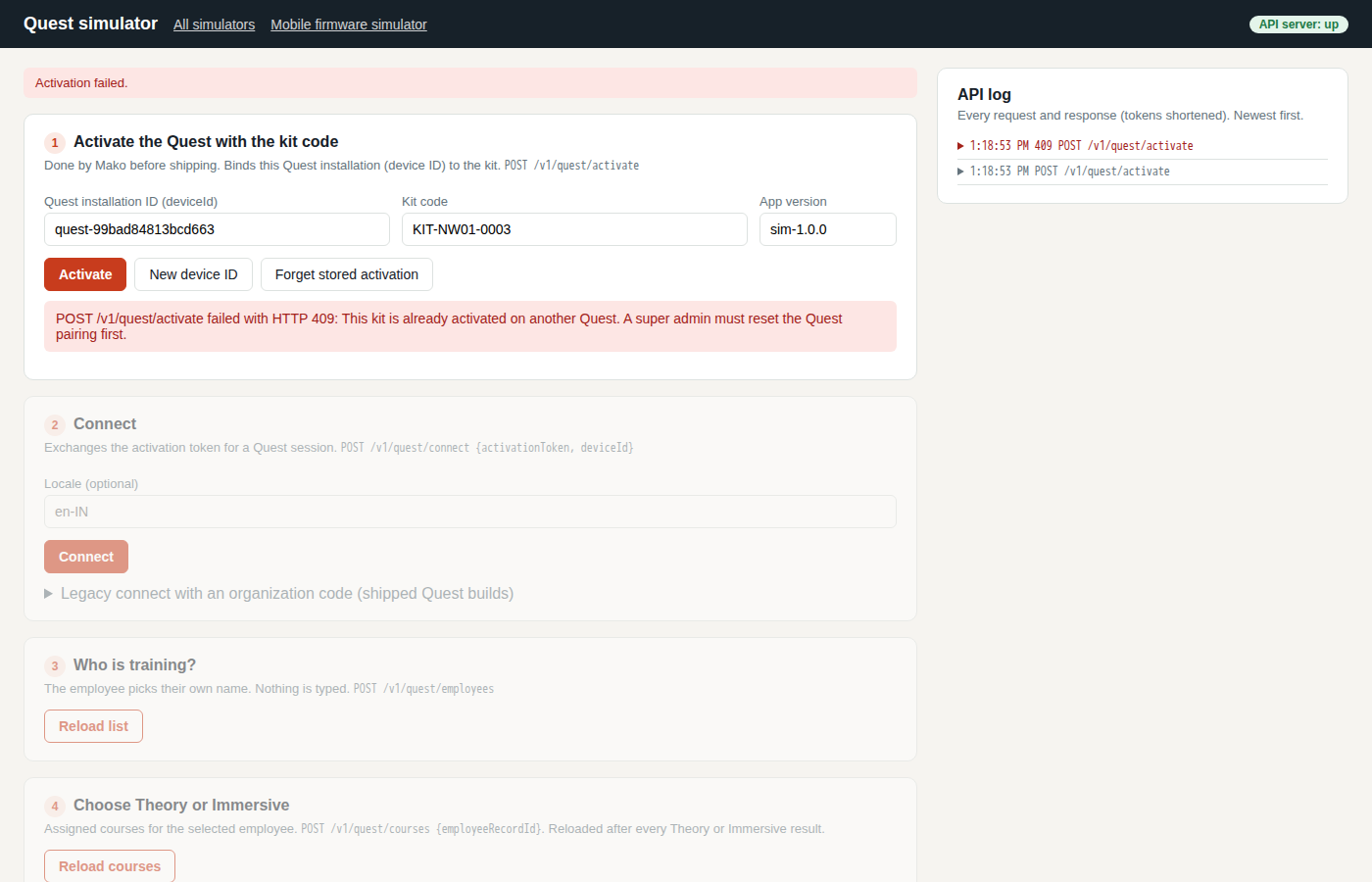
Also as Quest simulator Mako activates the Quest with the kit code on the headset itself.
Step for: Super admin (Mako)Screenshots as Super adminRoles match
Signed in as Local Super Admin · Super admin
Step for: Org adminScreenshots as Org adminRoles match
Signed in as Wanda Walkthrough 184340 · Org admin
One test covers steps 1.5 and 1.6.
Step for: Org adminScreenshots as Org adminRoles match
Tested with 1.5–1.6, shown under step 1.5.
Step for: EmployeeScreenshots as Employee, Quest simulatorRoles match
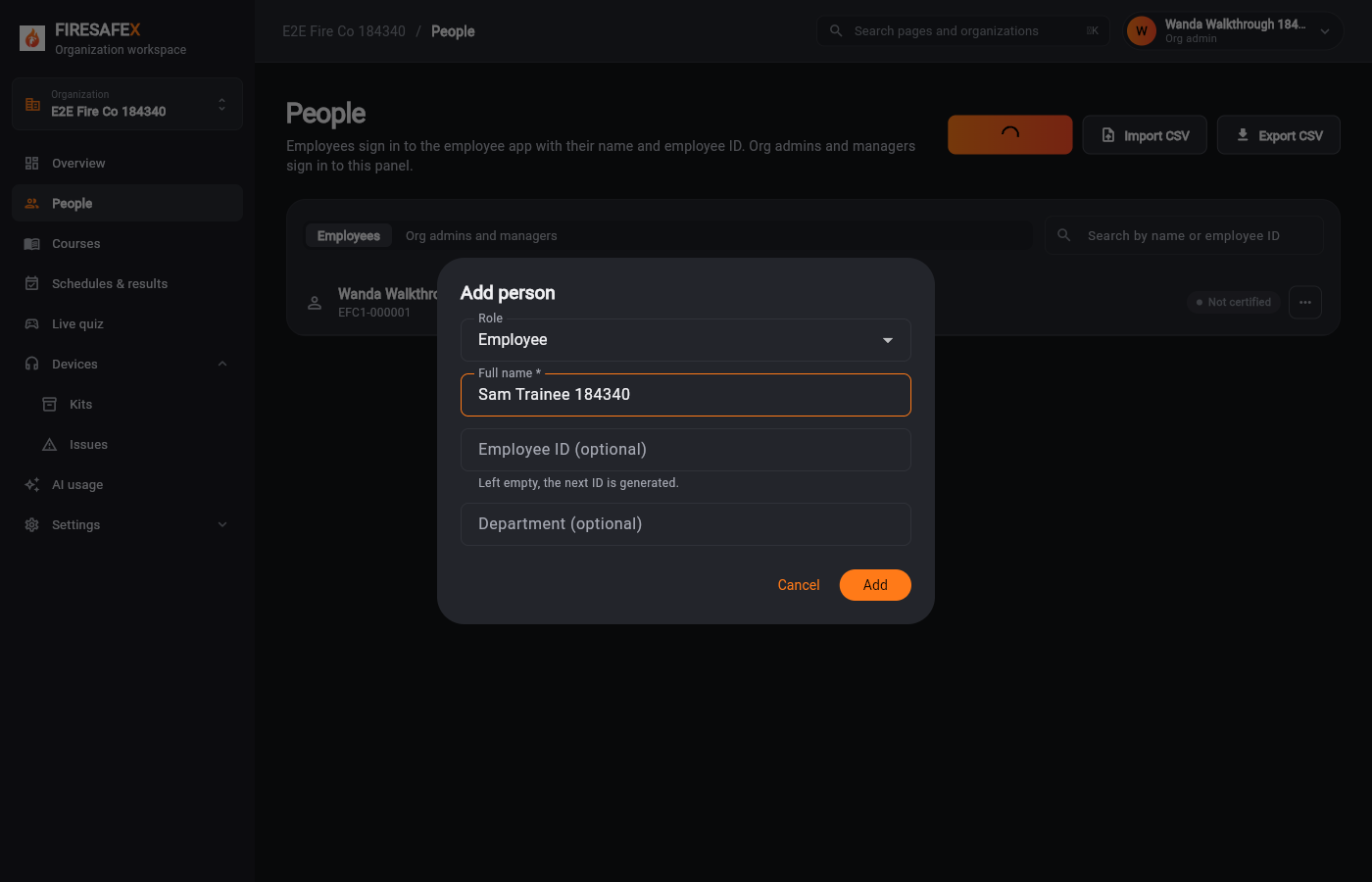
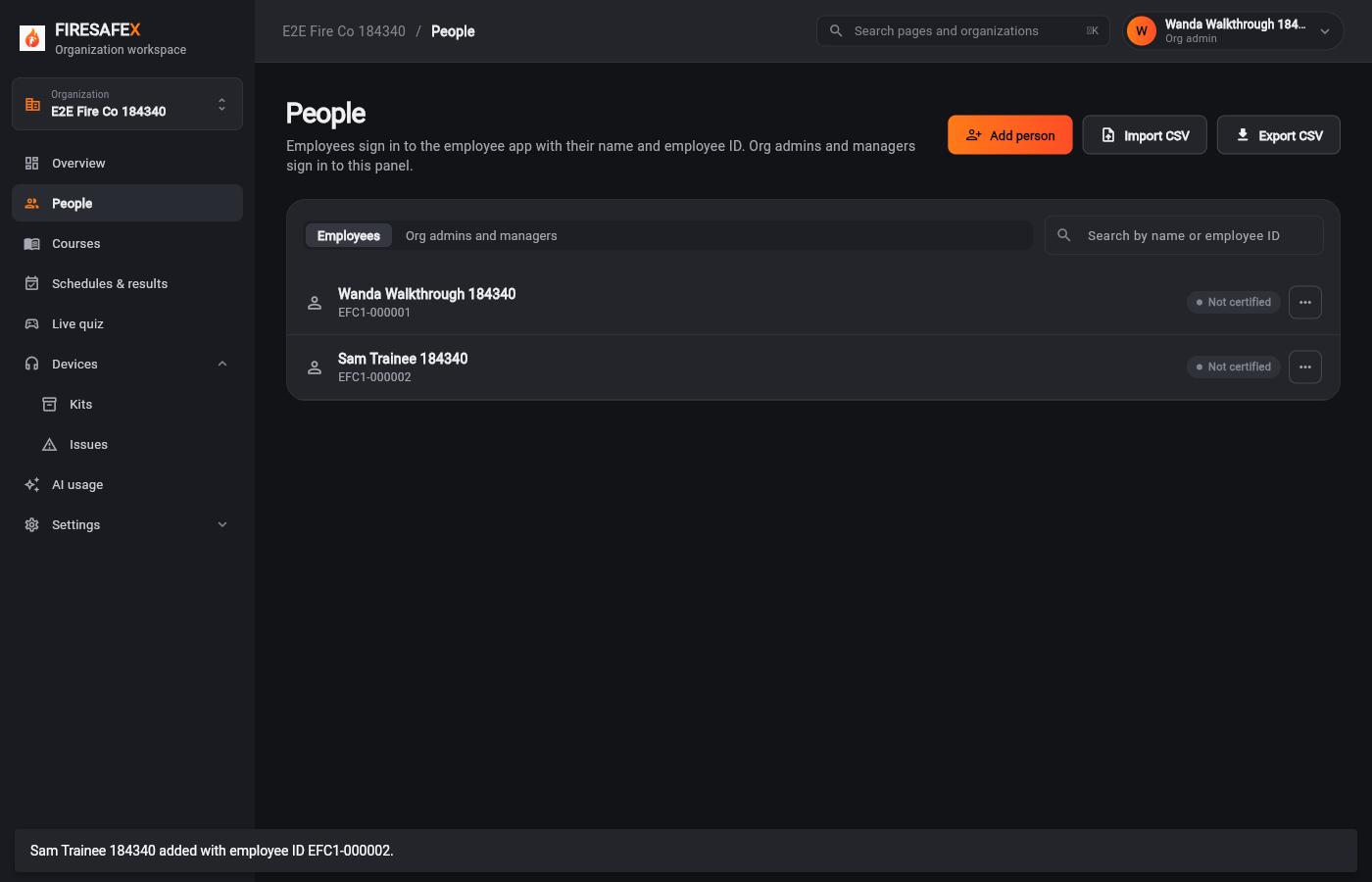
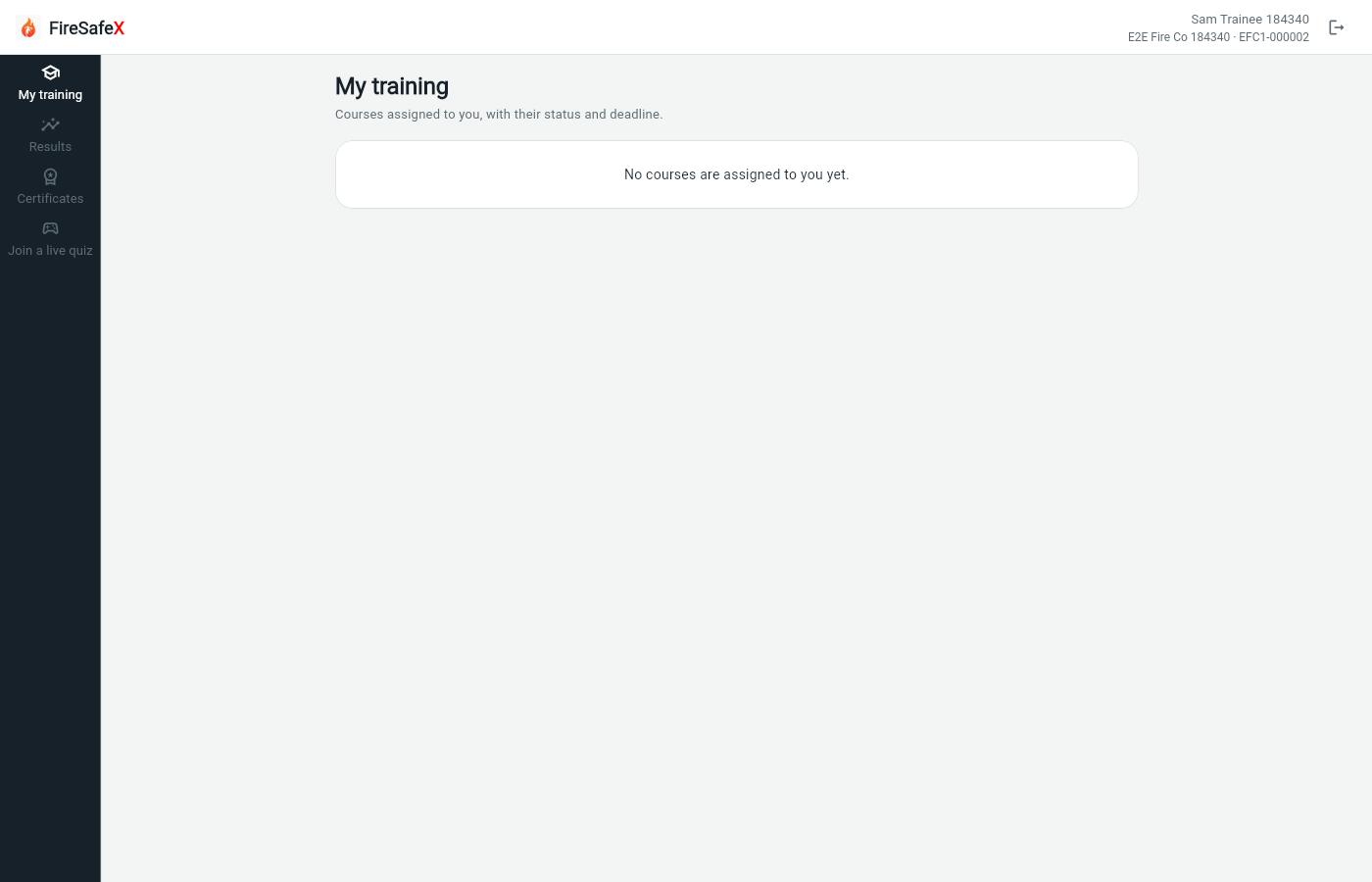
Signed in as Employee app: Sam Trainee 184340 · EFC1-000002Quest simulator
Step for: Super admin (Mako) + Org adminScreenshots as Super admin, Org adminRoles match
Signed in as Local Super Admin · Super adminWanda Walkthrough 184340 · Org adminSigned out
Flow 2
Every course holds its chapters and two assessments: a Theory assessment and an Immersive assessment
Step for: Super admin (Mako)Screenshots as Super adminRoles match
Signed in as Local Super Admin · Super admin
One test covers steps 2.1 and 2.2.
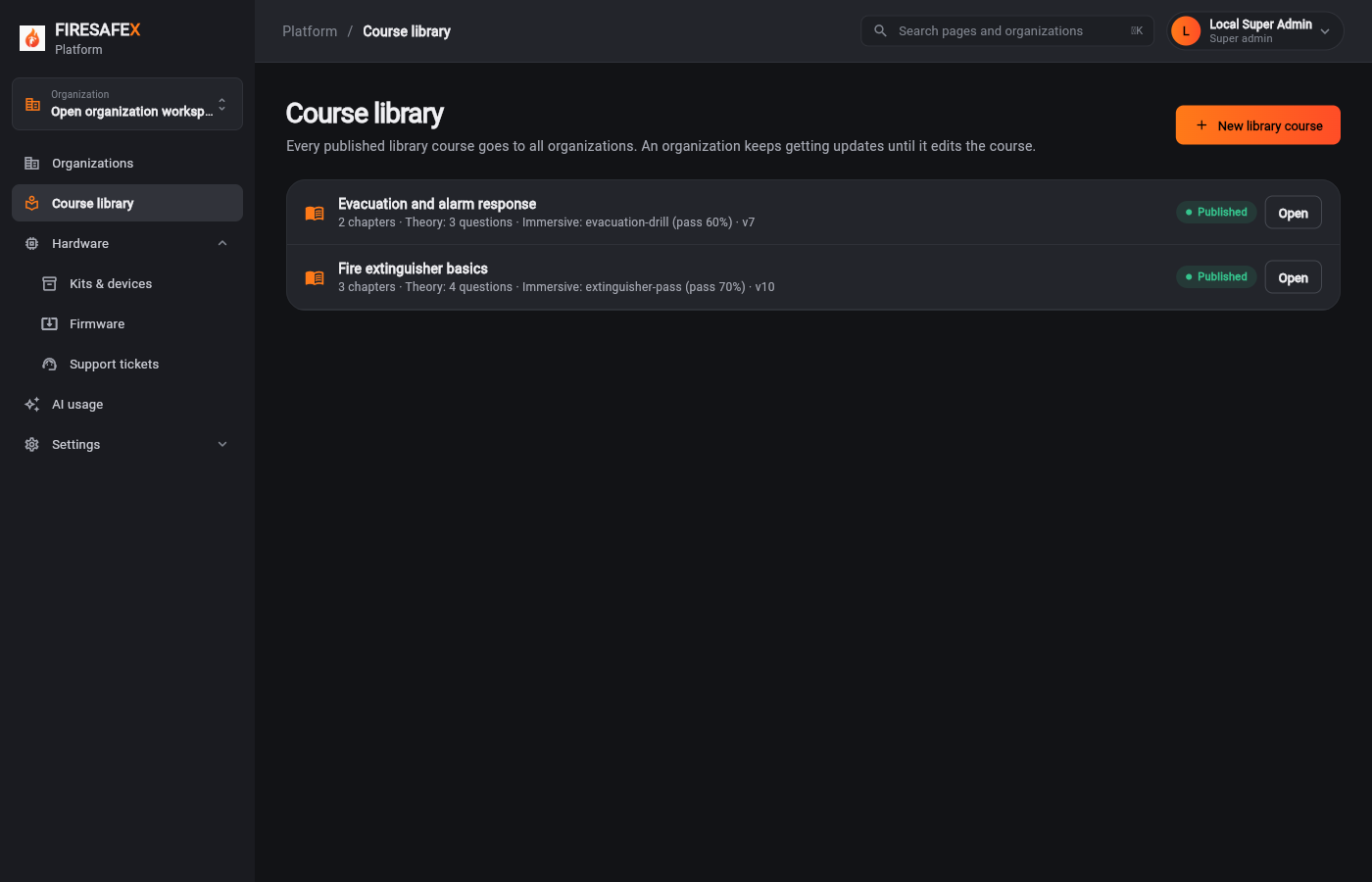 026Course library
Signed in as Local Super Admin · Super admin
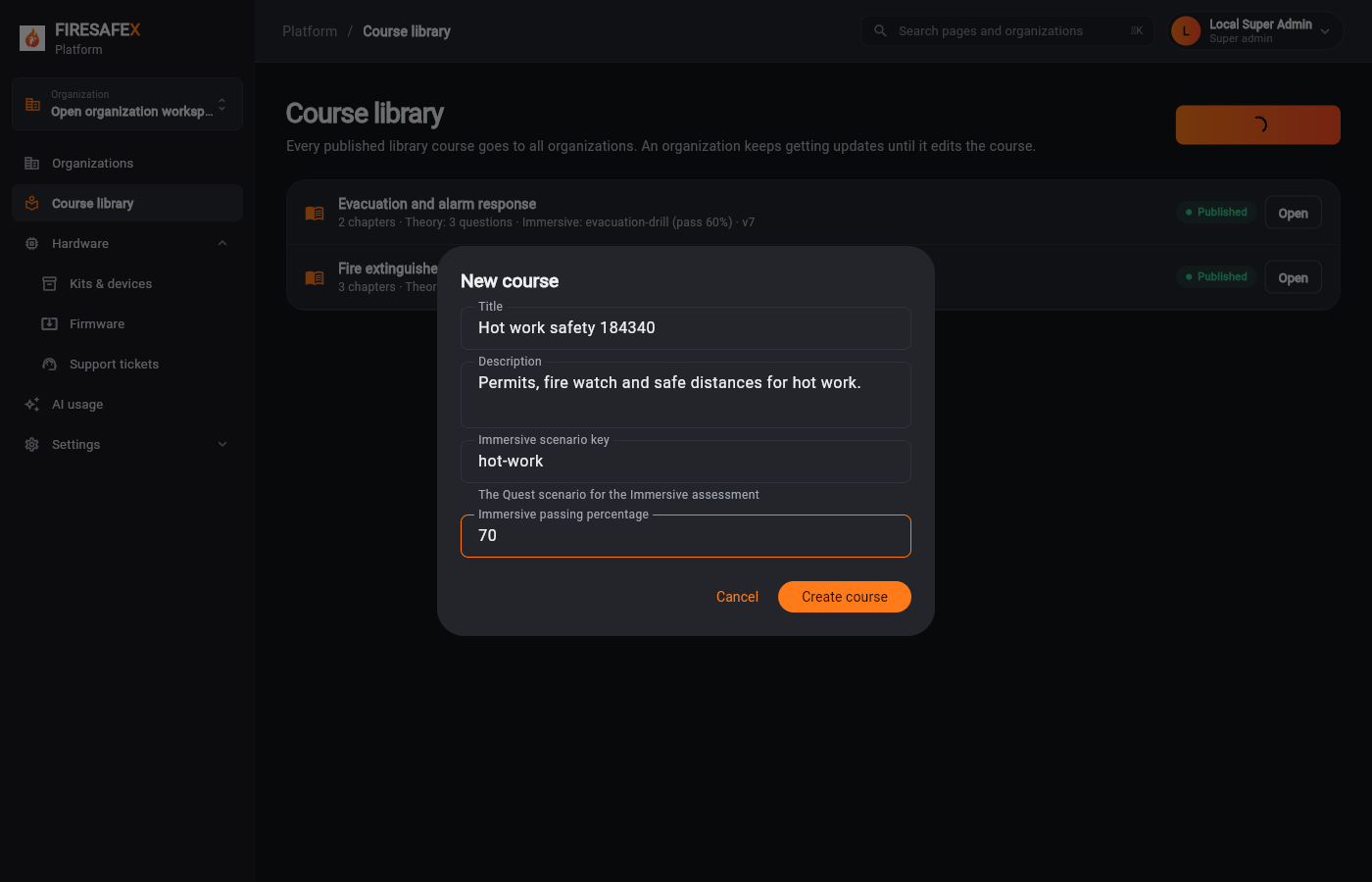 027New library course
Signed in as Local Super Admin · Super admin
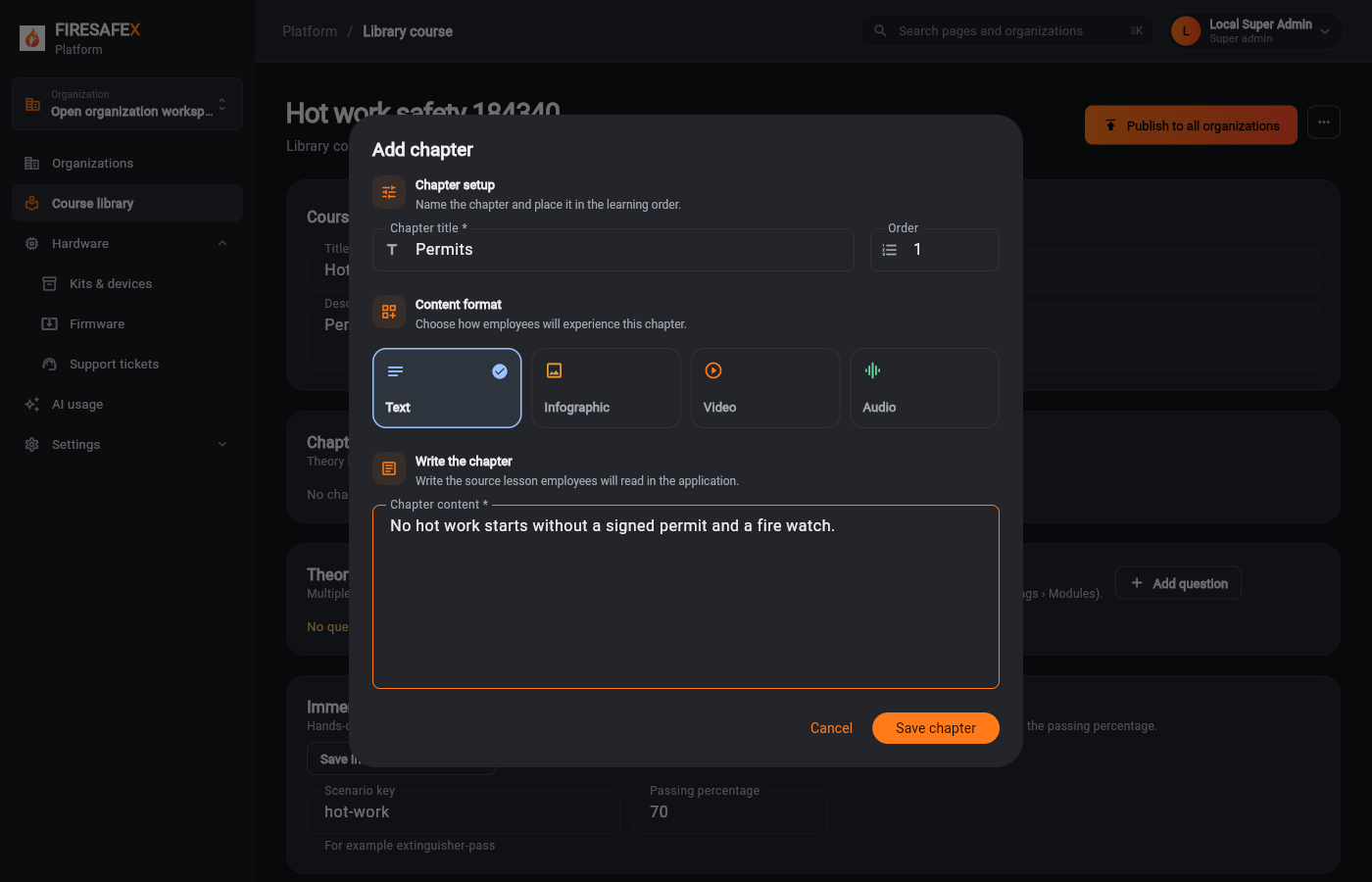 028Add chapter
Signed in as Local Super Admin · Super admin
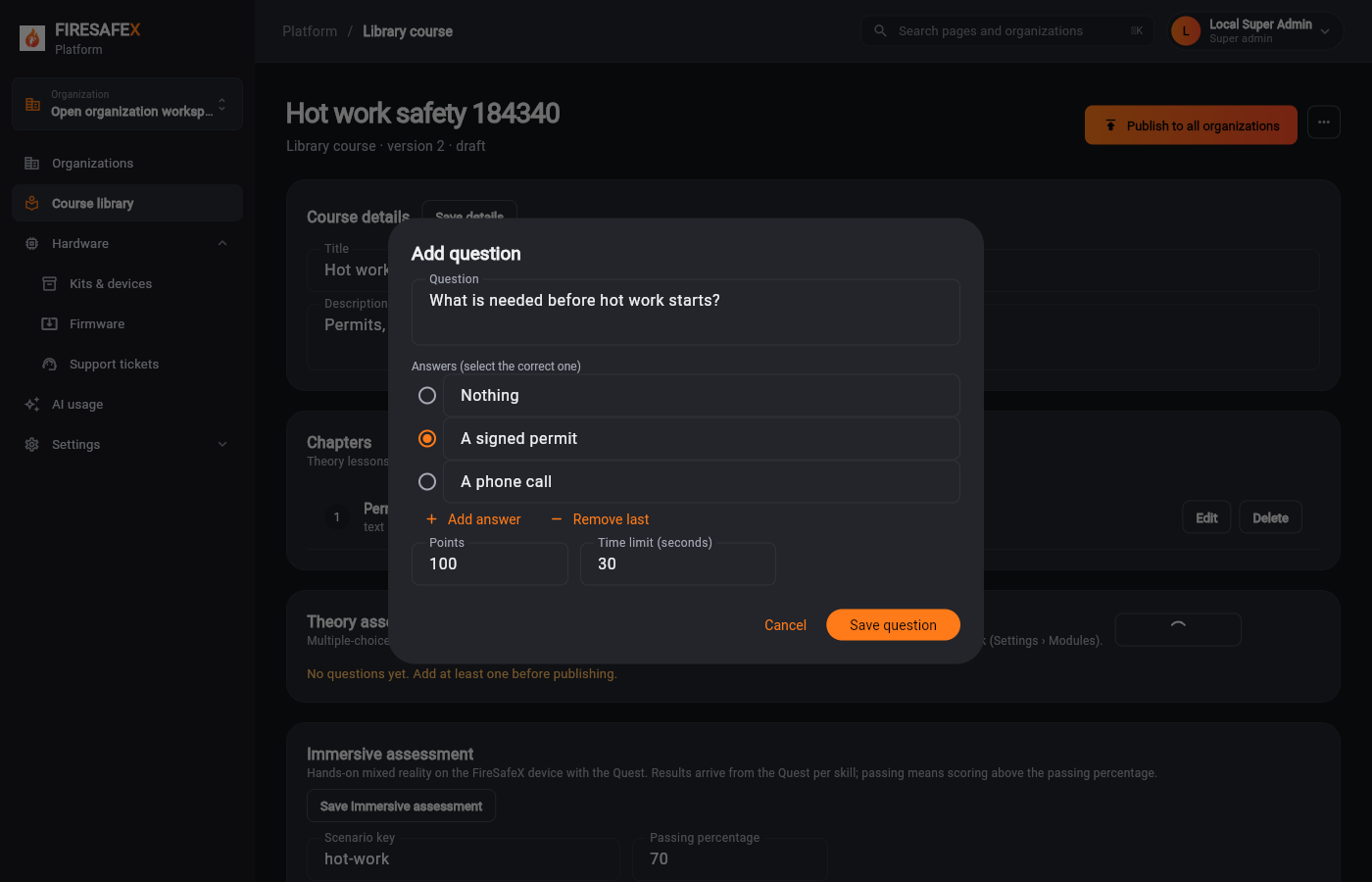 029Add question
Signed in as Local Super Admin · Super admin
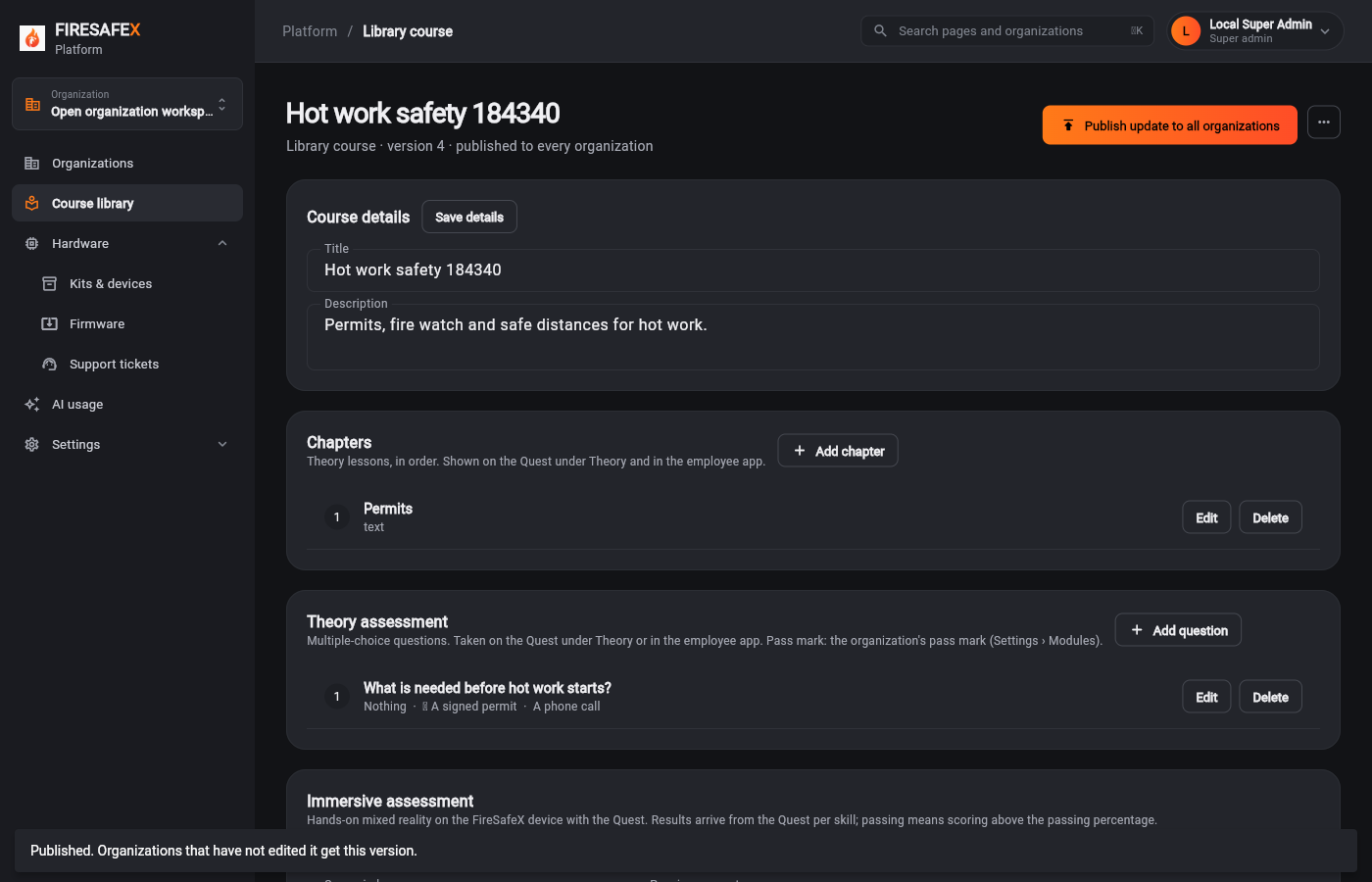 030Library course published
Signed in as Local Super Admin · Super admin
Step for: Super admin (Mako)Screenshots as Super adminRoles match
Tested with 2.1–2.2, shown under step 2.1.
Step for: Org admin · ManagerScreenshots as Org adminRoles match
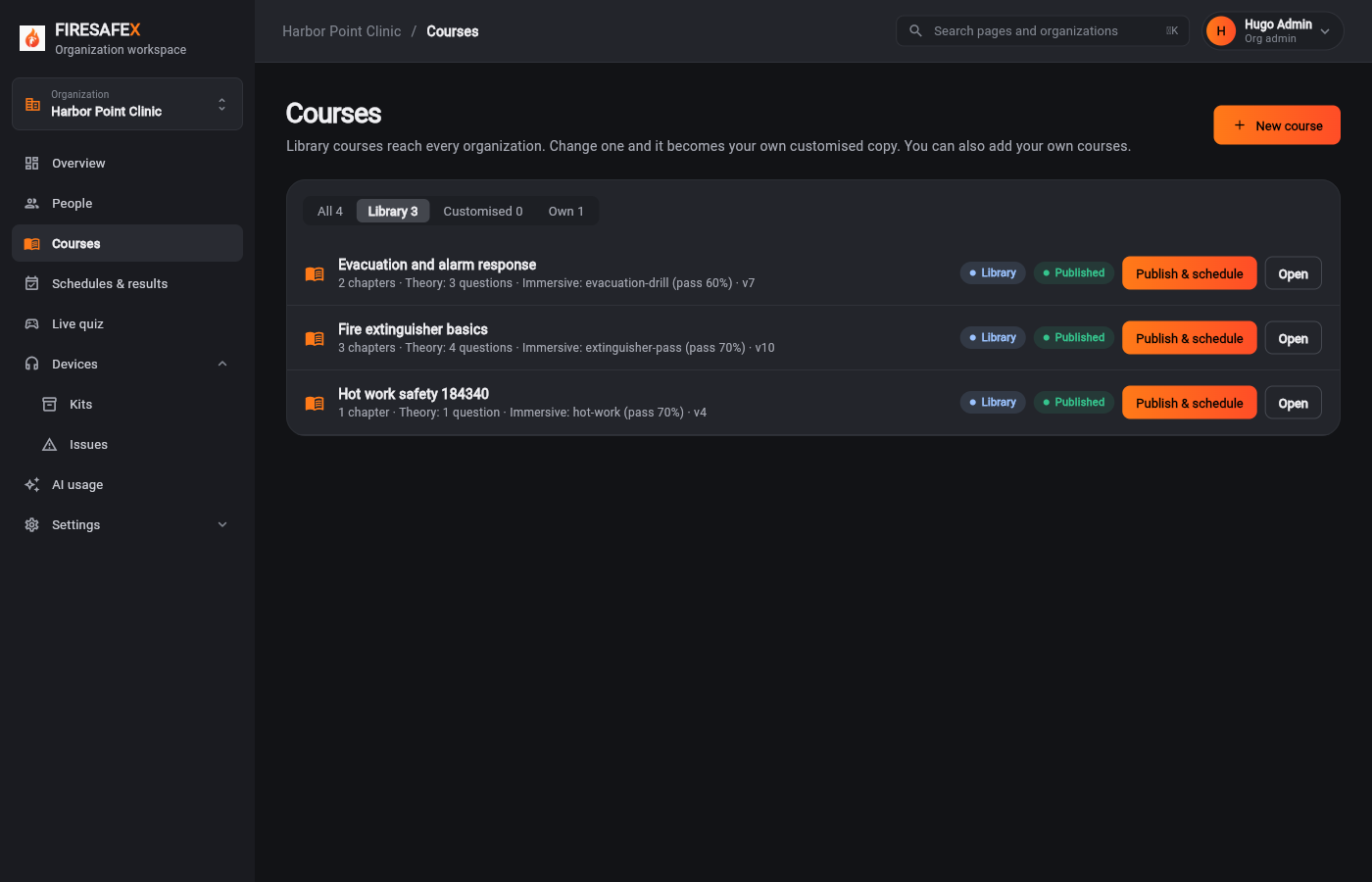
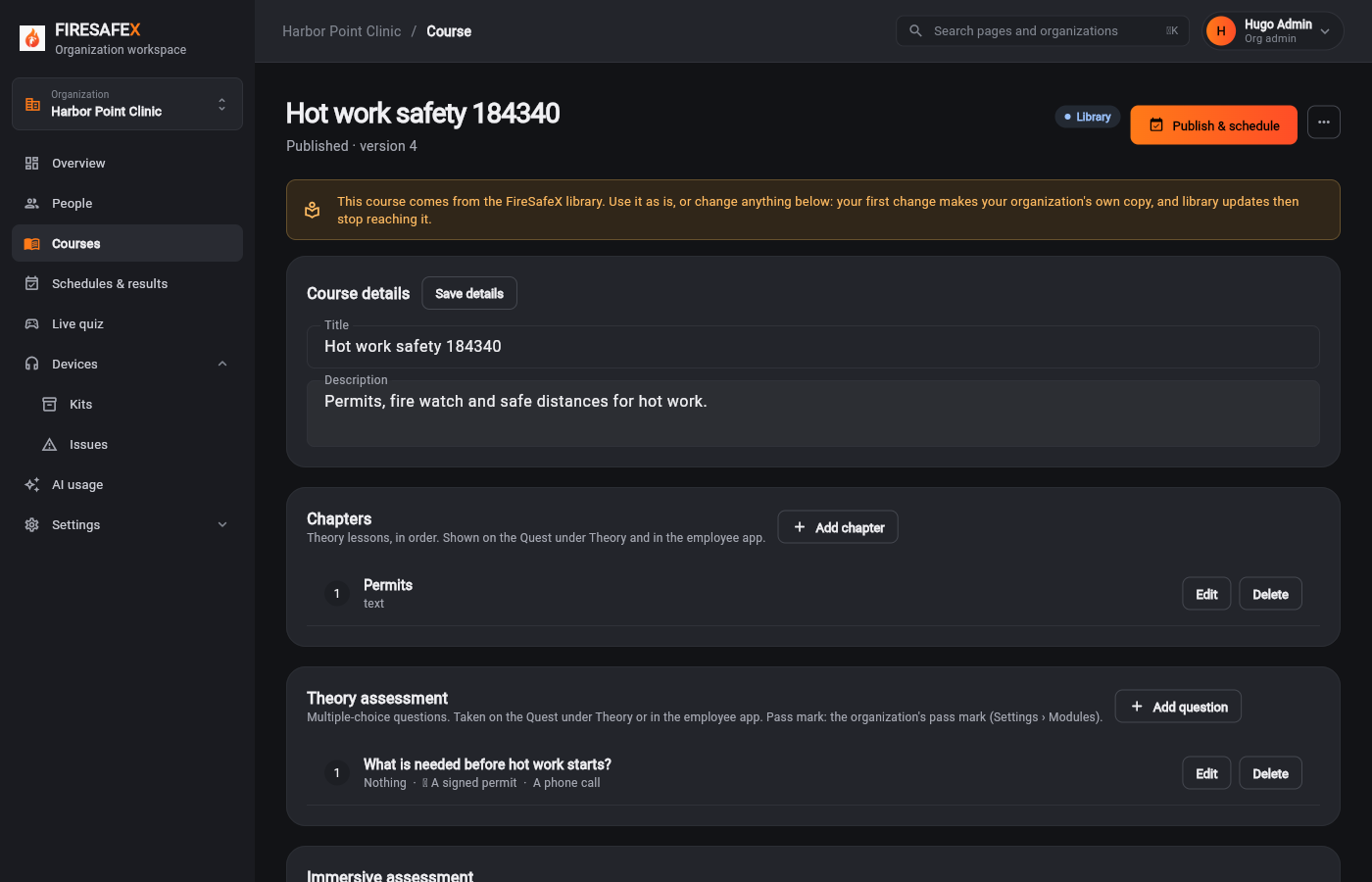
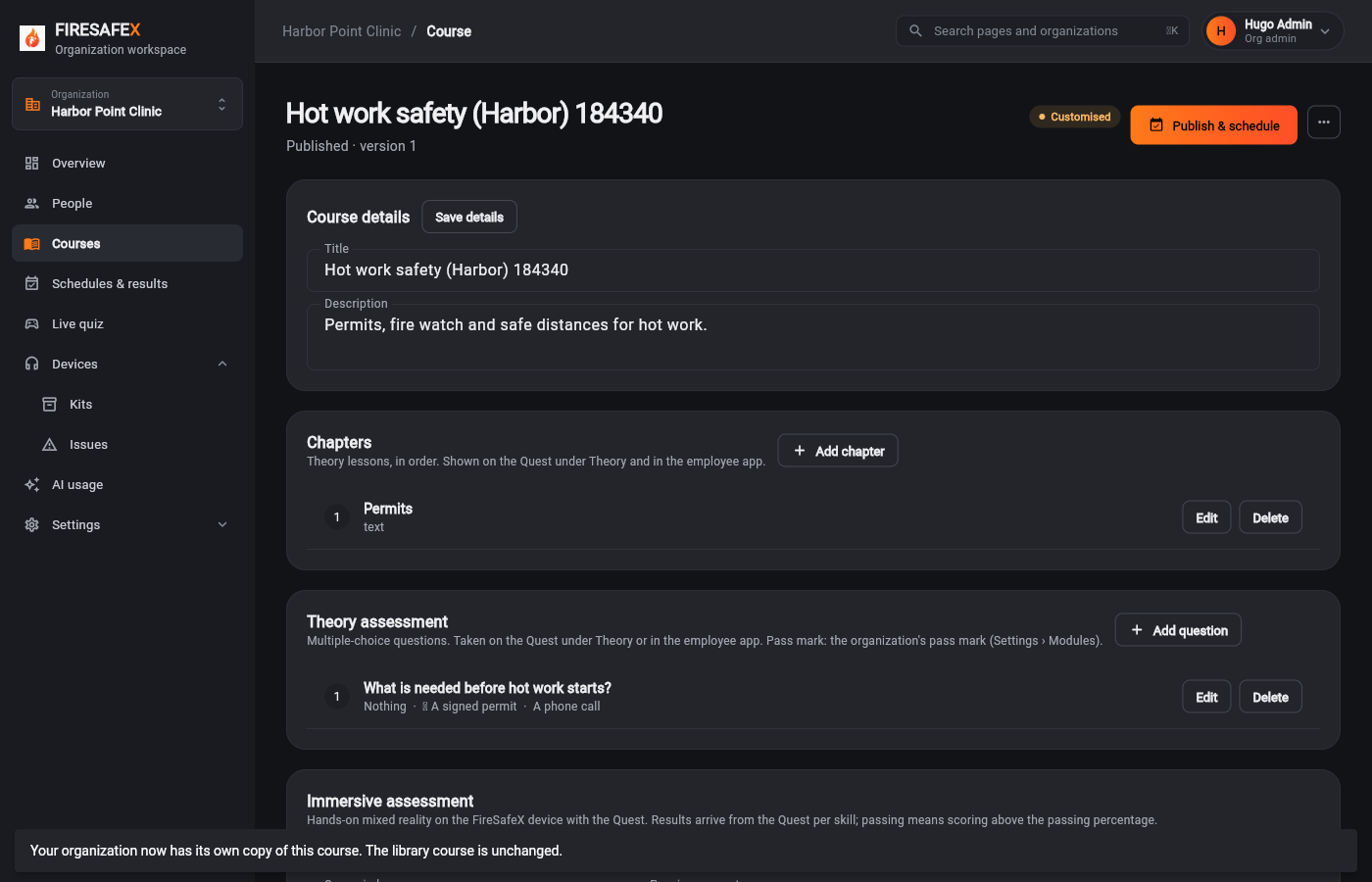
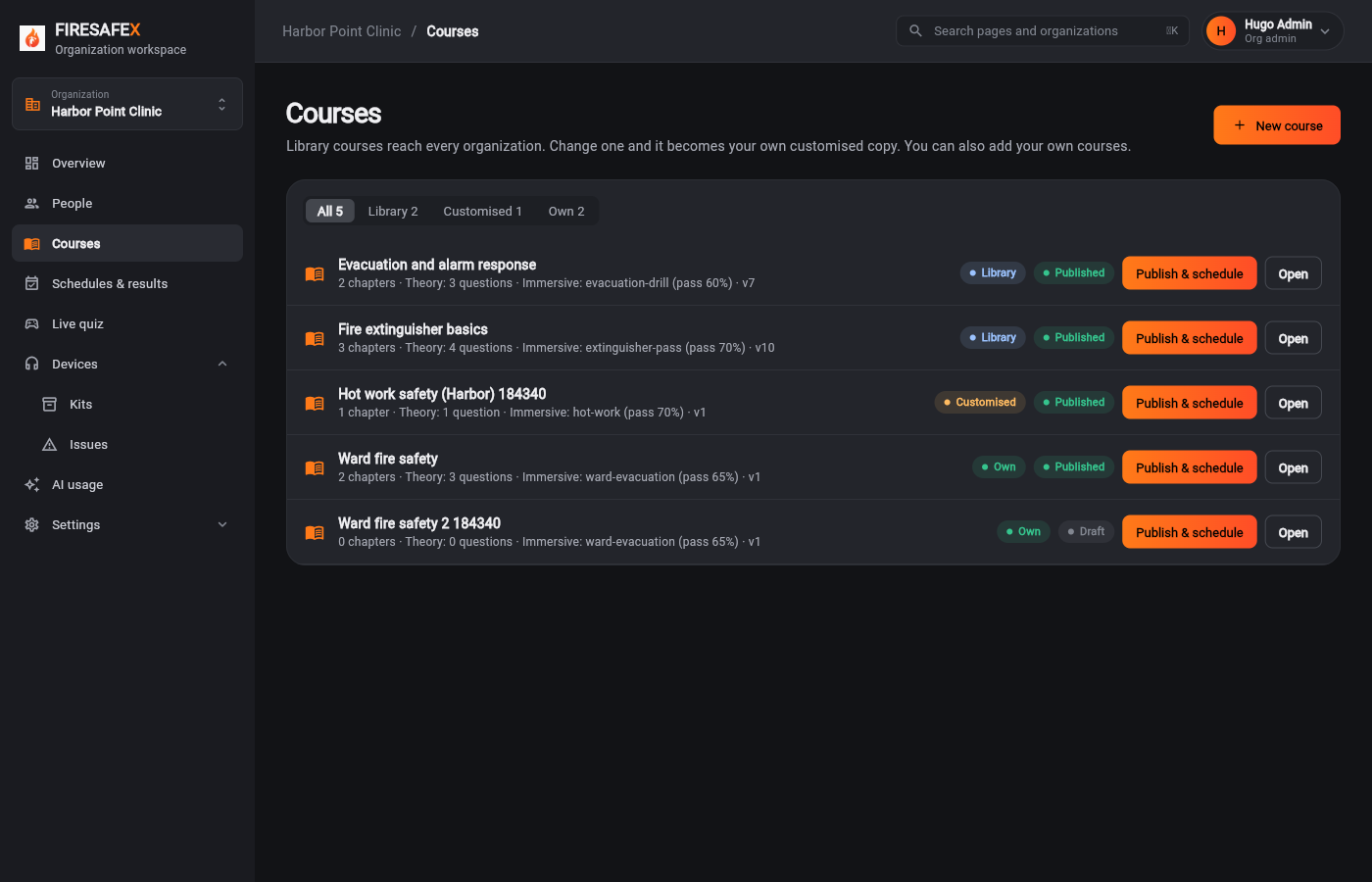
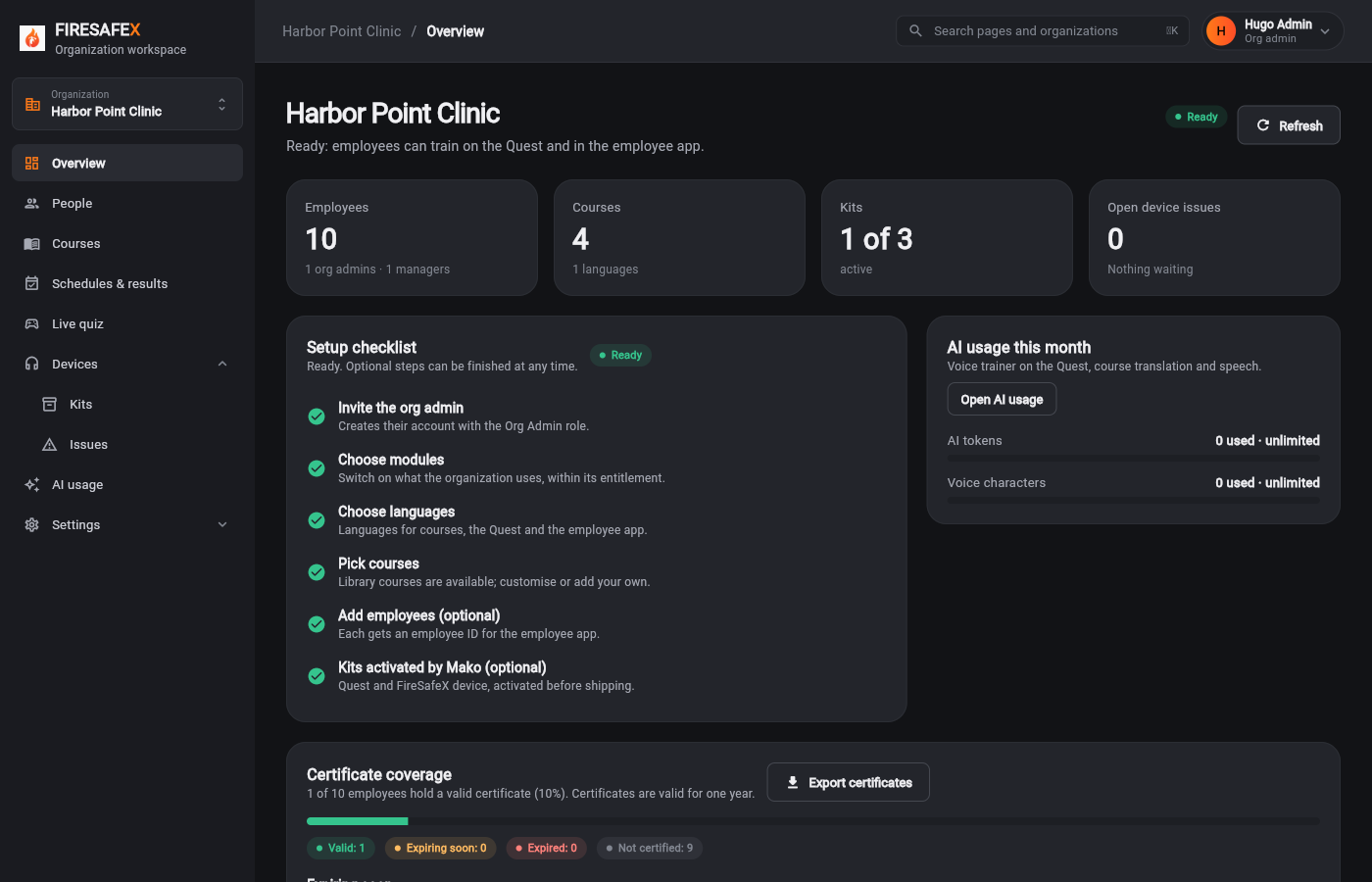
Signed in as Hugo Admin · Org admin
One test covers steps 2.3 to 2.5.
Step for: Org admin · ManagerScreenshots as Org adminRoles match
Tested with 2.3–2.5, shown under step 2.3.
Step for: Org admin · ManagerScreenshots as Org adminRoles match
Tested with 2.3–2.5, shown under step 2.3.
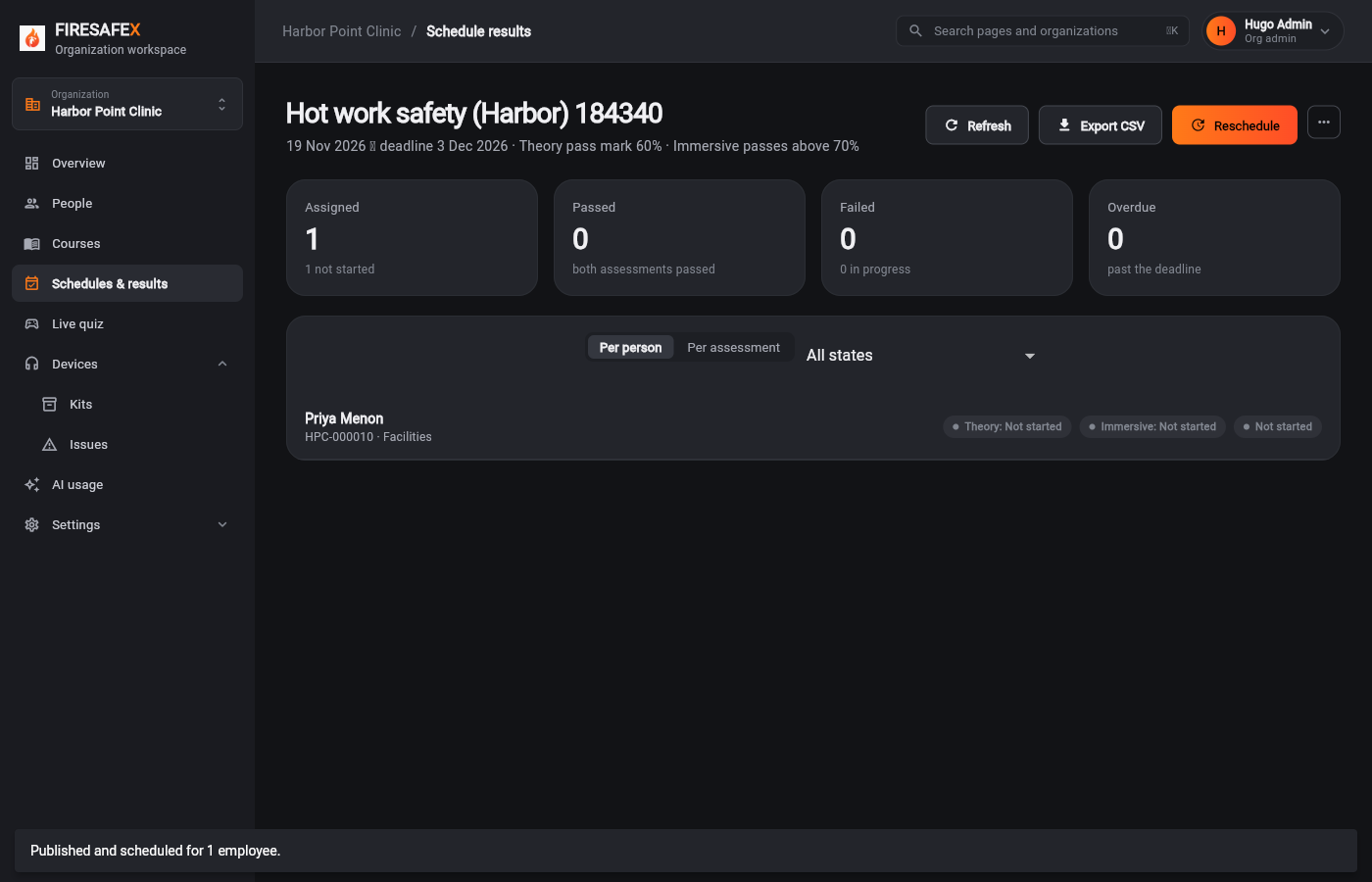
Step for: Org admin · ManagerScreenshots as Org admin, EmployeeRoles match
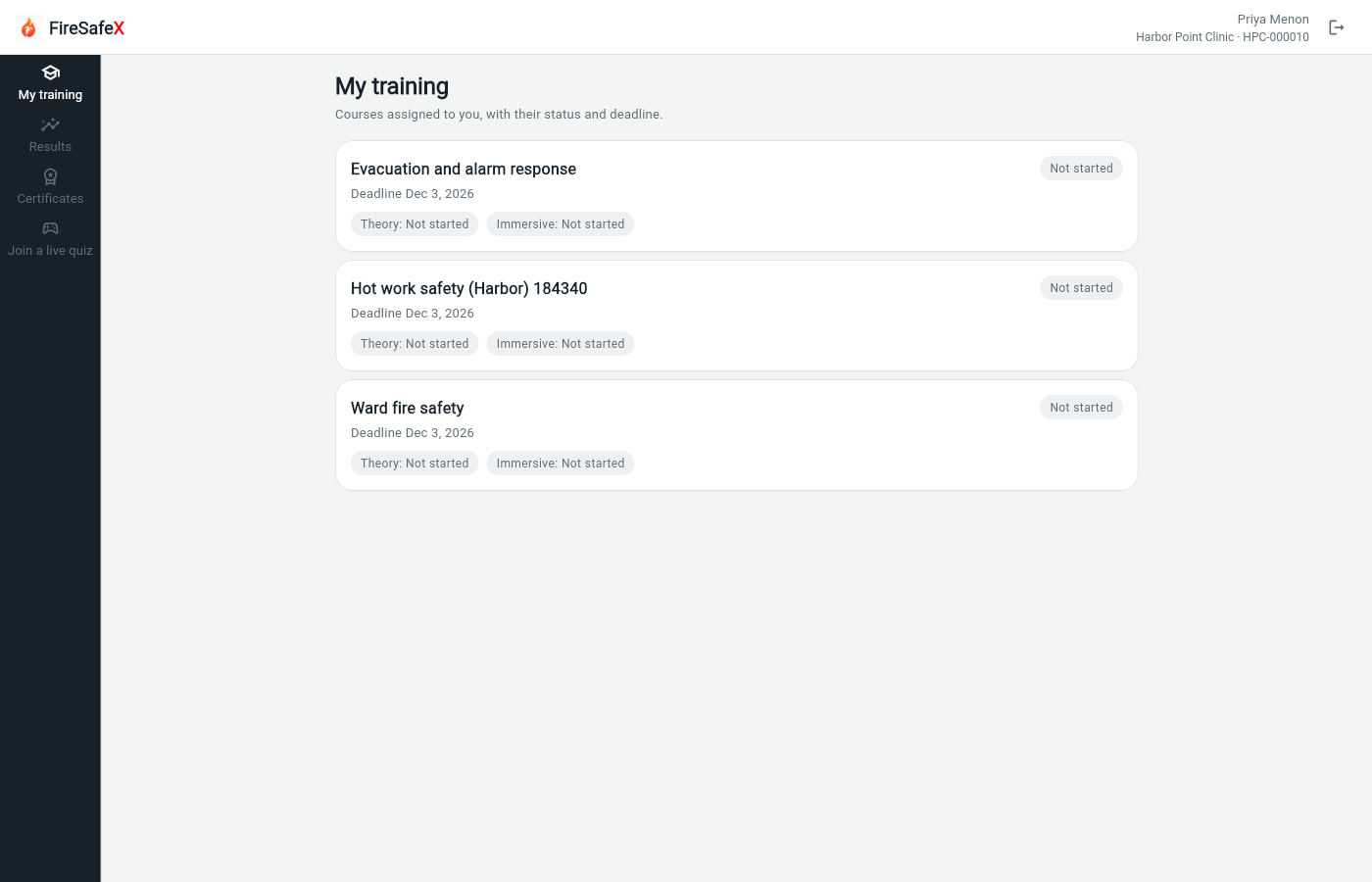
Signed in as Hugo Admin · Org adminEmployee app: Priya Menon · HPC-000010
One test covers steps 2.6 and 2.7.
Step for: EmployeeScreenshots as Org admin, EmployeeRoles match
Tested with 2.6–2.7, shown under step 2.6.
Step for: Super admin (Mako)Screenshots as Super admin, Org adminRoles match
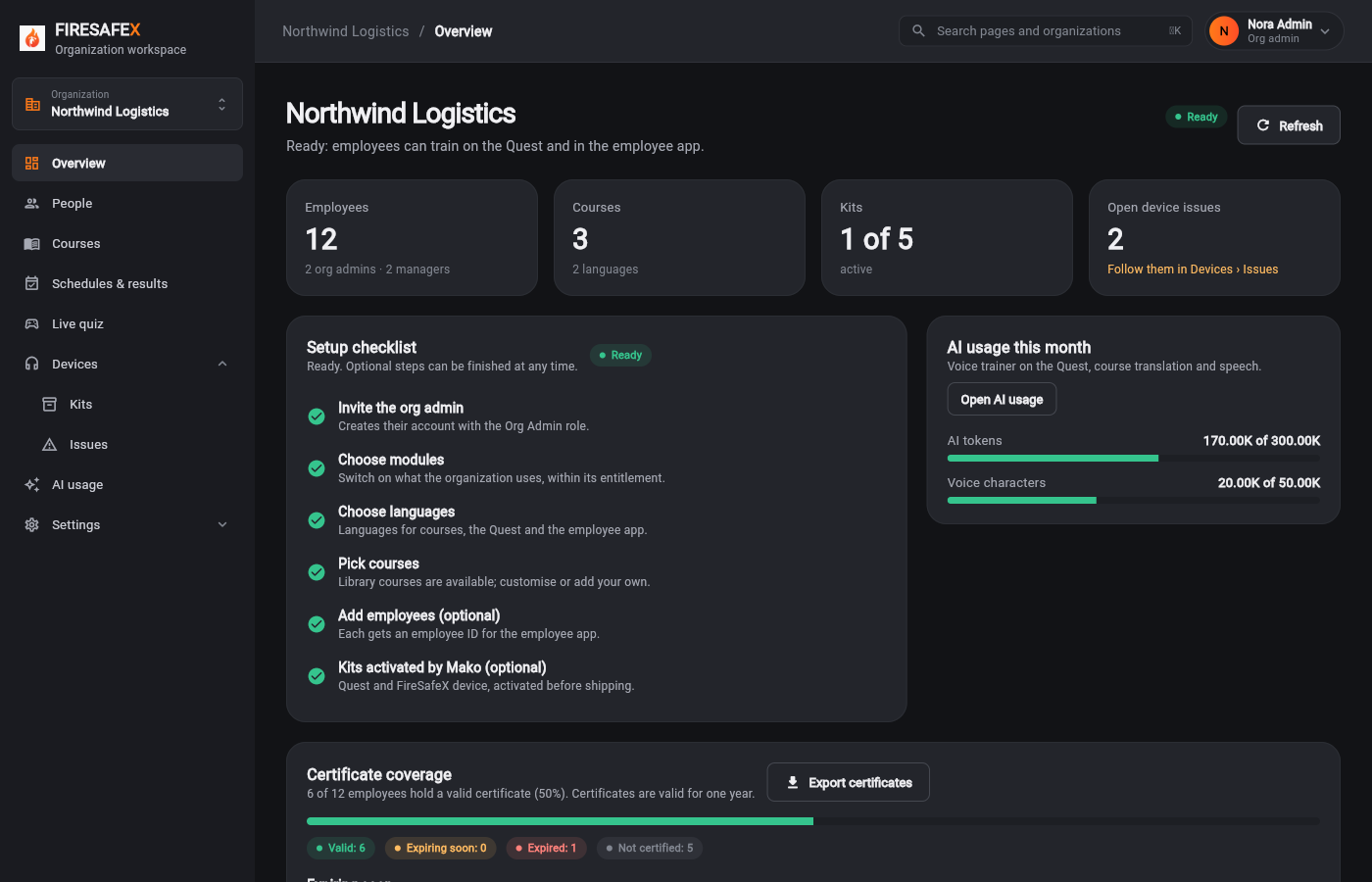
Signed in as Local Super Admin · Super adminNora Admin · Org adminHugo Admin · Org admin
One test covers steps 2.8 and 2.9.
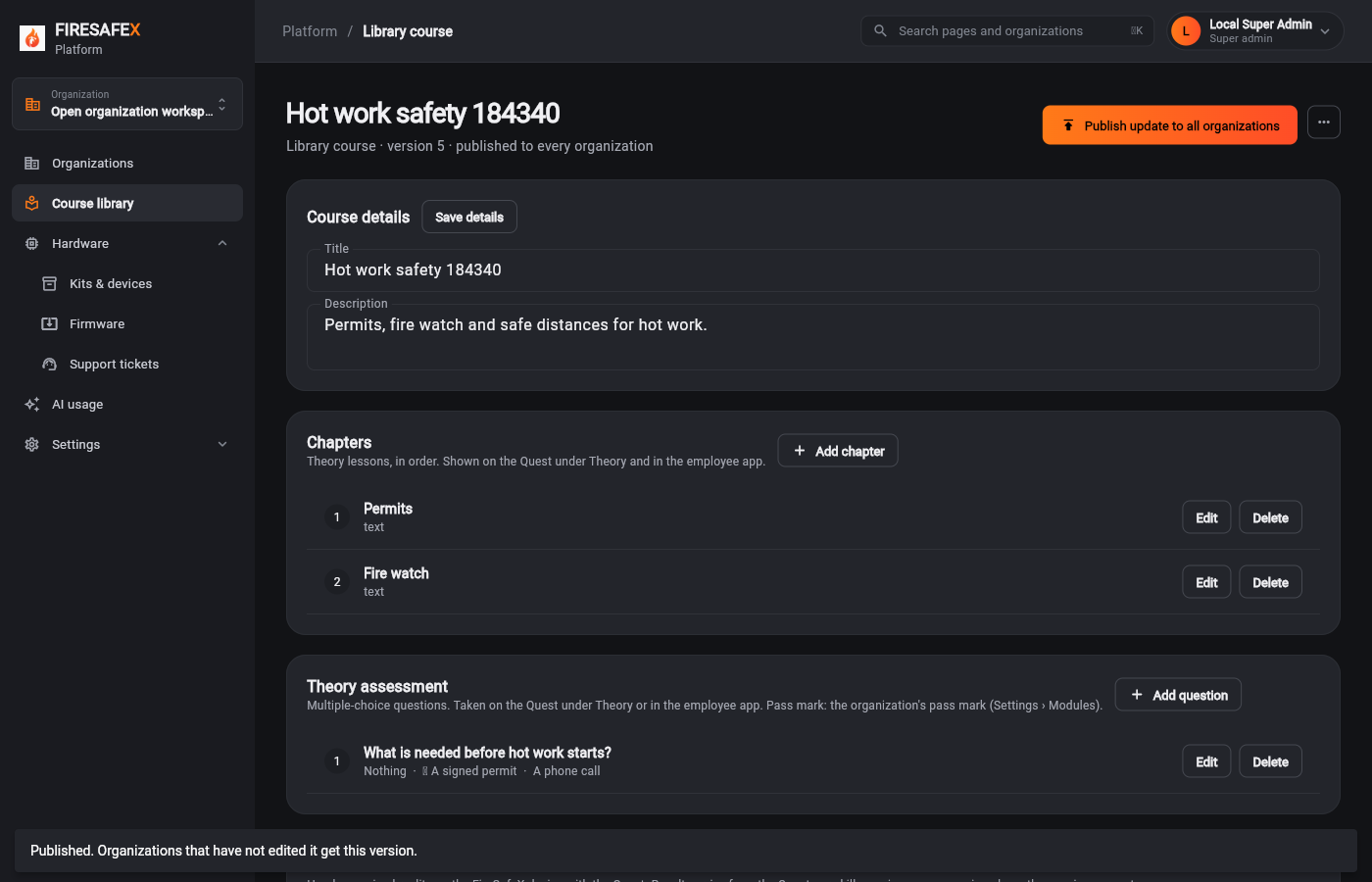 037Library update published
Signed in as Local Super Admin · Super admin
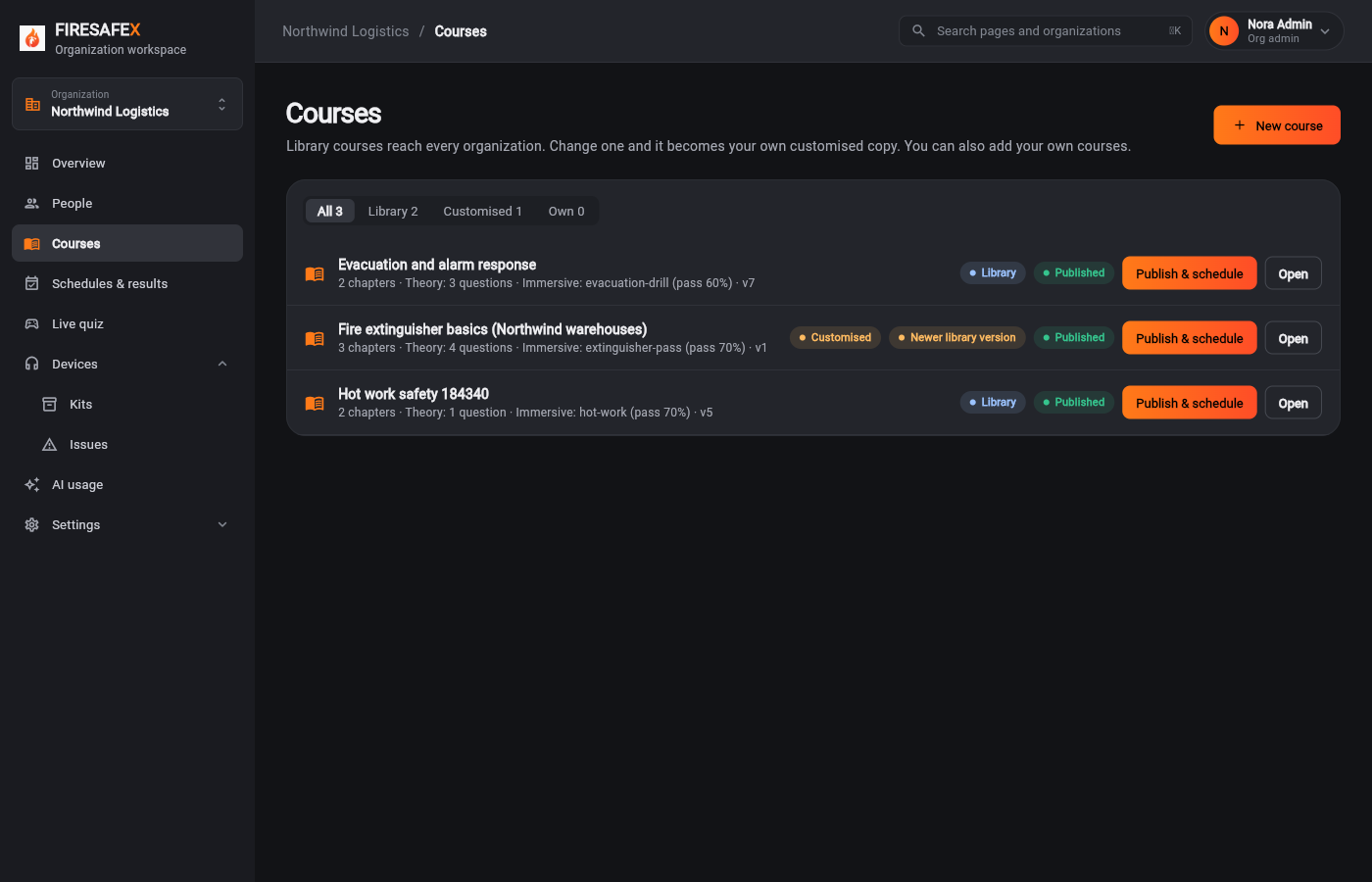 038Unedited org updated automatically
Signed in as Nora Admin · Org admin
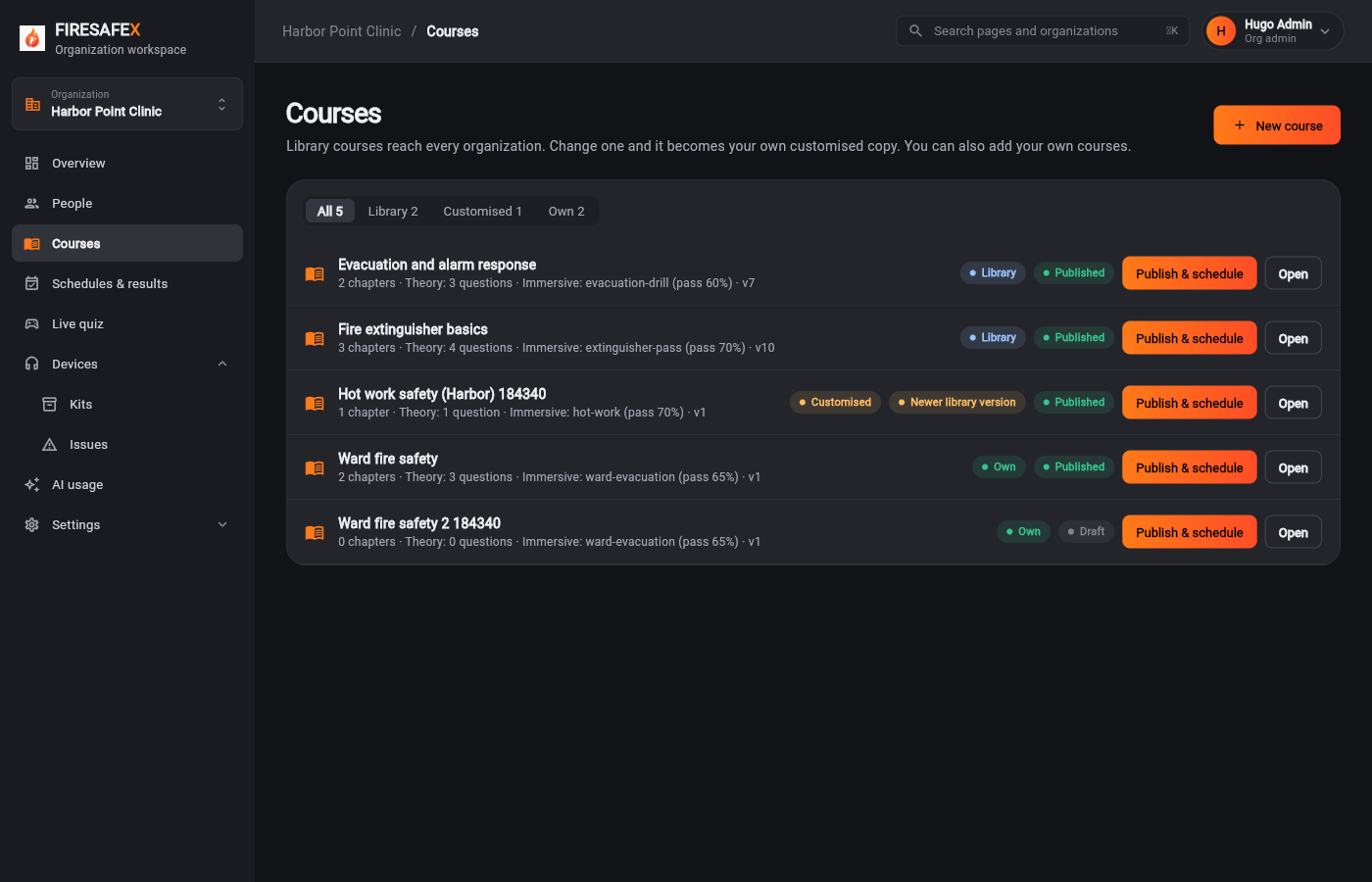 039Edited org newer library version
Signed in as Hugo Admin · Org admin
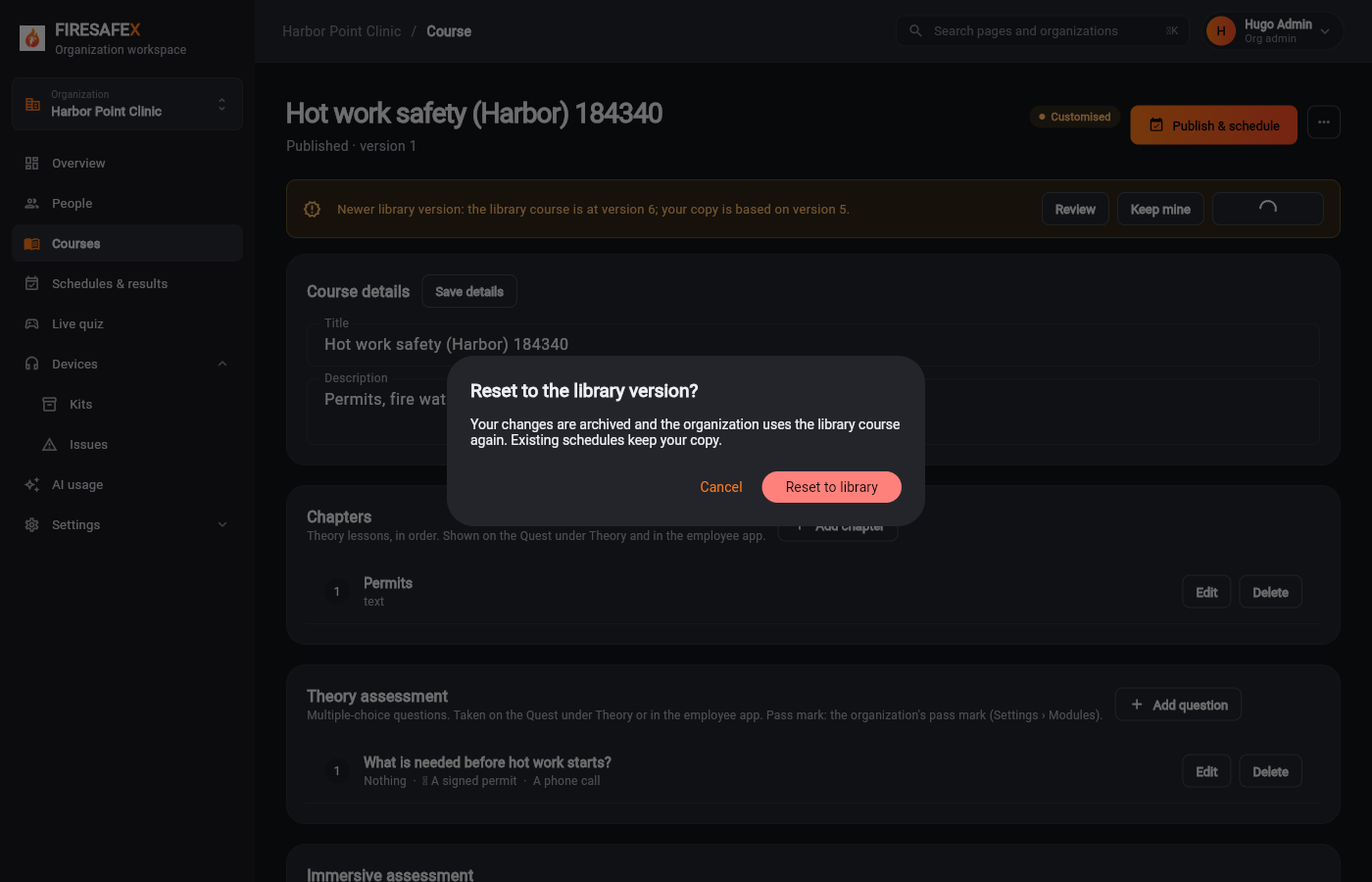
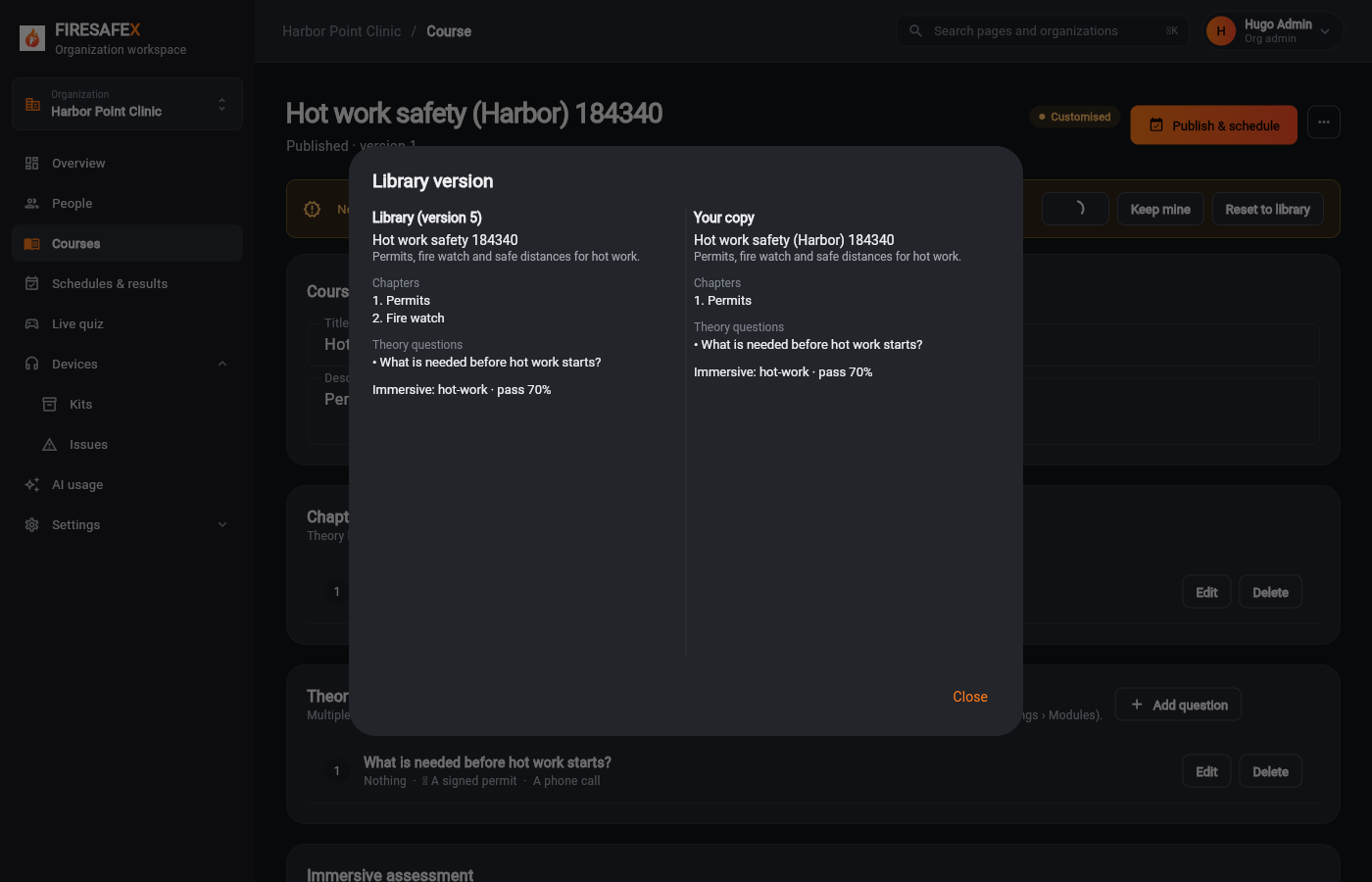 040Review library vs your copy
Signed in as Hugo Admin · Org admin
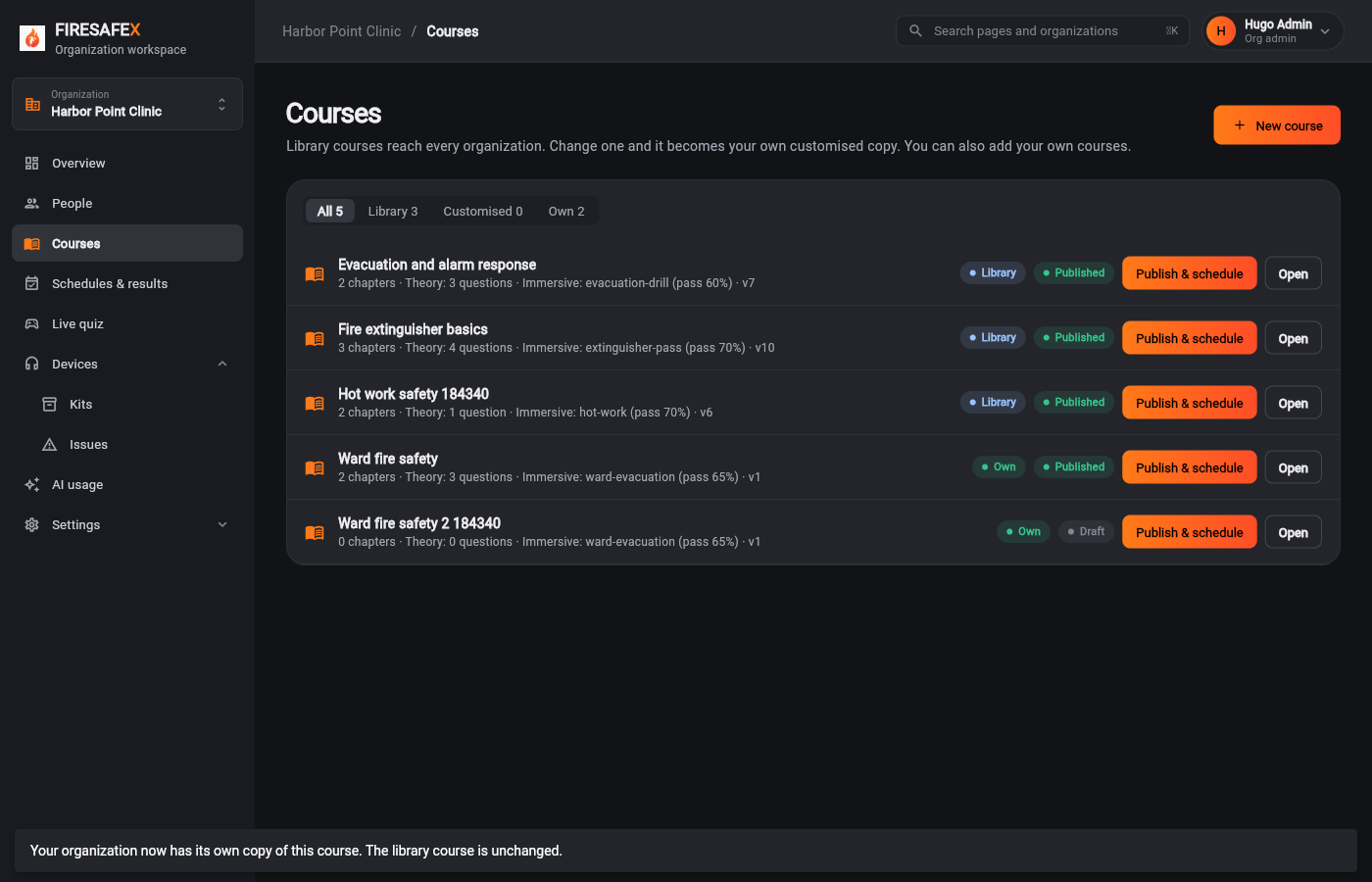
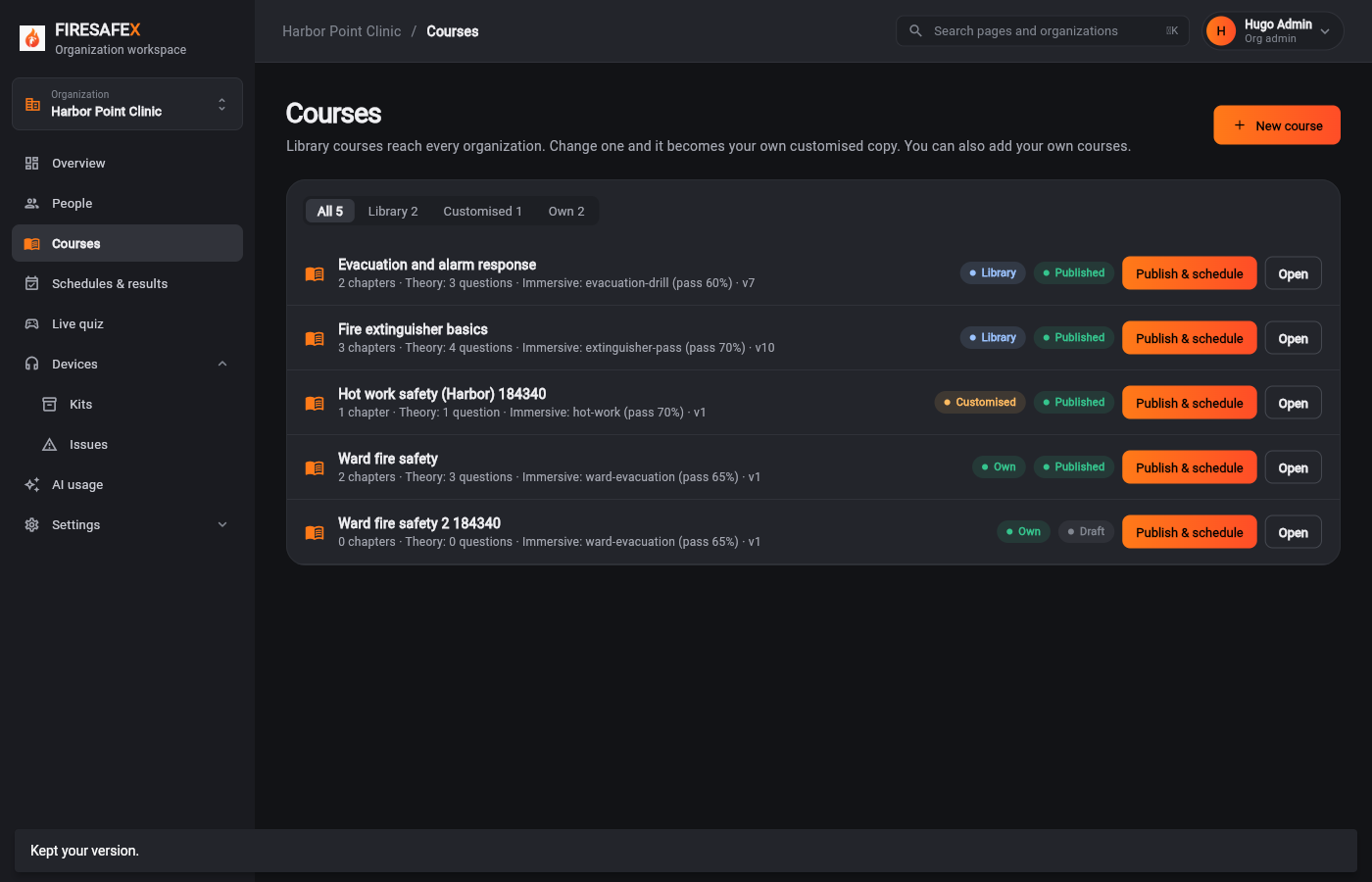 041Keep mine notice gone
Signed in as Hugo Admin · Org admin
Step for: Org admin · ManagerScreenshots as Super admin, Org adminRoles match
Tested with 2.8–2.9, shown under step 2.8.
Signed in as Hugo Admin · Org admin
Flow 3
One connected loop from scheduling to follow-up, covering both assessments of a course
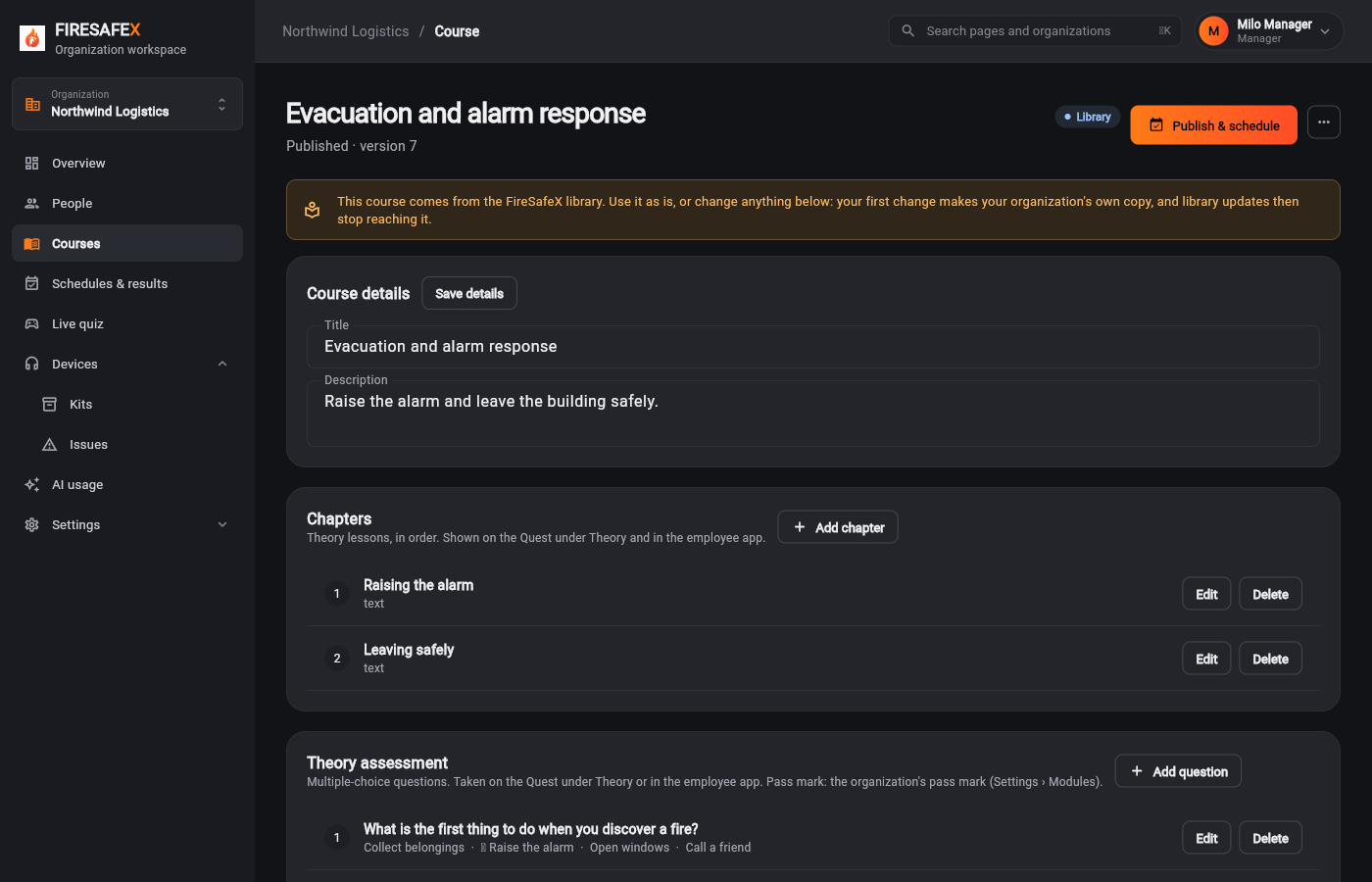
Step for: Org admin · ManagerScreenshots as ManagerRoles match
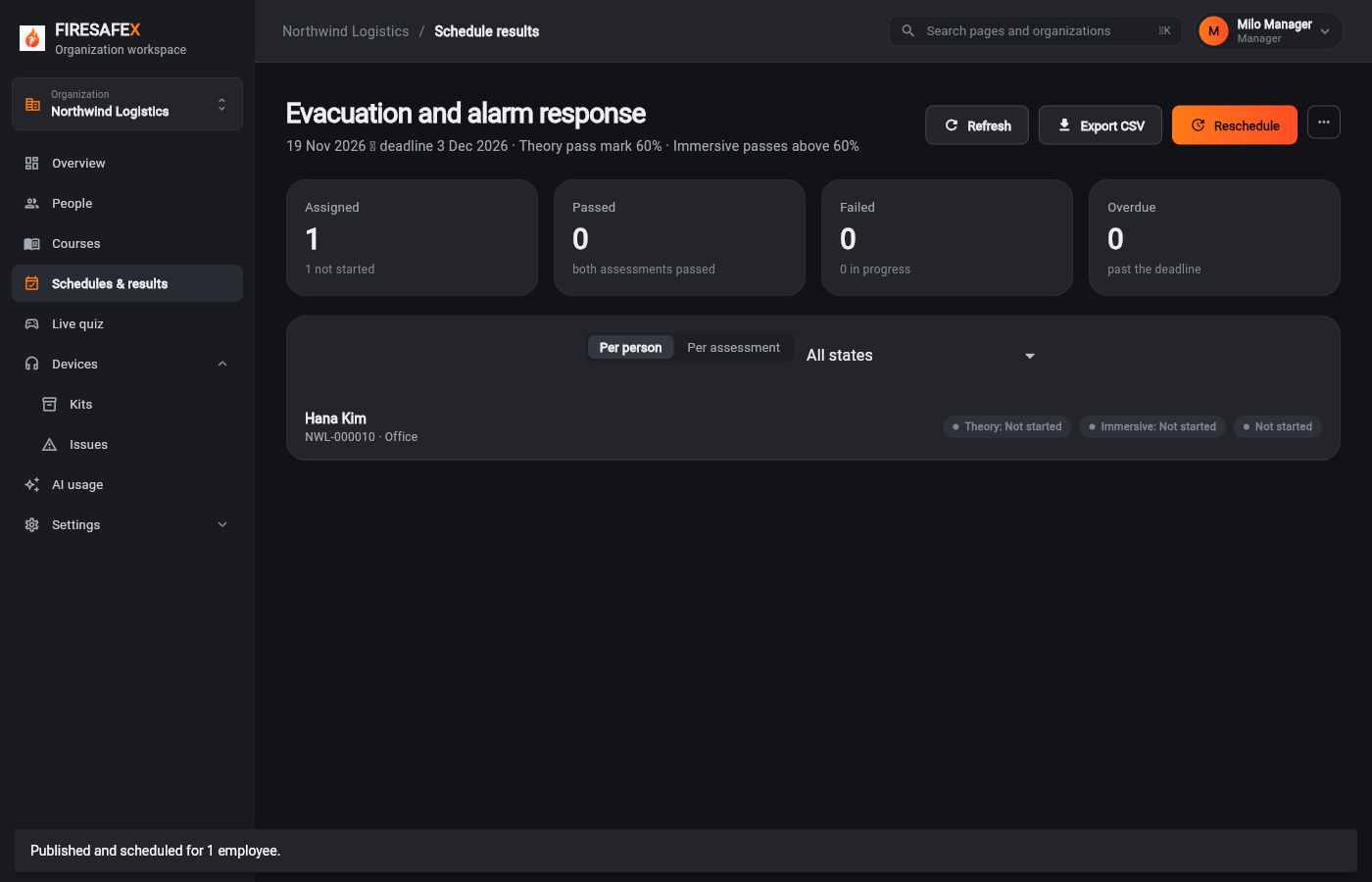
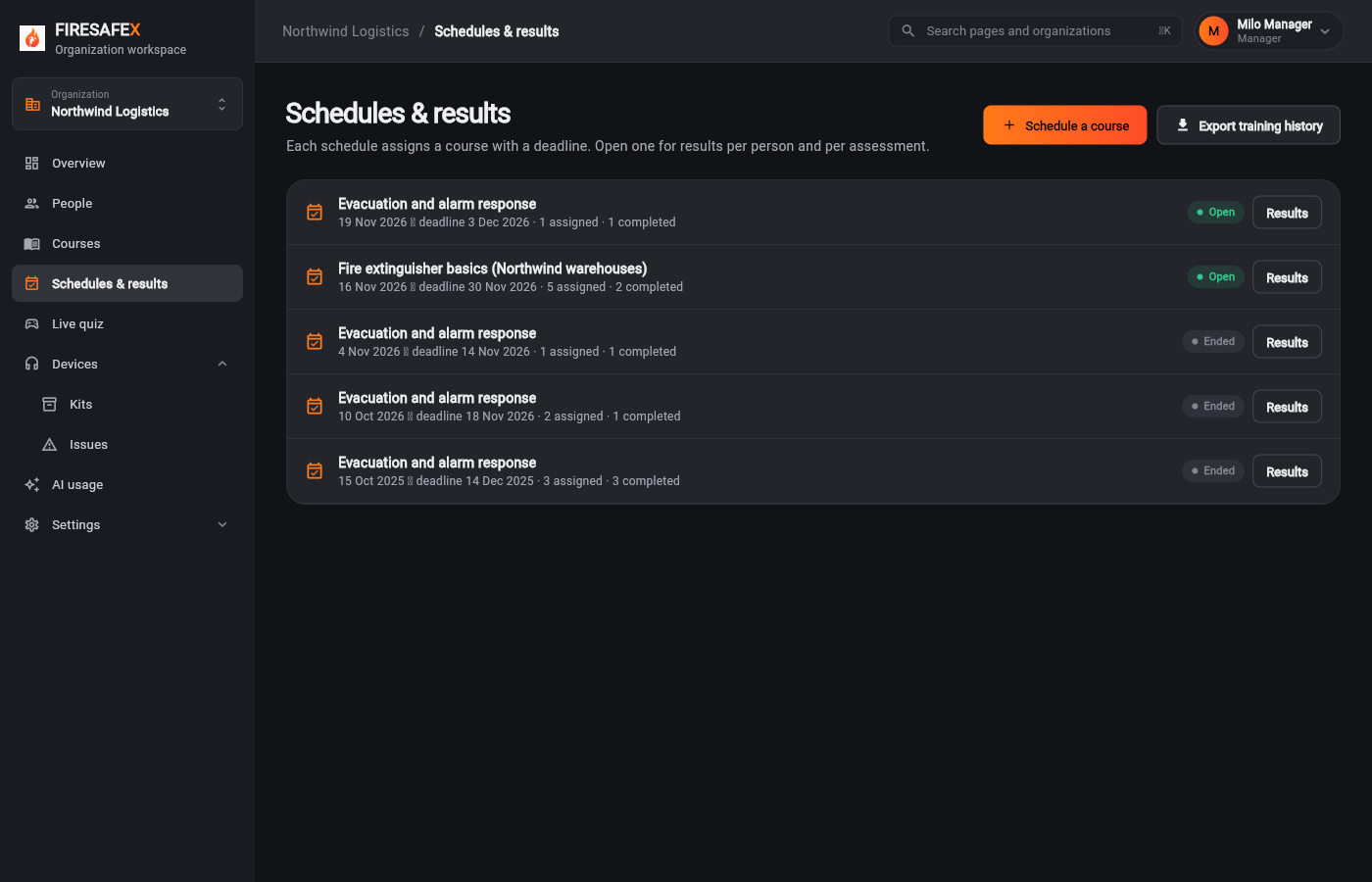
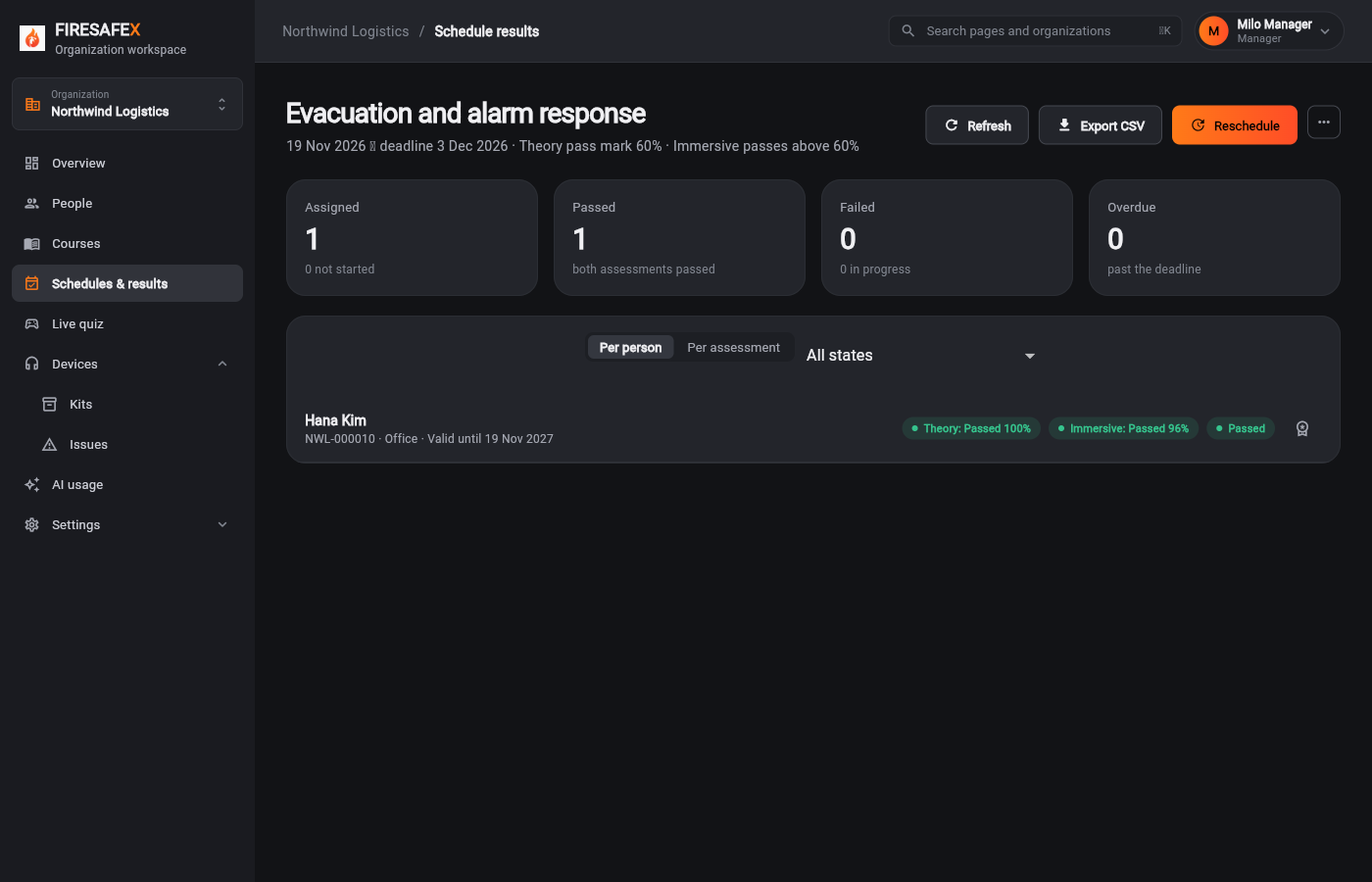
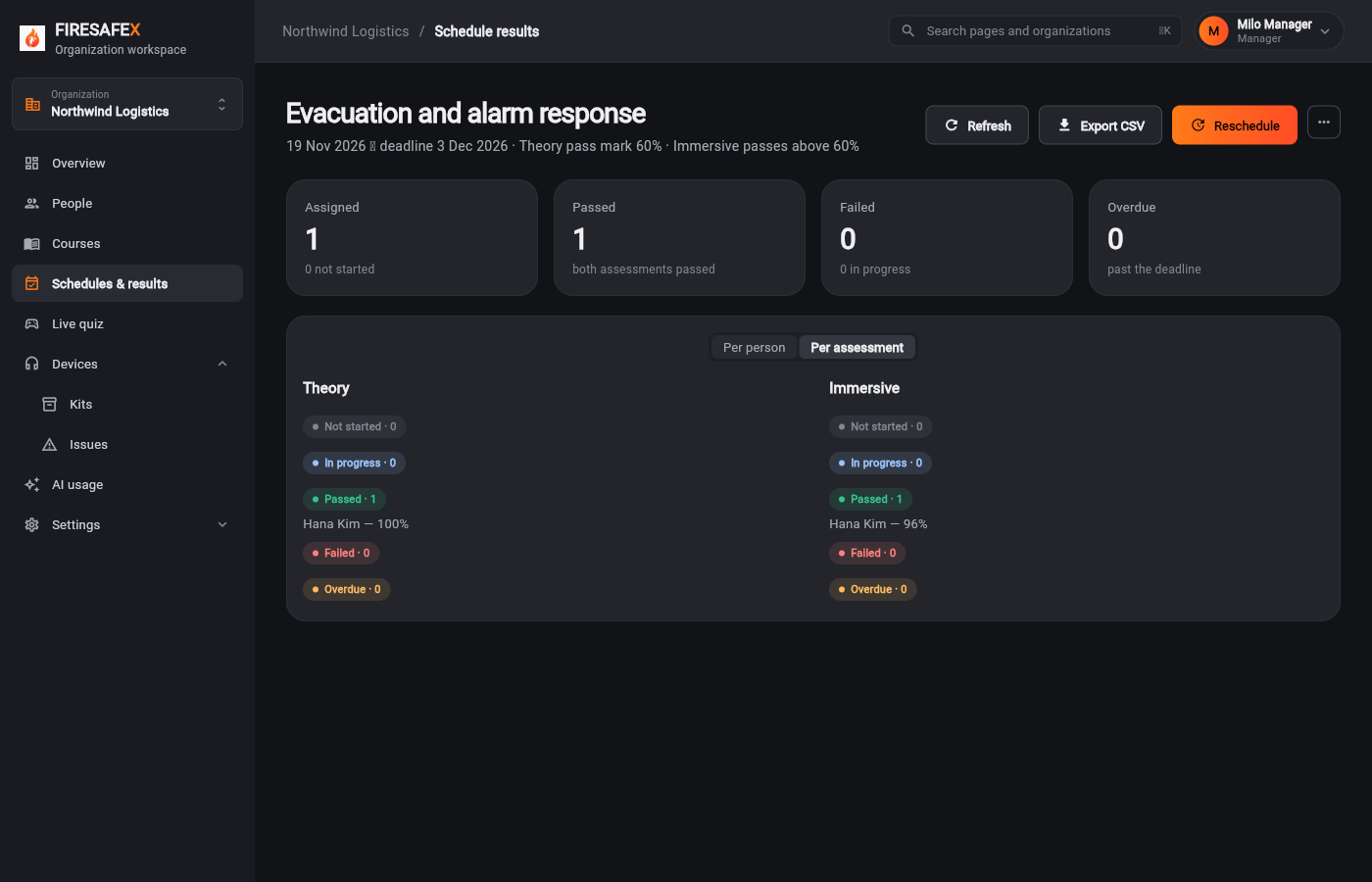
Signed in as Milo Manager · Manager
One test covers steps 3.1 and 3.2.
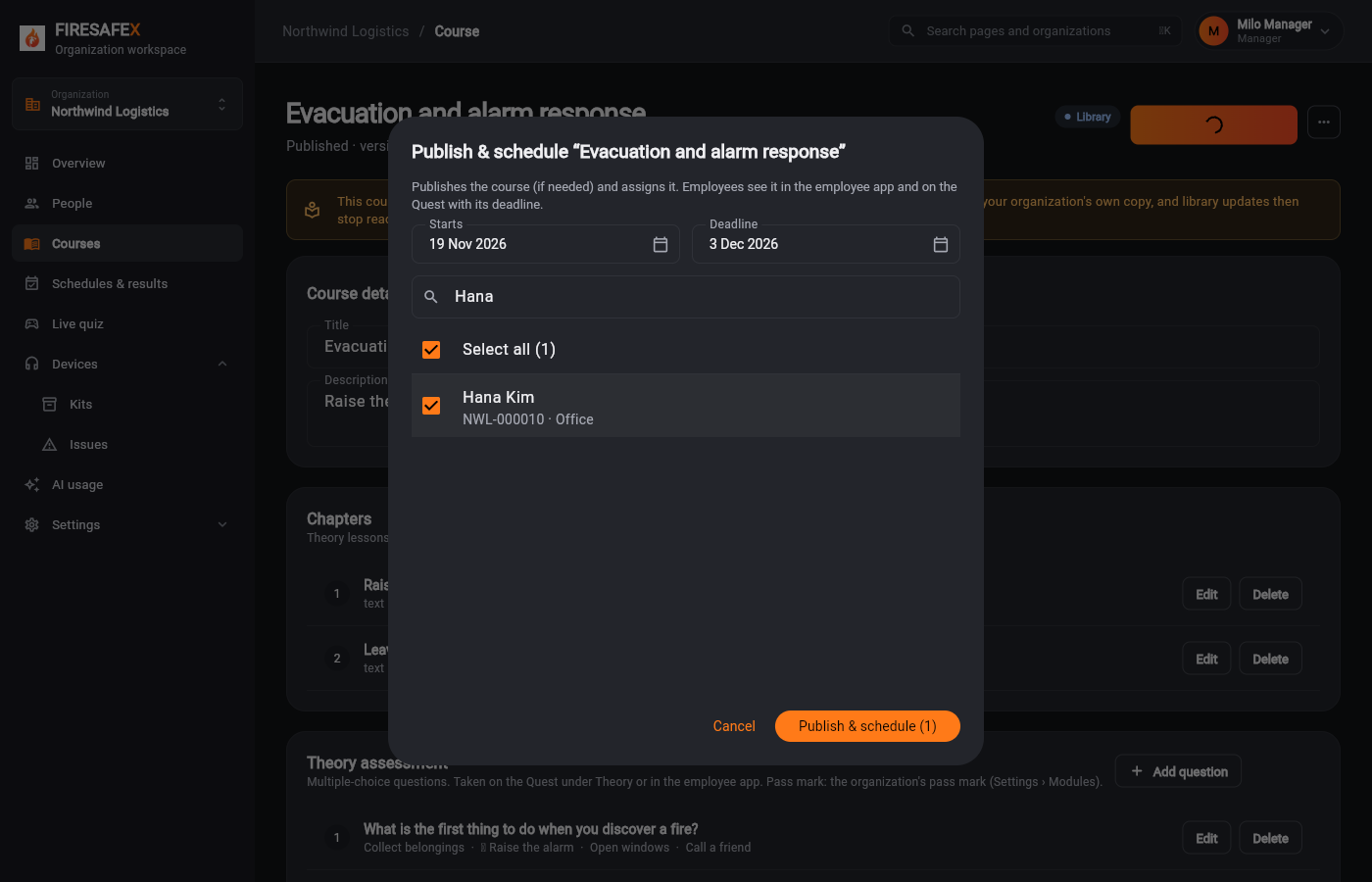
Step for: Org admin · ManagerScreenshots as ManagerRoles match
Tested with 3.1–3.2, shown under step 3.1.
Step for: EmployeeScreenshots as EmployeeRoles match
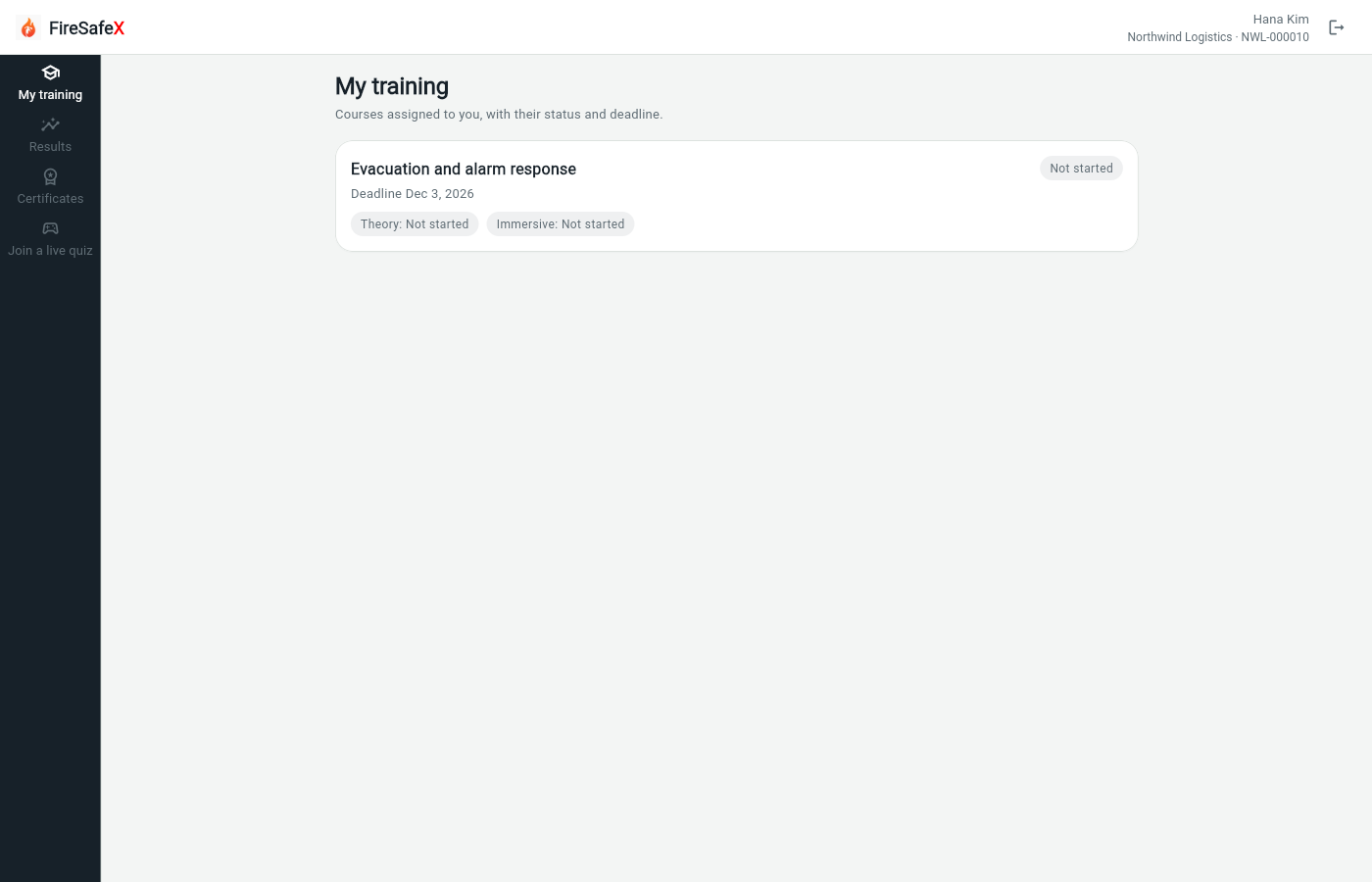
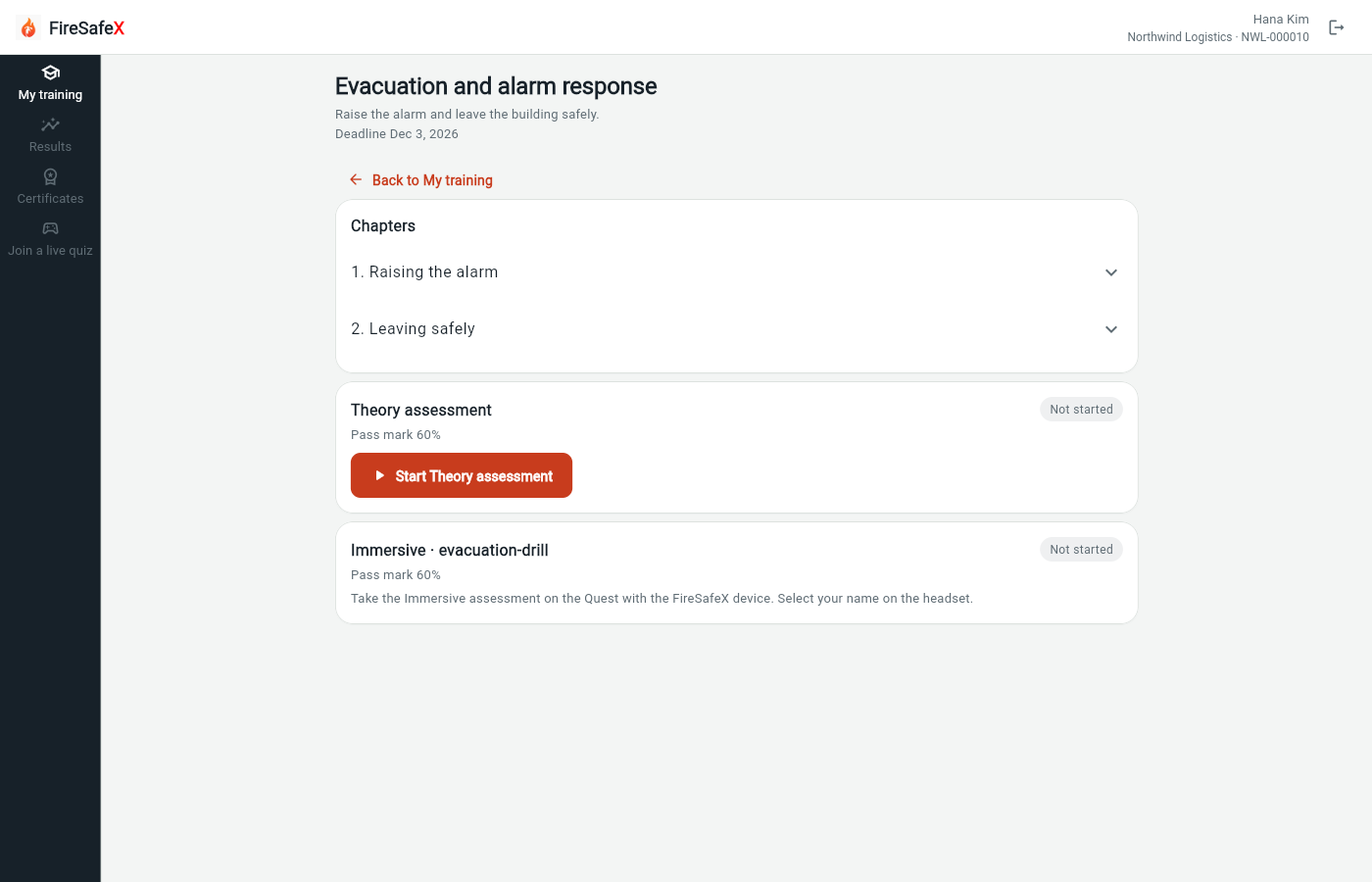
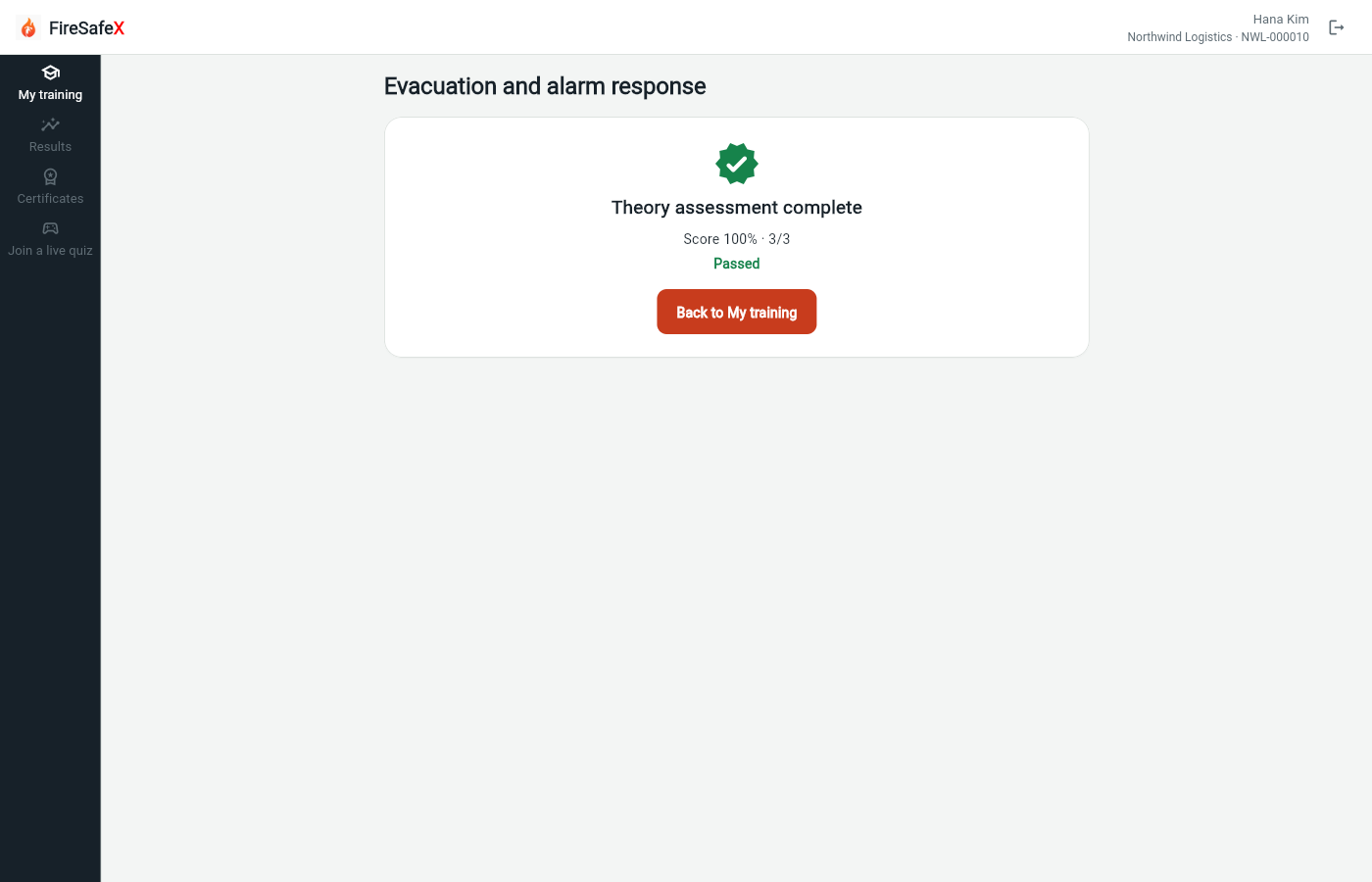
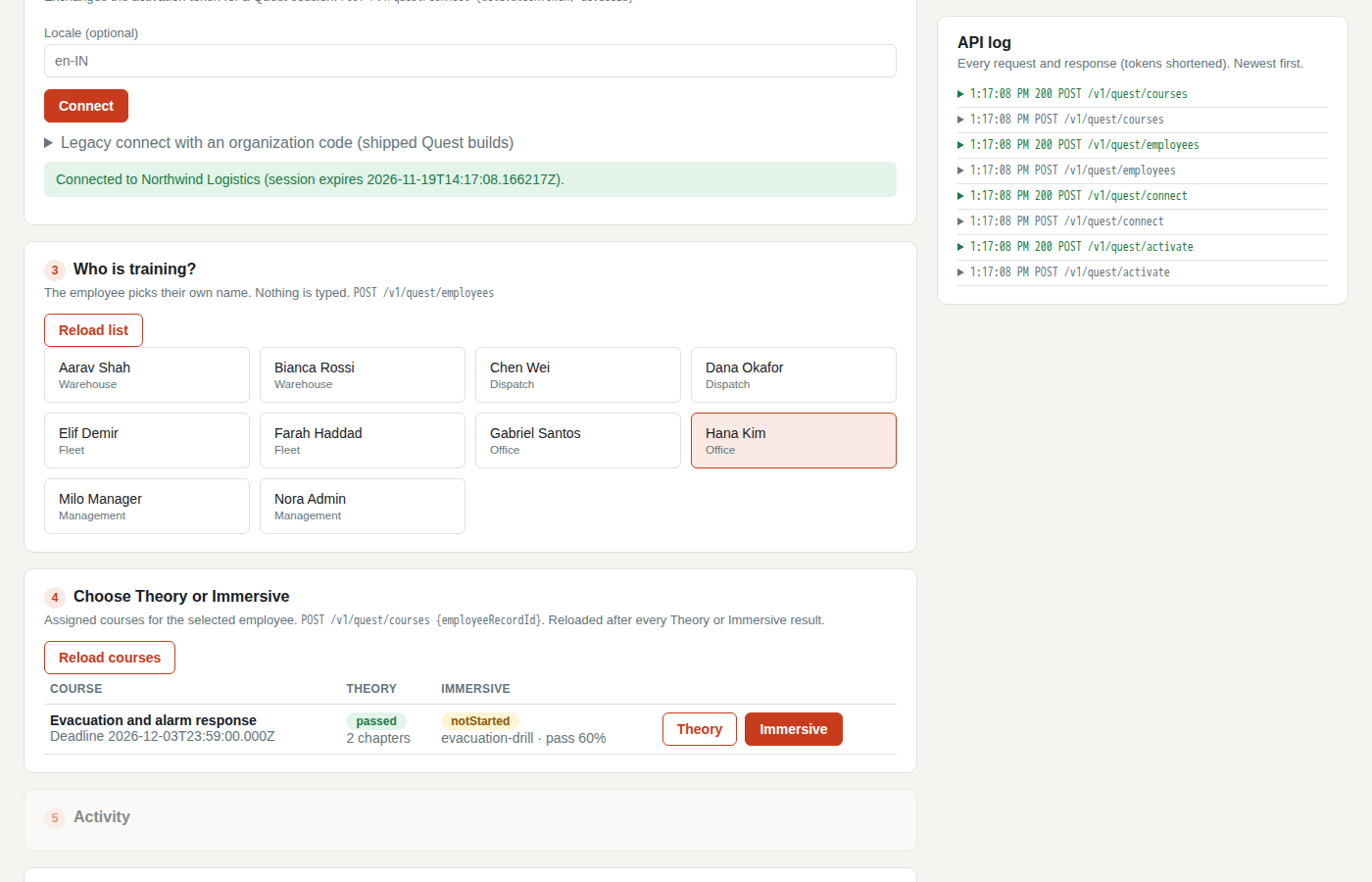
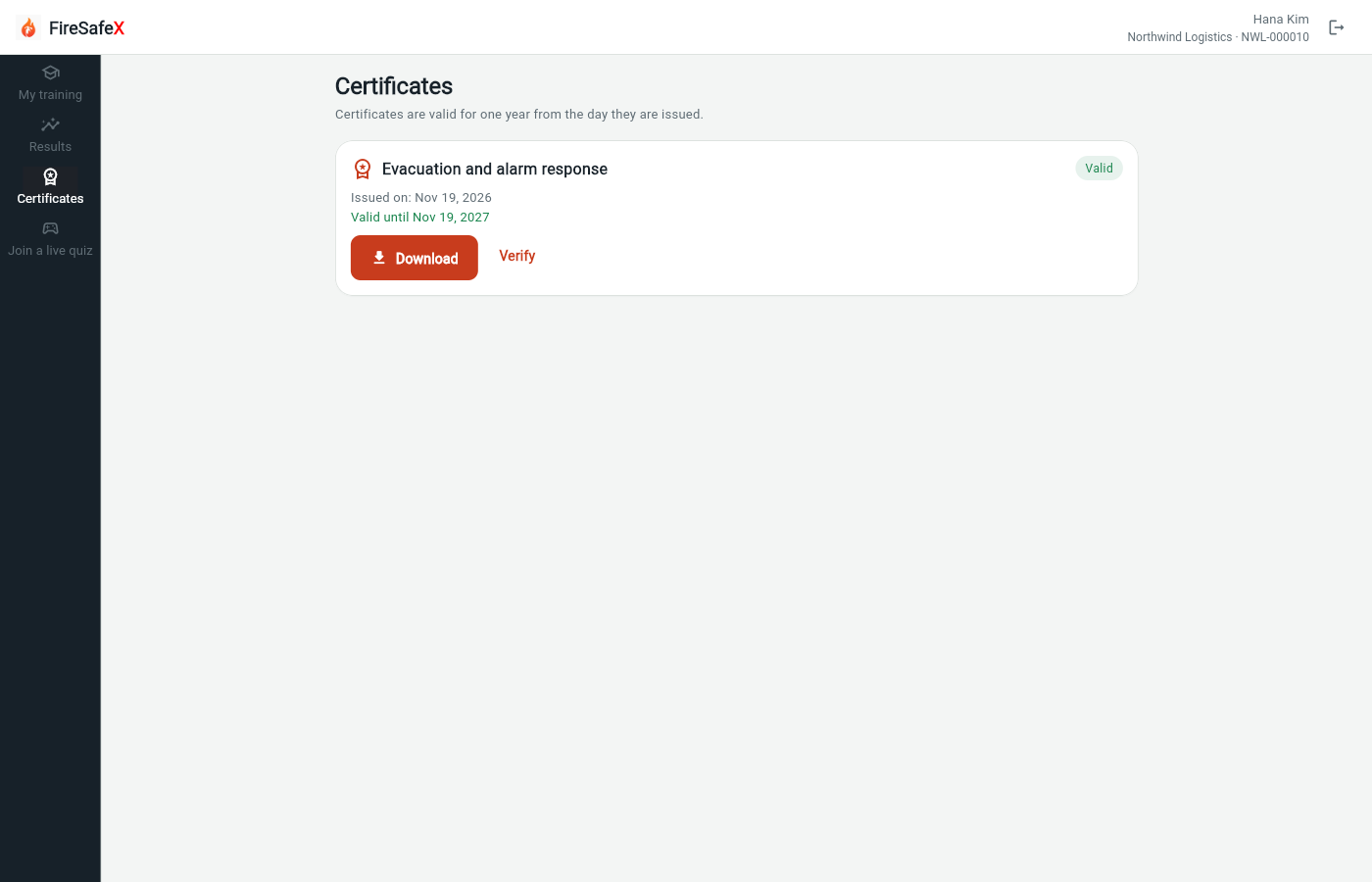
Signed in as Employee app: Hana Kim · NWL-000010
One test covers steps 3.3 and 3.4.
Step for: EmployeeScreenshots as EmployeeRoles match
Tested with 3.3–3.4, shown under step 3.3.
Step for: EmployeeScreenshots as Quest simulatorRoles match
Signed in as Quest simulator
Step for: EmployeeScreenshots as EmployeeRoles match
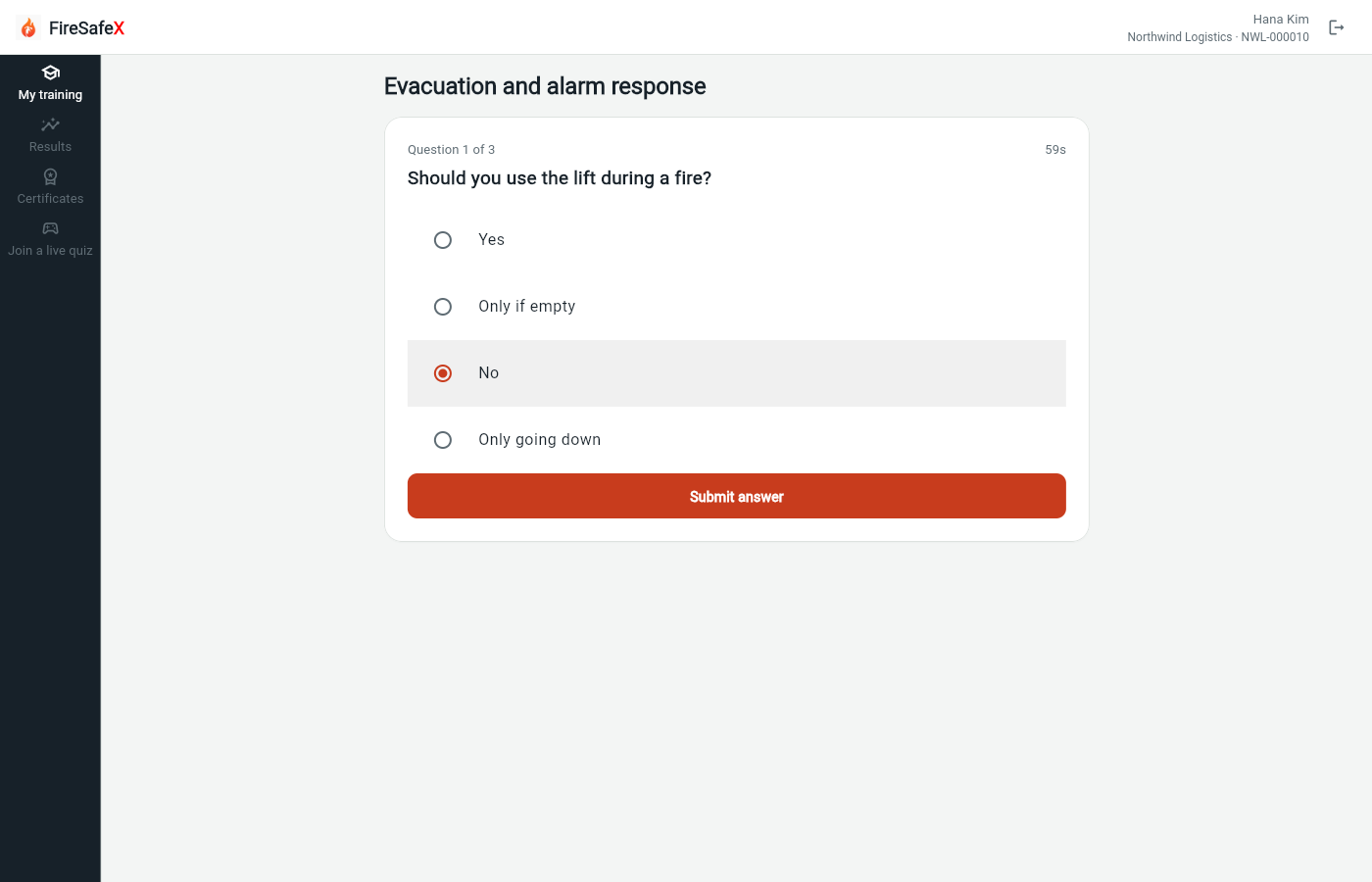
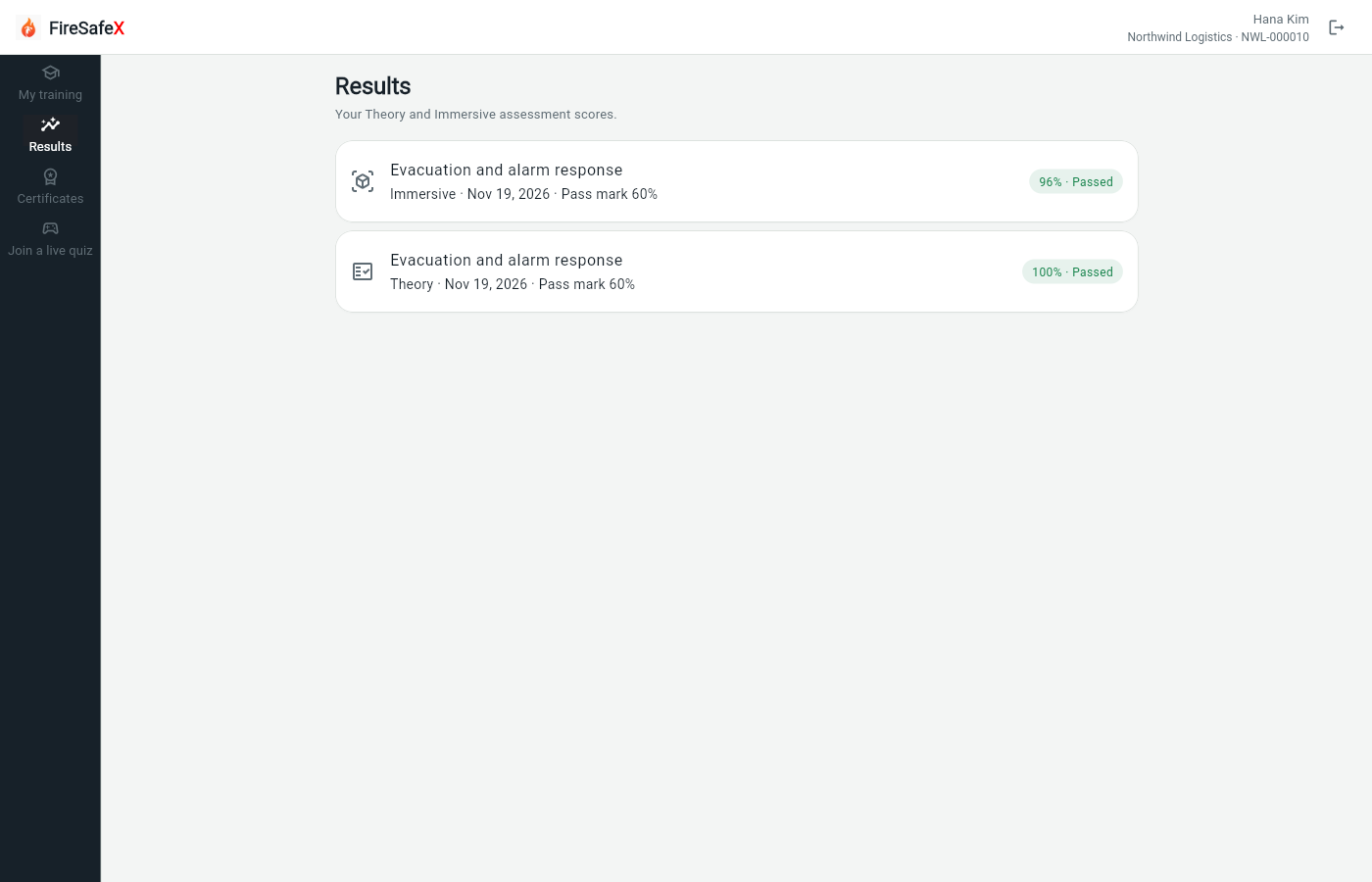
Signed in as Employee app: Hana Kim · NWL-000010
Step for: Org admin · ManagerScreenshots as ManagerRoles match
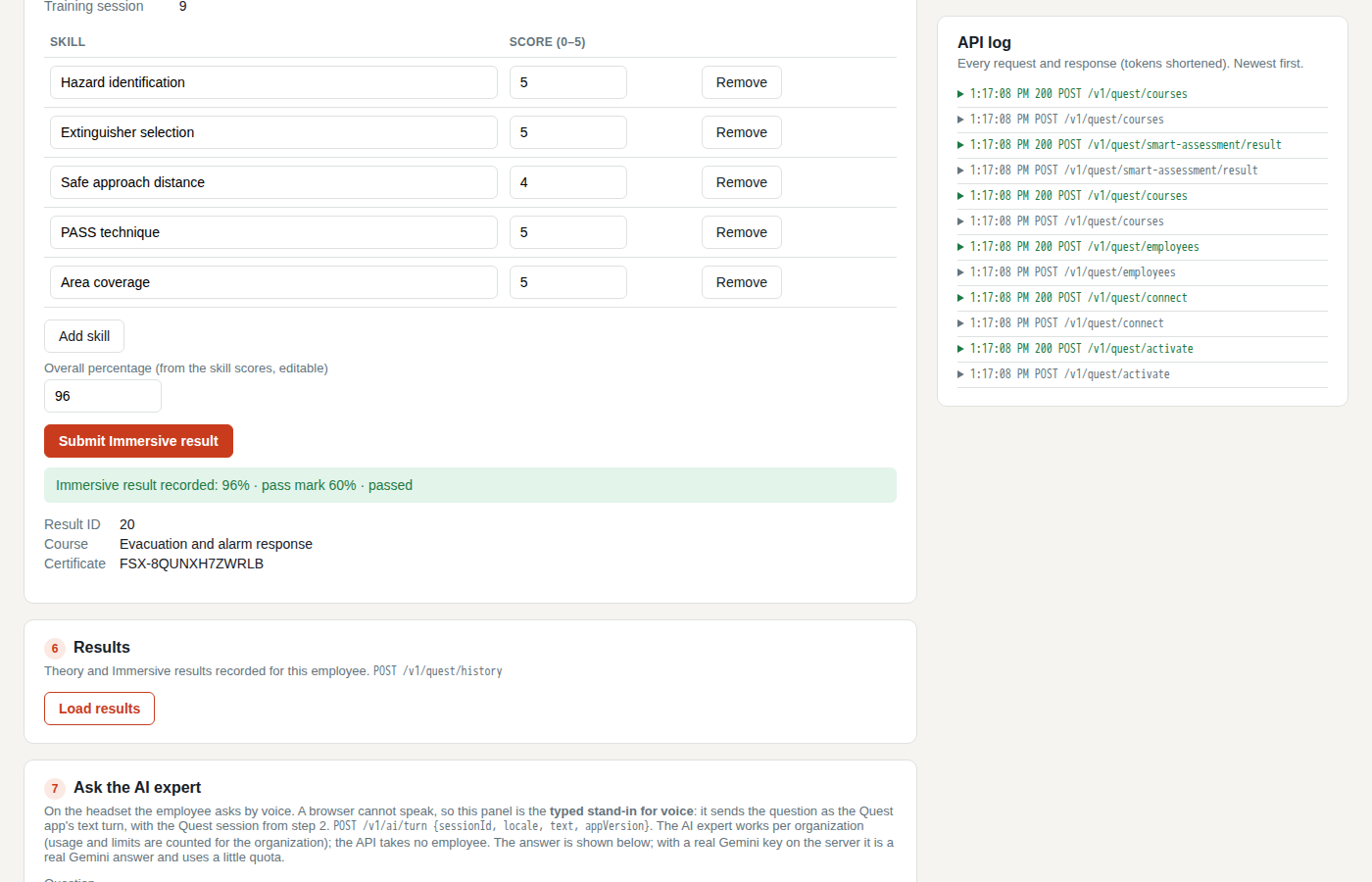
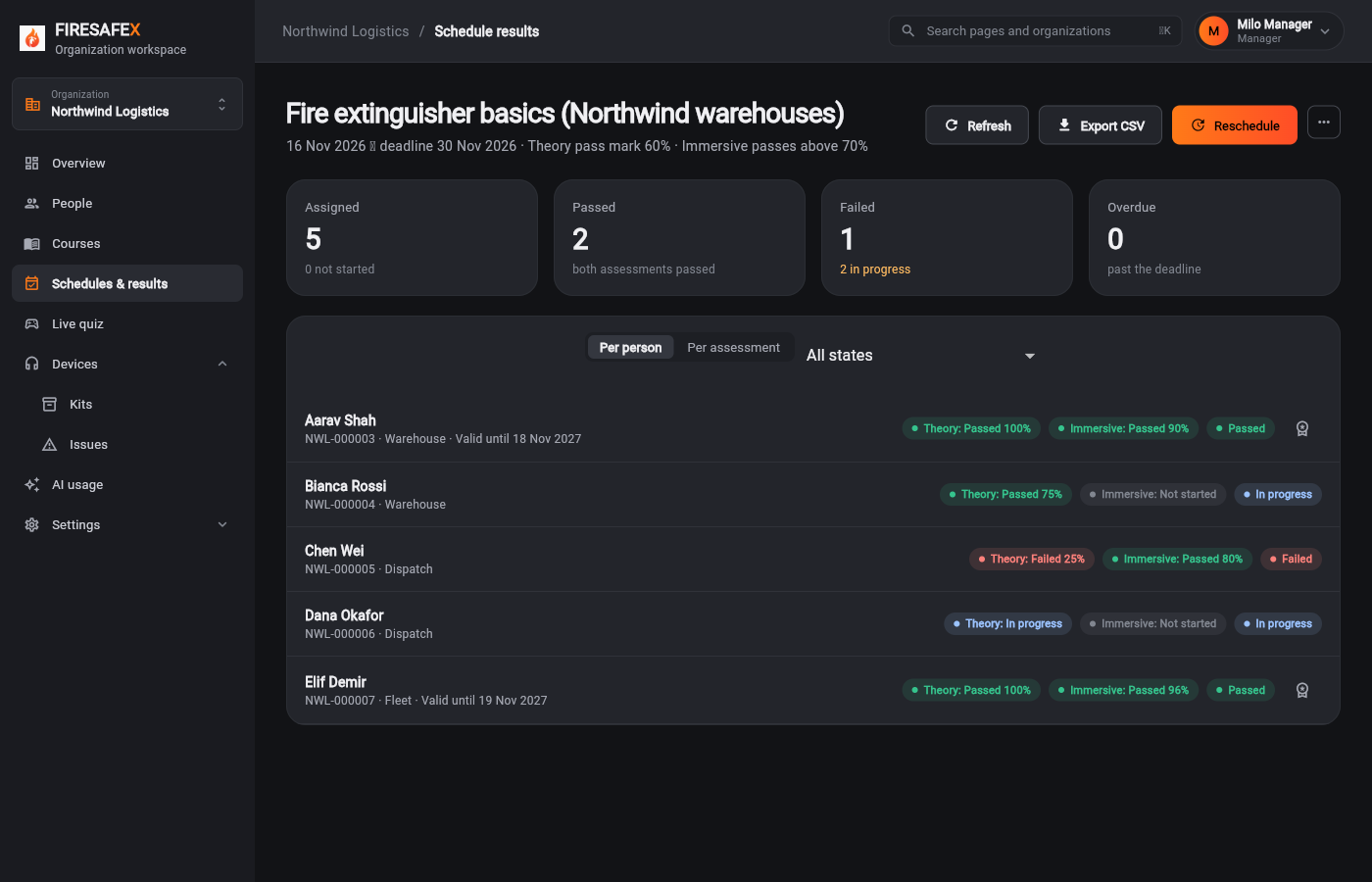
Signed in as Milo Manager · Manager
Step for: Org admin · ManagerScreenshots as Manager, Quest simulatorRoles matchAlso as Quest simulator, by design
Signed in as Milo Manager · ManagerQuest simulator
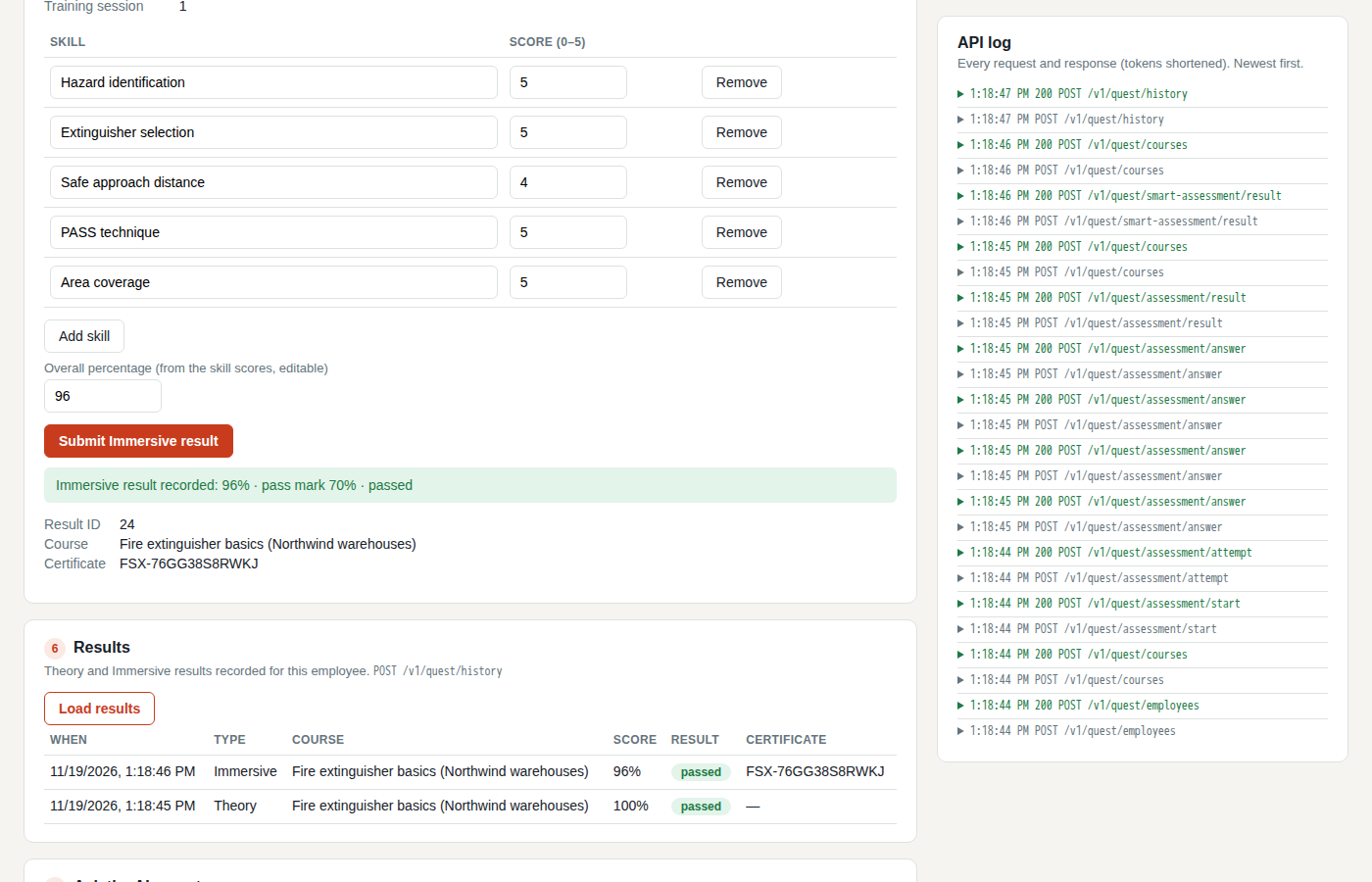
Also as Quest simulator The rescheduled employee retakes on the Quest, so the follow-up shows the new result.
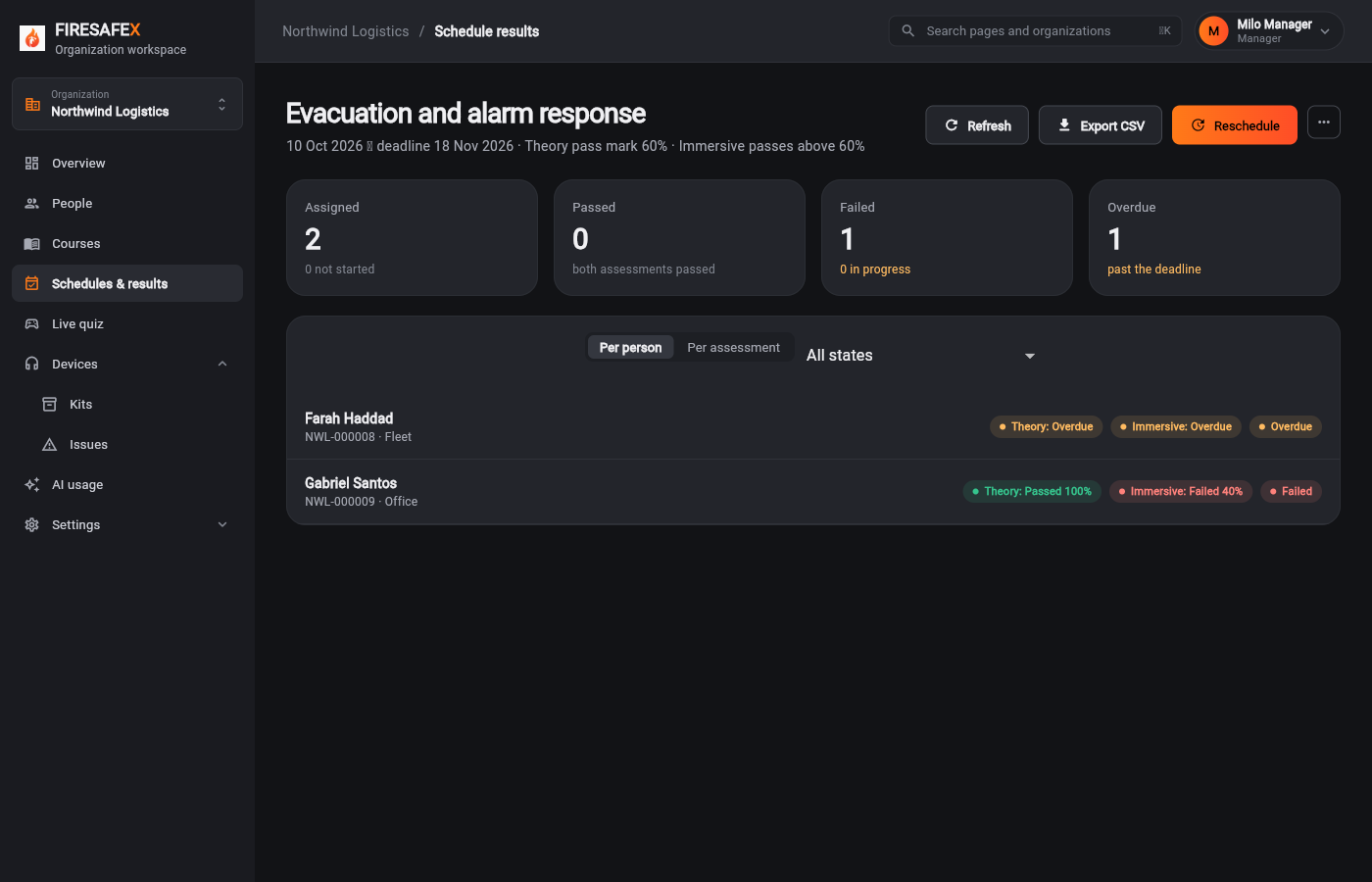 058Ended schedule overdue and failed
Signed in as Milo Manager · Manager
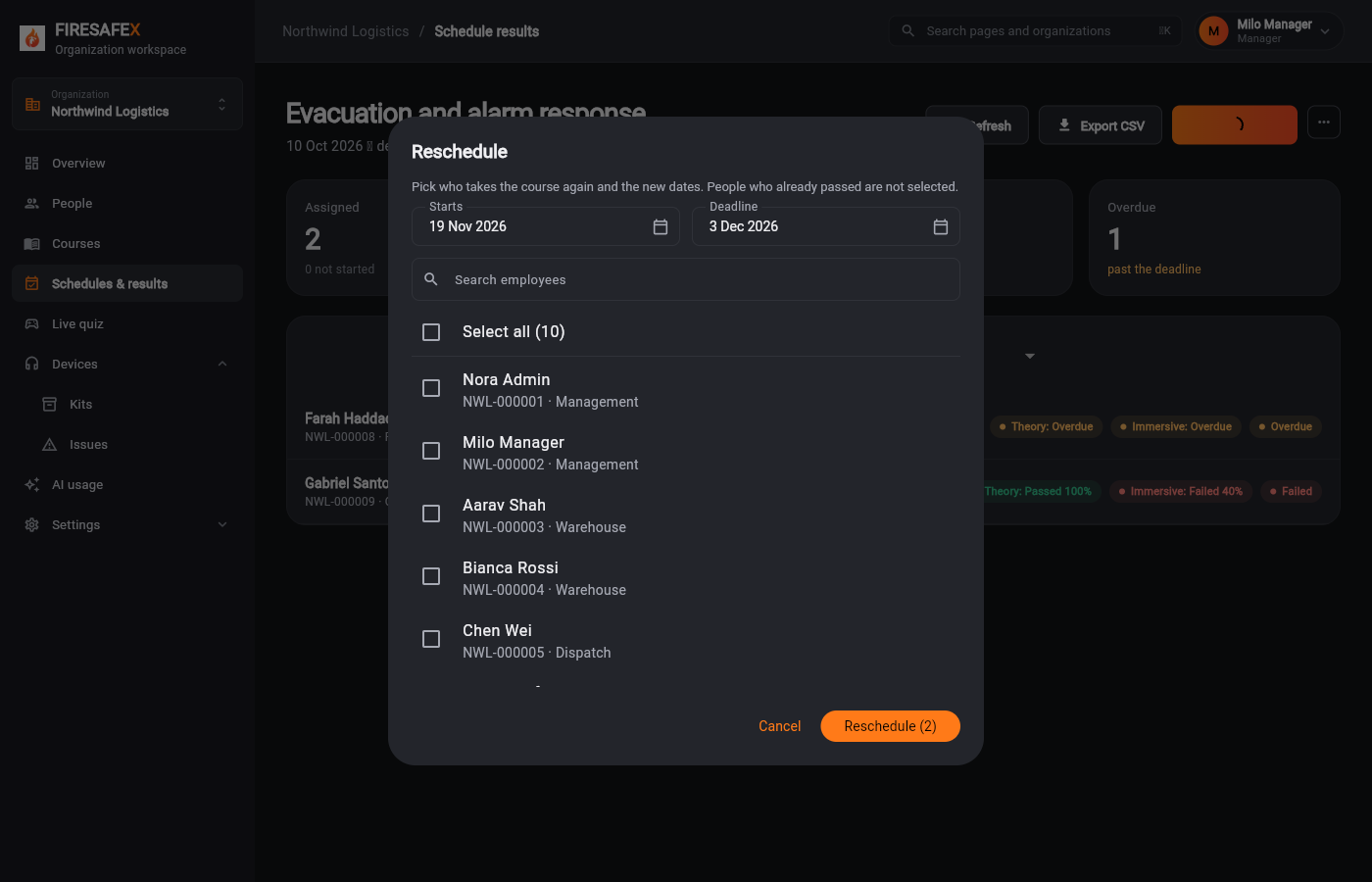 059Reschedule dialog preselected
Signed in as Milo Manager · Manager
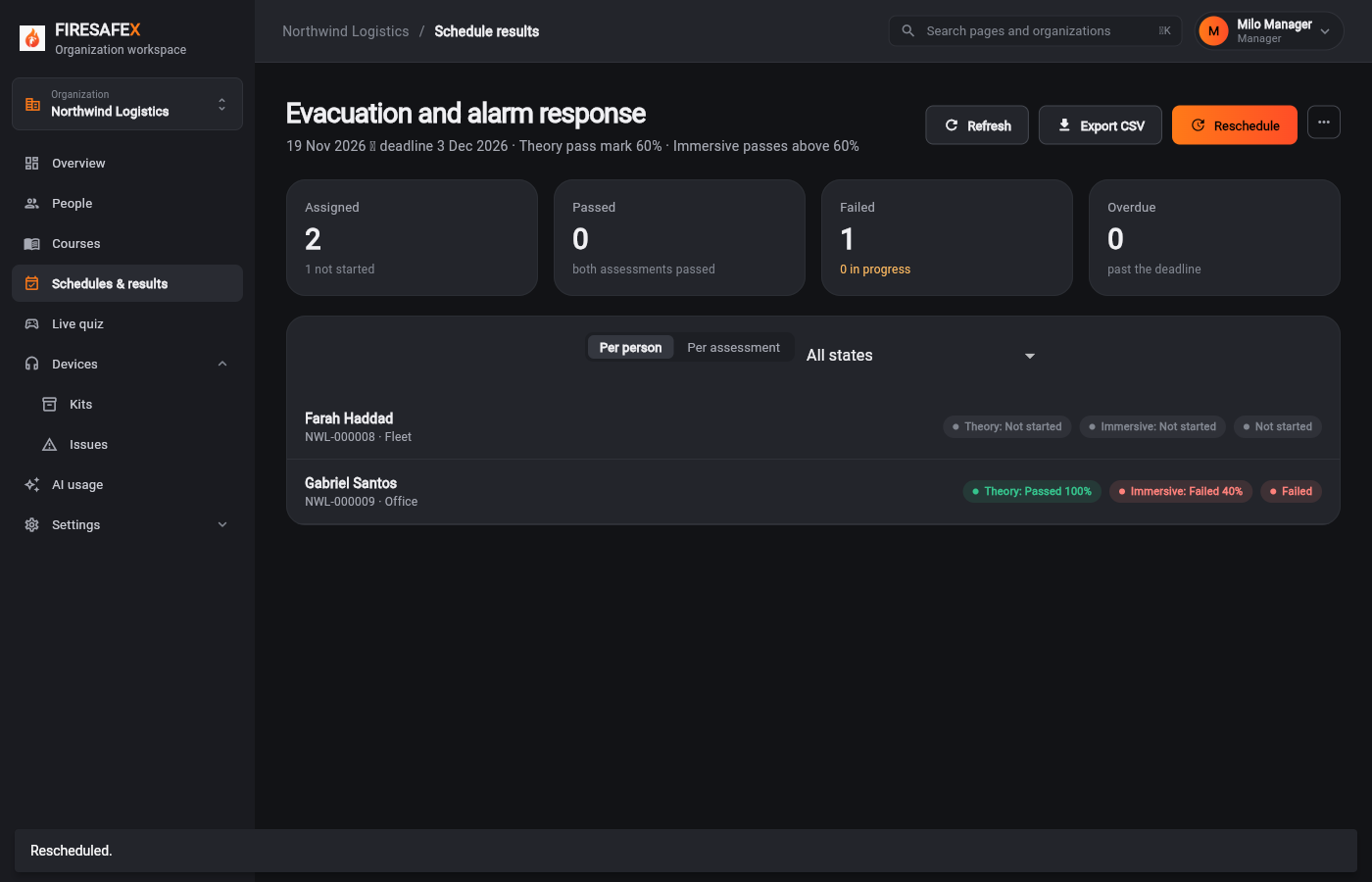 060Rescheduled new deadline
Signed in as Milo Manager · Manager
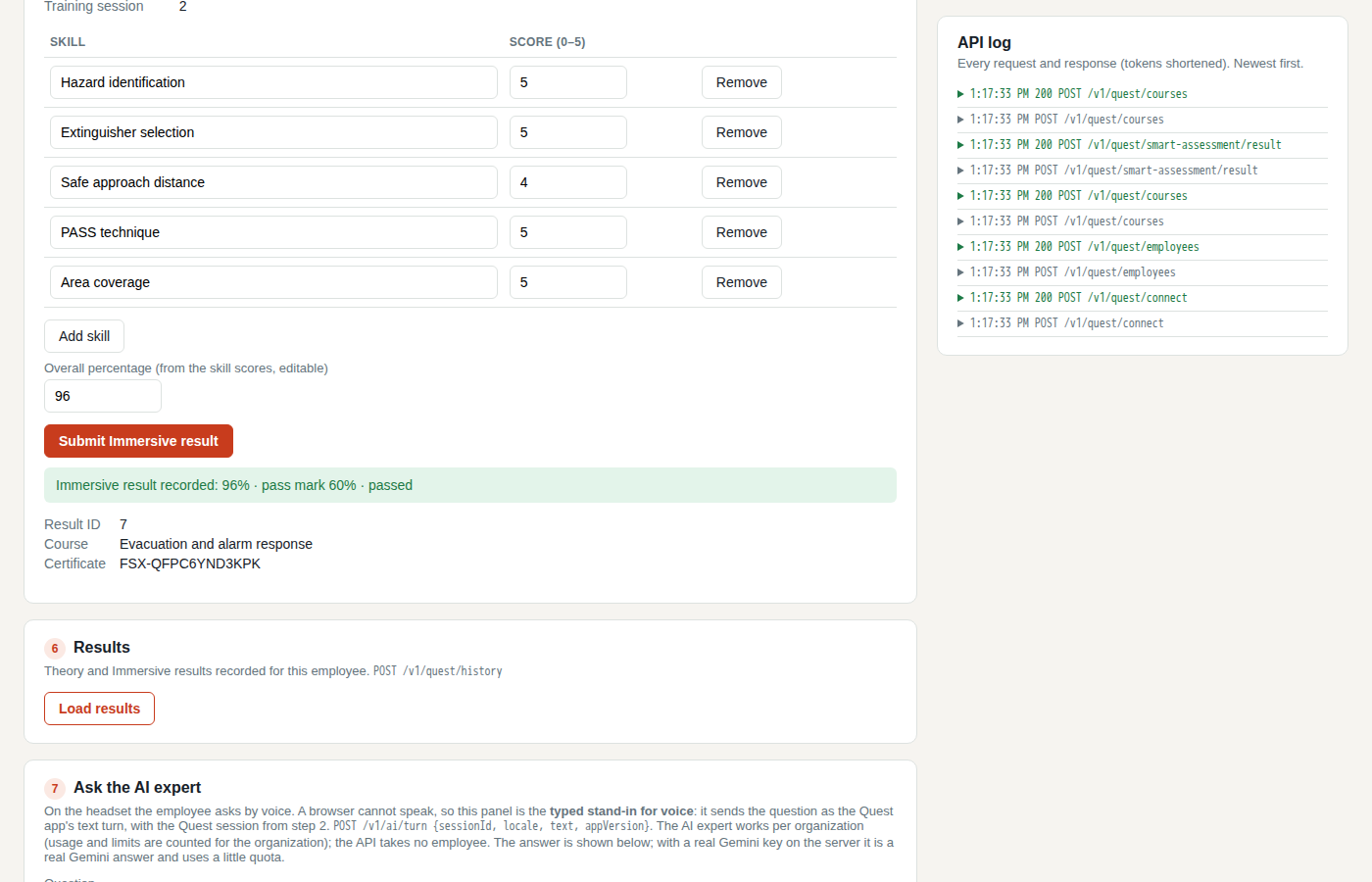 061Quest retake after reschedule
Quest simulatorOther role, by design
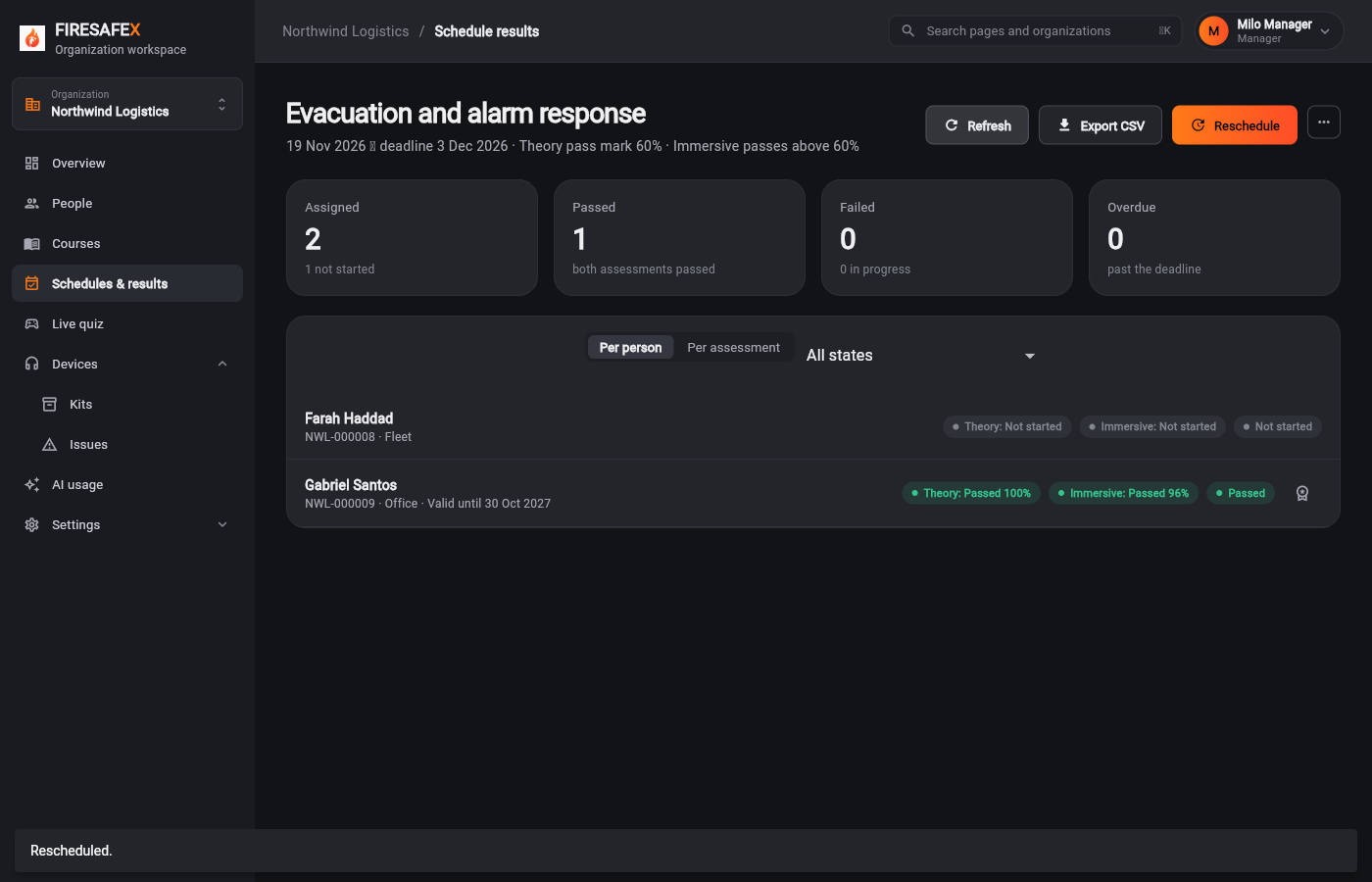 062Follow up passed after retake
Signed in as Milo Manager · Manager
Flow 4
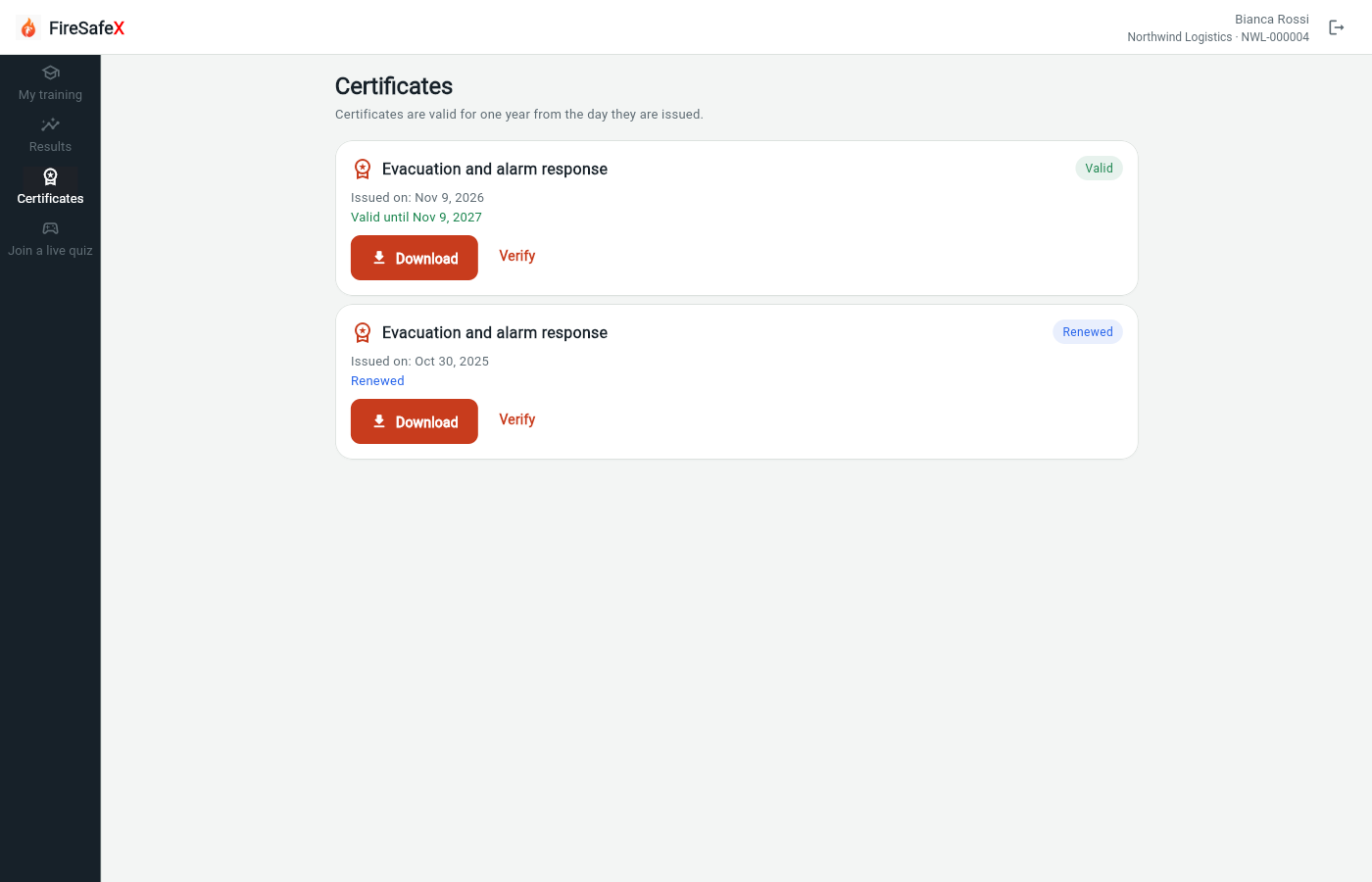
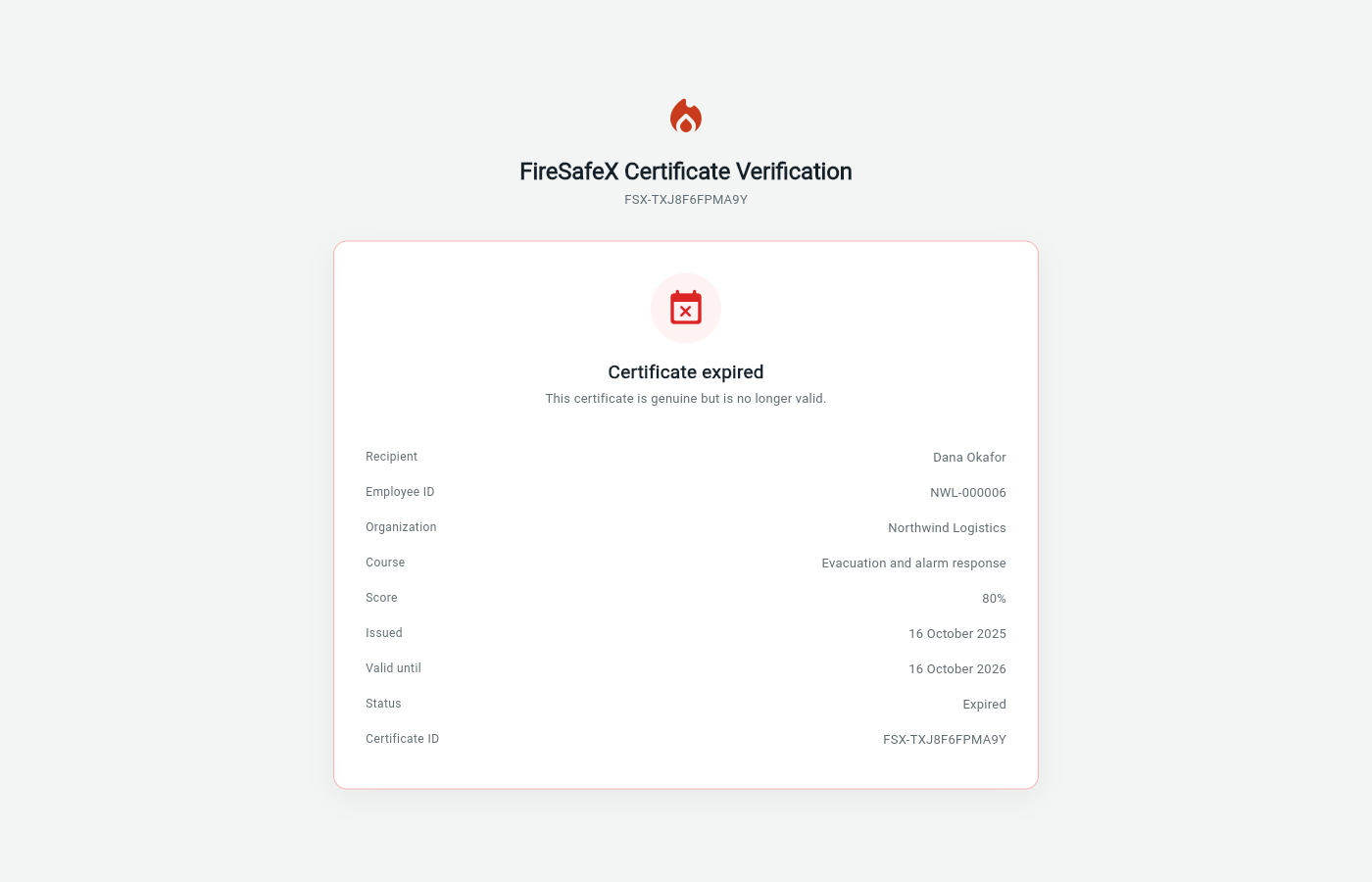
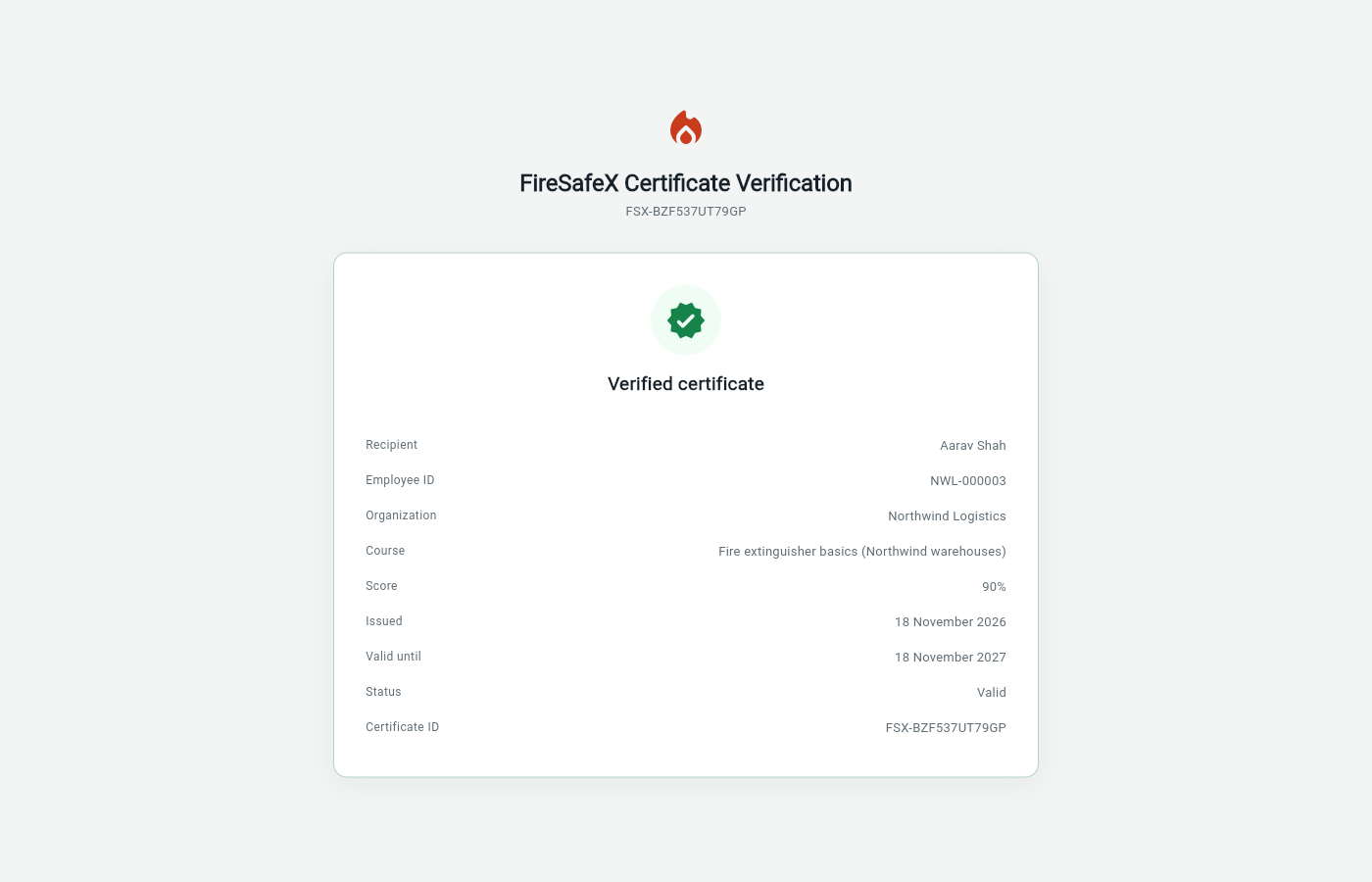
Certificates expire 1 year after they are issued
Step for: EmployeeScreenshots as EmployeeRoles match
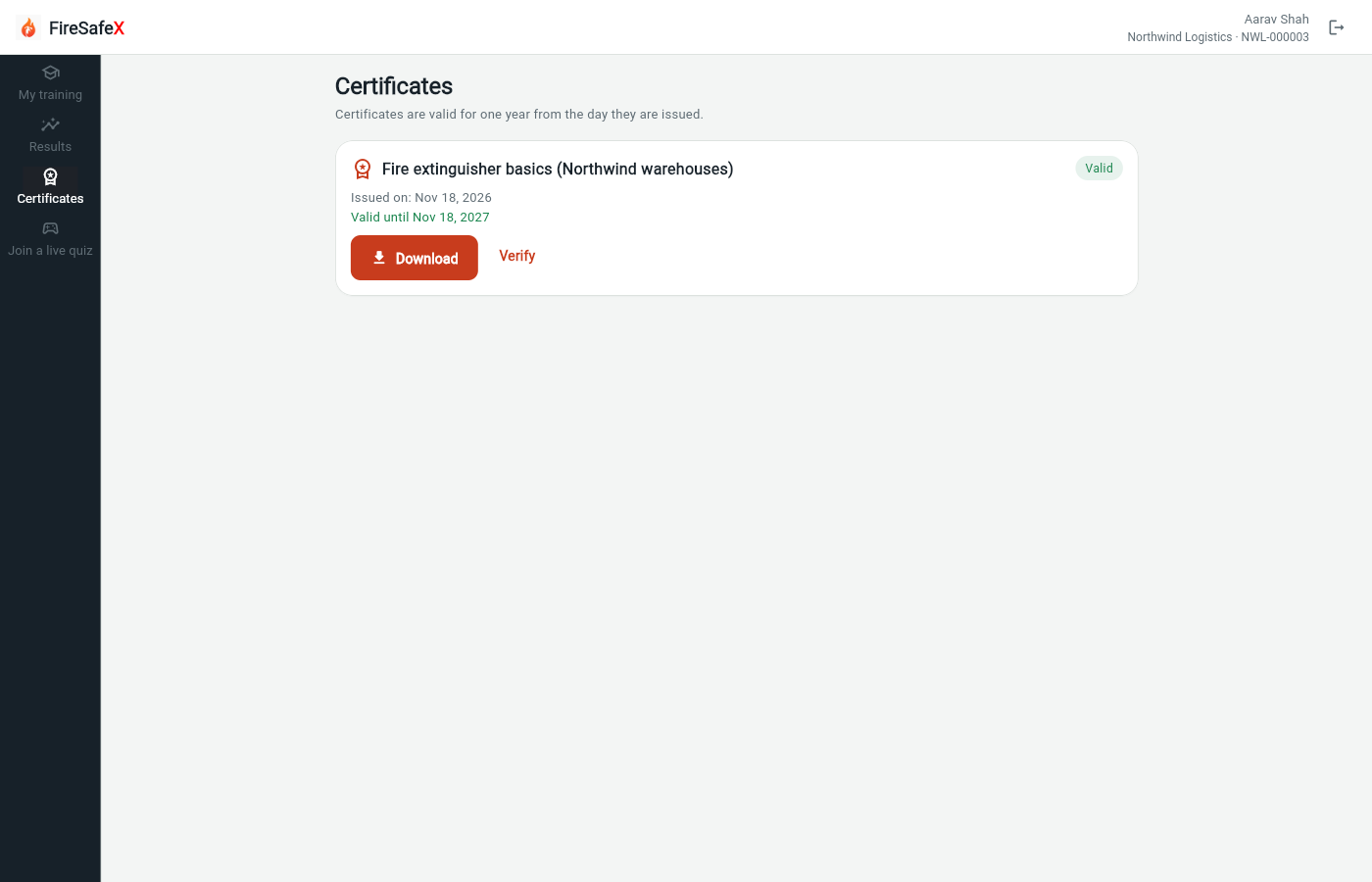
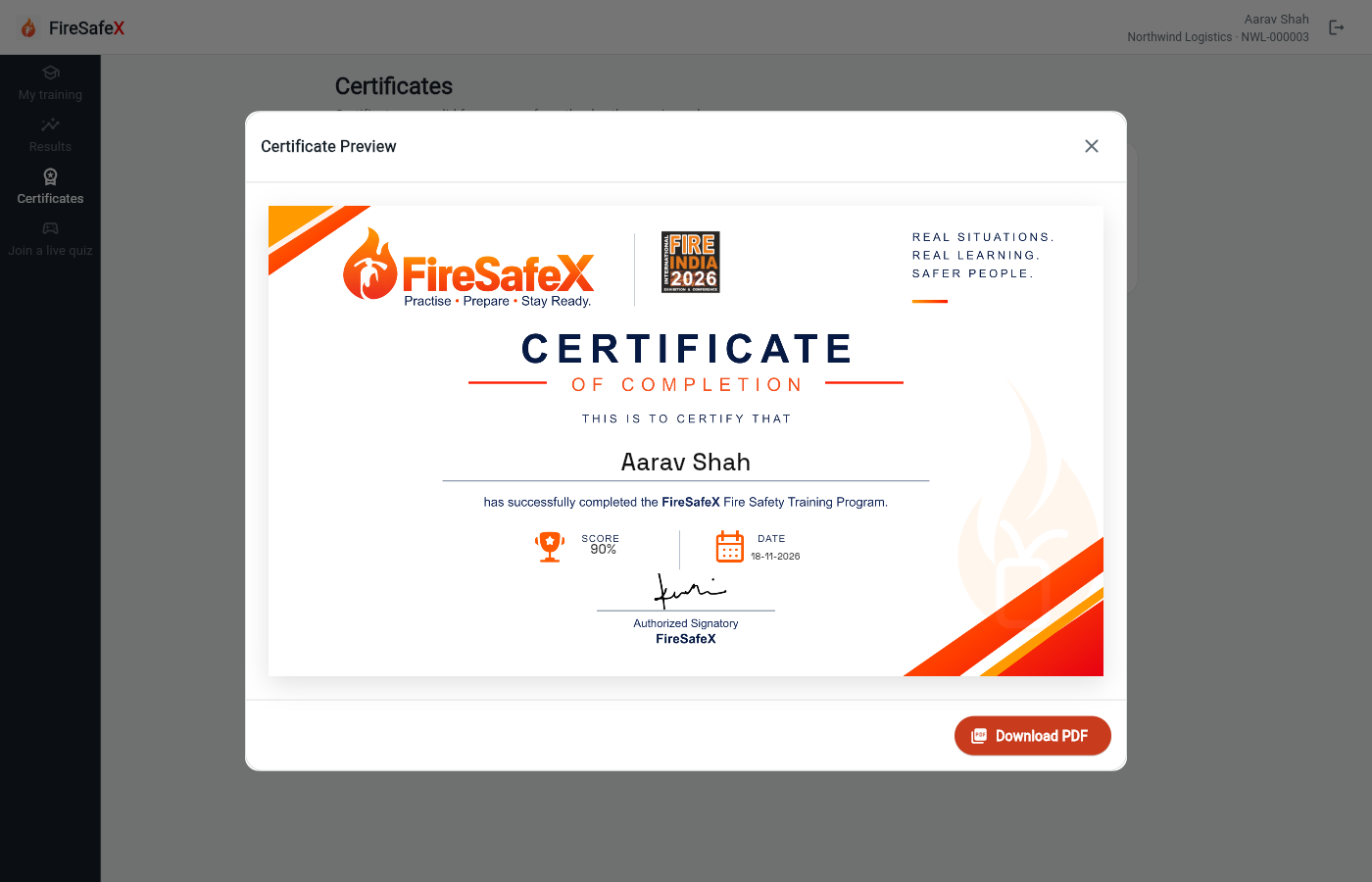
Signed in as Employee app: Aarav Shah · NWL-000003
Step for: Org admin · ManagerScreenshots as Org adminRoles match
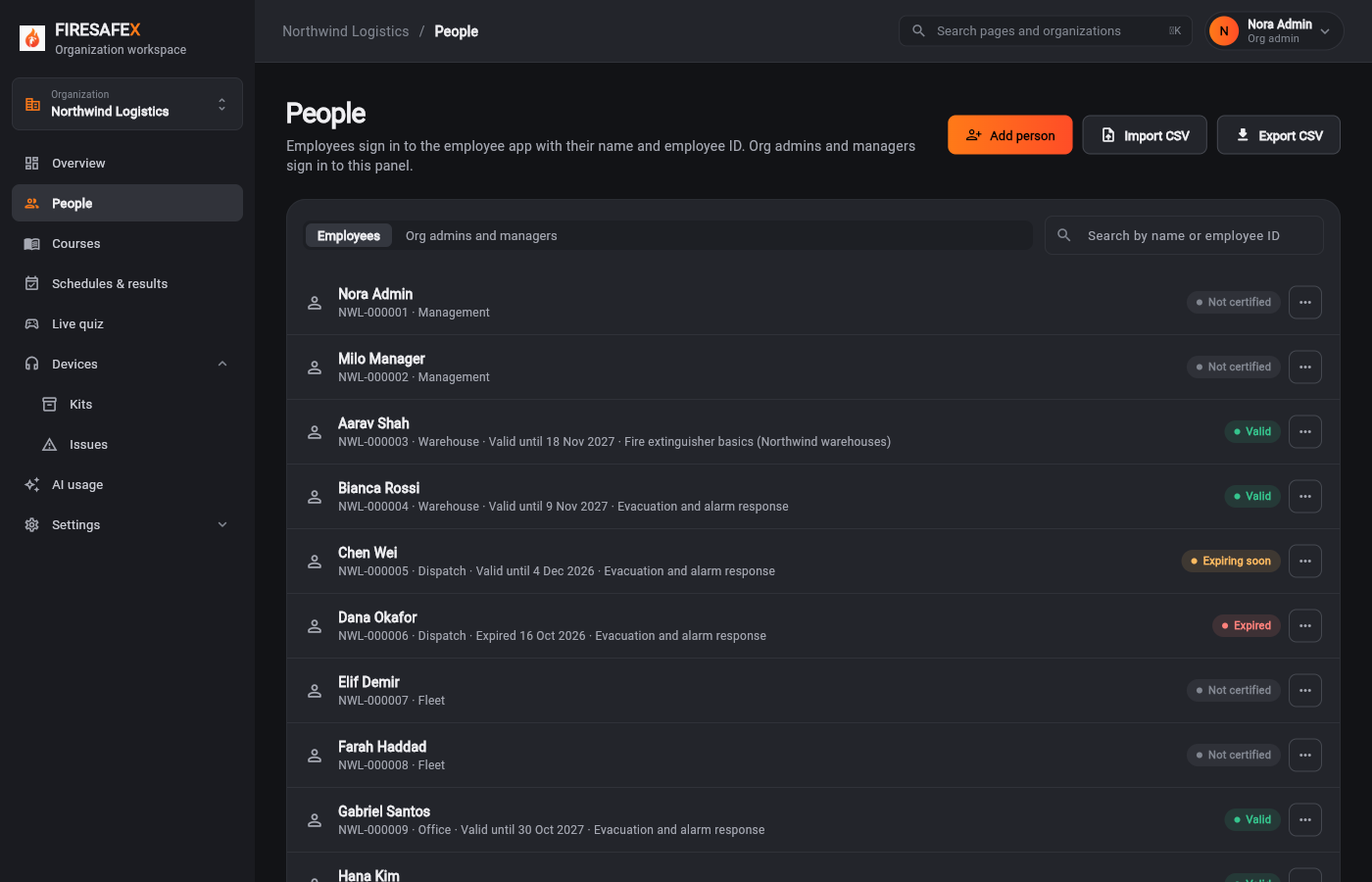
Signed in as Nora Admin · Org admin
One test covers steps 4.2, 4.3 and 4.6.
Step for: Org admin · Manager + EmployeeScreenshots as Employee, Org adminRoles match
Tested with 4.2/4.3/4.6, shown under step 4.2.
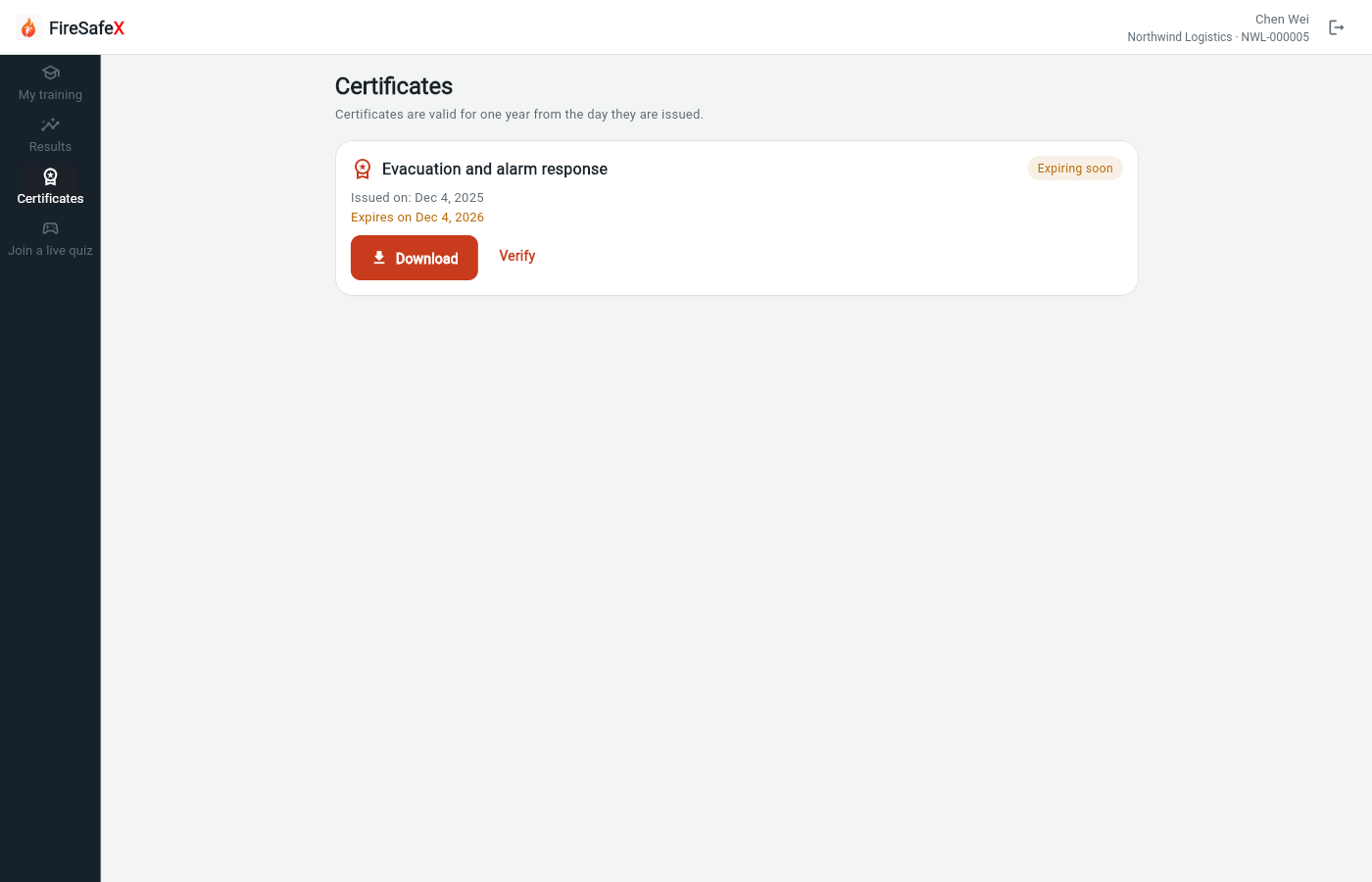
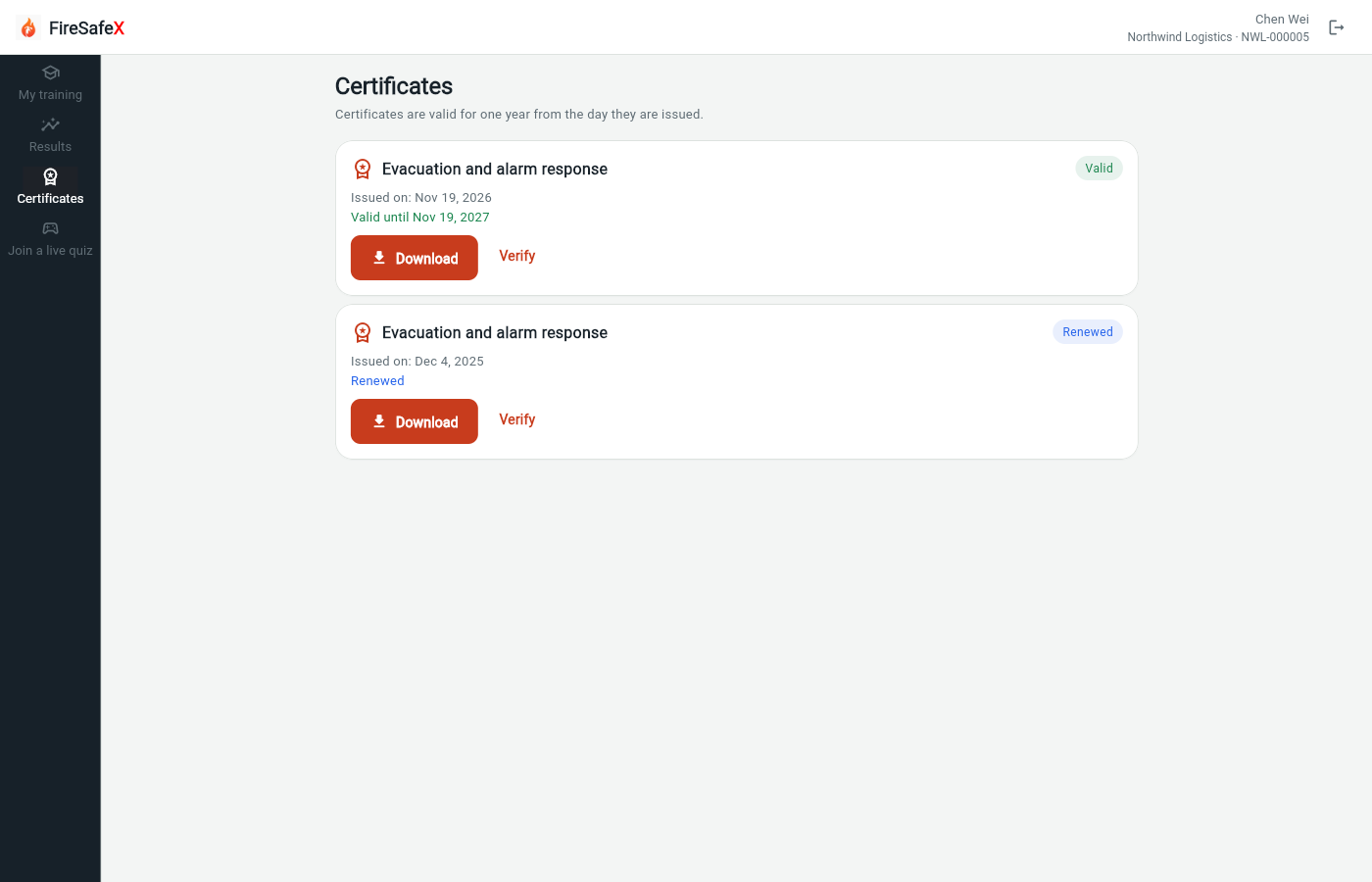
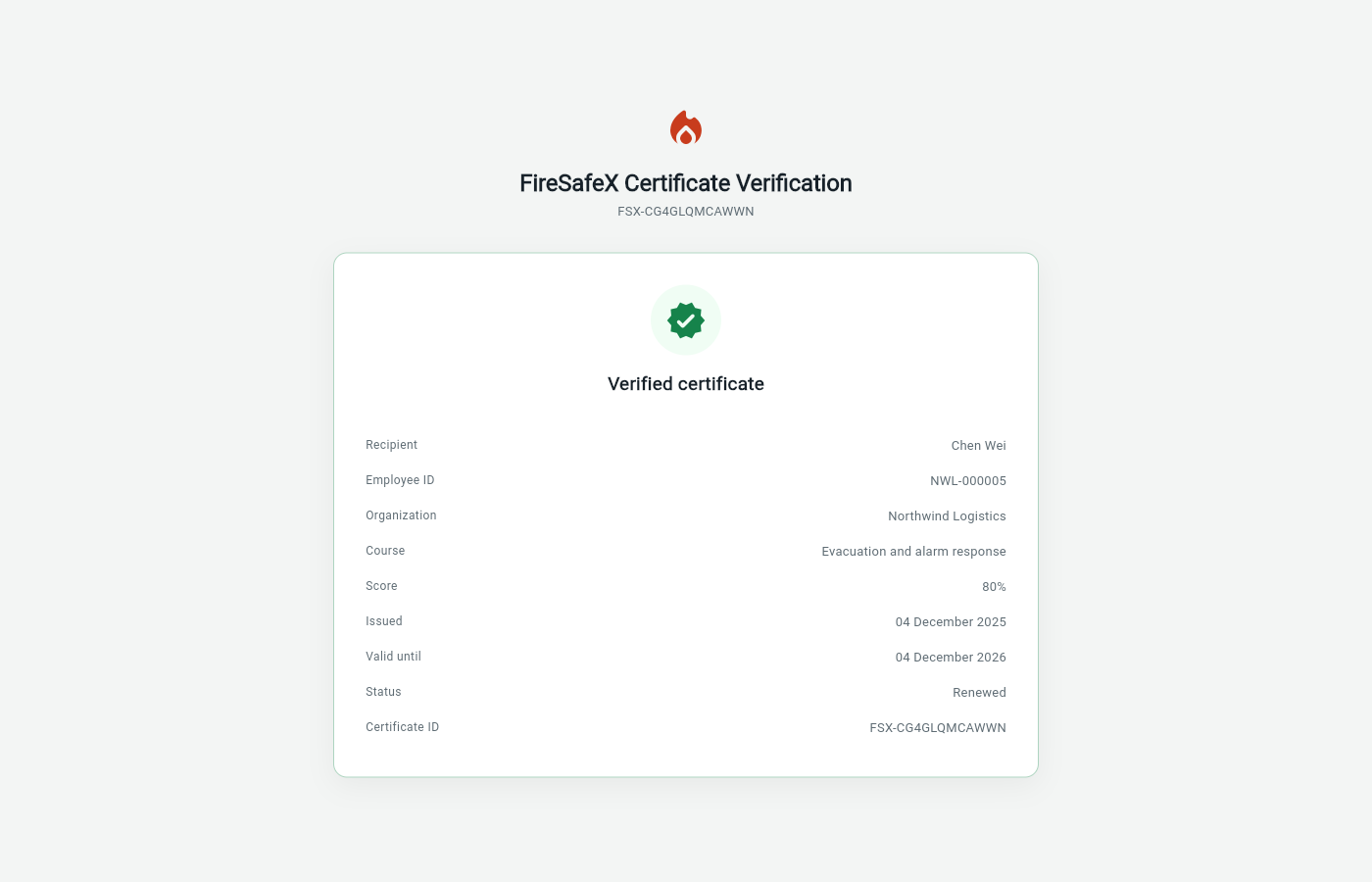
Signed in as Employee app: Chen Wei · NWL-000005
Step for: Org admin · ManagerScreenshots as Org adminRoles match
Signed in as Nora Admin · Org admin
Step for: EmployeeScreenshots as Employee, Org adminRoles matchAlso as Org admin, by design
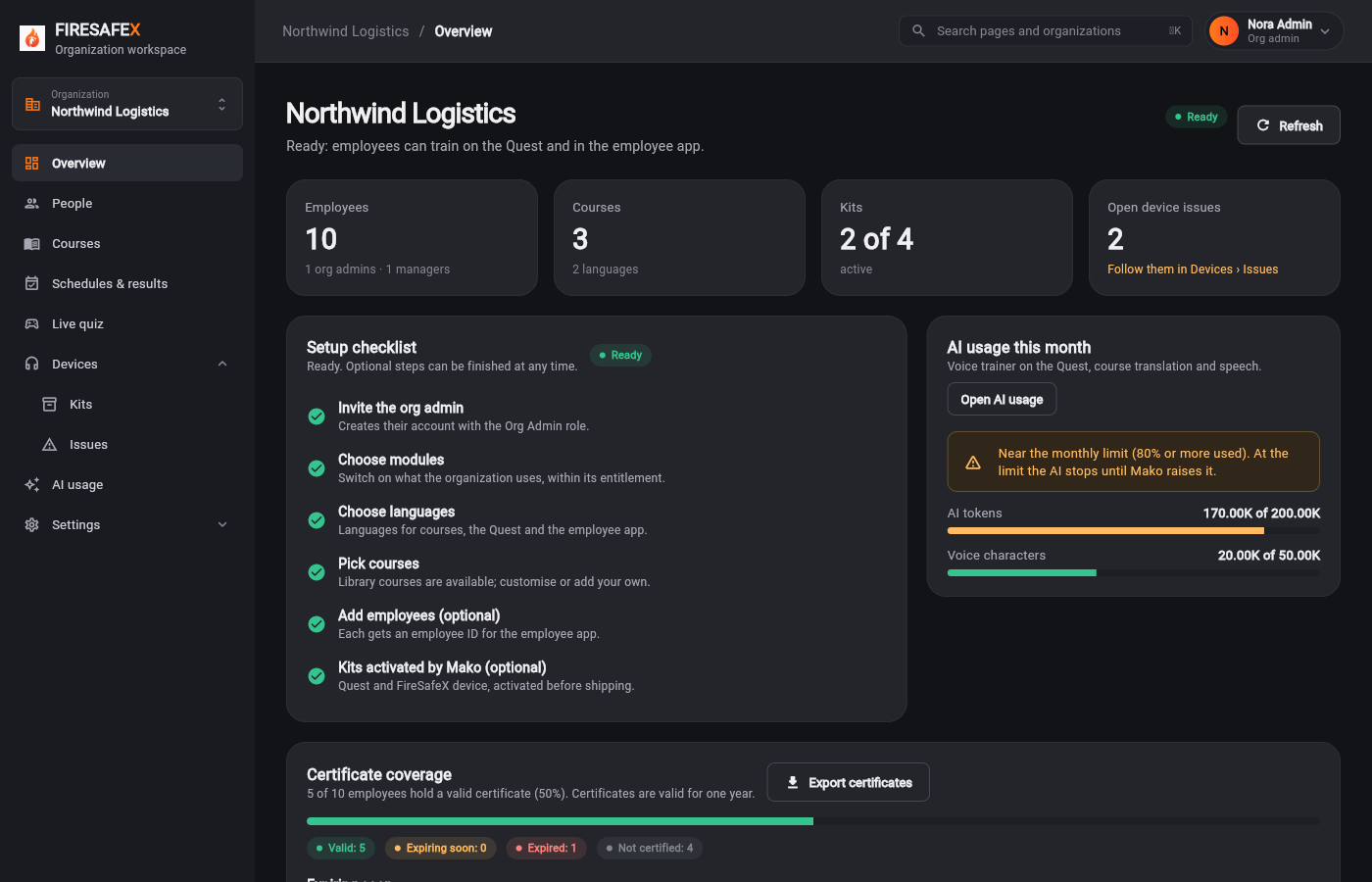
Signed in as Employee app: Chen Wei · NWL-000005Public page (Employee app: Chen Wei · NWL-000005)Nora Admin · Org admin
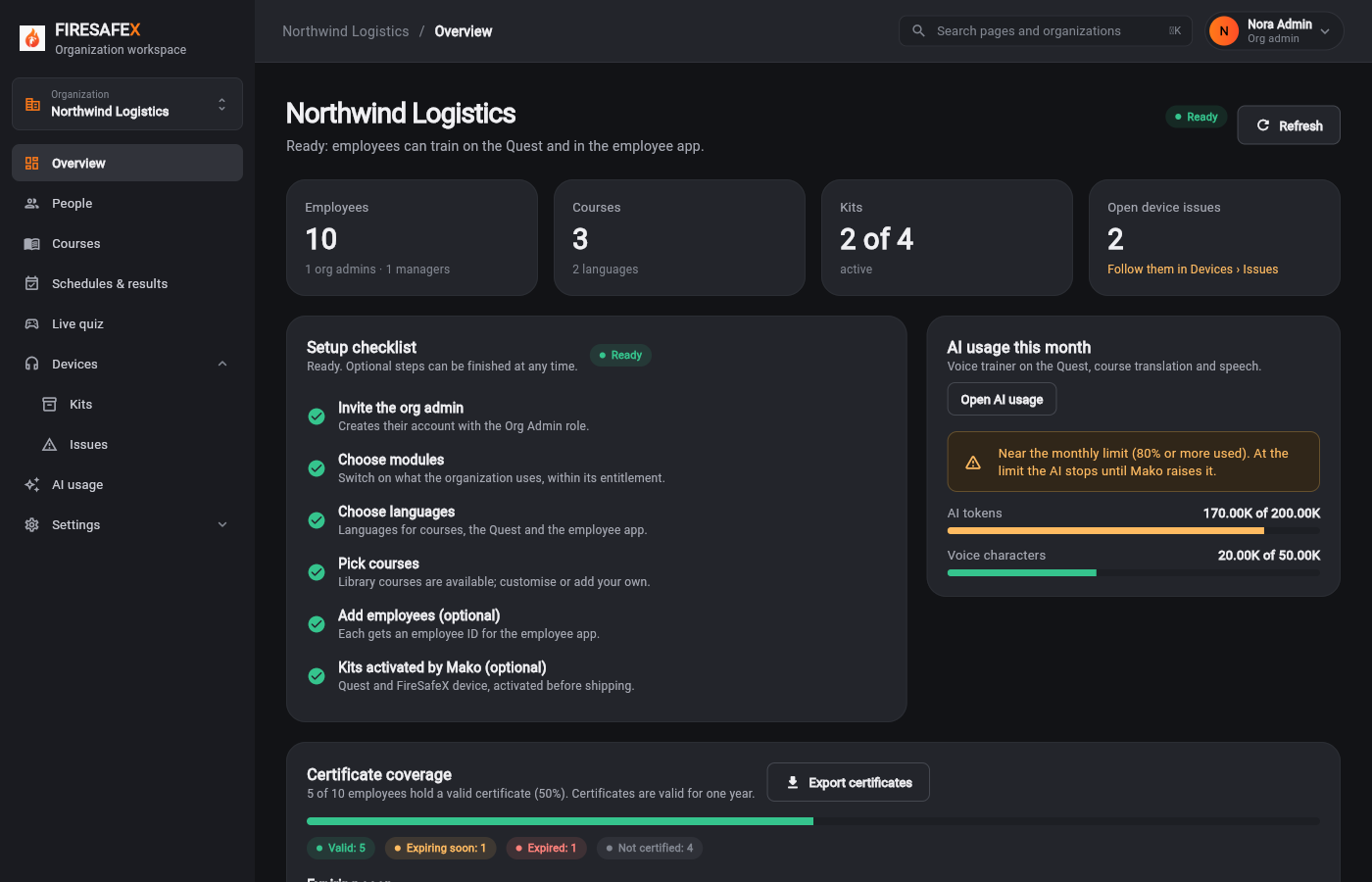
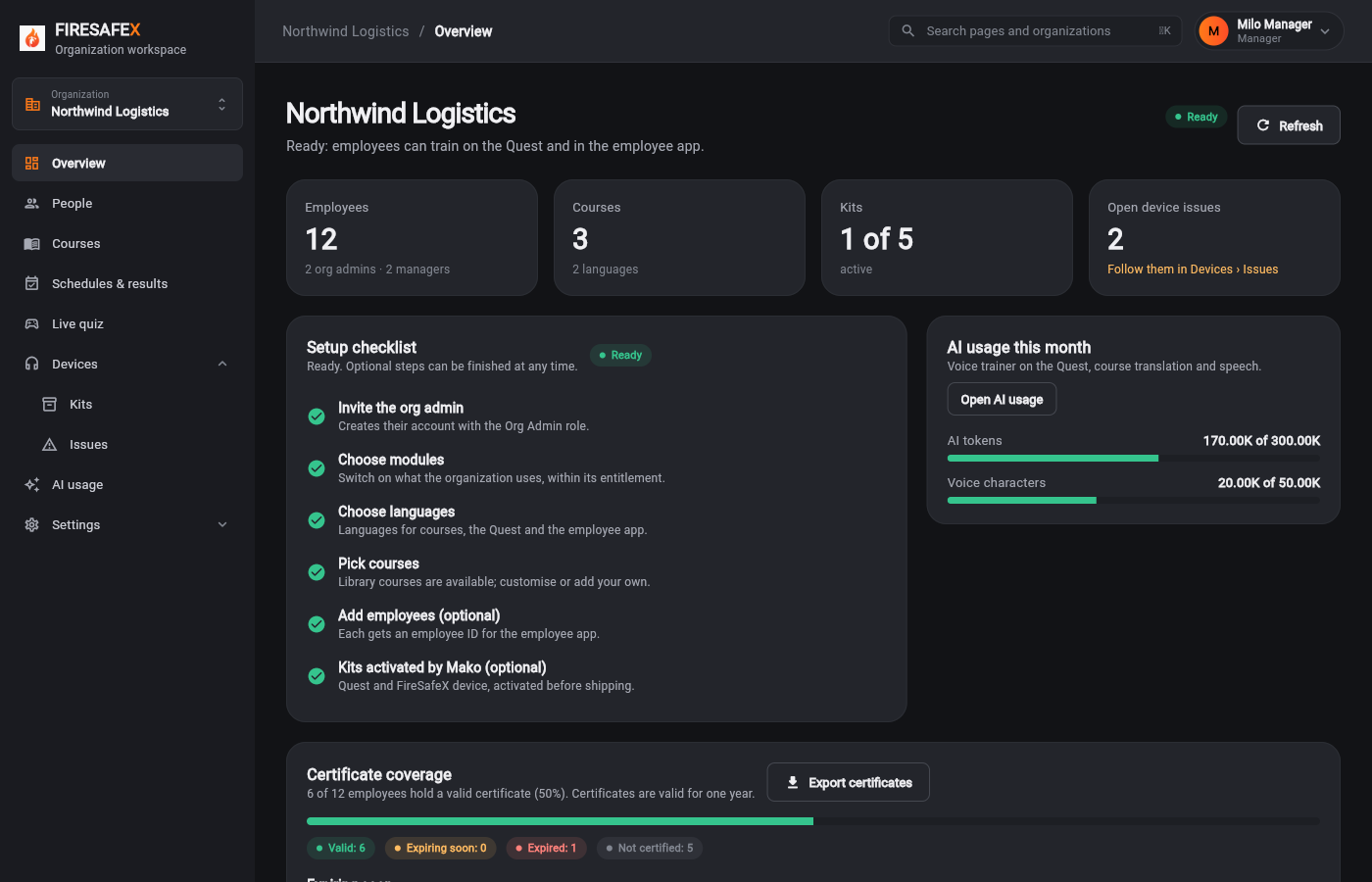
Also as Org admin The org admin checks the coverage on Overview after the renewal.
Step for: Employee + Org admin · ManagerScreenshots as Employee, Org adminRoles match
Tested with 4.2/4.3/4.6, shown under step 4.2.
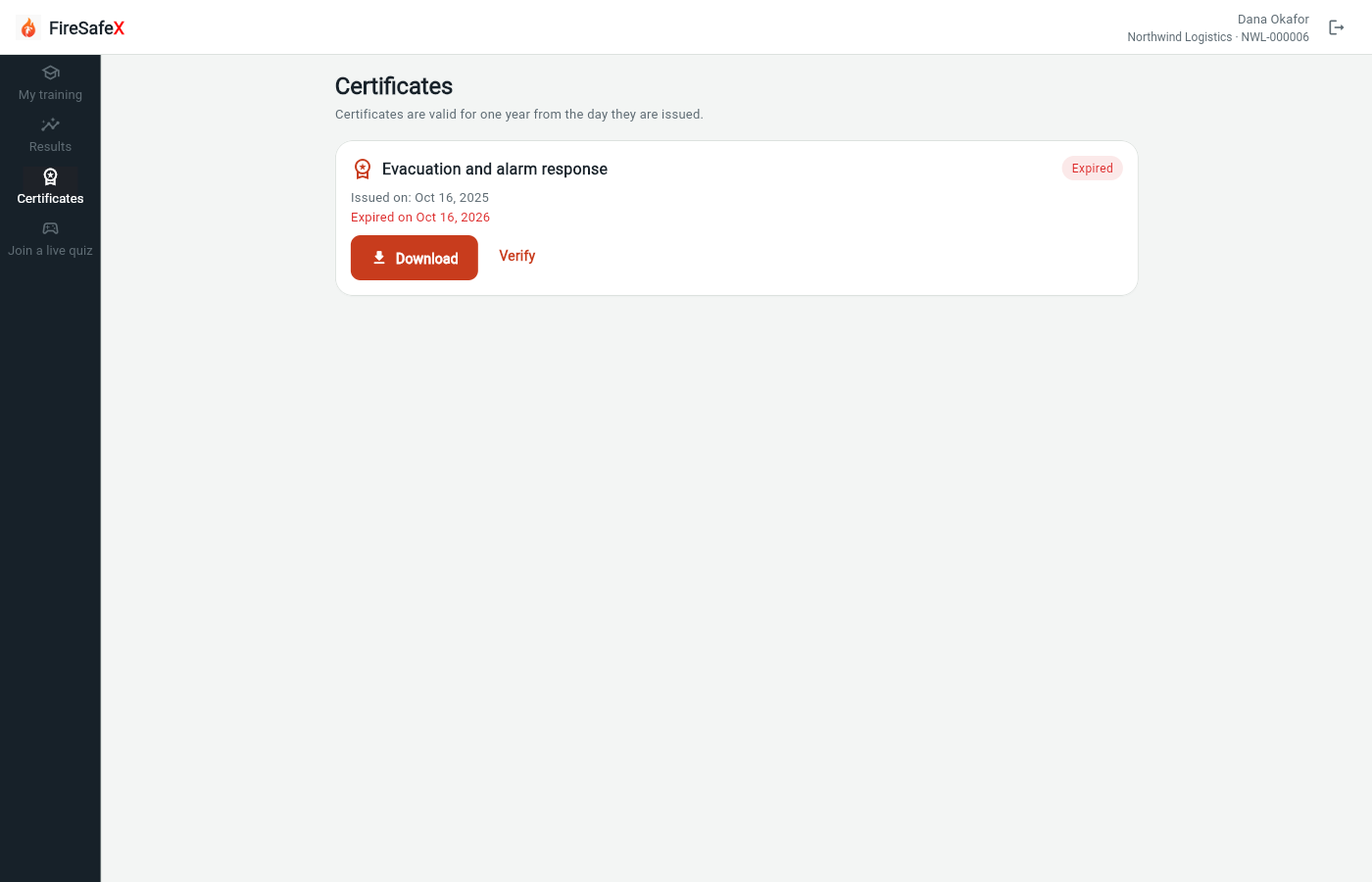
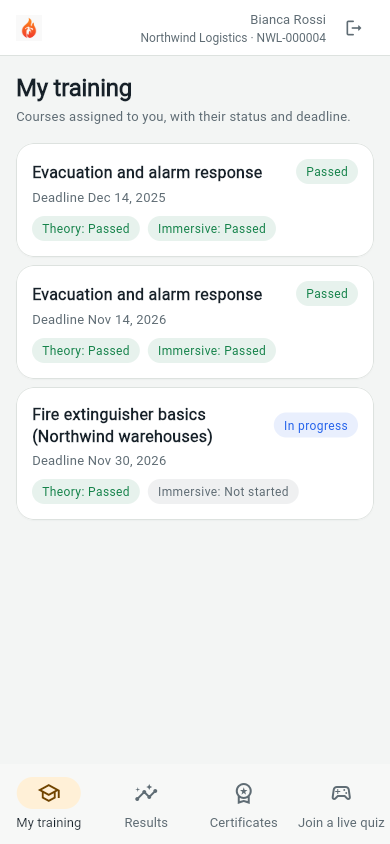
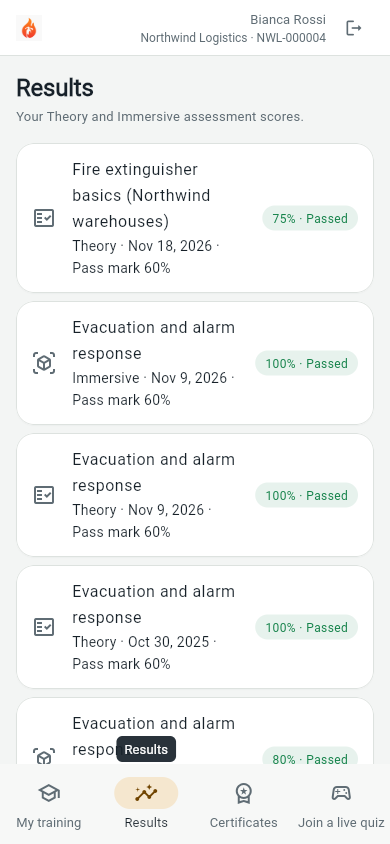
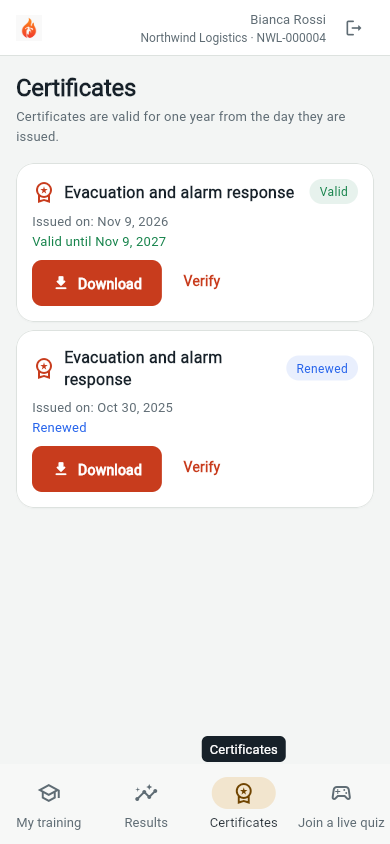
Signed in as Employee app: Dana Okafor · NWL-000006Employee app: Bianca Rossi · NWL-000004
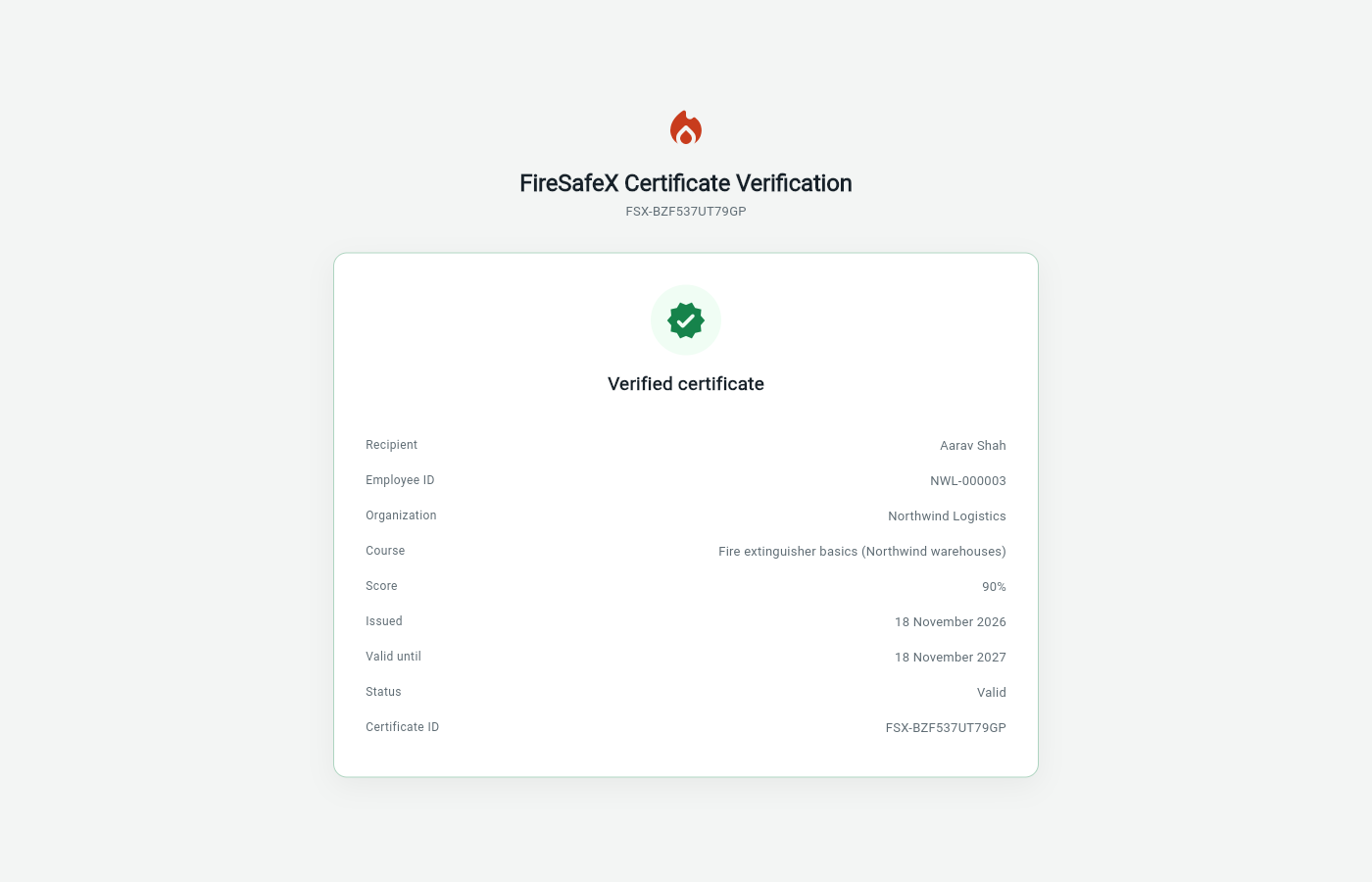
Signed in as Public page (signed out)Public page (signed in as Nora Admin · Org admin)
Flow 5
Nothing is typed on the headset: no organization code, no name, no employee ID, no PIN
Step for: Quest headsetScreenshots as Quest simulatorRoles match
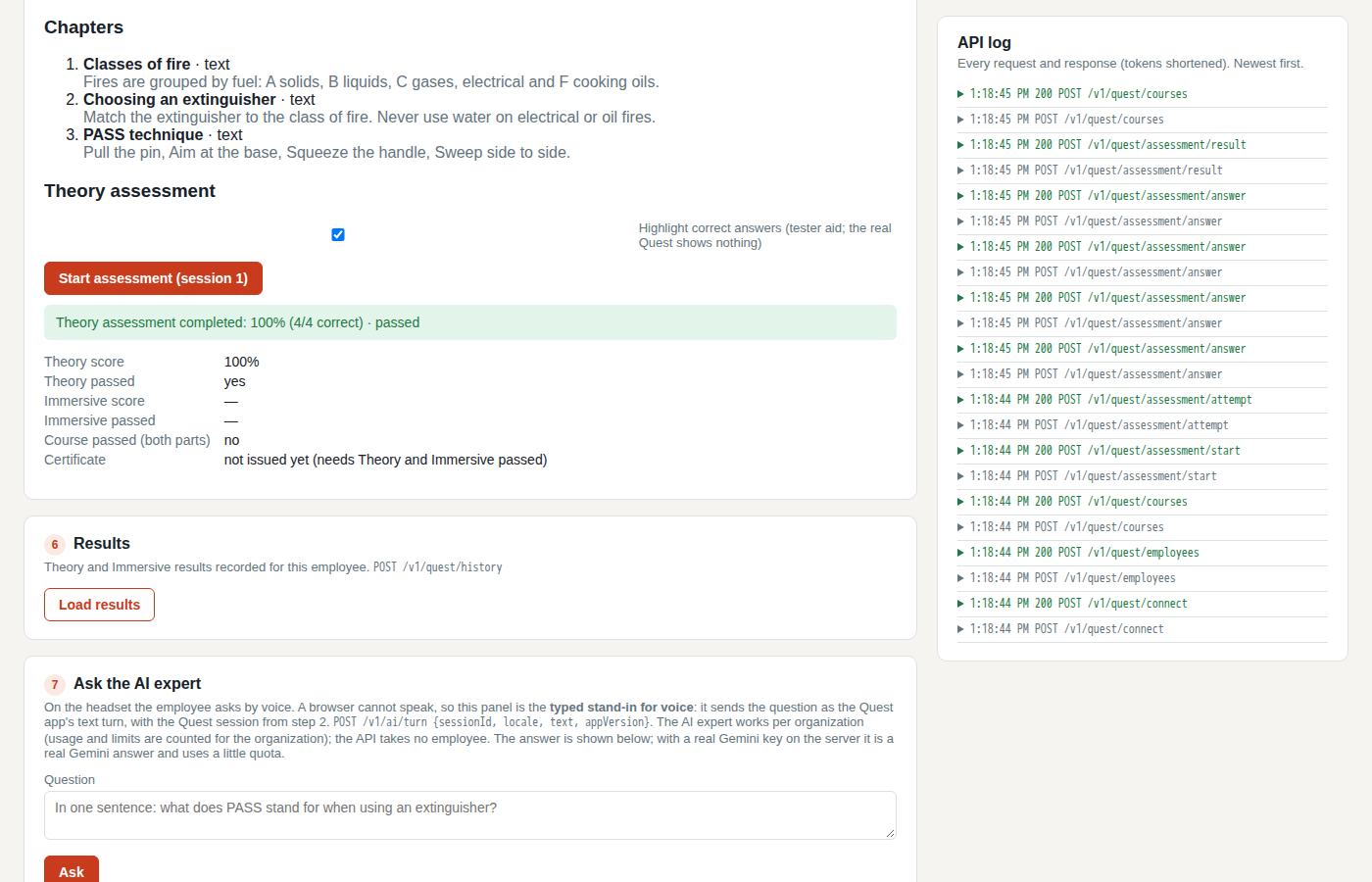
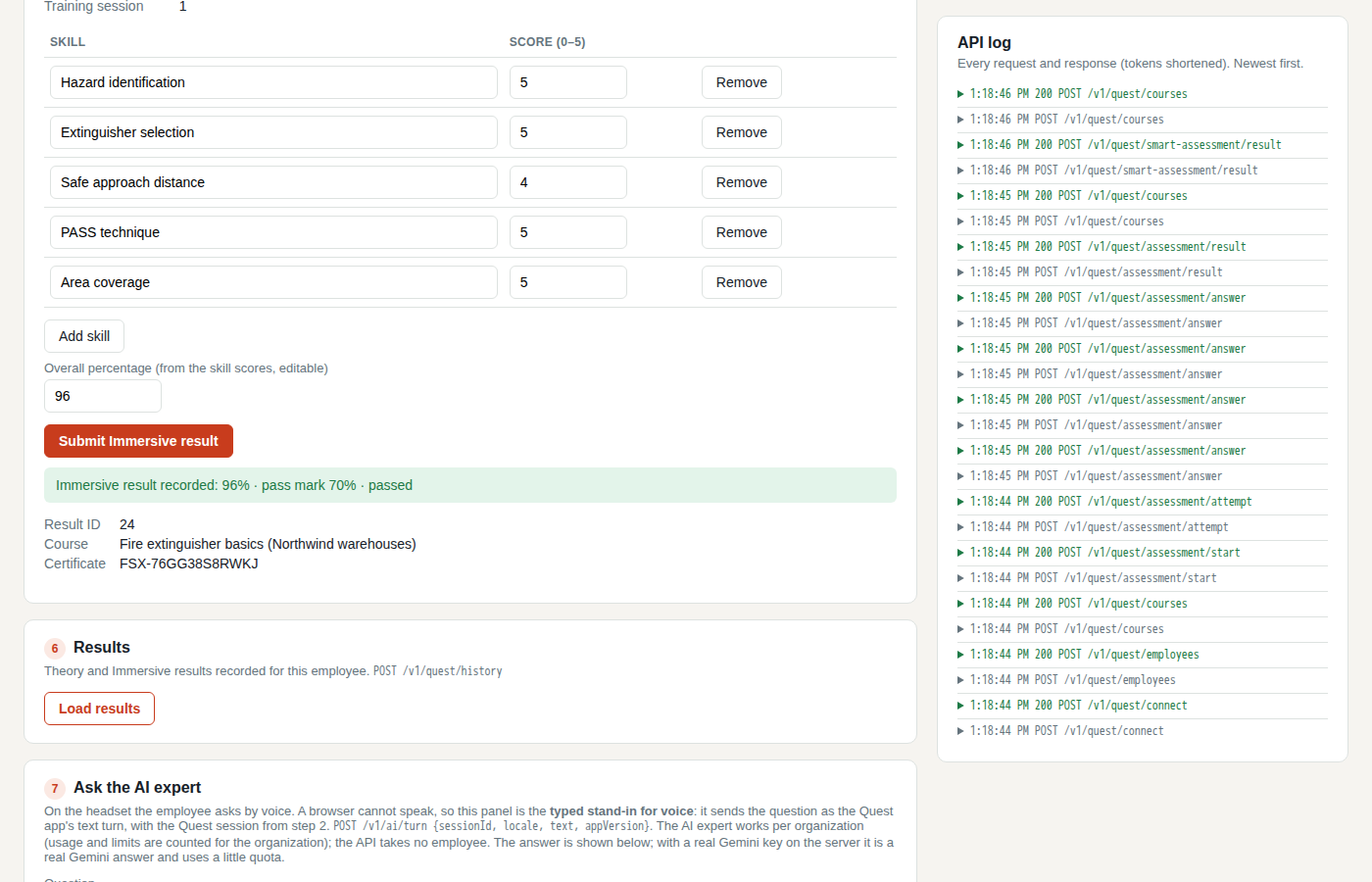
Signed in as Quest simulator
One test covers steps 5.1 to 5.3.
Step for: Quest headsetScreenshots as Quest simulatorRoles match
Tested with 5.1–5.3, shown under step 5.1.
Step for: EmployeeScreenshots as Quest simulatorRoles match
Tested with 5.1–5.3, shown under step 5.1.
Step for: EmployeeScreenshots as Quest simulatorRoles match
Signed in as Quest simulator
One test covers steps 5.4, 5.5, 5.6, 5.8 and 5.9.
Step for: Quest headsetScreenshots as Quest simulatorRoles match
Tested with 5.4–5.6/5.8–5.9, shown under step 5.4.
Step for: Quest headset + FireSafeX deviceScreenshots as Quest simulatorRoles match
Tested with 5.4–5.6/5.8–5.9, shown under step 5.4.
Step for: EmployeeScreenshots as Quest simulatorRoles match
Signed in as Quest simulator
Step for: Quest headsetScreenshots as Quest simulatorRoles match
Tested with 5.4–5.6/5.8–5.9, shown under step 5.4.
Step for: EmployeeScreenshots as Quest simulatorRoles match
Tested with 5.4–5.6/5.8–5.9, shown under step 5.4.
Tests in this flow that check something next to the numbered steps.
Signed in as Quest simulator
Signed in as Milo Manager · Manager
Flow 6
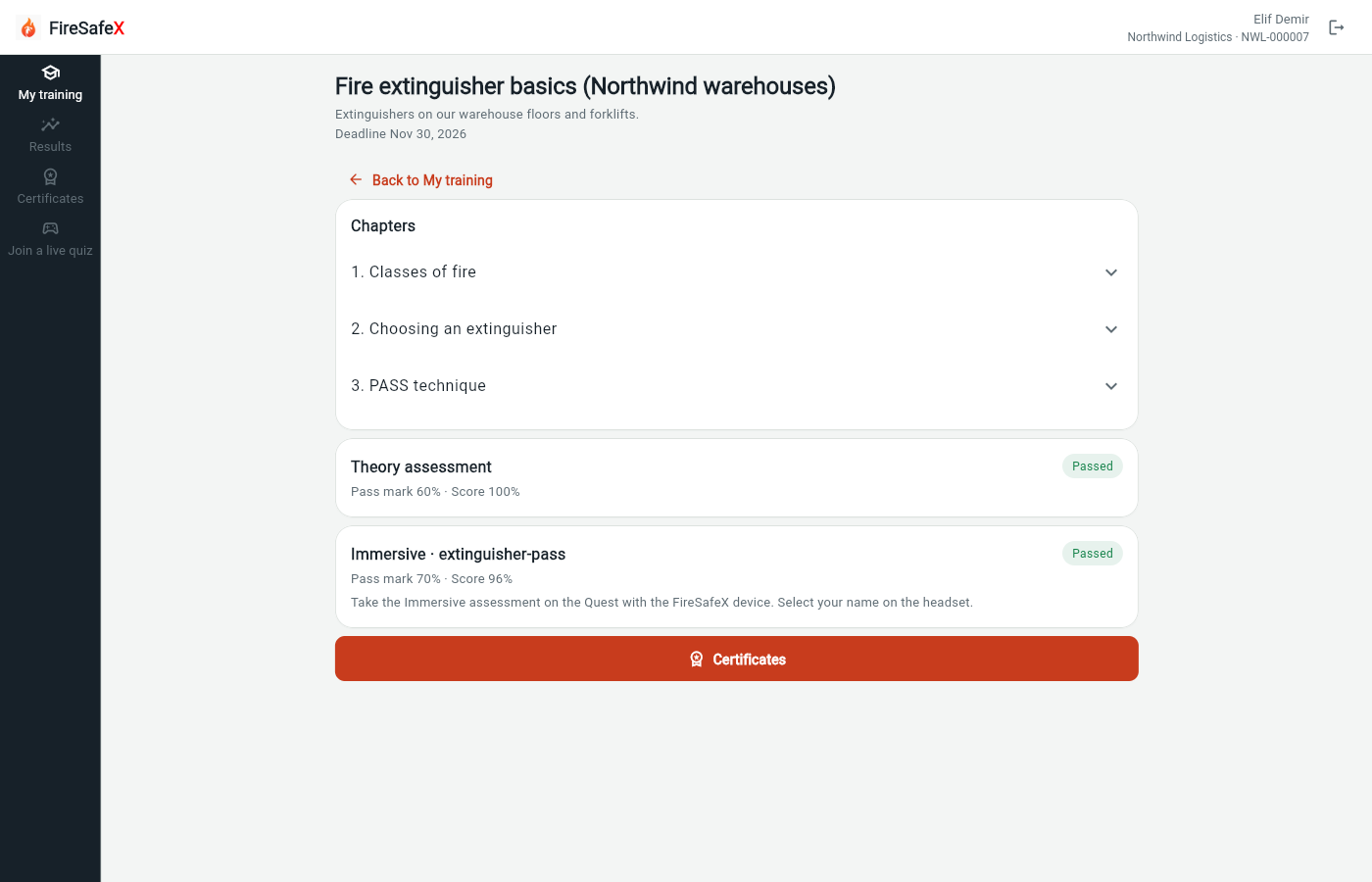
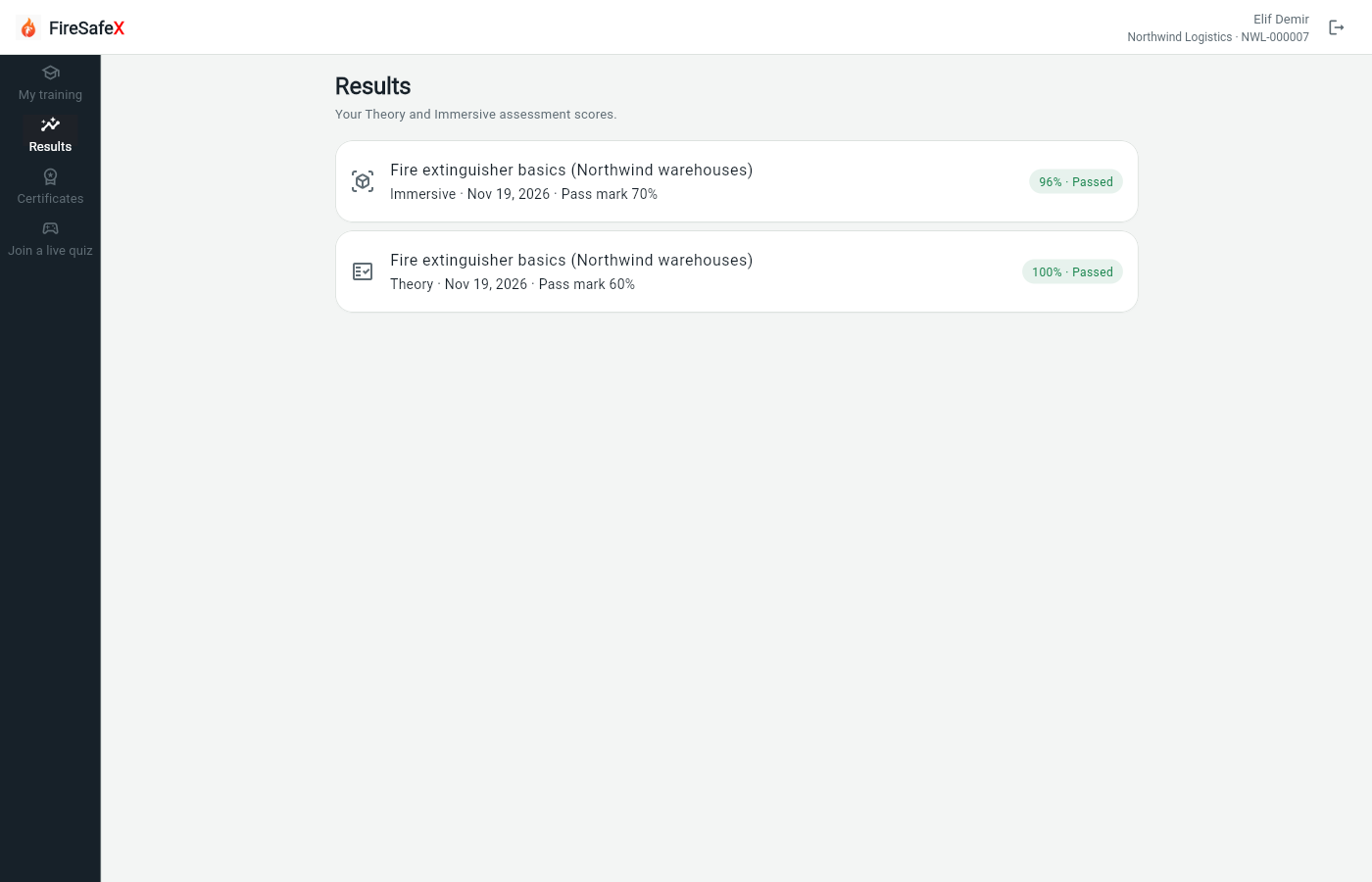
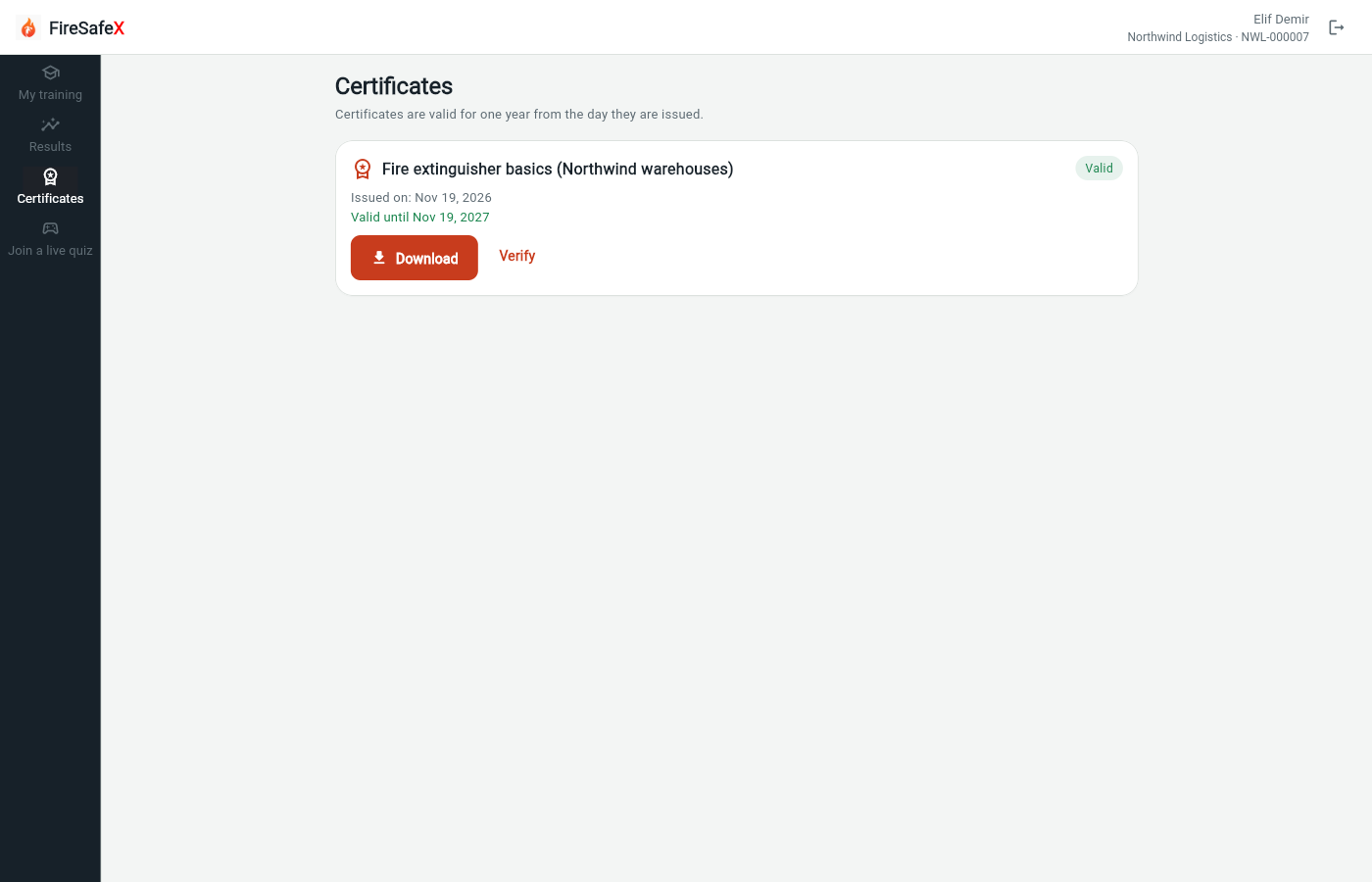
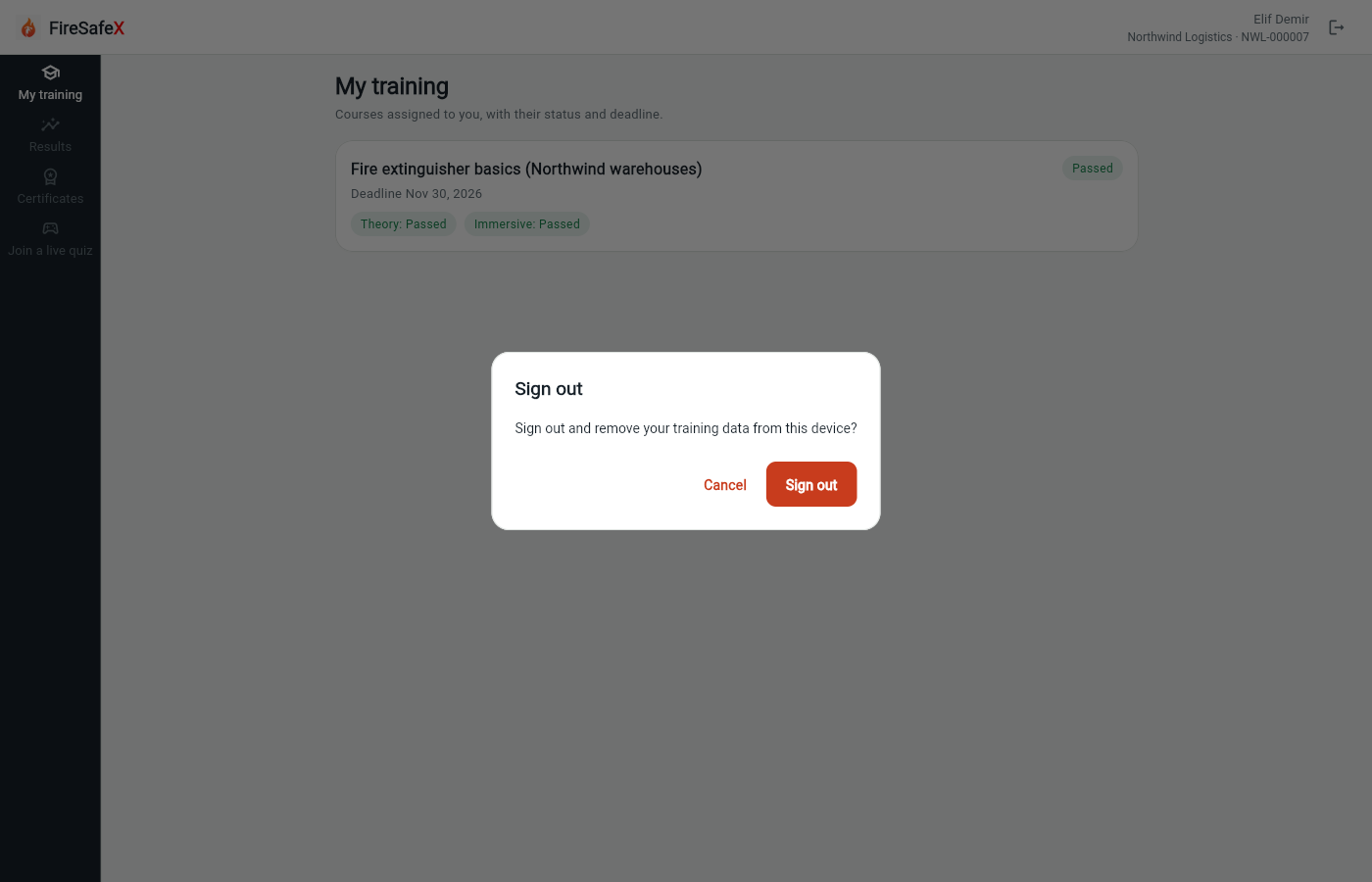
Where an employee checks courses, statuses and certificates. No PIN or other secret
Step for: EmployeeScreenshots as EmployeeRoles match
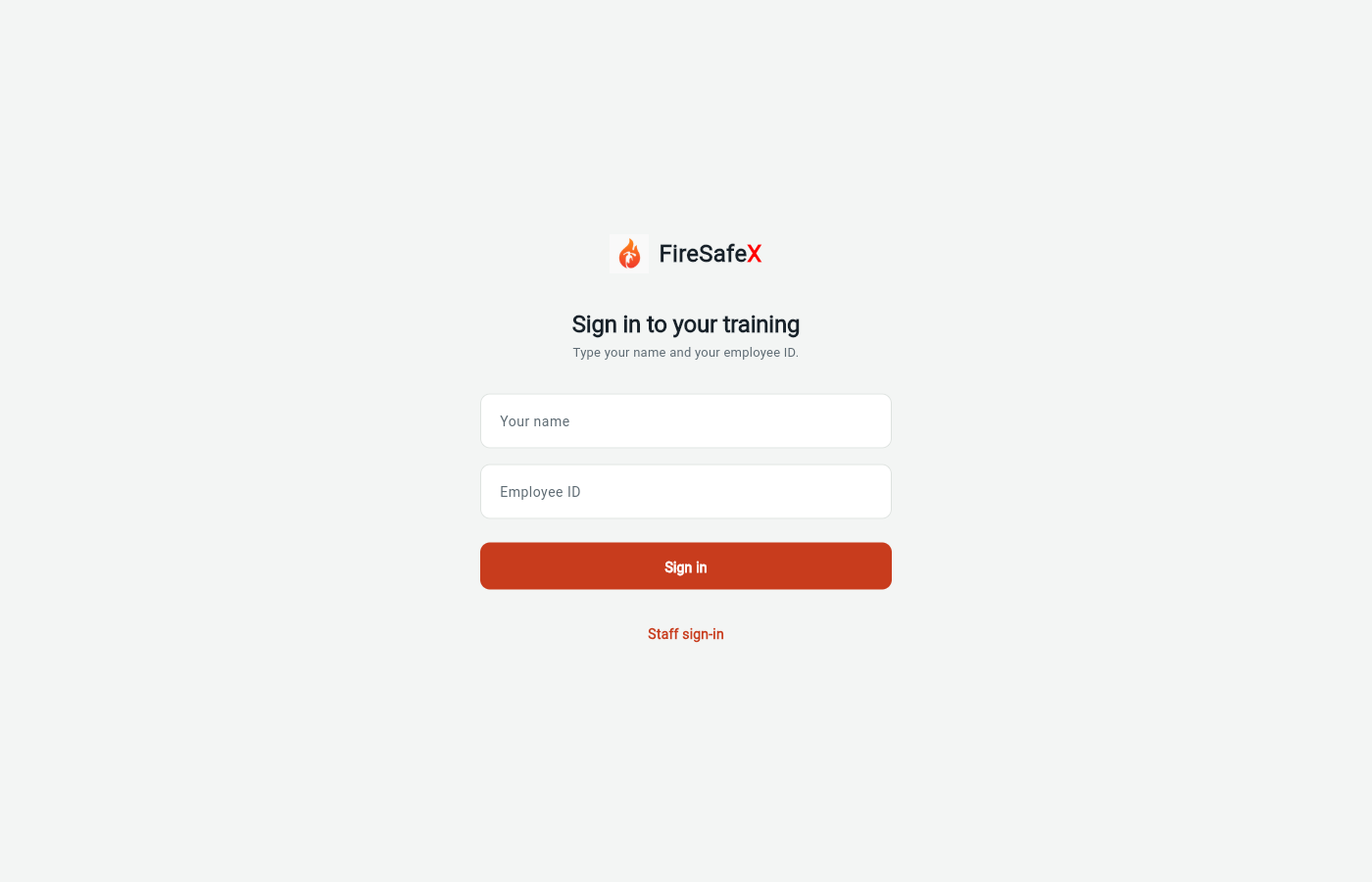
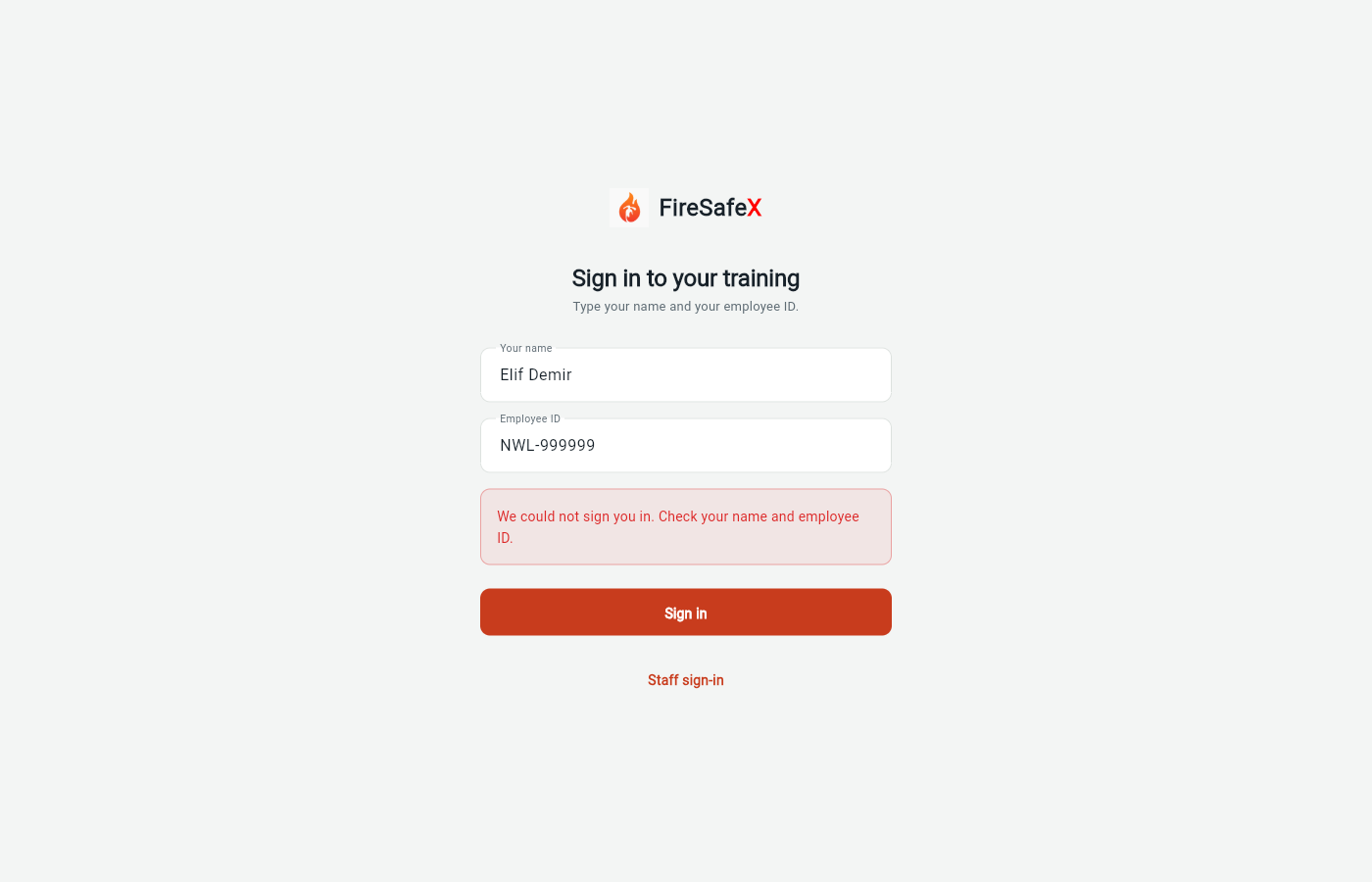
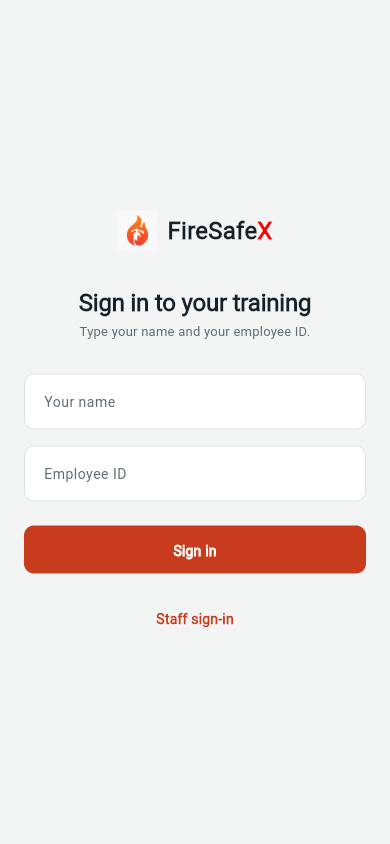
Signed in as Employee app (signed out)Employee app: Elif Demir · NWL-000007
One test covers steps 6.1 and 6.2.
Step for: EmployeeScreenshots as EmployeeRoles match
Tested with 6.1–6.2, shown under step 6.1.
Step for: Web / mobile appScreenshots as EmployeeRoles match
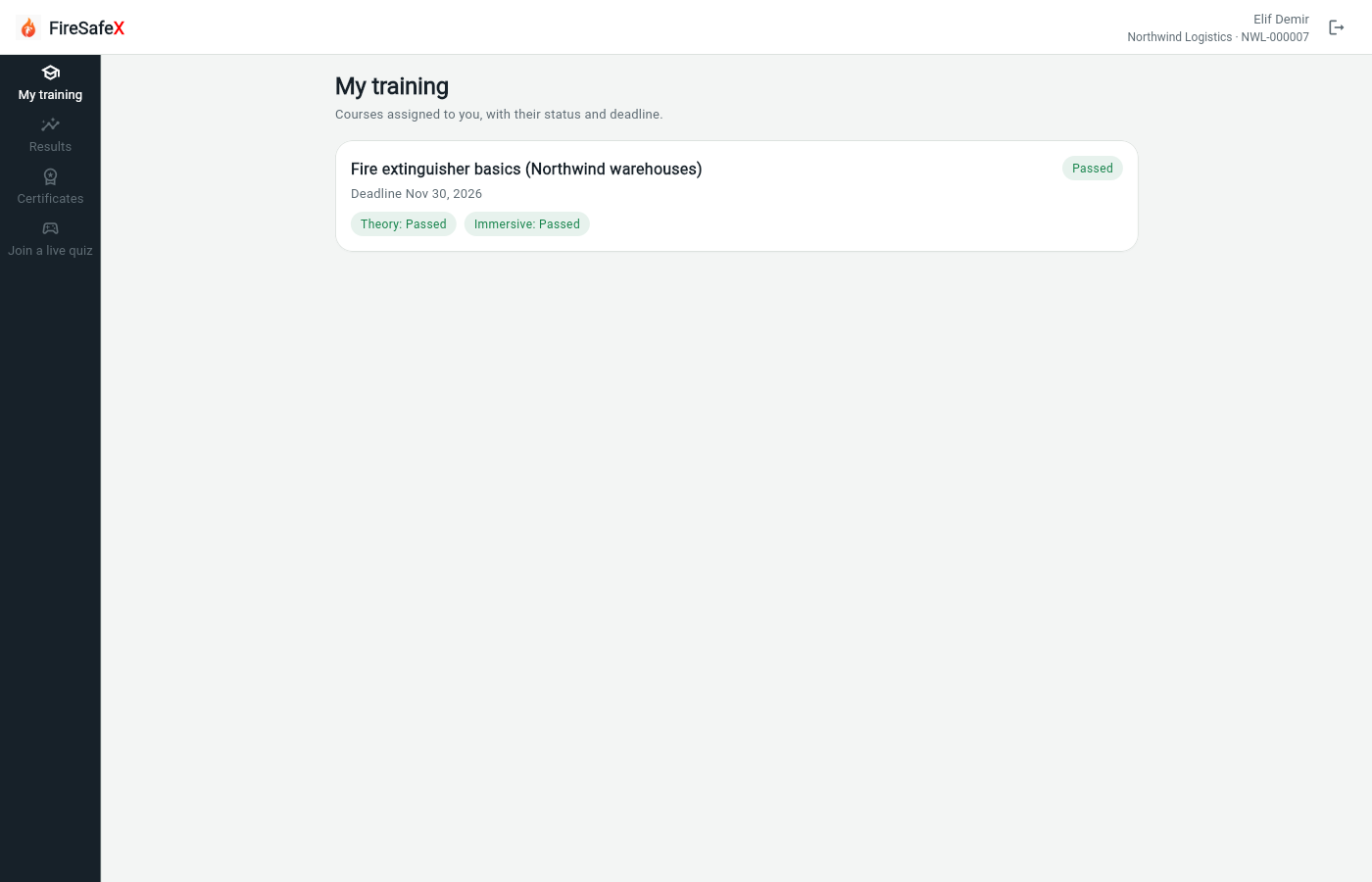
Signed in as Employee app: Elif Demir · NWL-000007
One test covers steps 6.3 to 6.5.
Step for: Web / mobile appScreenshots as EmployeeRoles match
Tested with 6.3–6.5, shown under step 6.3.
Step for: Web / mobile appScreenshots as EmployeeRoles match
Tested with 6.3–6.5, shown under step 6.3.
Step for: Web / mobile appScreenshots as Org admin, EmployeeRoles matchAlso as Org admin, by design
Signed in as Nora Admin · Org adminEmployee app: Elif Demir · NWL-000007
Also as Org admin The org admin hosts the live quiz the employee joins.
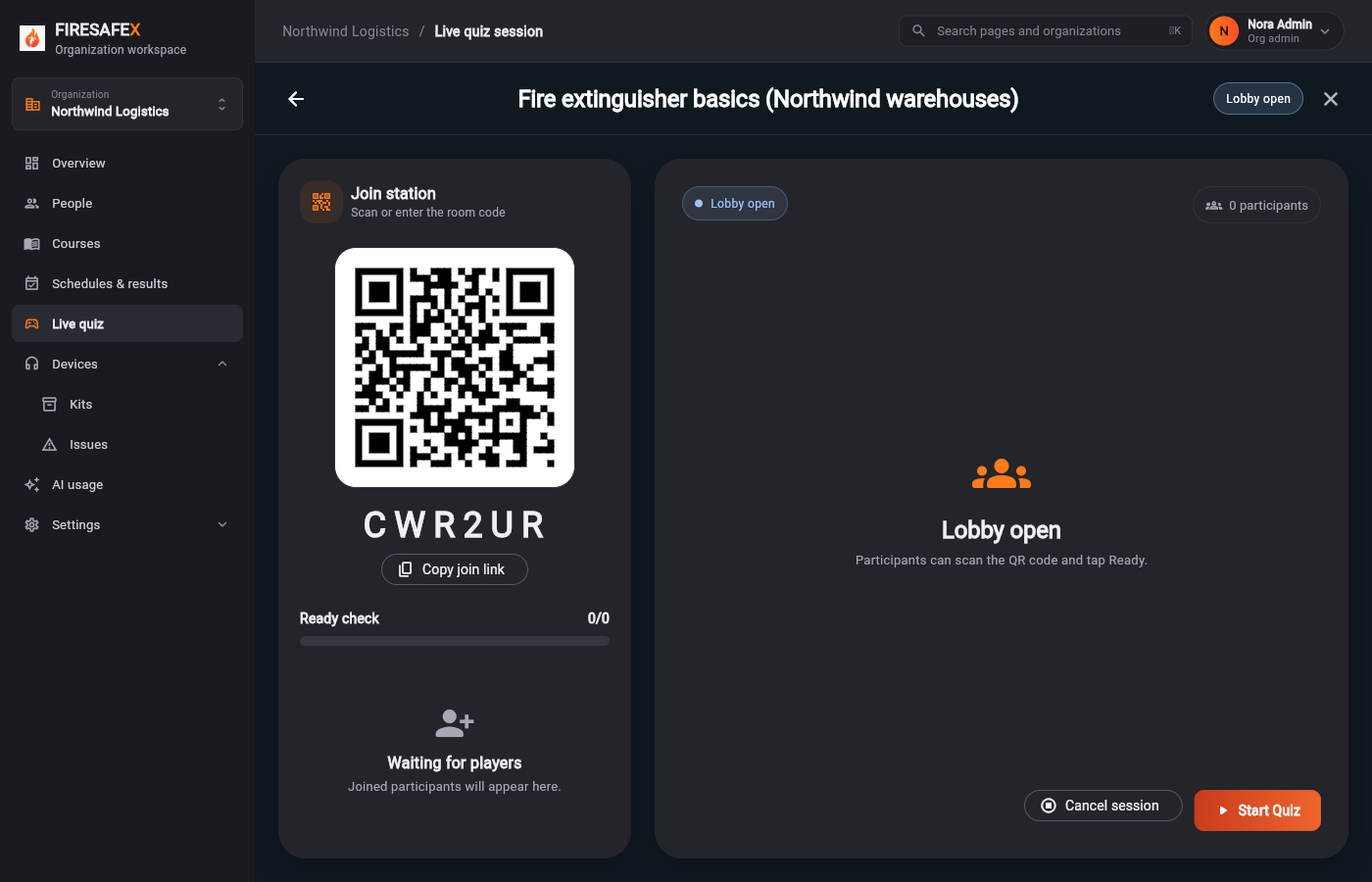 094Live quiz host console
Signed in as Nora Admin · Org adminOther role, by design
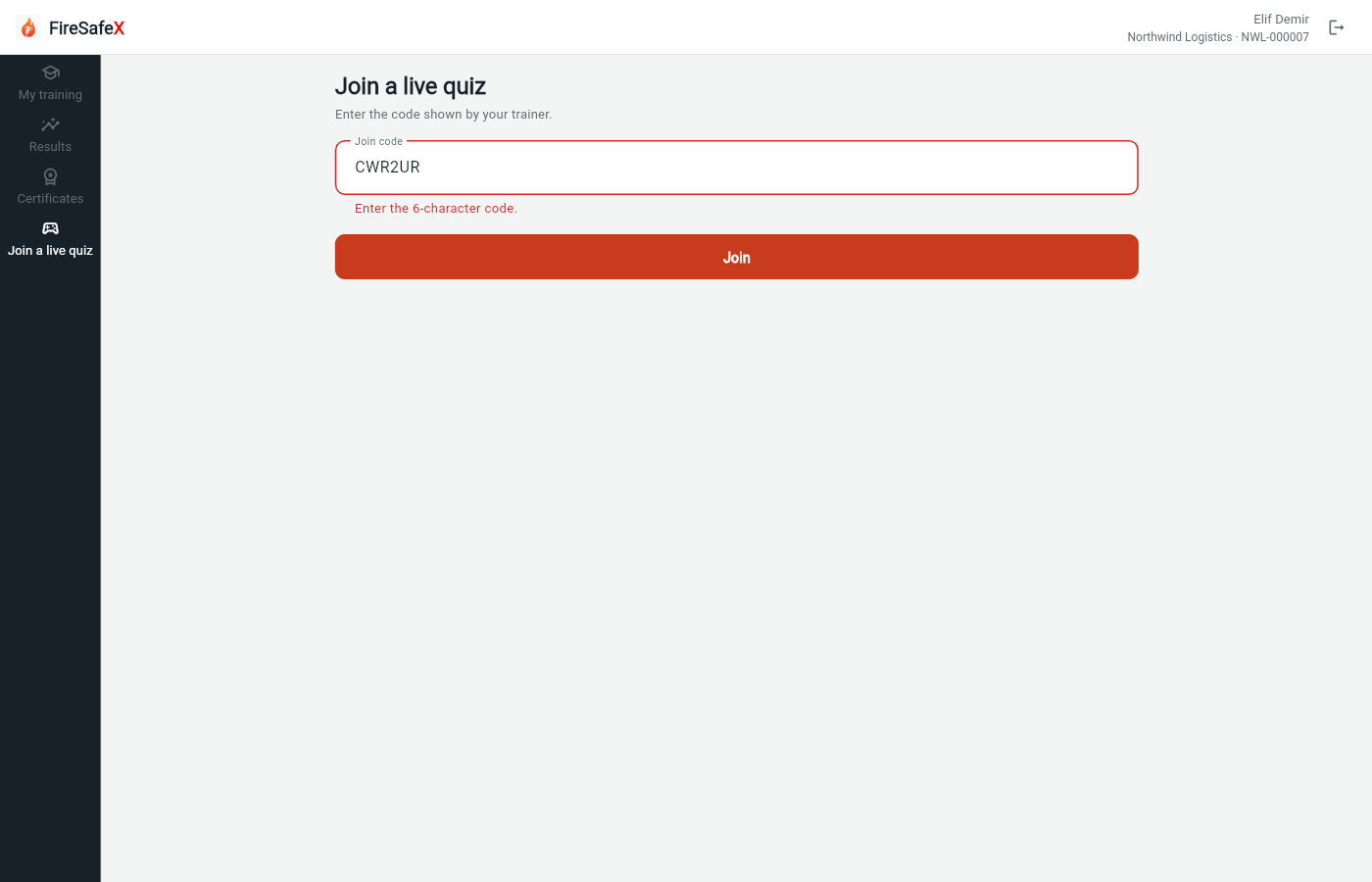 095Employee join a live quiz
Employee app: Elif Demir · NWL-000007
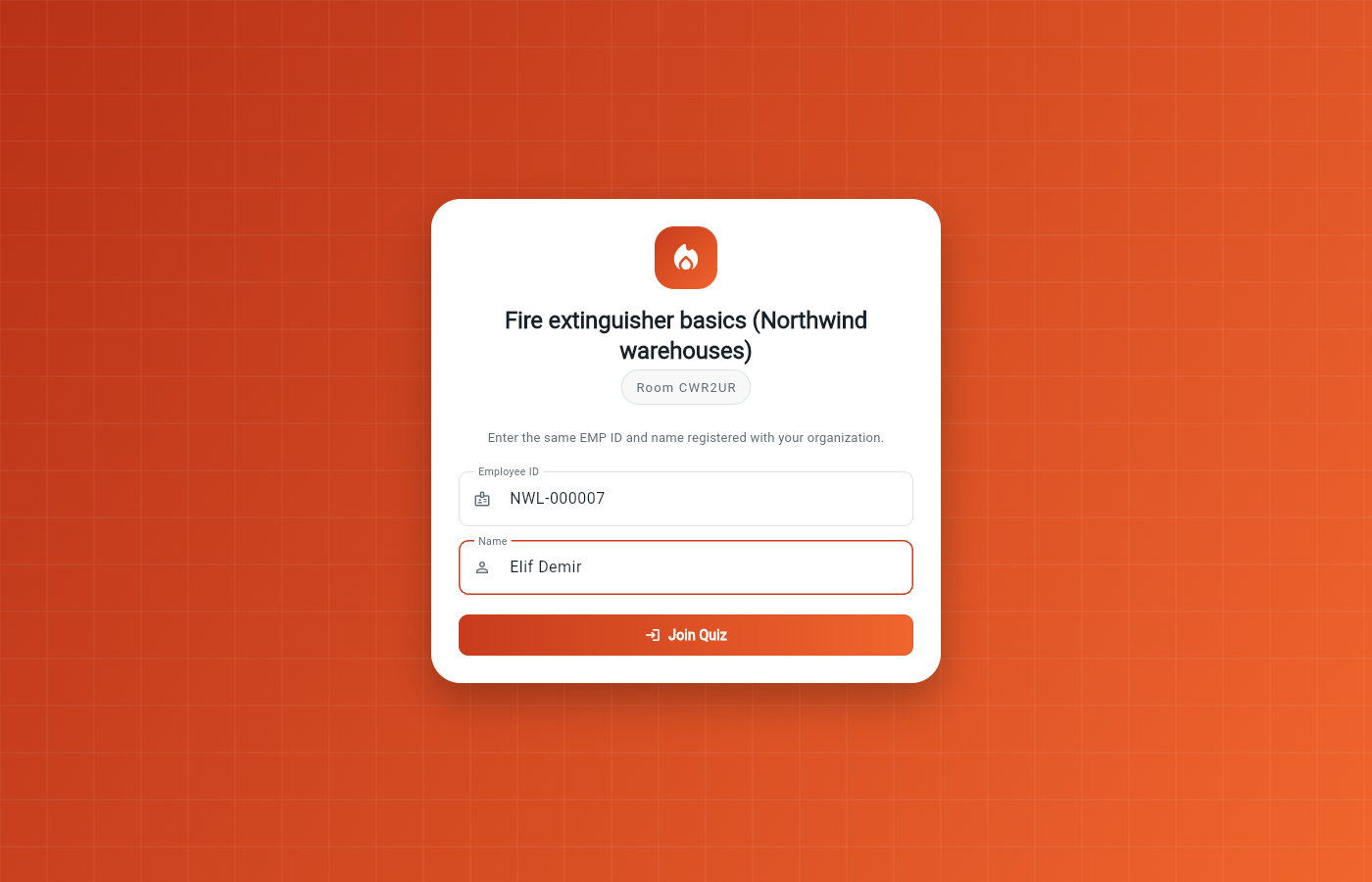 096Employee live quiz join page
Employee app: Elif Demir · NWL-000007
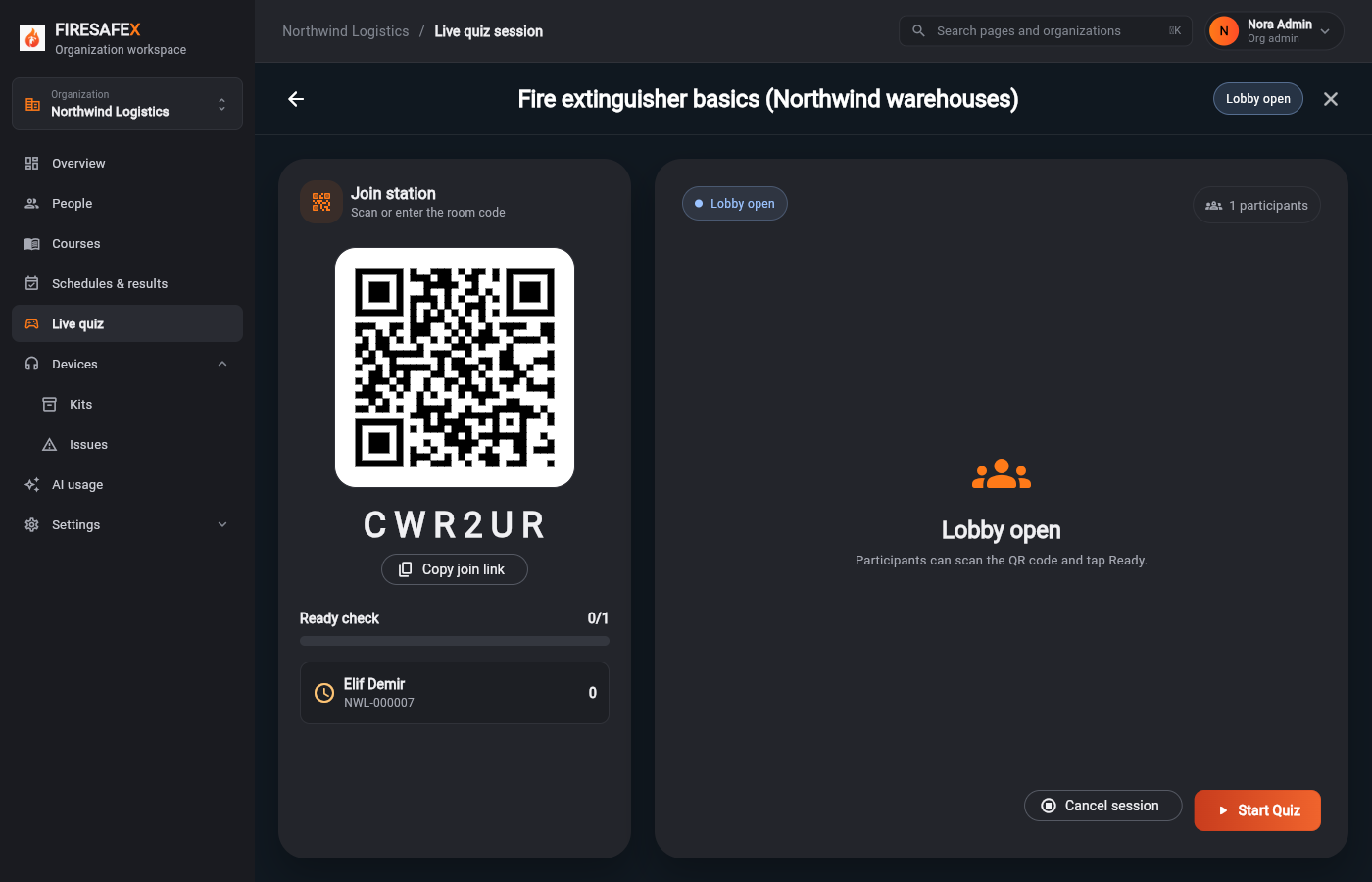 097Live quiz host sees the employee
Signed in as Nora Admin · Org adminOther role, by design
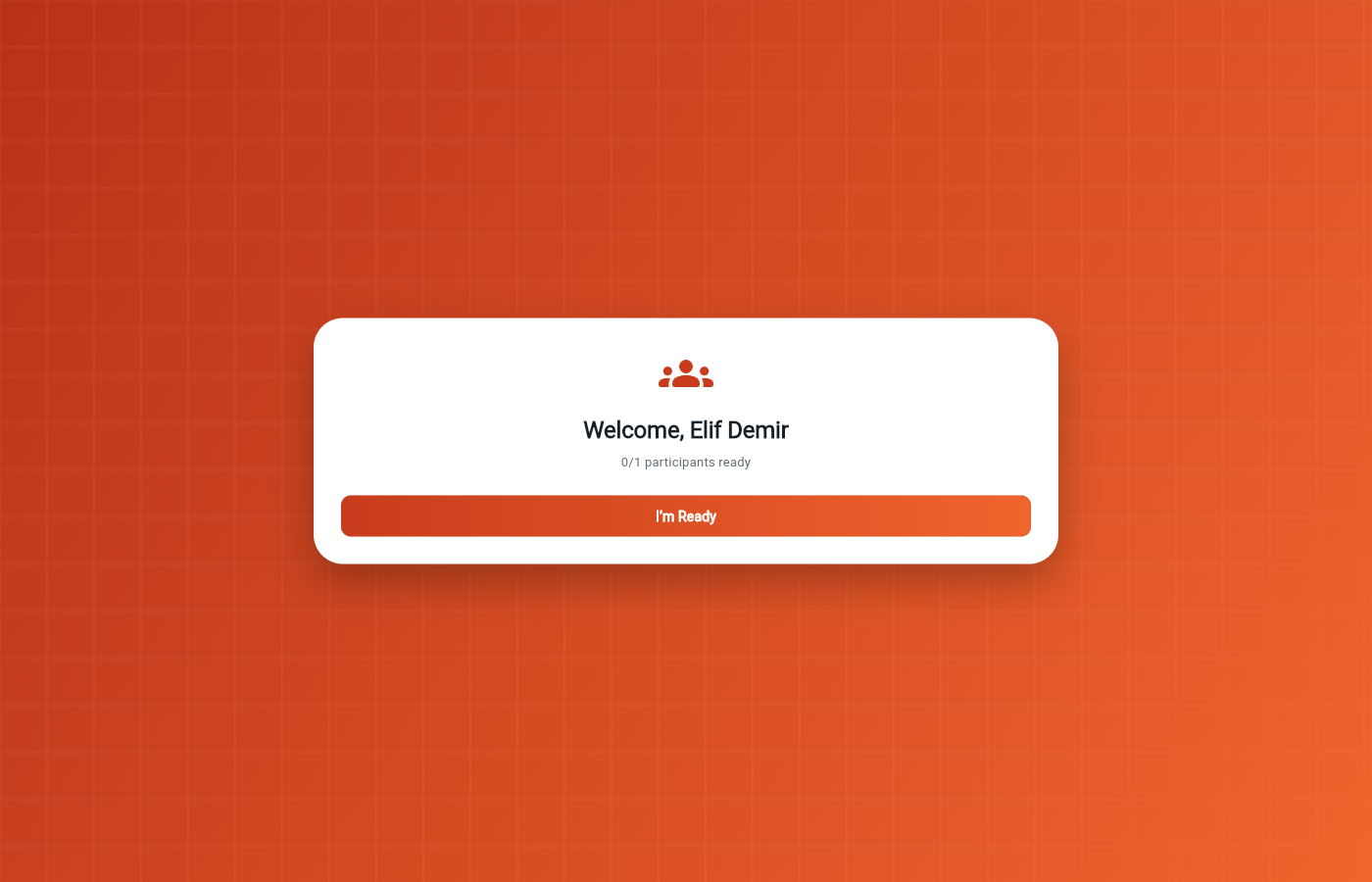 098Employee live quiz lobby
Employee app: Elif Demir · NWL-000007
Step for: EmployeeScreenshots as EmployeeRoles match
Signed in as Employee app: Elif Demir · NWL-000007Employee app (signed out)
Flow 7
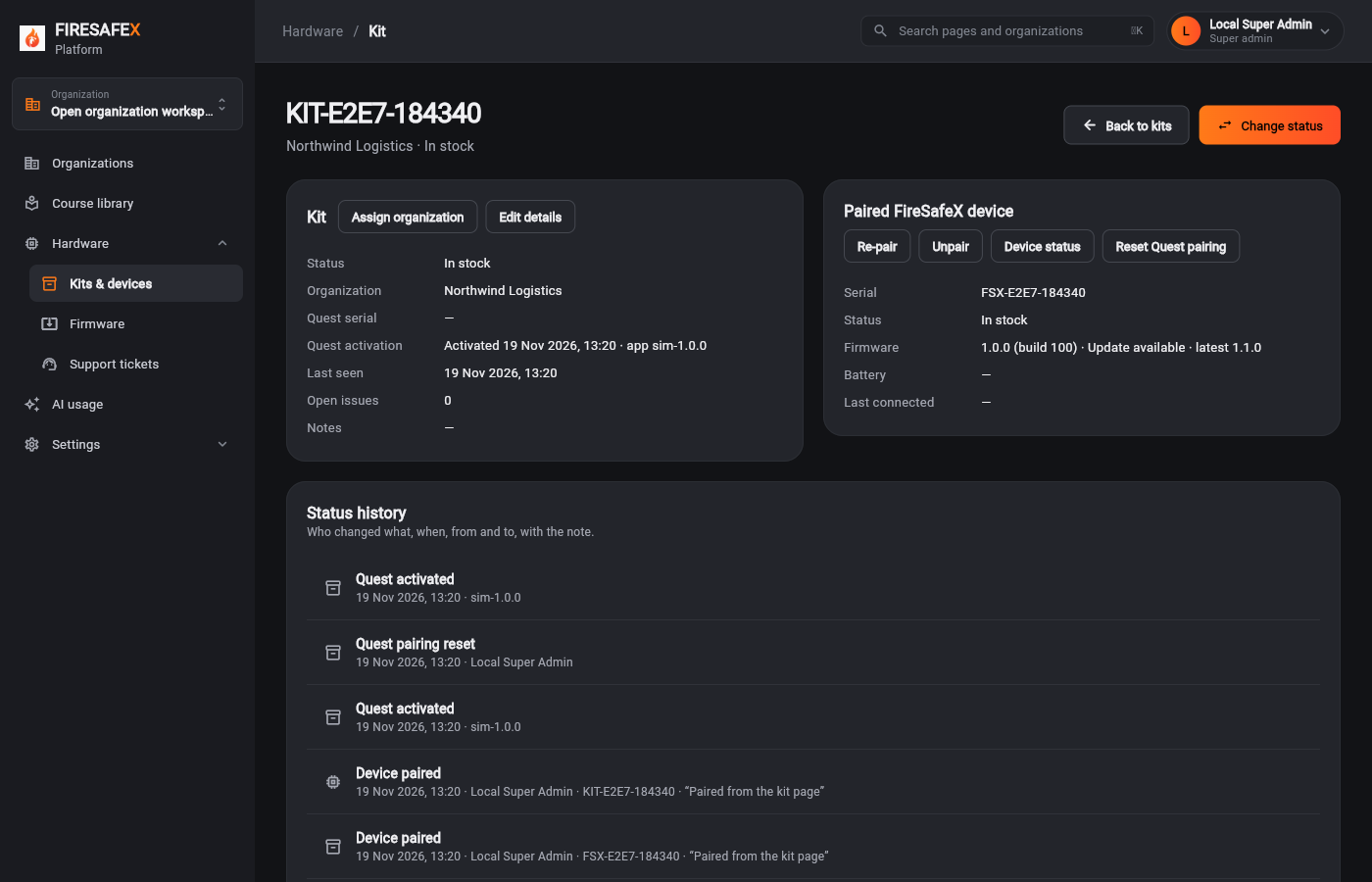
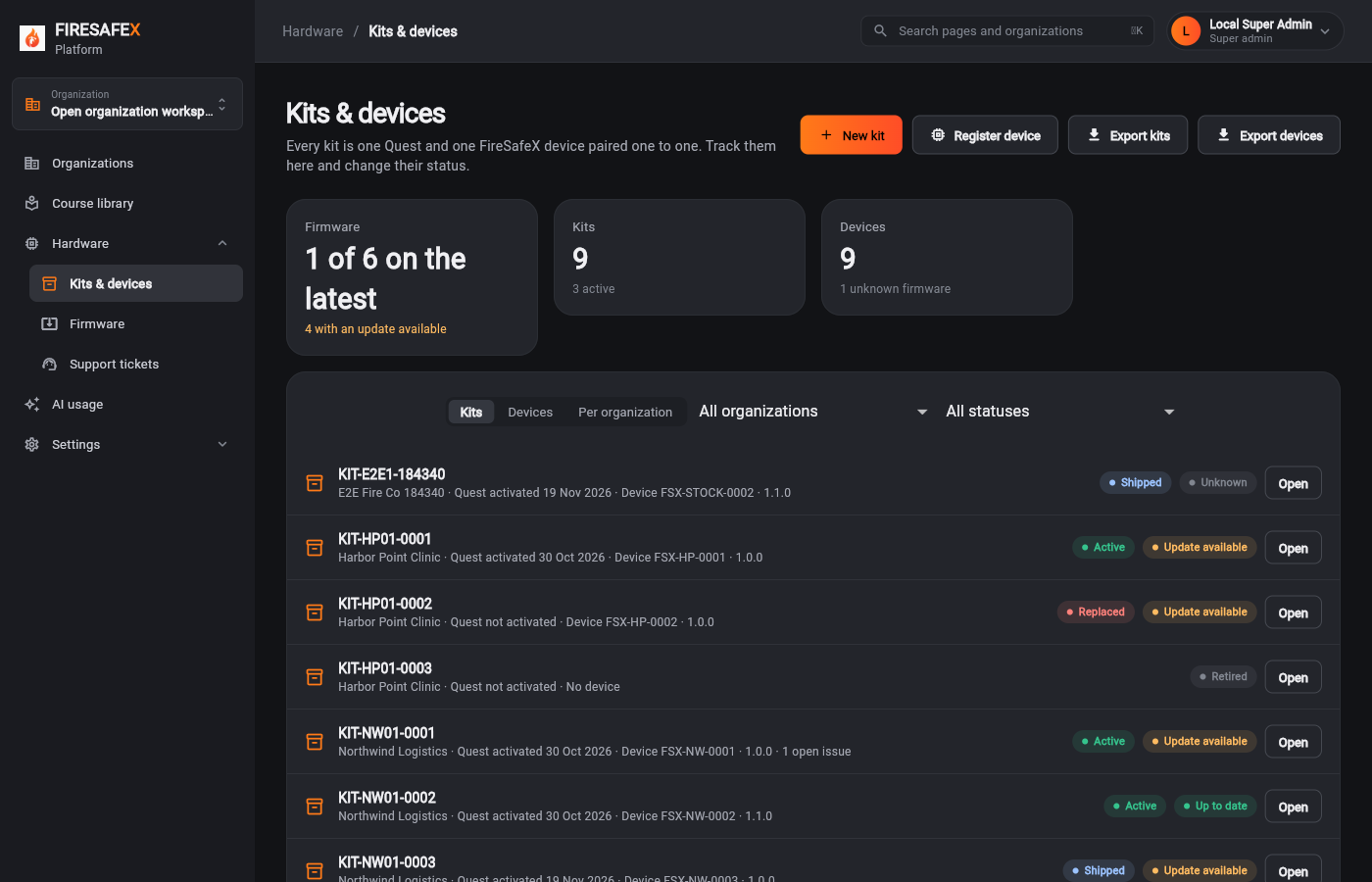
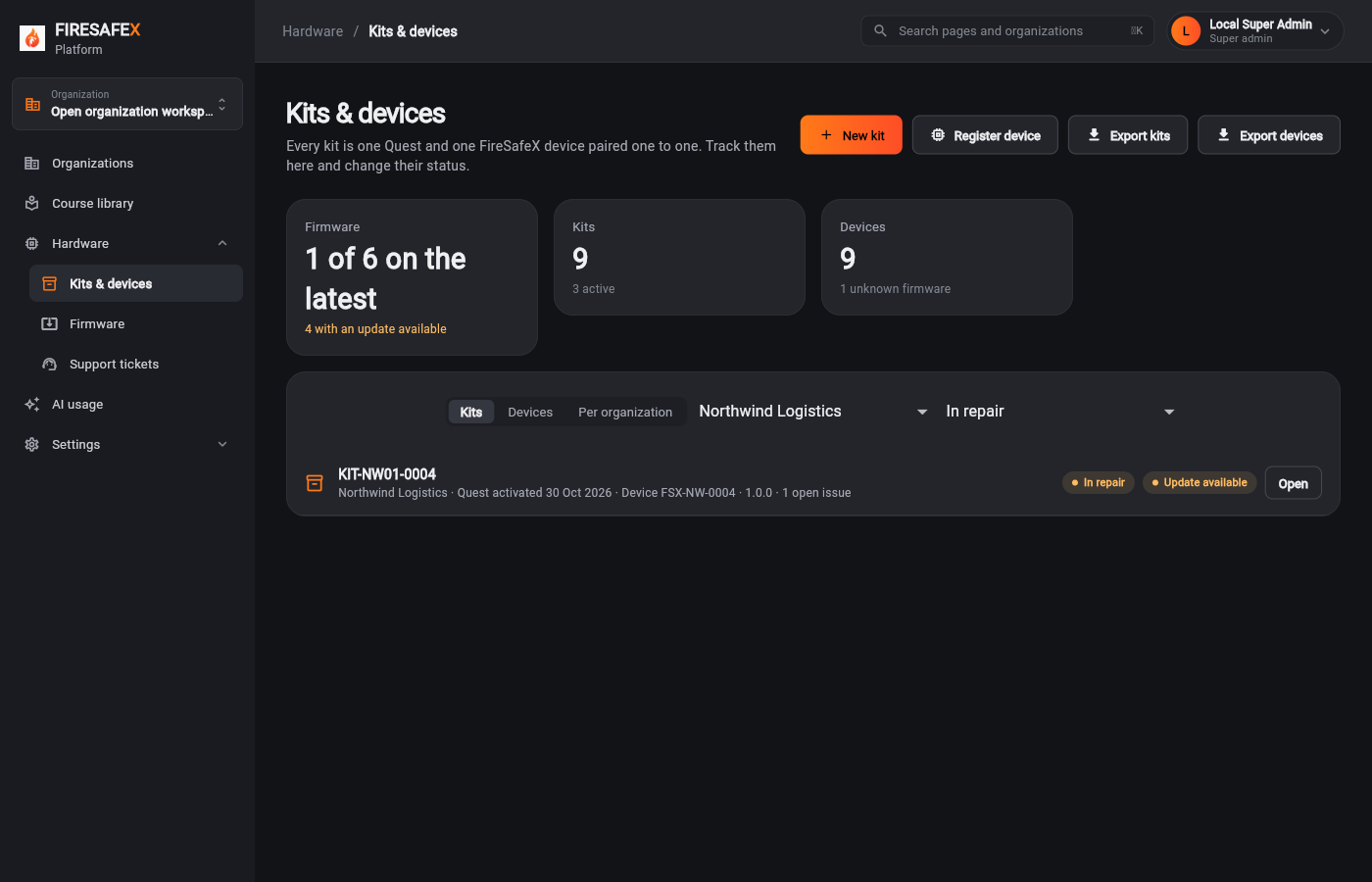
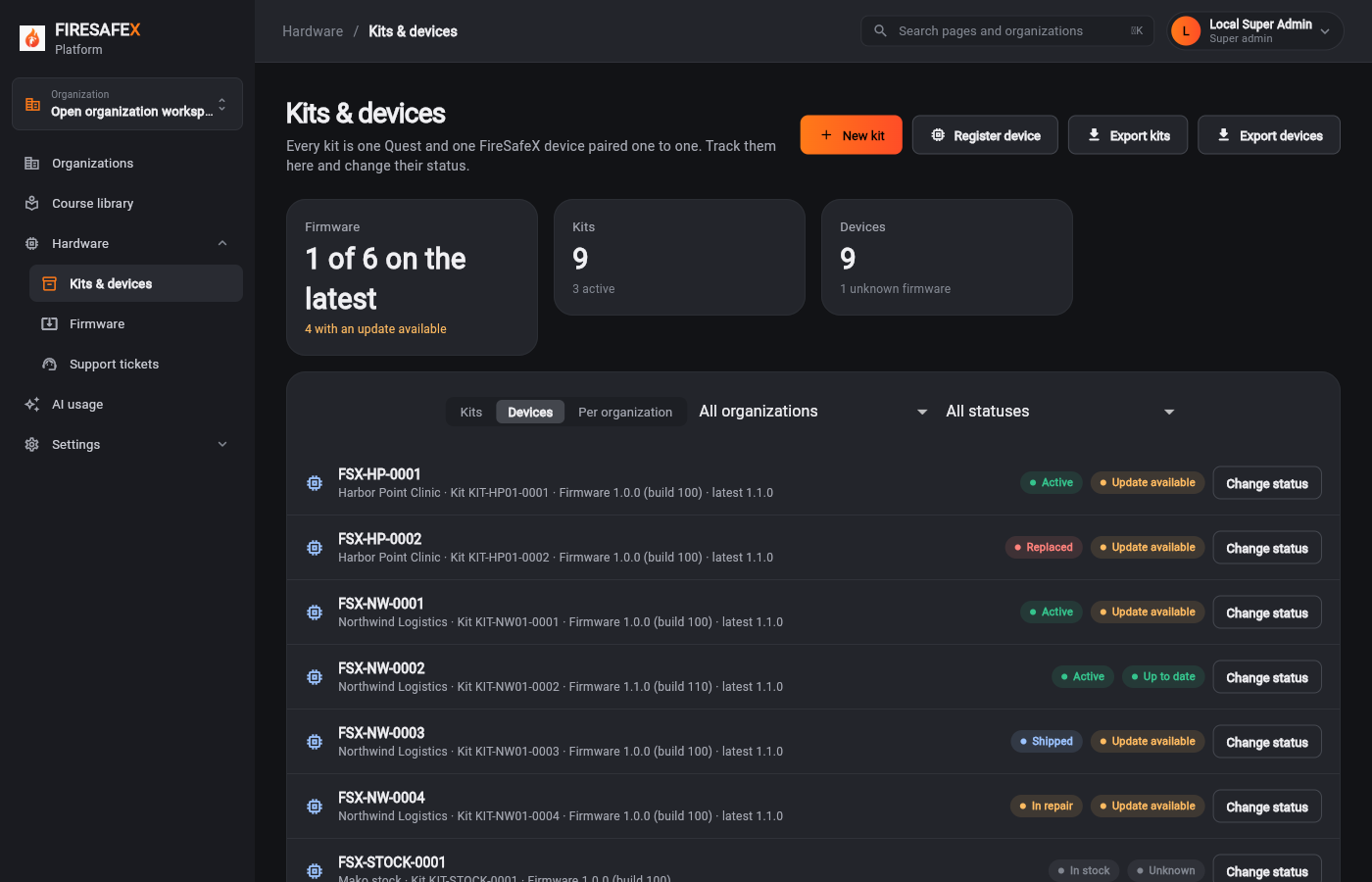
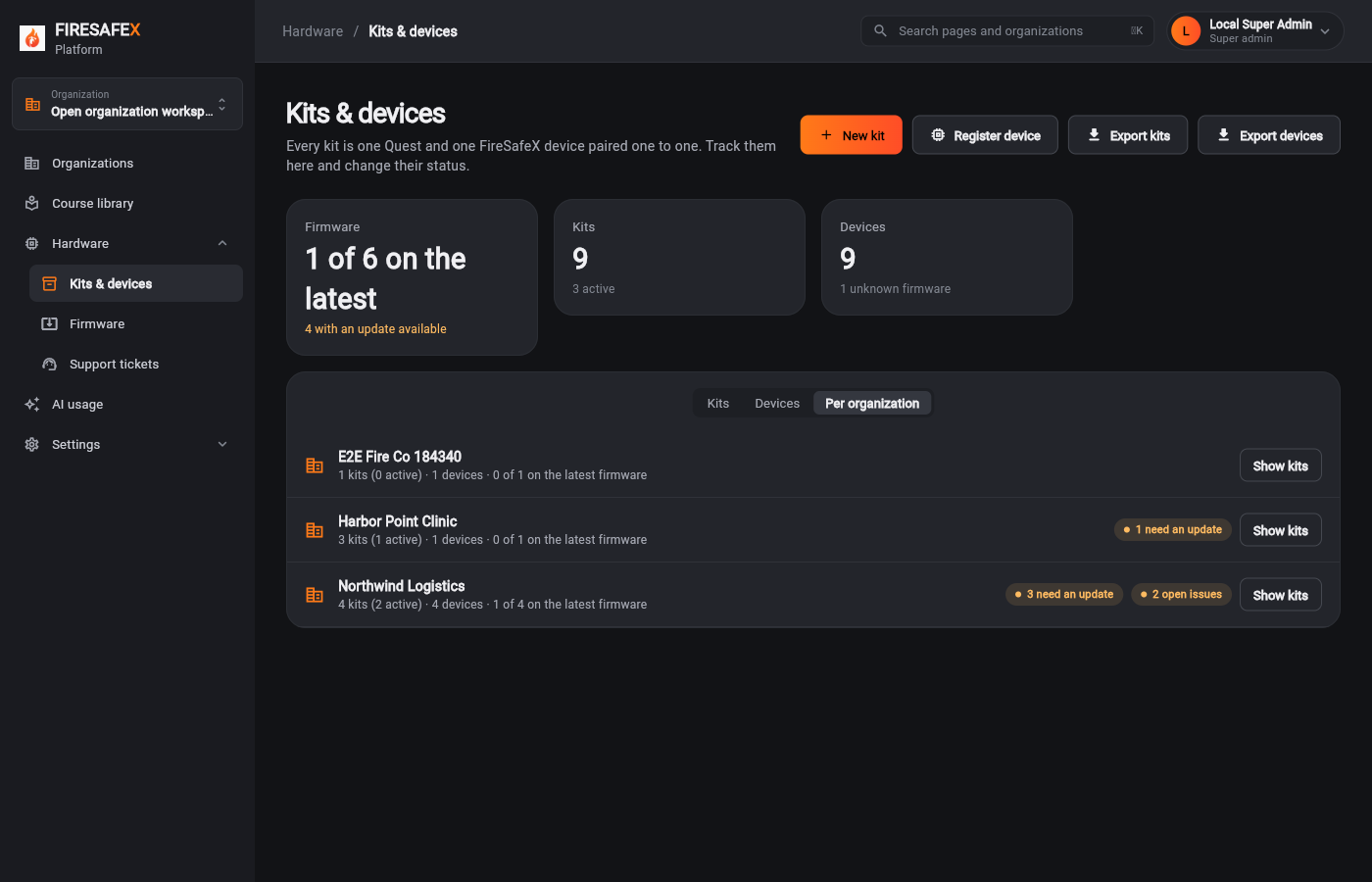
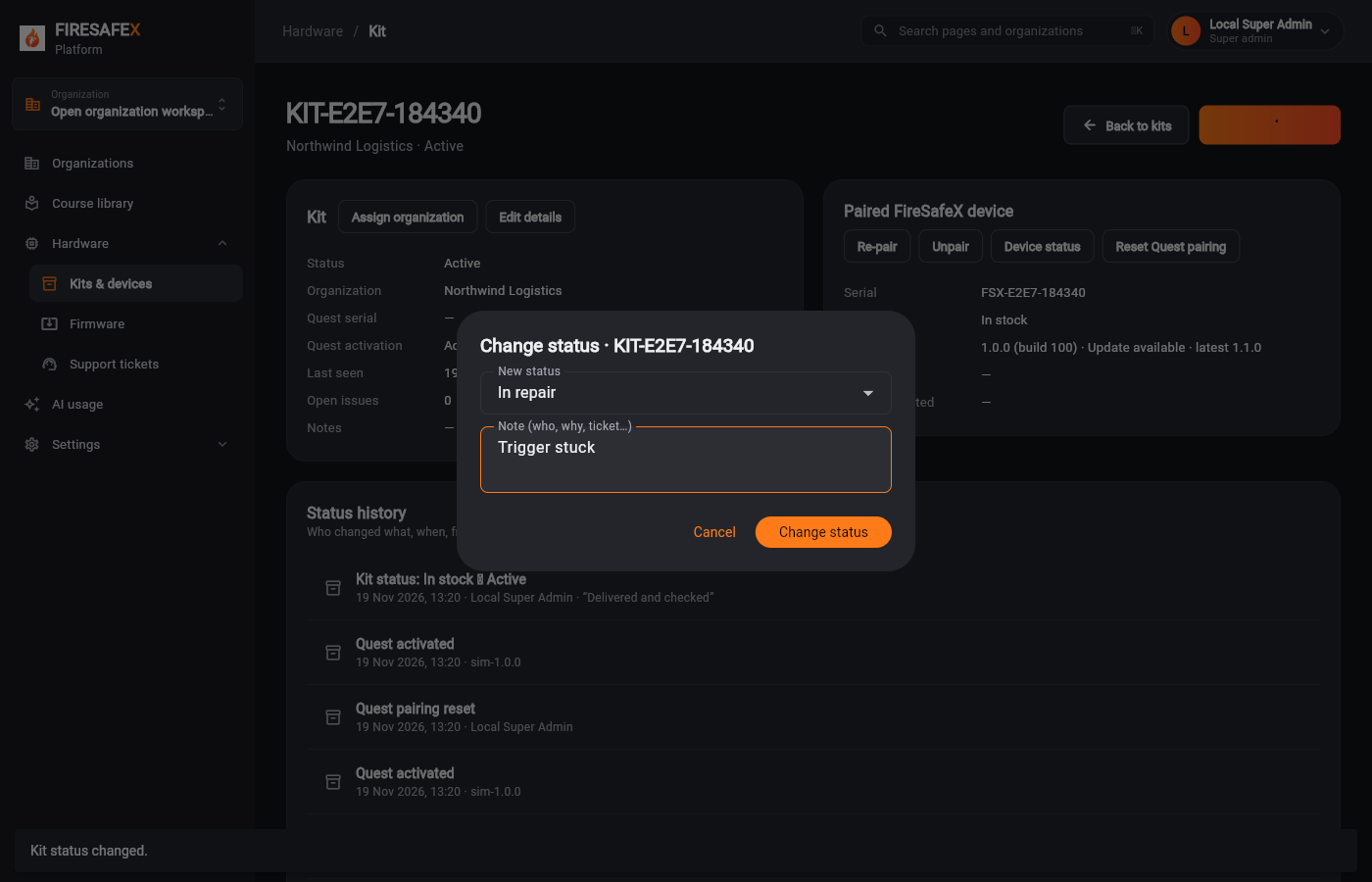
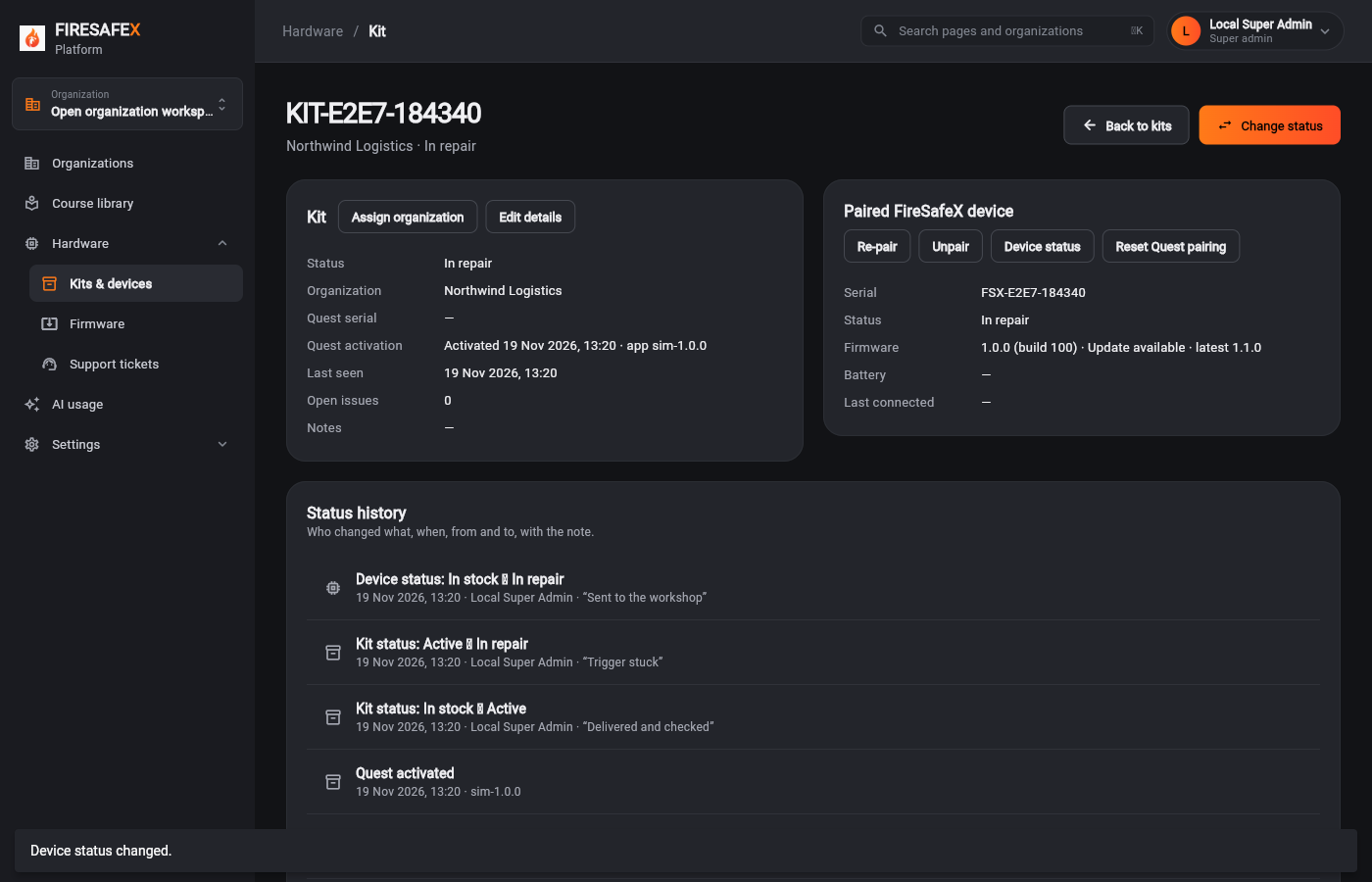
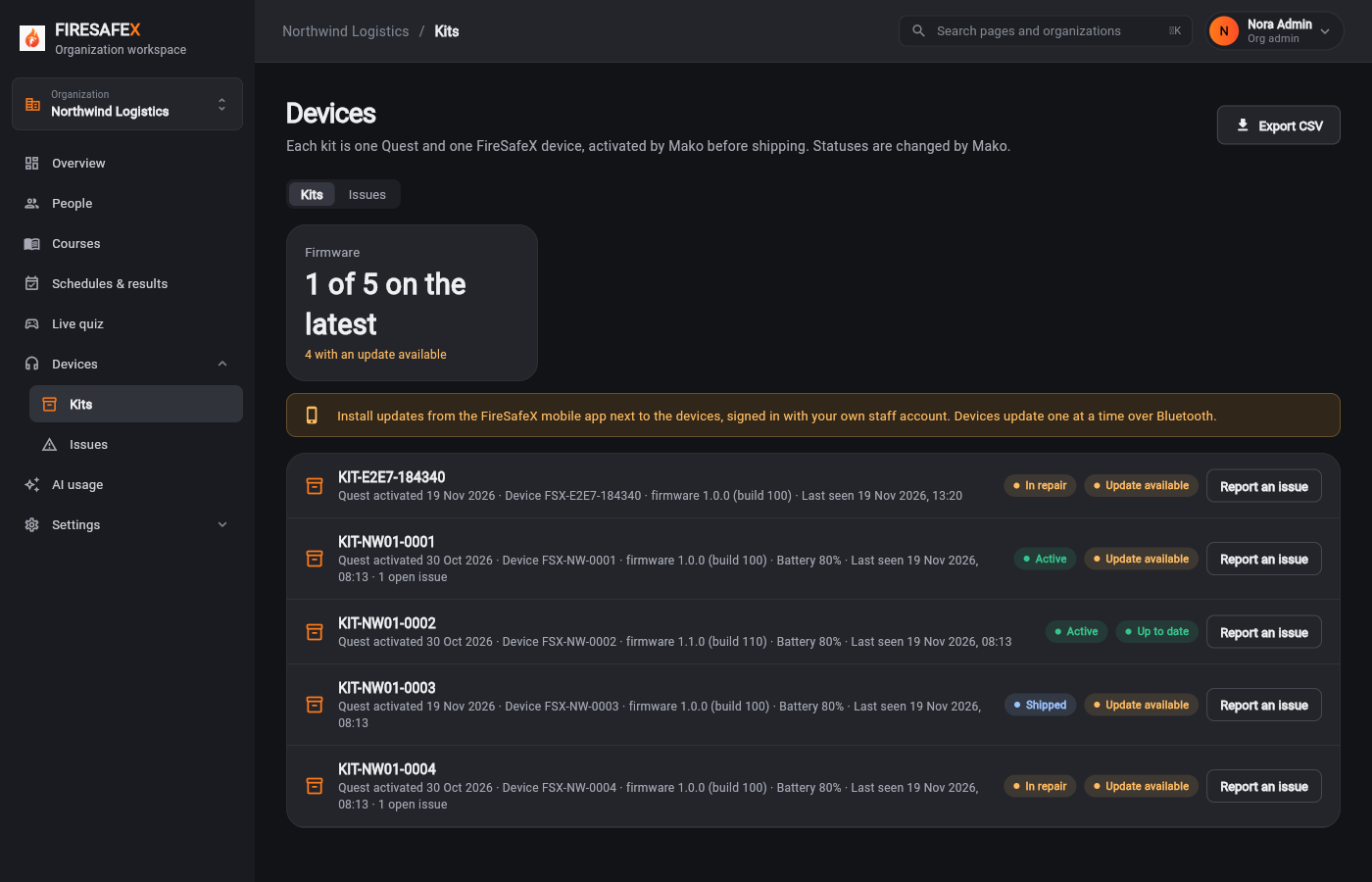
One FireSafeX device is paired to exactly one Quest. All tracking and status changes happen in the super admin panel
Step for: Super admin (Mako)Screenshots as Super adminRoles match
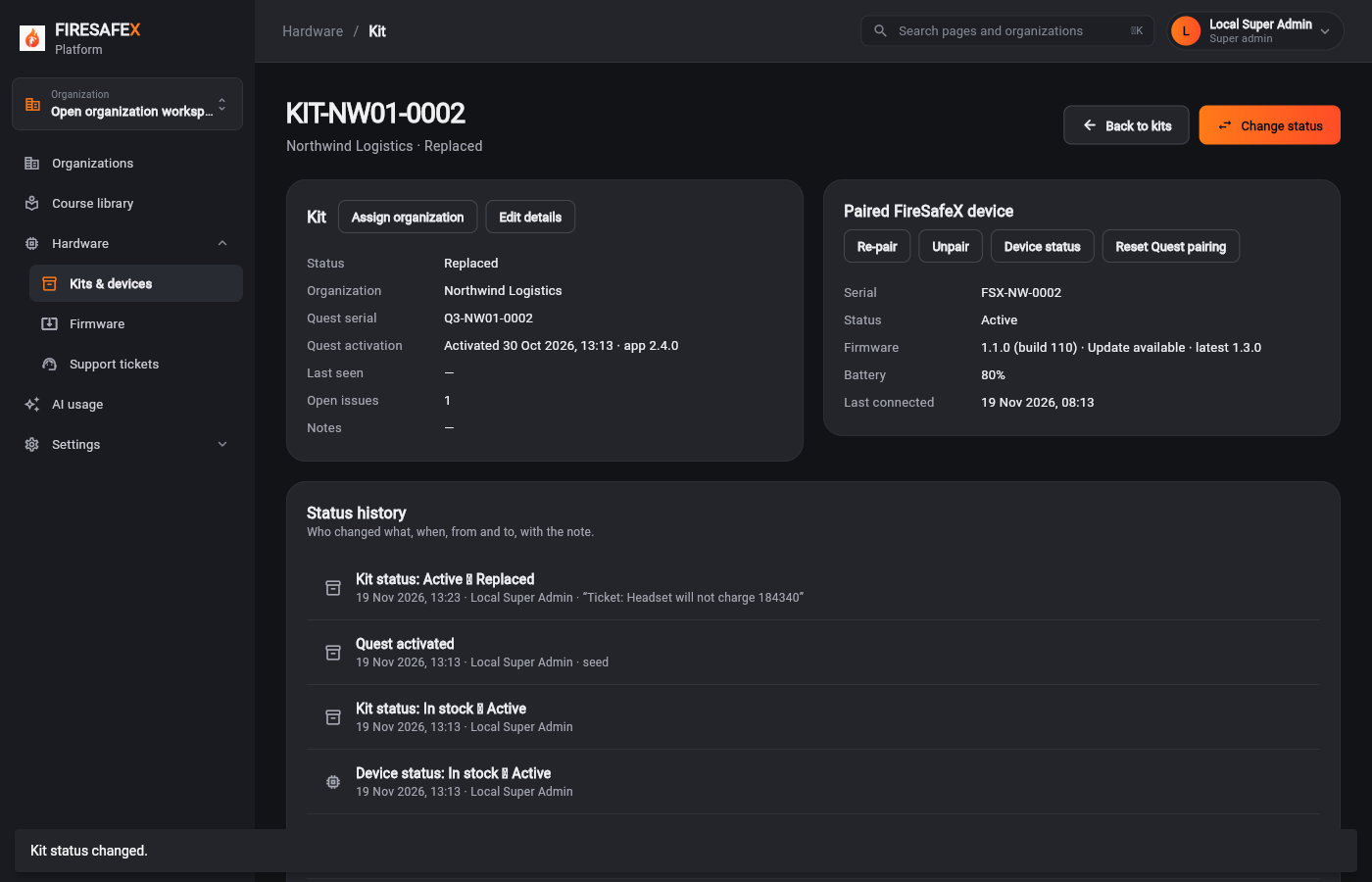
Signed in as Local Super Admin · Super admin
Step for: Super admin (Mako)Screenshots as Super adminRoles match
Signed in as Local Super Admin · Super admin
One test covers steps 7.2 to 7.5.
Step for: Kit (Quest + device)Screenshots as Super adminRoles match
Tested with 7.2–7.5, shown under step 7.2.
Step for: Kit (Quest + device)Screenshots as Super adminRoles match
Tested with 7.2–7.5, shown under step 7.2.
Step for: Super admin (Mako)Screenshots as Super adminRoles match
Tested with 7.2–7.5, shown under step 7.2.
Step for: Super admin (Mako)Screenshots as Super adminRoles match
Signed in as Local Super Admin · Super admin
Step for: Super admin (Mako)Screenshots as Super adminRoles match
Signed in as Local Super Admin · Super admin
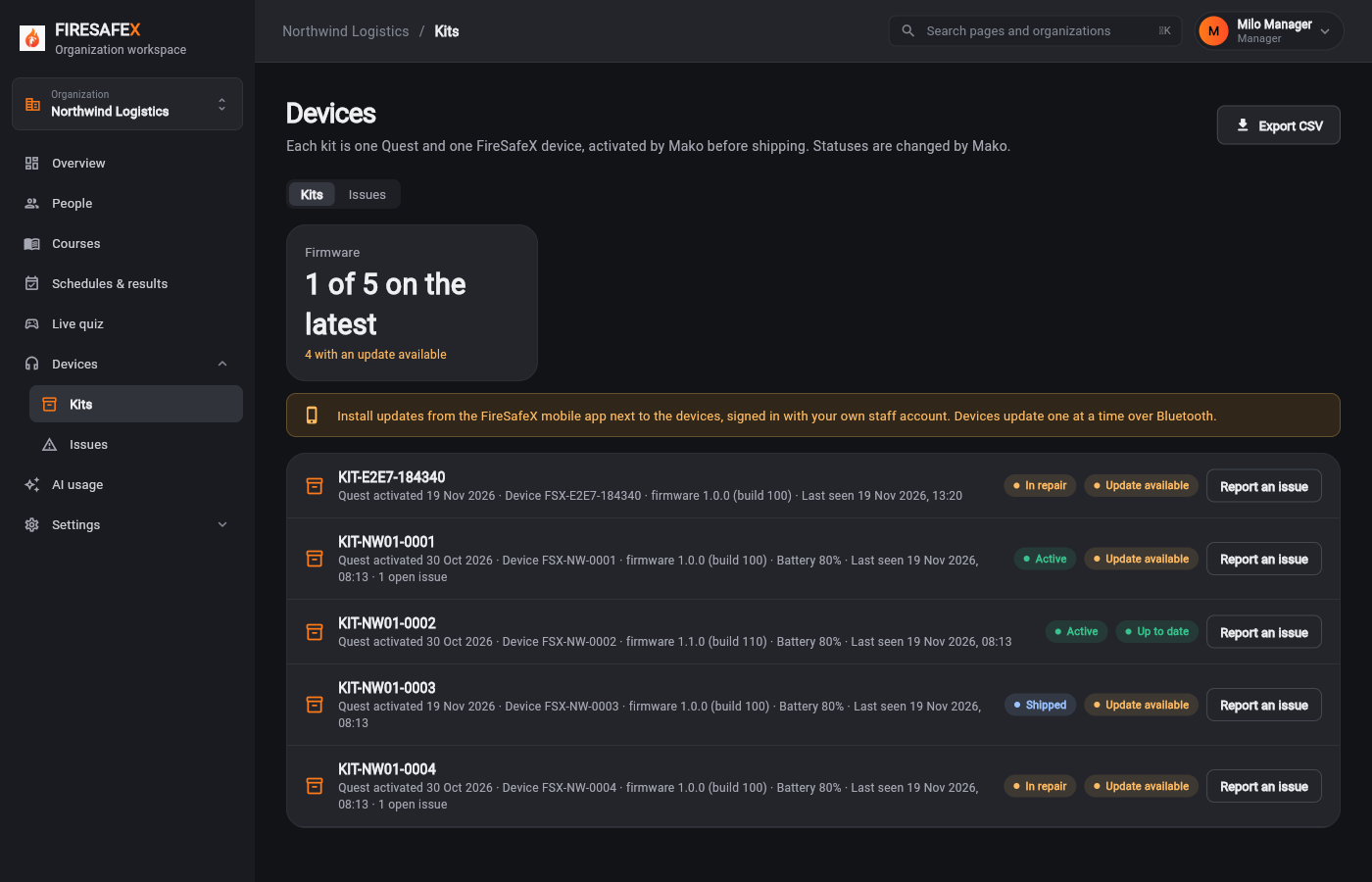
Step for: Org admin · ManagerScreenshots as Manager, Org adminRoles match
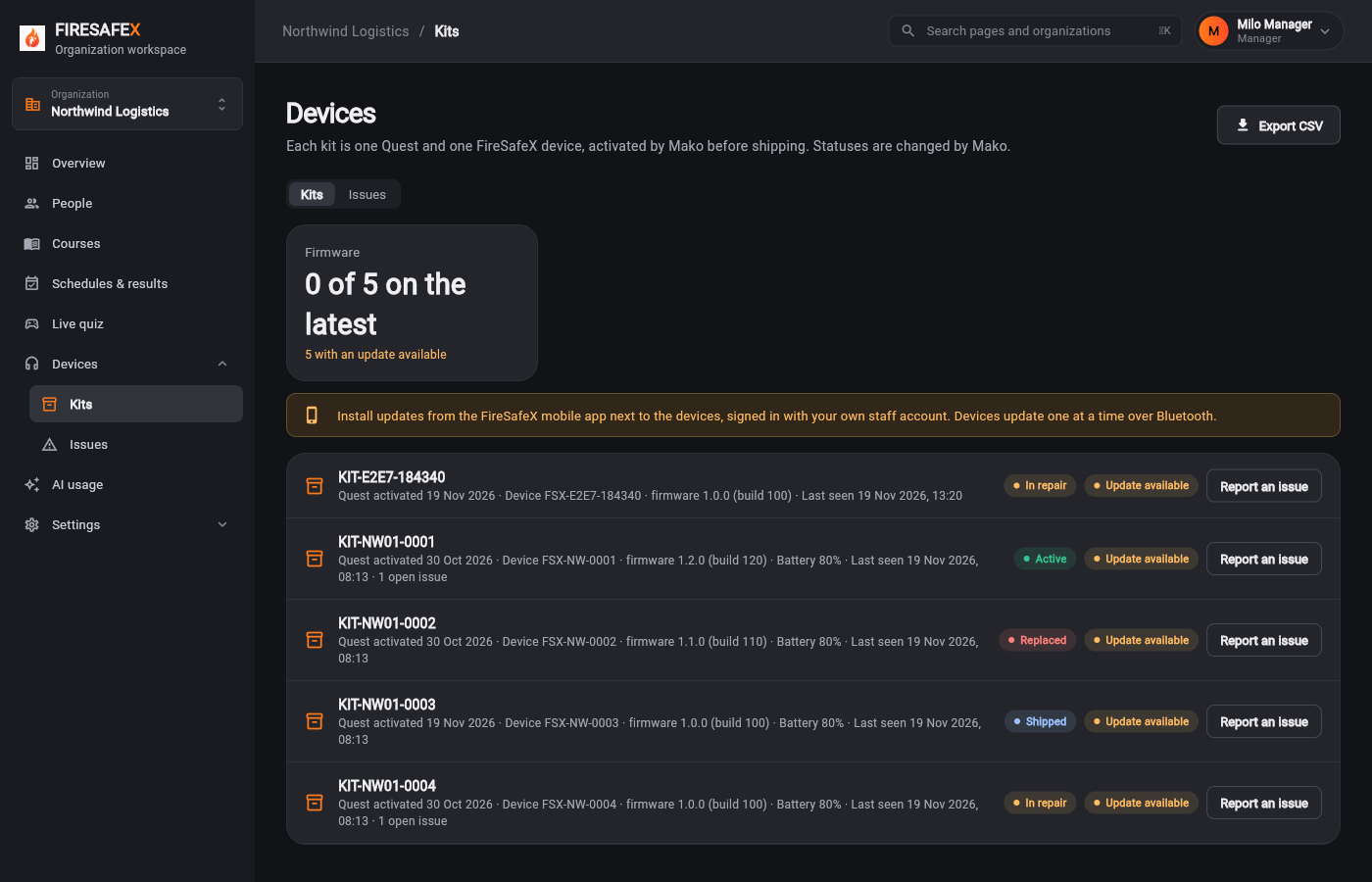
Signed in as Milo Manager · Manager
Signed in as Nora Admin · Org admin
Flow 8
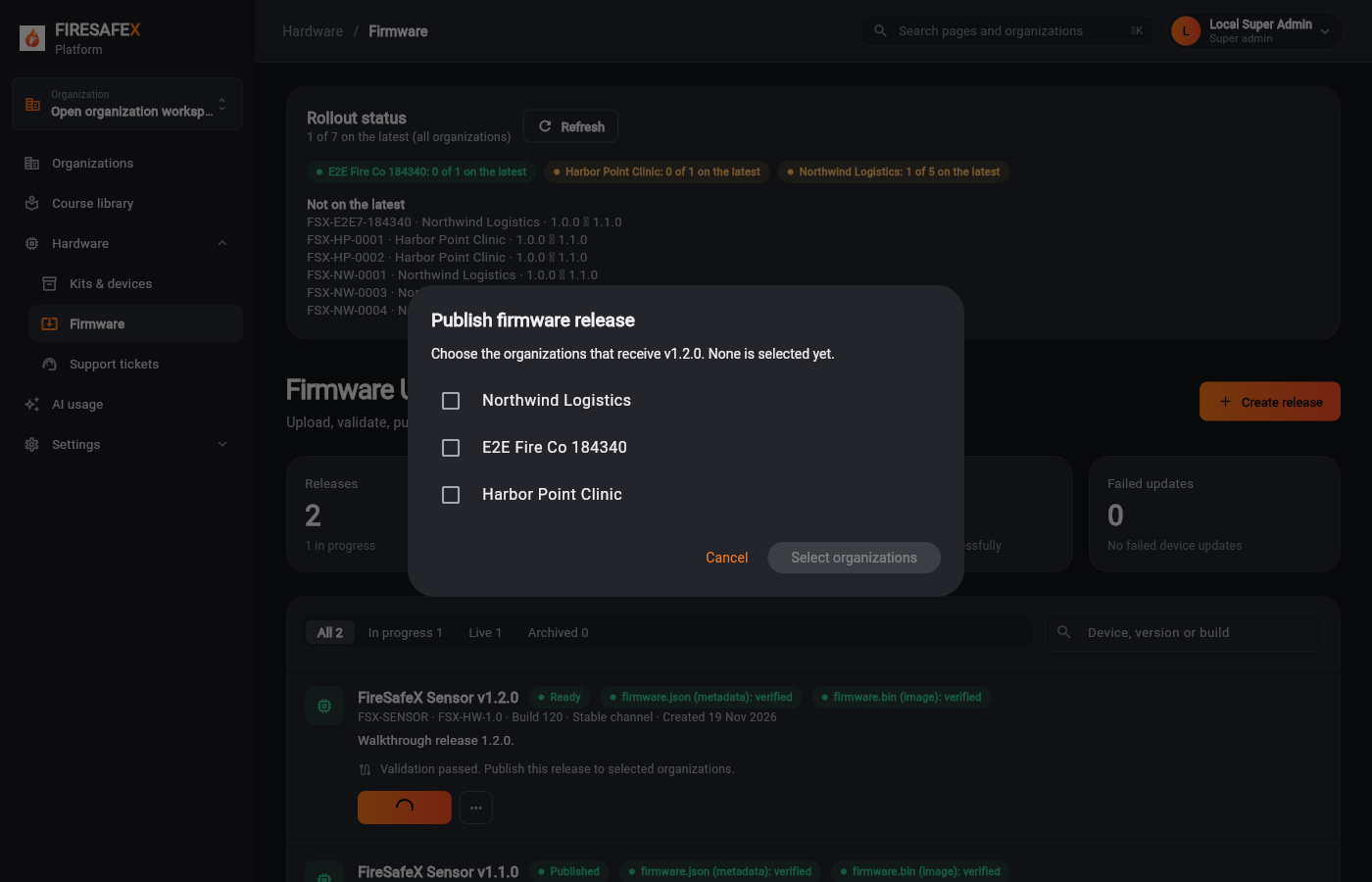
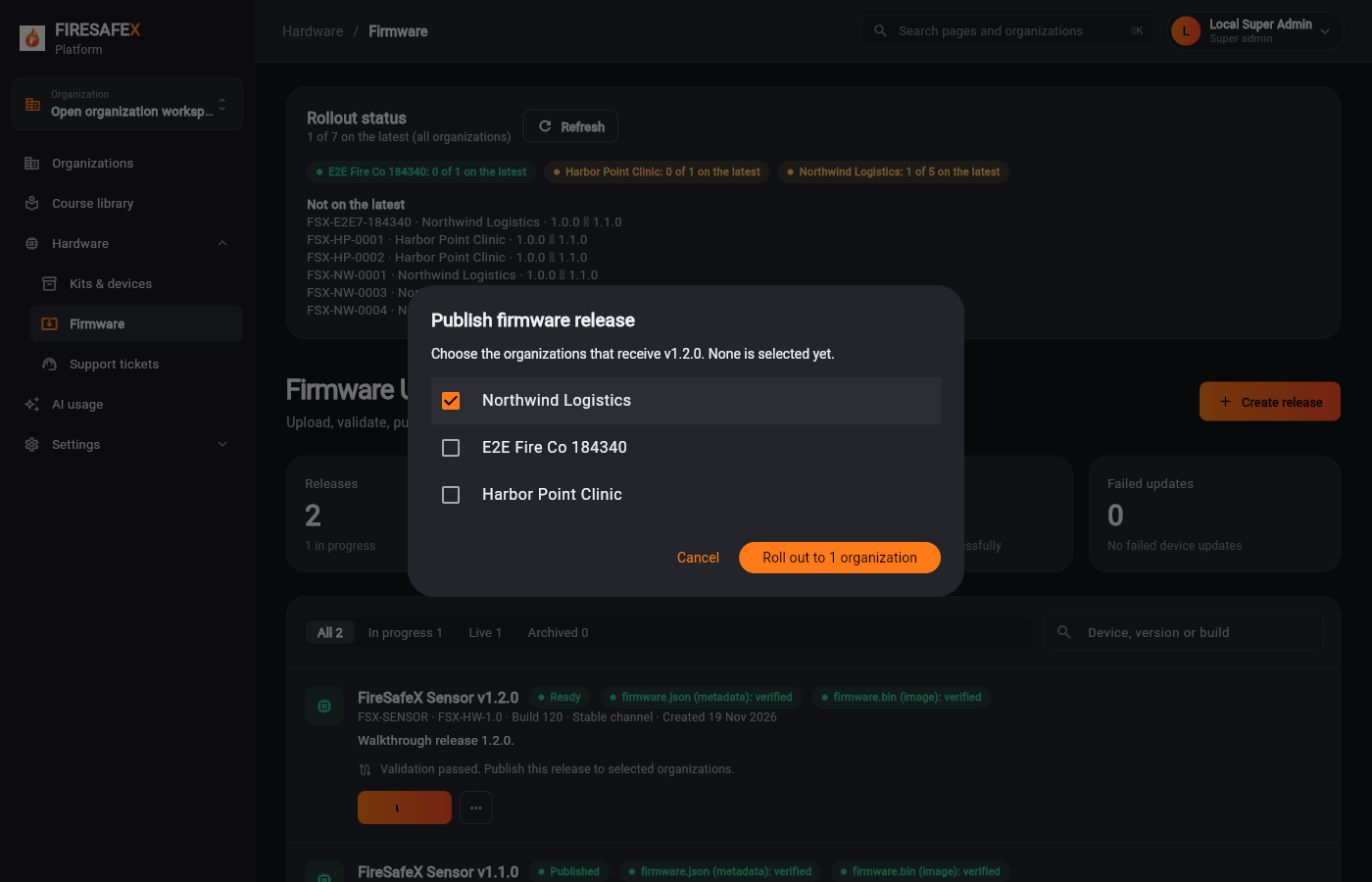
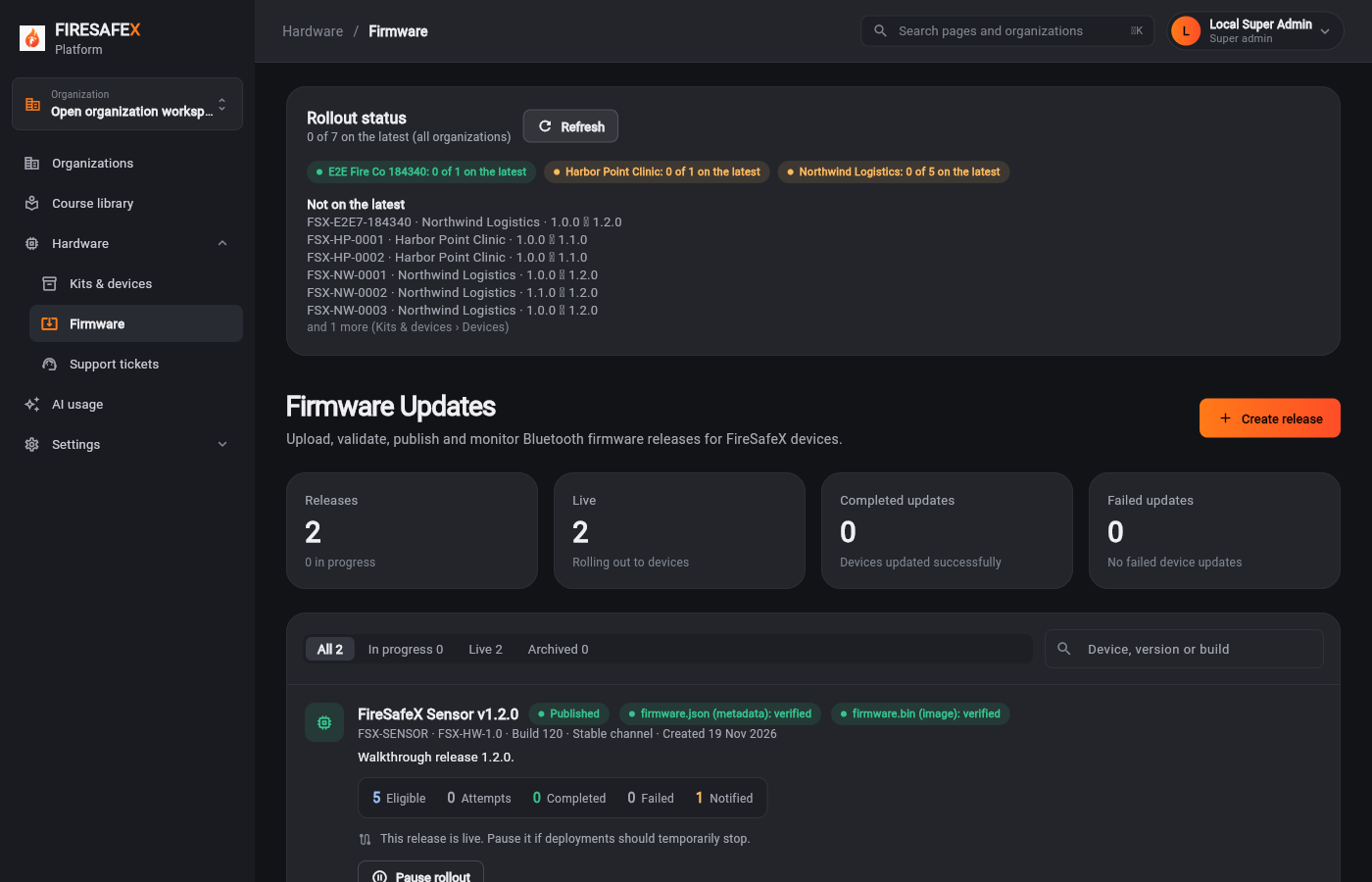
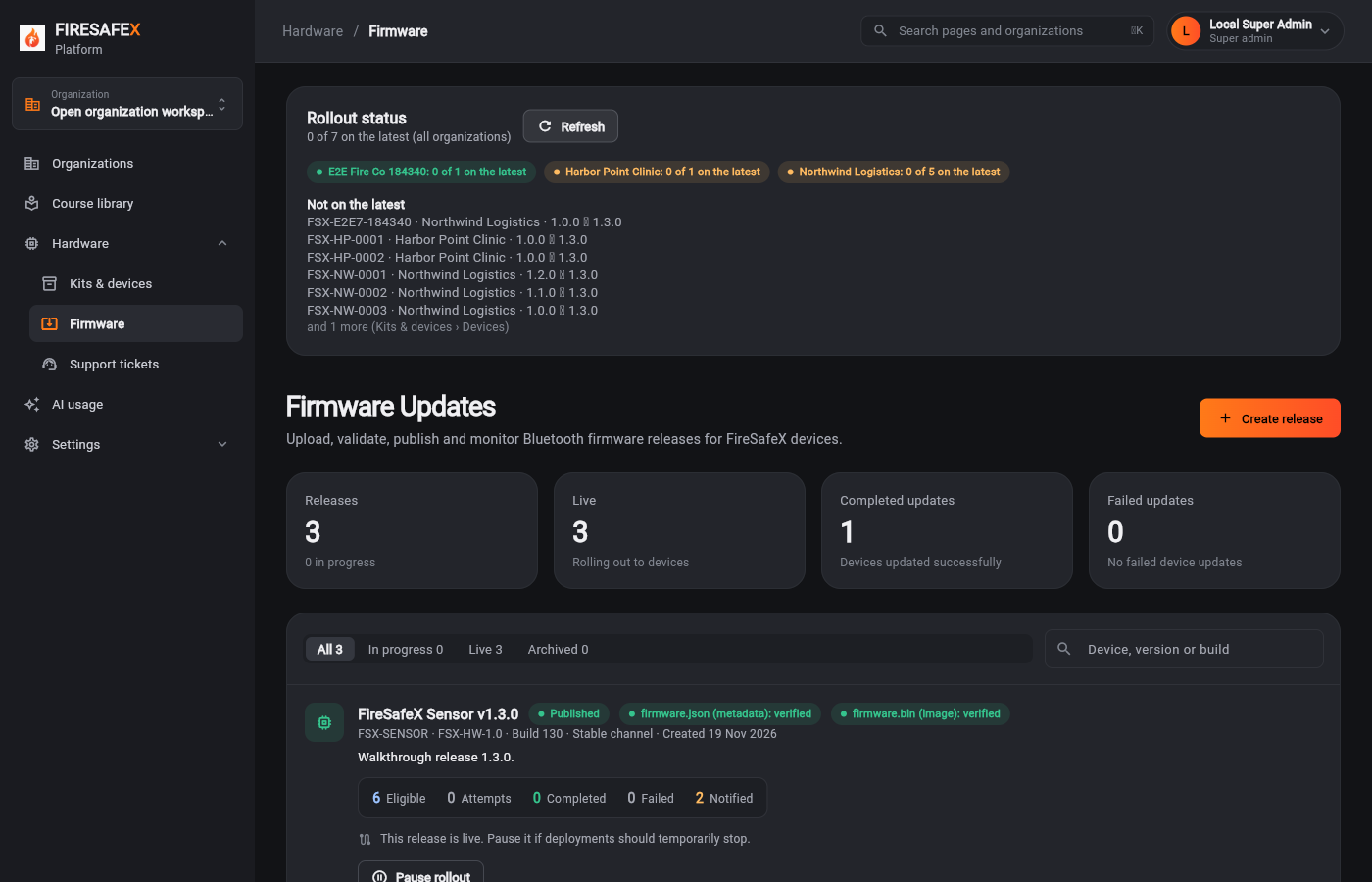
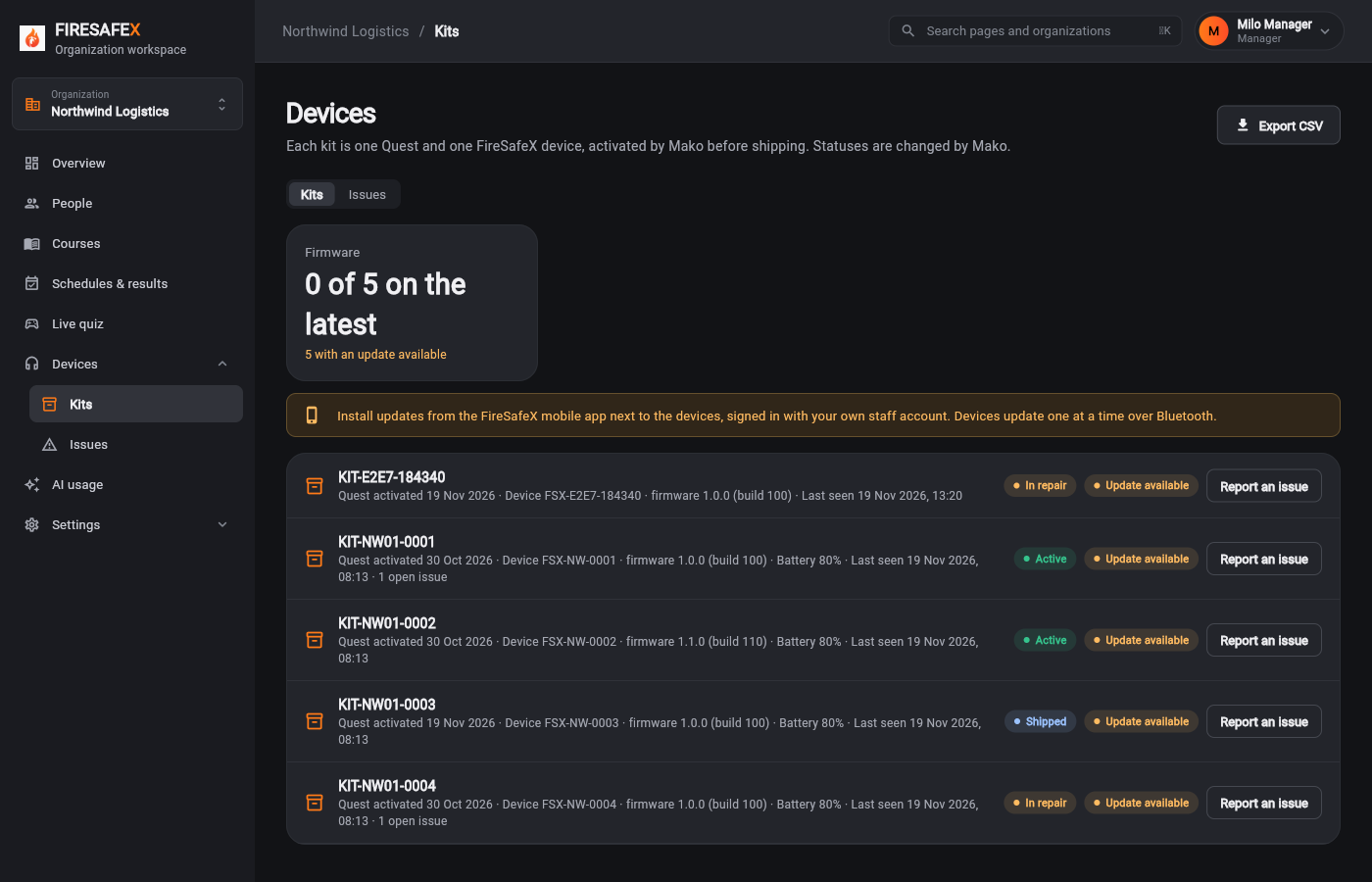
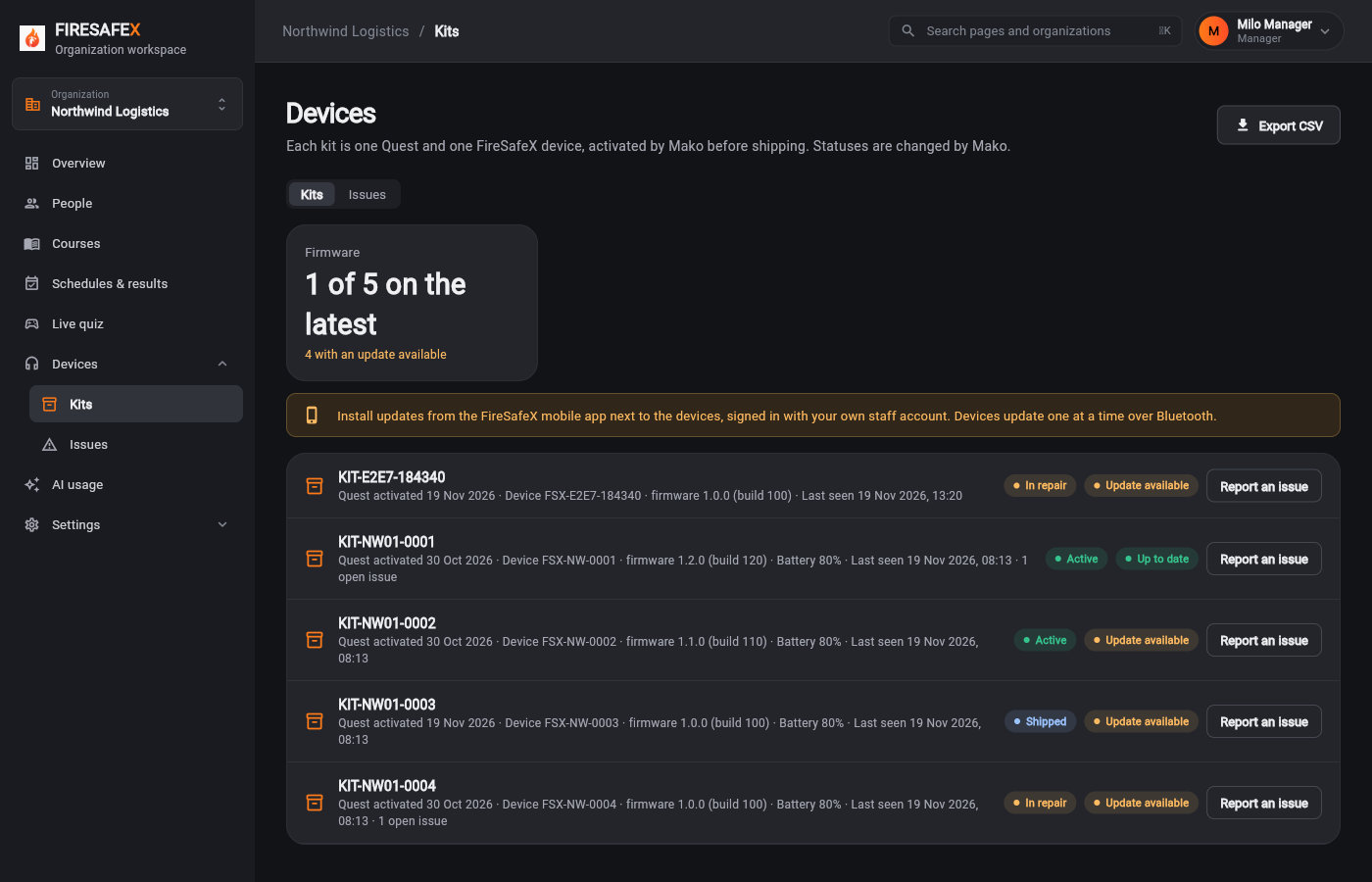
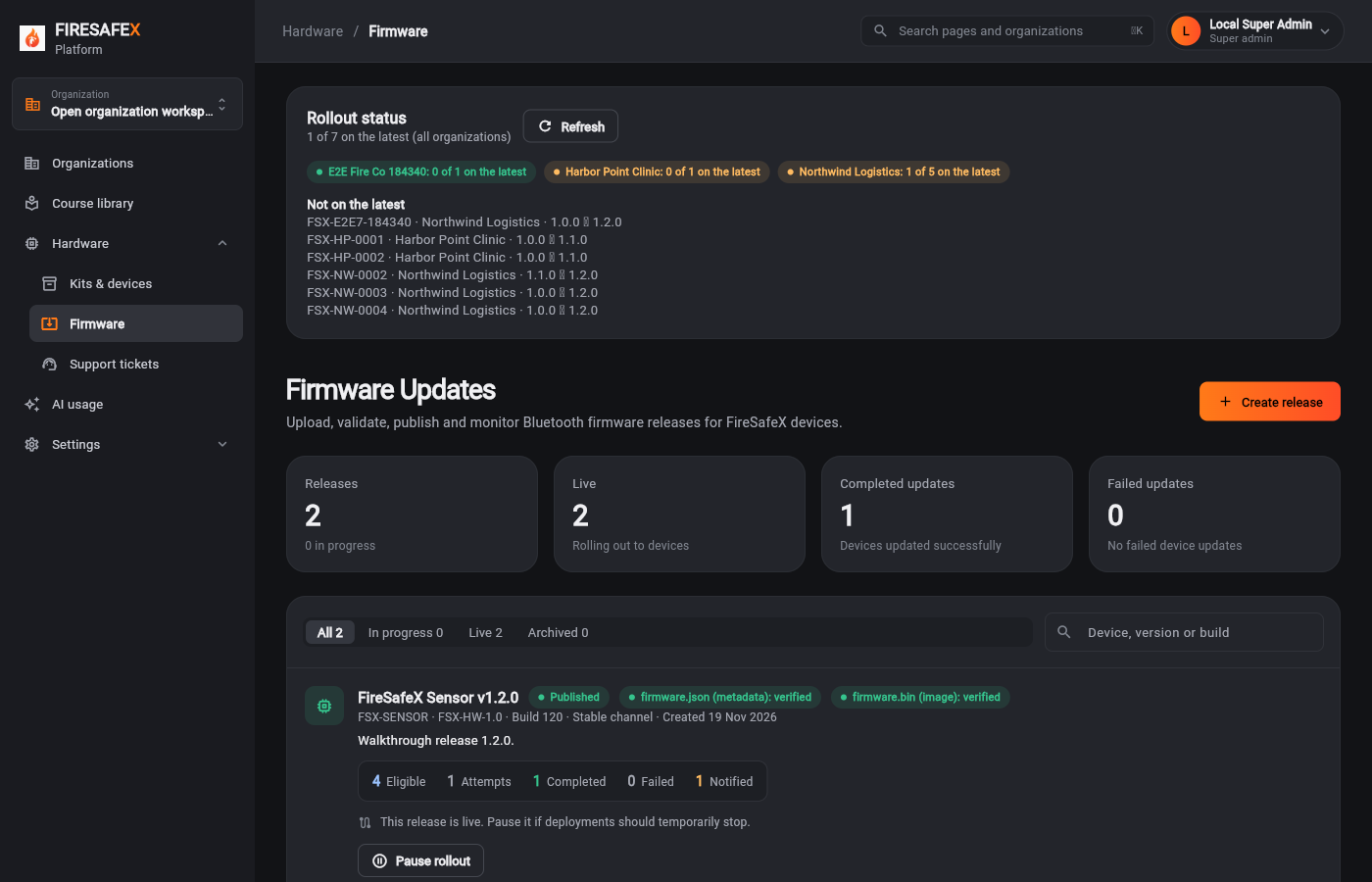
Both sides can see which devices are on the latest version and which are not
Step for: Super admin (Mako)Screenshots as Super adminRoles match
Signed in as Local Super Admin · Super admin
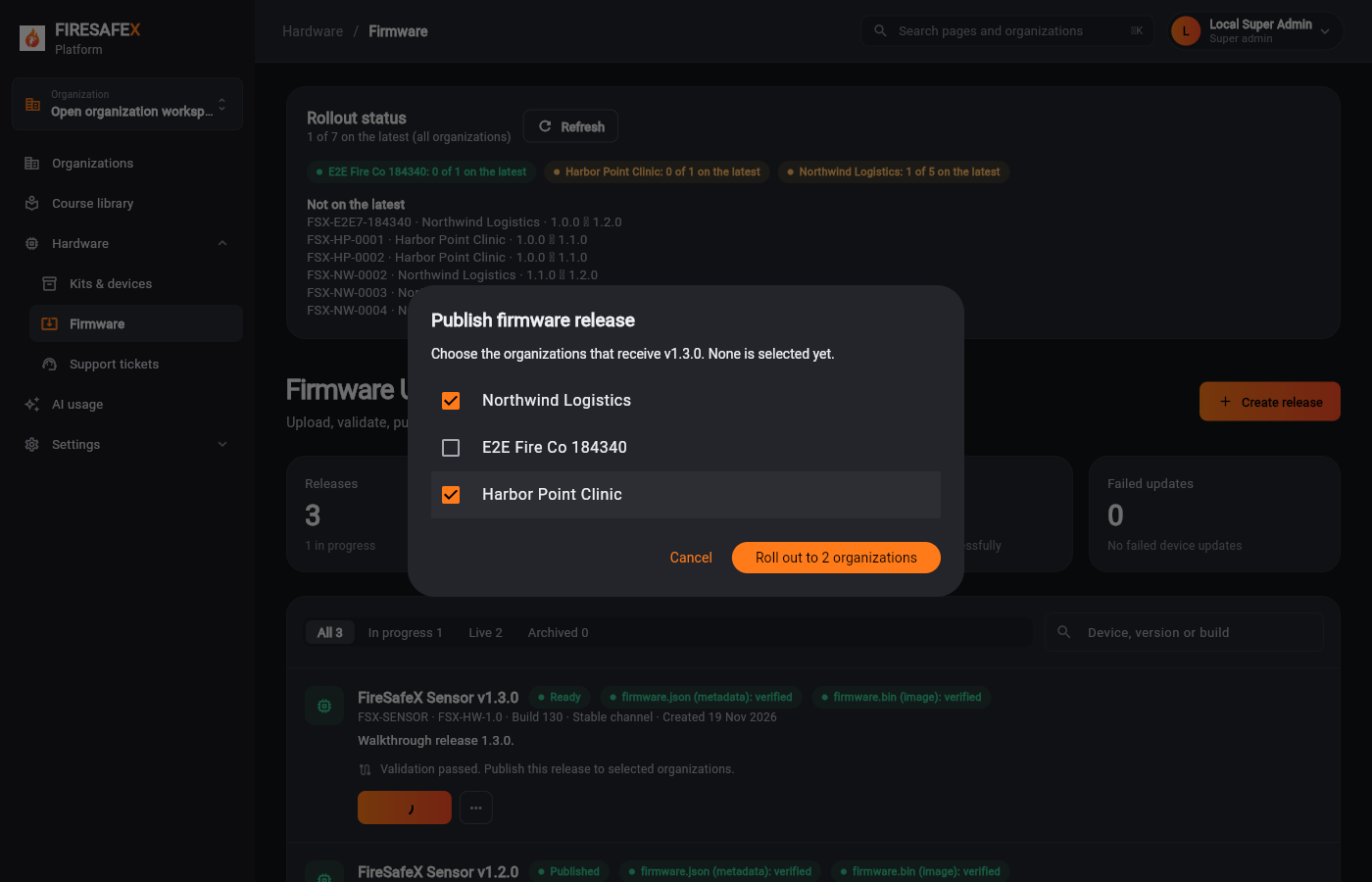
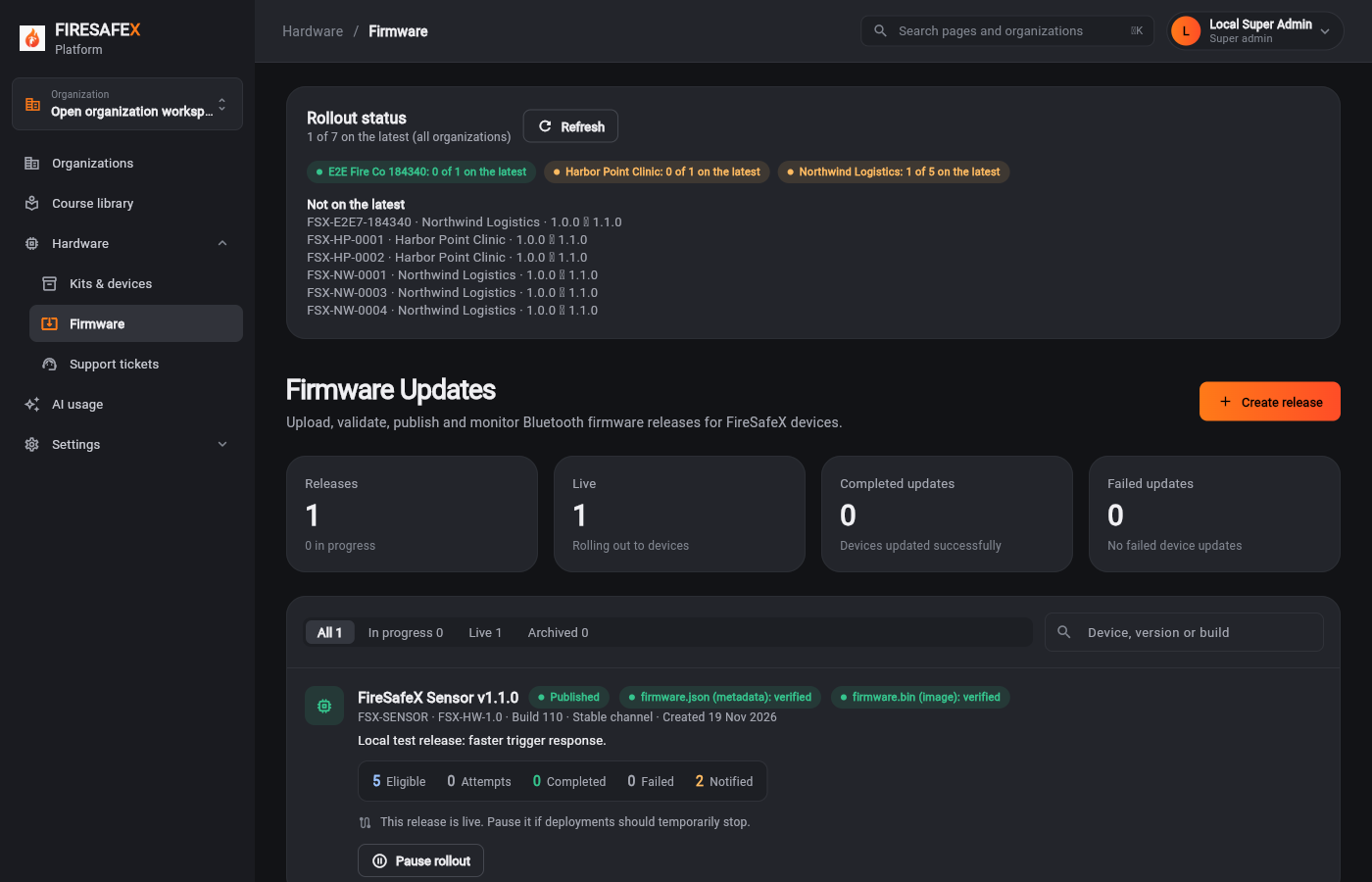 117Firmware rollout status before
Signed in as Local Super Admin · Super admin
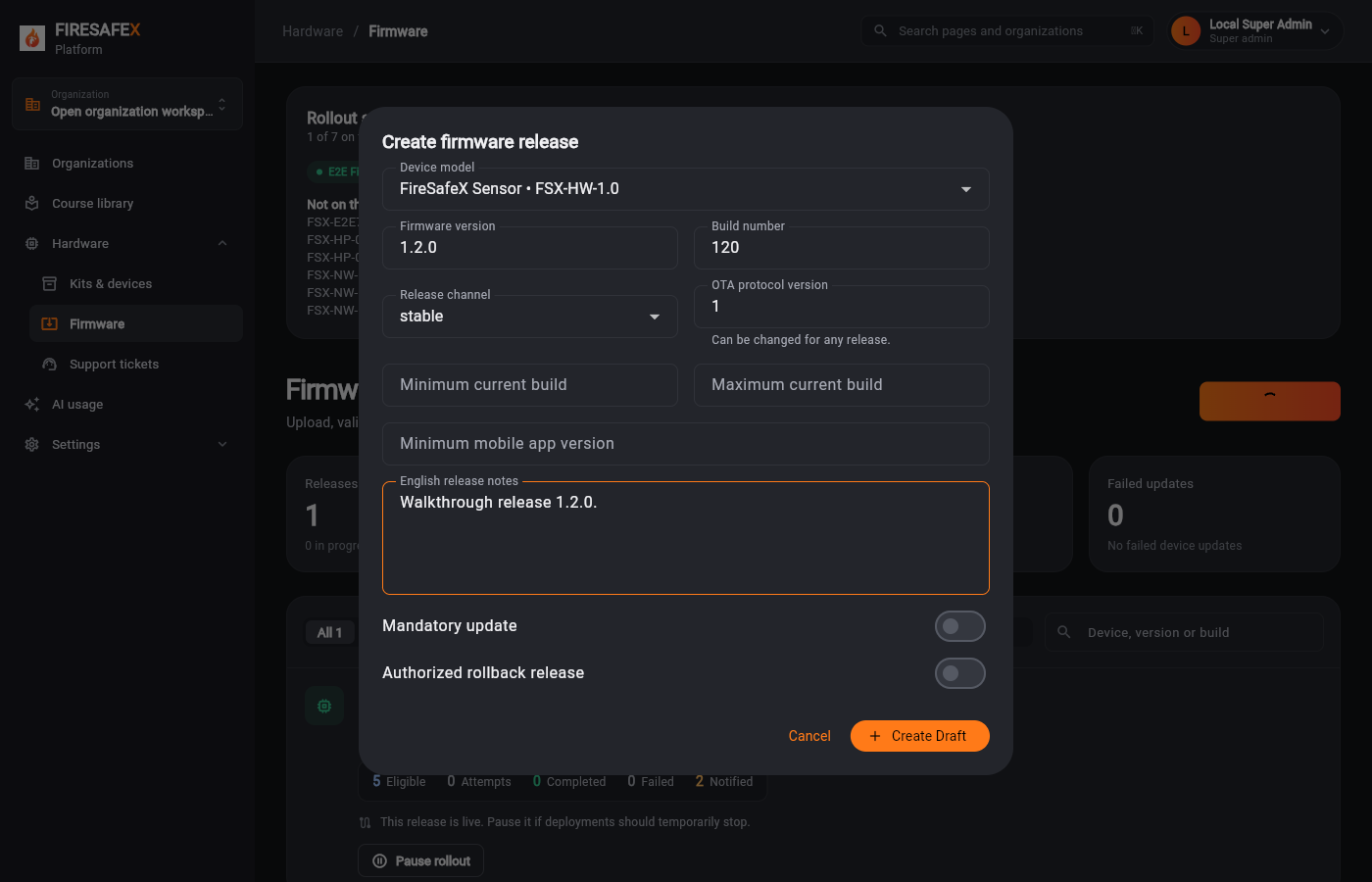 118Create release
Signed in as Local Super Admin · Super admin
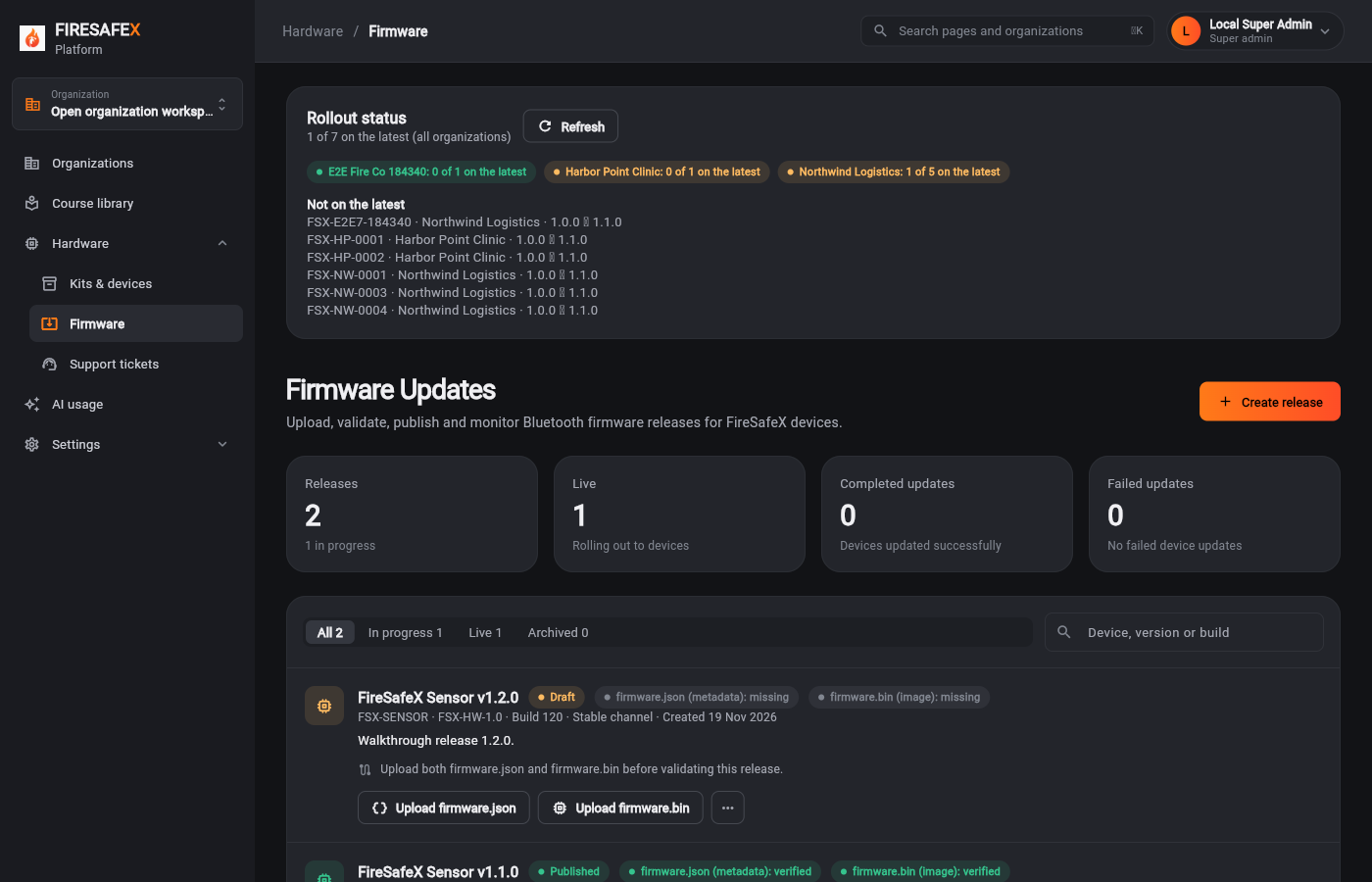 119Release draft both files missing
Signed in as Local Super Admin · Super admin
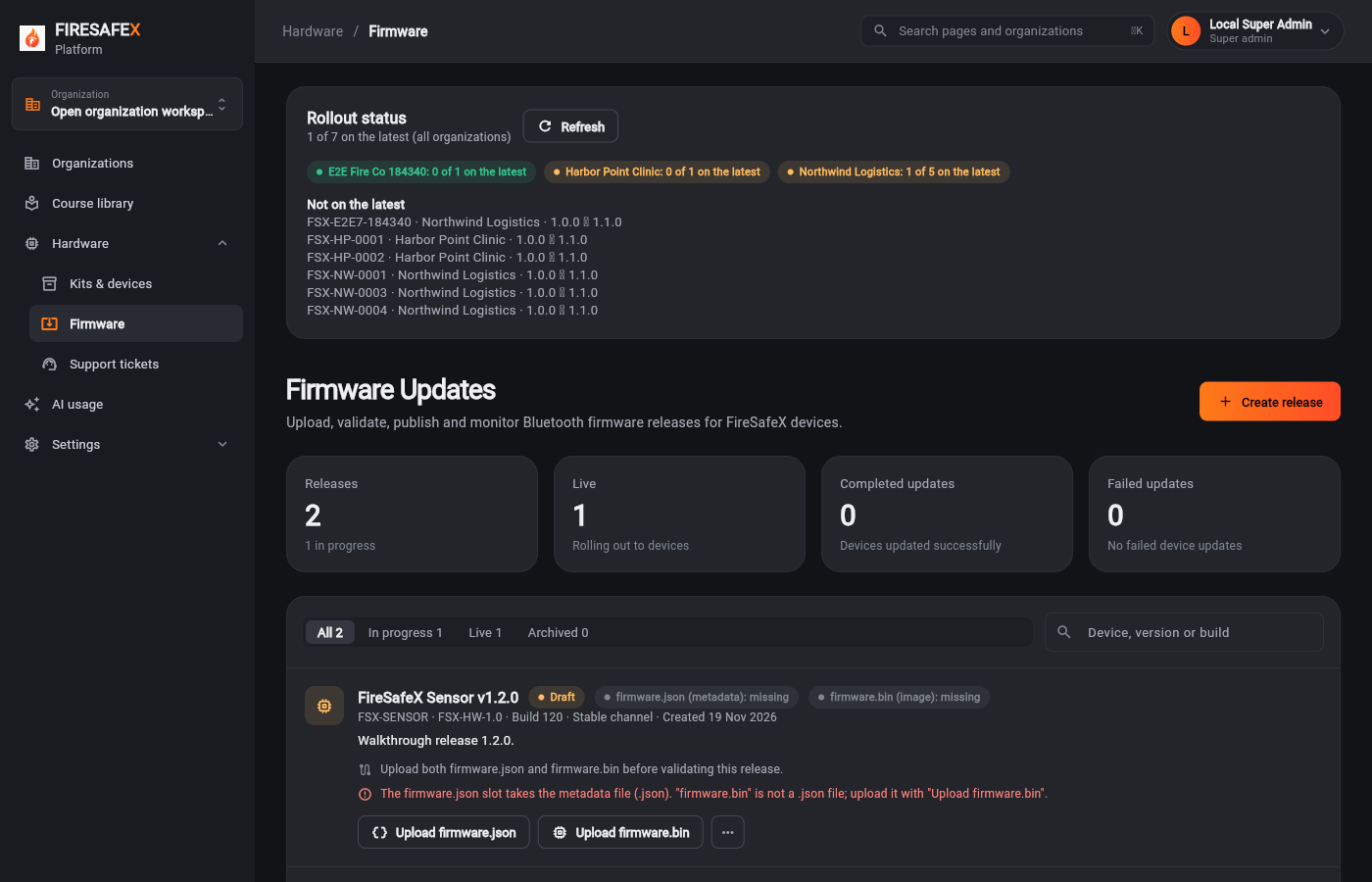 120Wrong slot refused
Signed in as Local Super Admin · Super admin
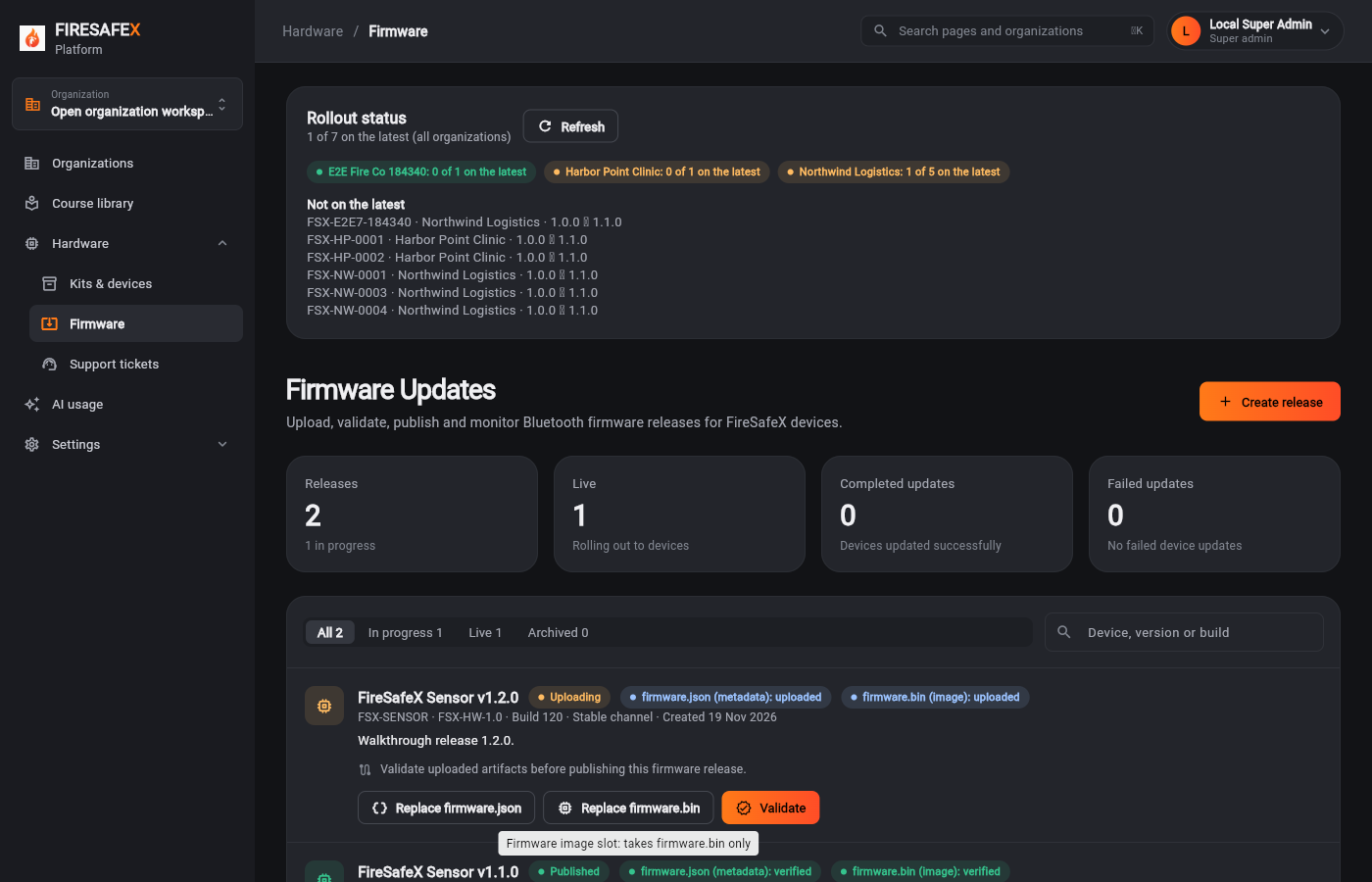 121Both files uploaded
Signed in as Local Super Admin · Super admin
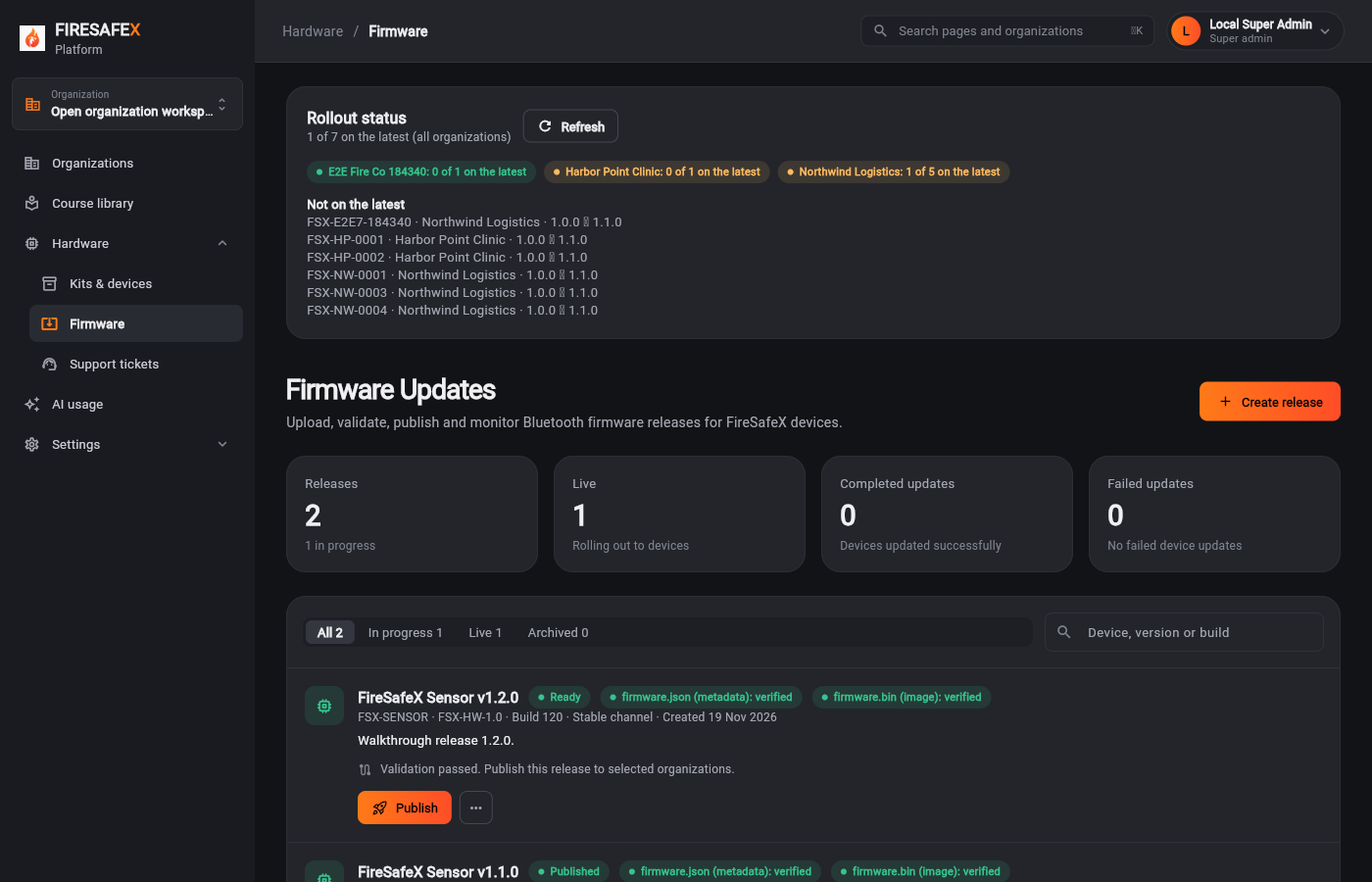 122Release validated
Signed in as Local Super Admin · Super admin
Step for: Super admin (Mako)Screenshots as Super adminRoles match
Signed in as Local Super Admin · Super admin
Signed in as Local Super Admin · Super admin
Step for: Org admin · ManagerScreenshots as ManagerRoles match
Signed in as Milo Manager · Manager
Step for: Org admin · ManagerScreenshots as Firmware simulatorRoles match
Signed in as Firmware simulator (signed in as Milo Manager)
One test covers steps 8.4 to 8.6.
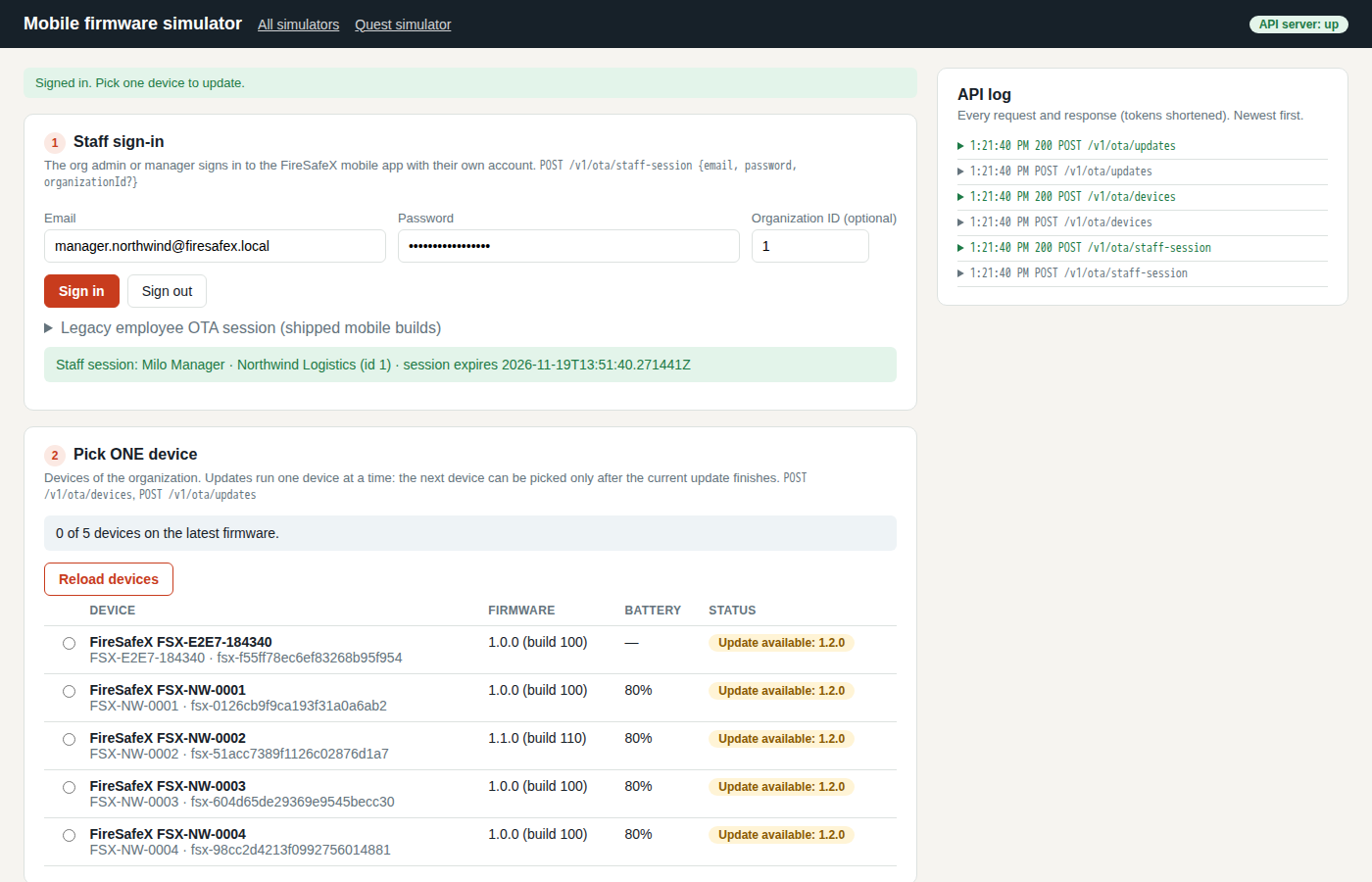 127Mobile simulator devices
Firmware simulator (signed in as Milo Manager)
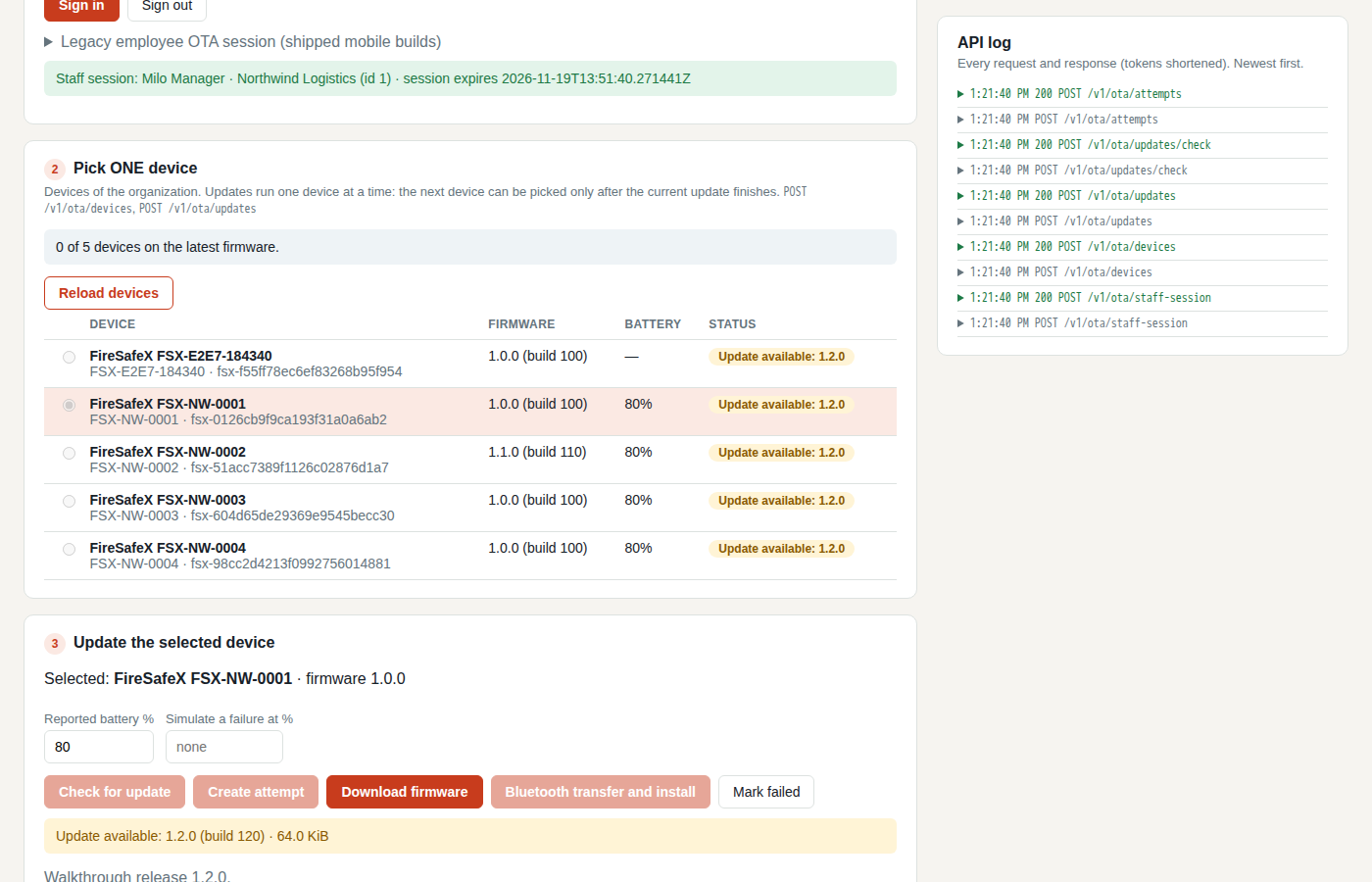 128Mobile simulator attempt open one device at a time
Firmware simulator (signed in as Milo Manager)
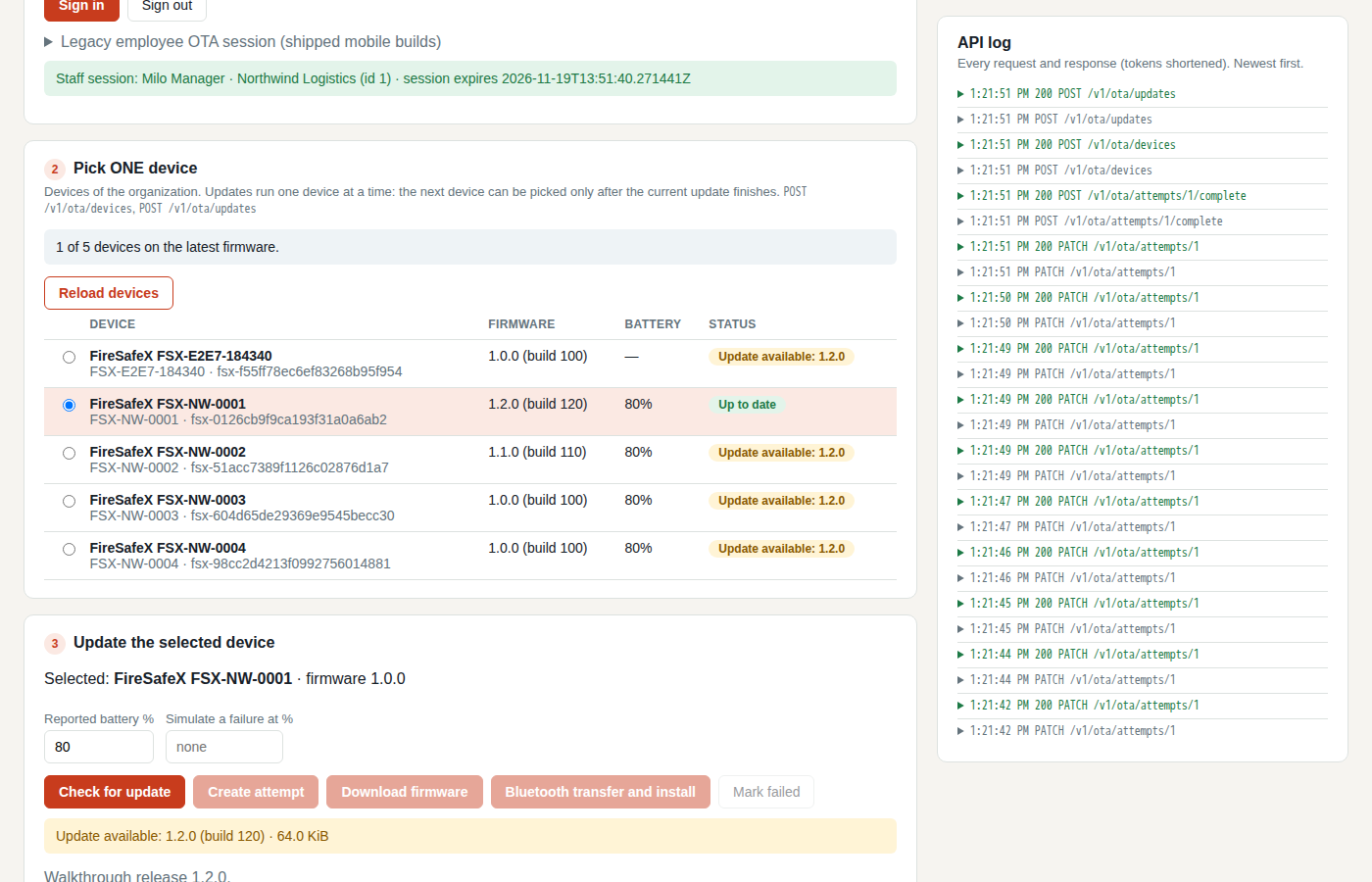 129Mobile simulator update completed
Firmware simulator (signed in as Milo Manager)
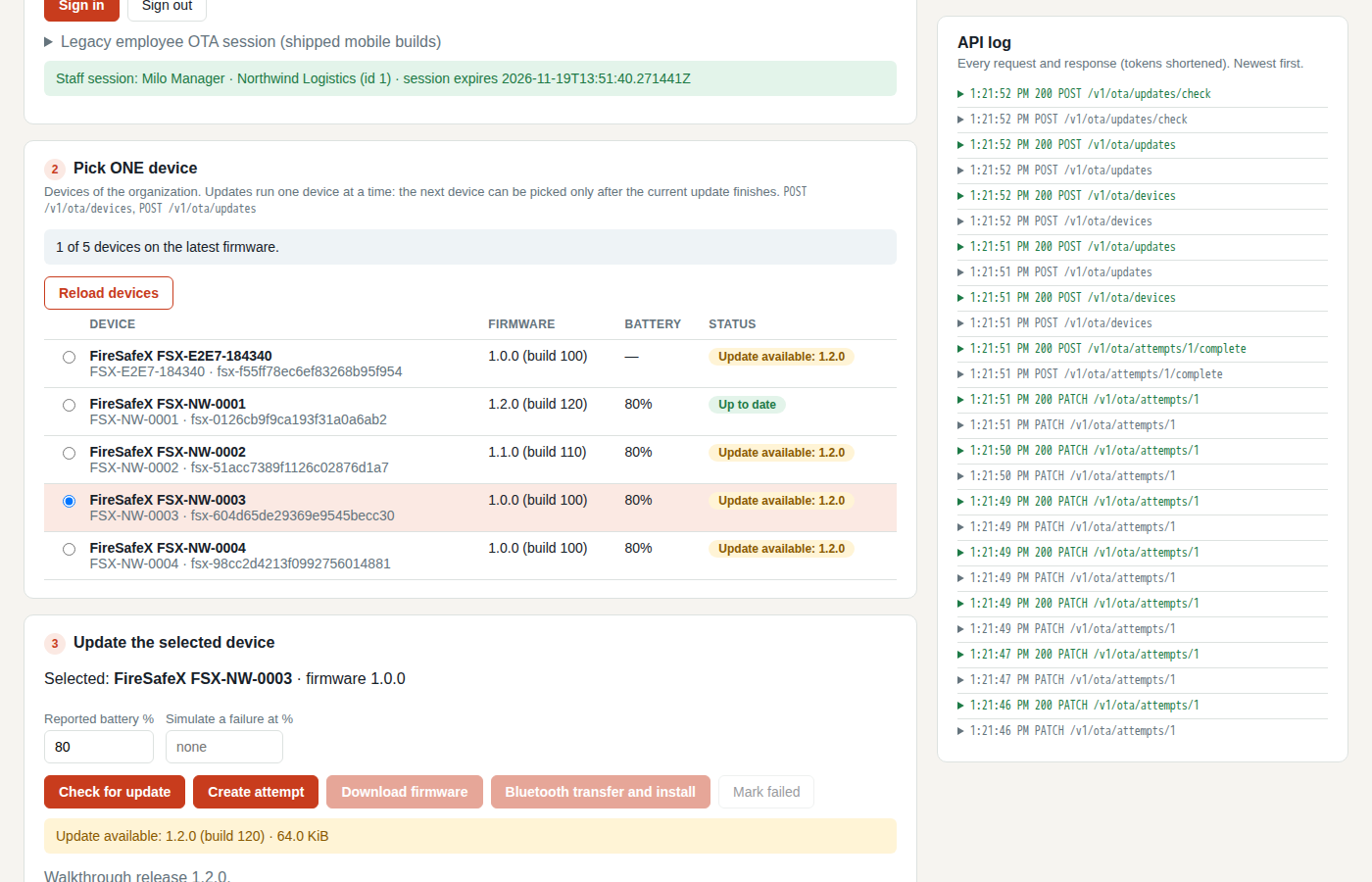 130Mobile simulator next device
Firmware simulator (signed in as Milo Manager)
Step for: Companion app + deviceScreenshots as Firmware simulatorRoles match
Tested with 8.4–8.6, shown under step 8.4.
Step for: Companion app + deviceScreenshots as Firmware simulatorRoles match
Tested with 8.4–8.6, shown under step 8.4.
Step for: Super admin (Mako) + Org admin · ManagerScreenshots as Manager, Super adminRoles match
Signed in as Milo Manager · ManagerLocal Super Admin · Super admin
Flow 9
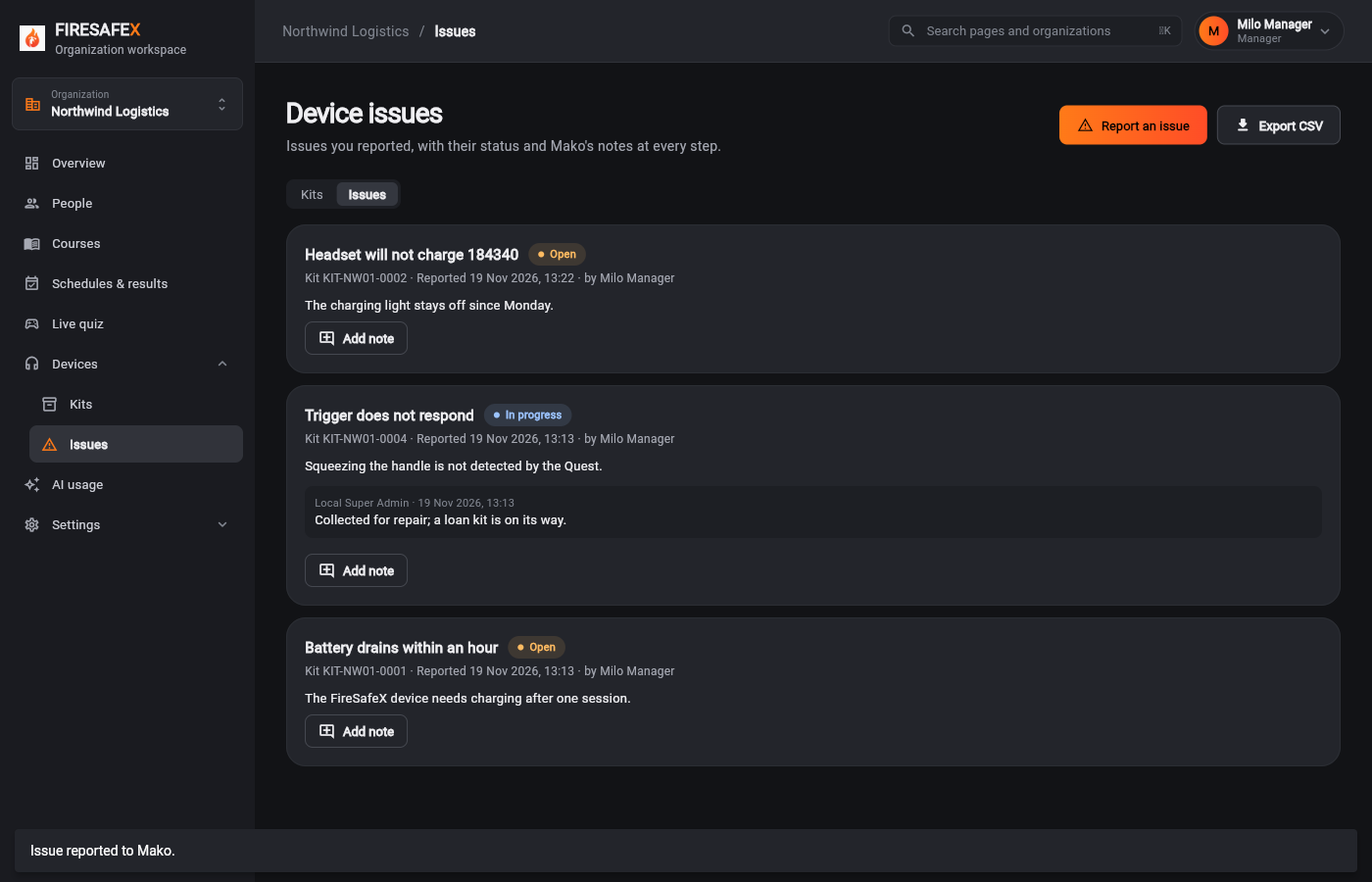
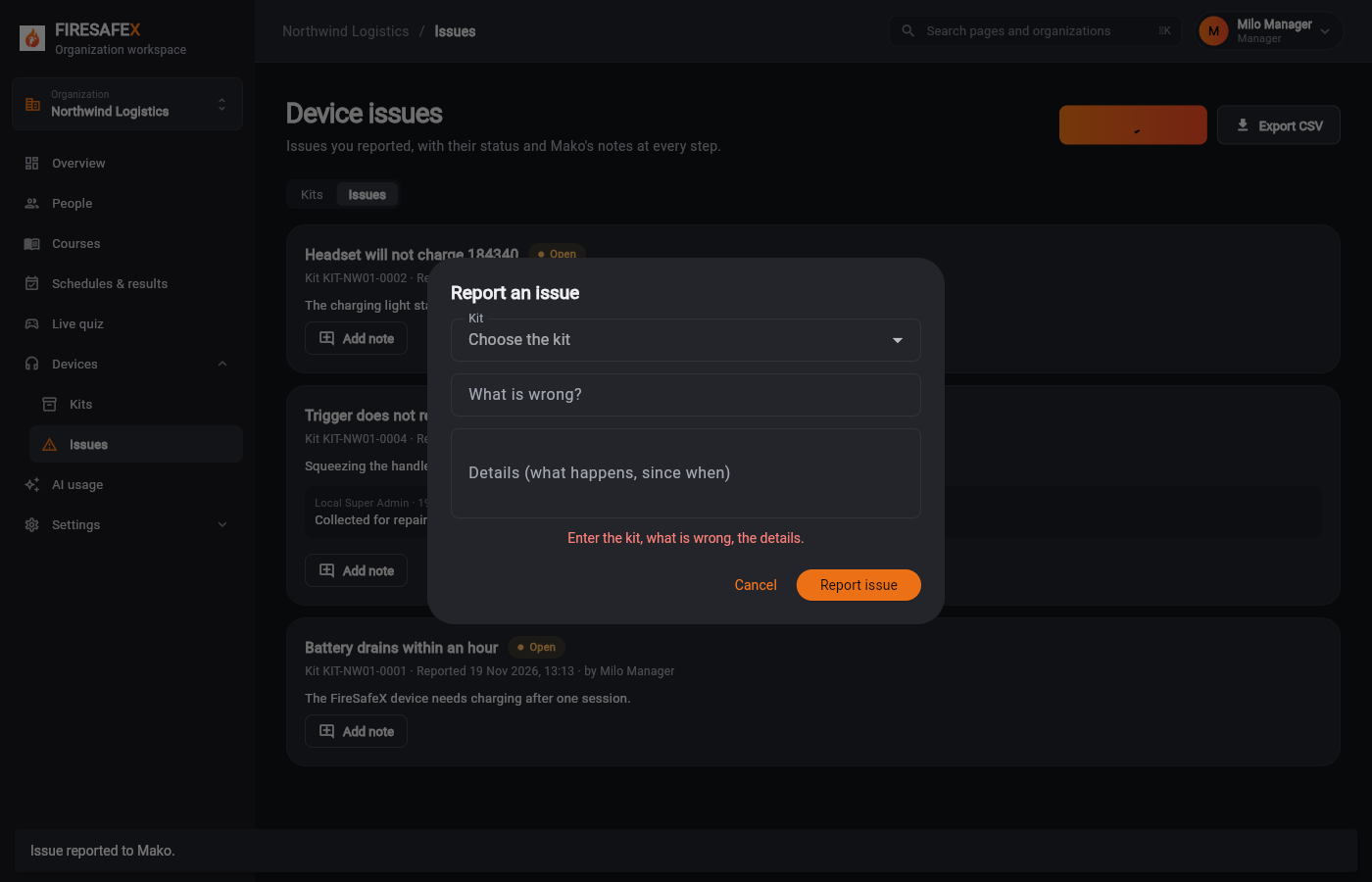
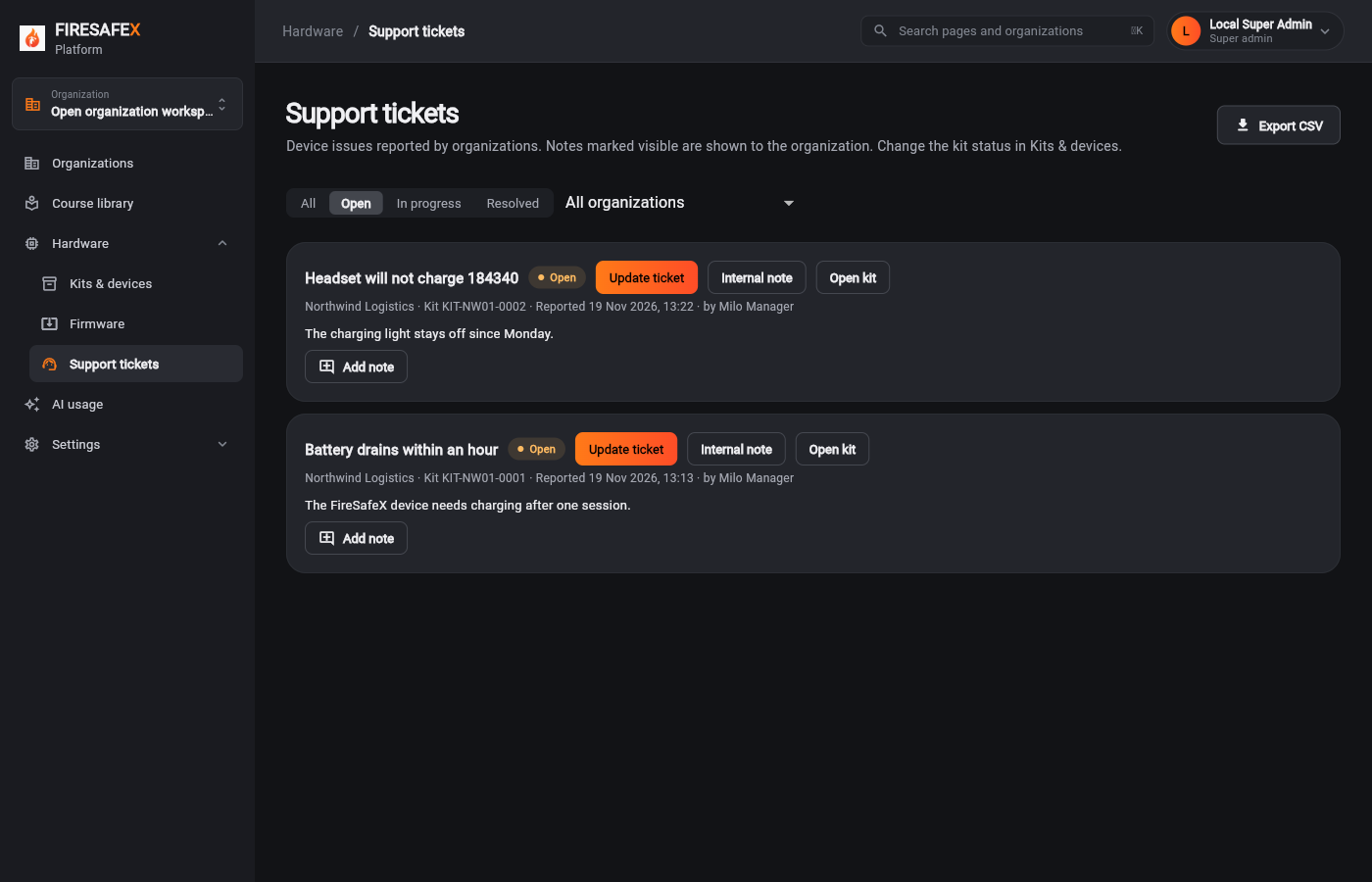
A ticket both sides can follow
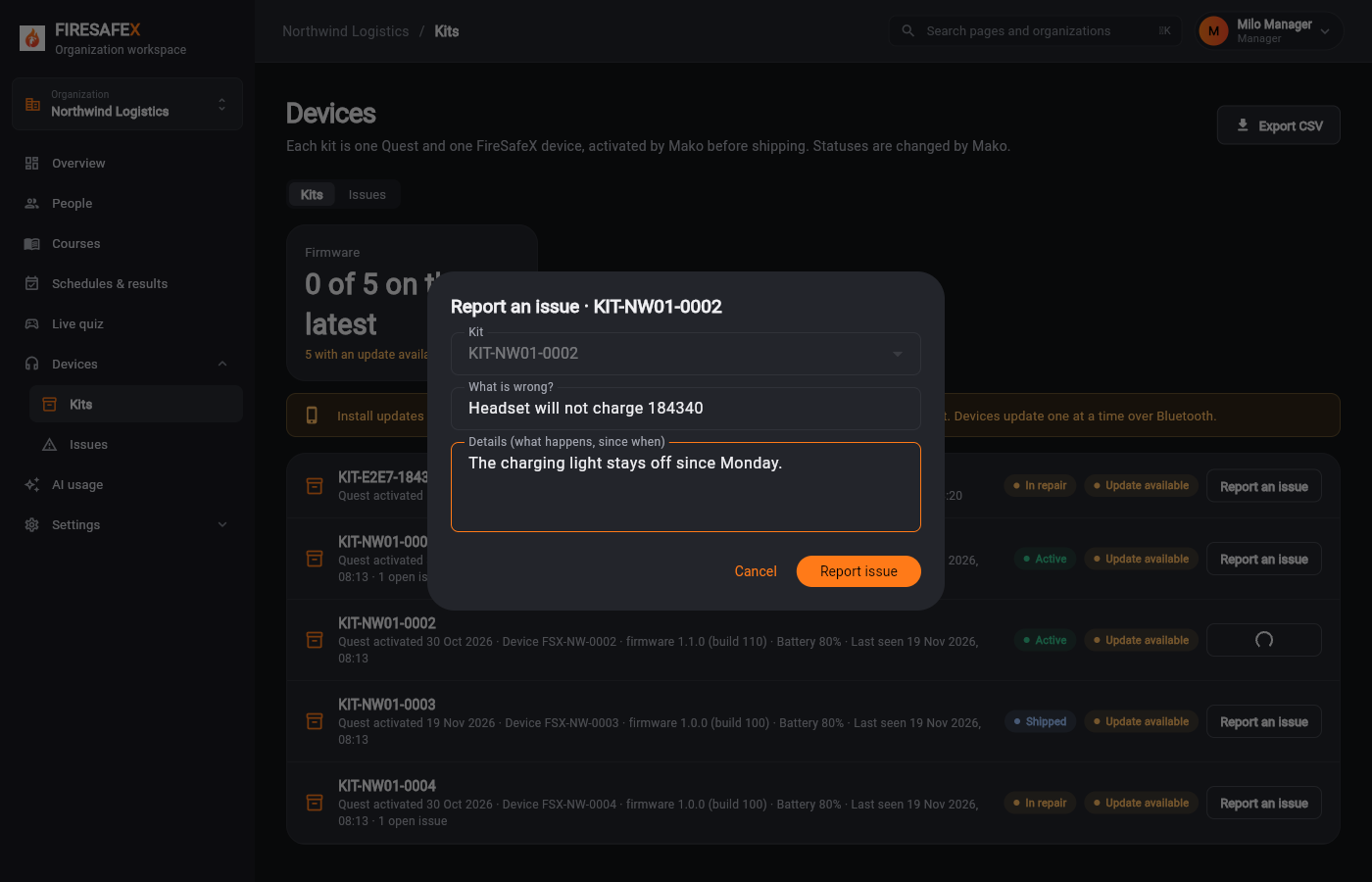
Step for: Org admin · ManagerScreenshots as ManagerRoles match
Signed in as Milo Manager · Manager
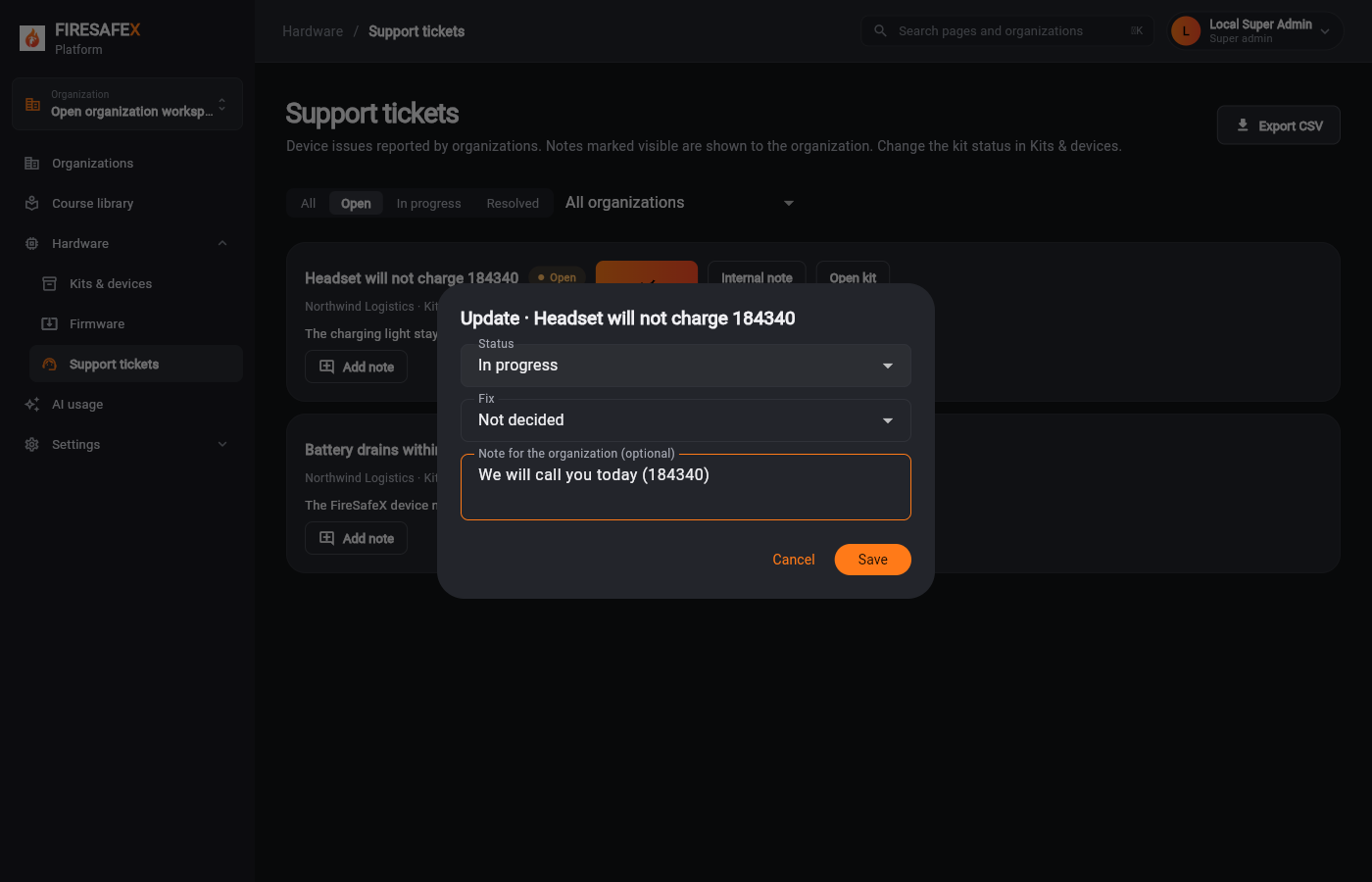
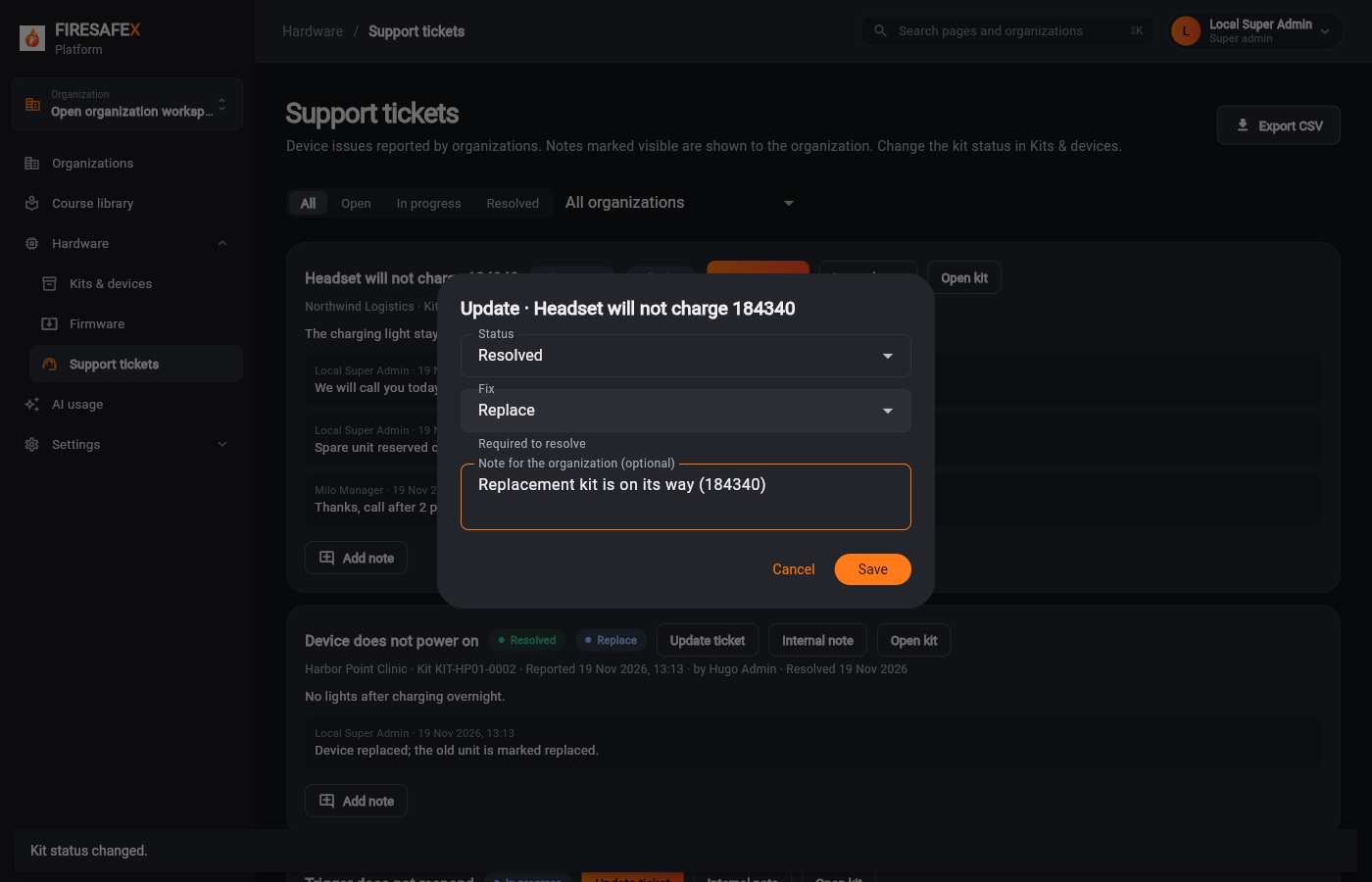
Step for: Super admin (Mako)Screenshots as Super adminRoles match
Signed in as Local Super Admin · Super admin
One test covers steps 9.2 and 9.3.
Step for: Super admin (Mako)Screenshots as Super adminRoles match
Tested with 9.2–9.3, shown under step 9.2.
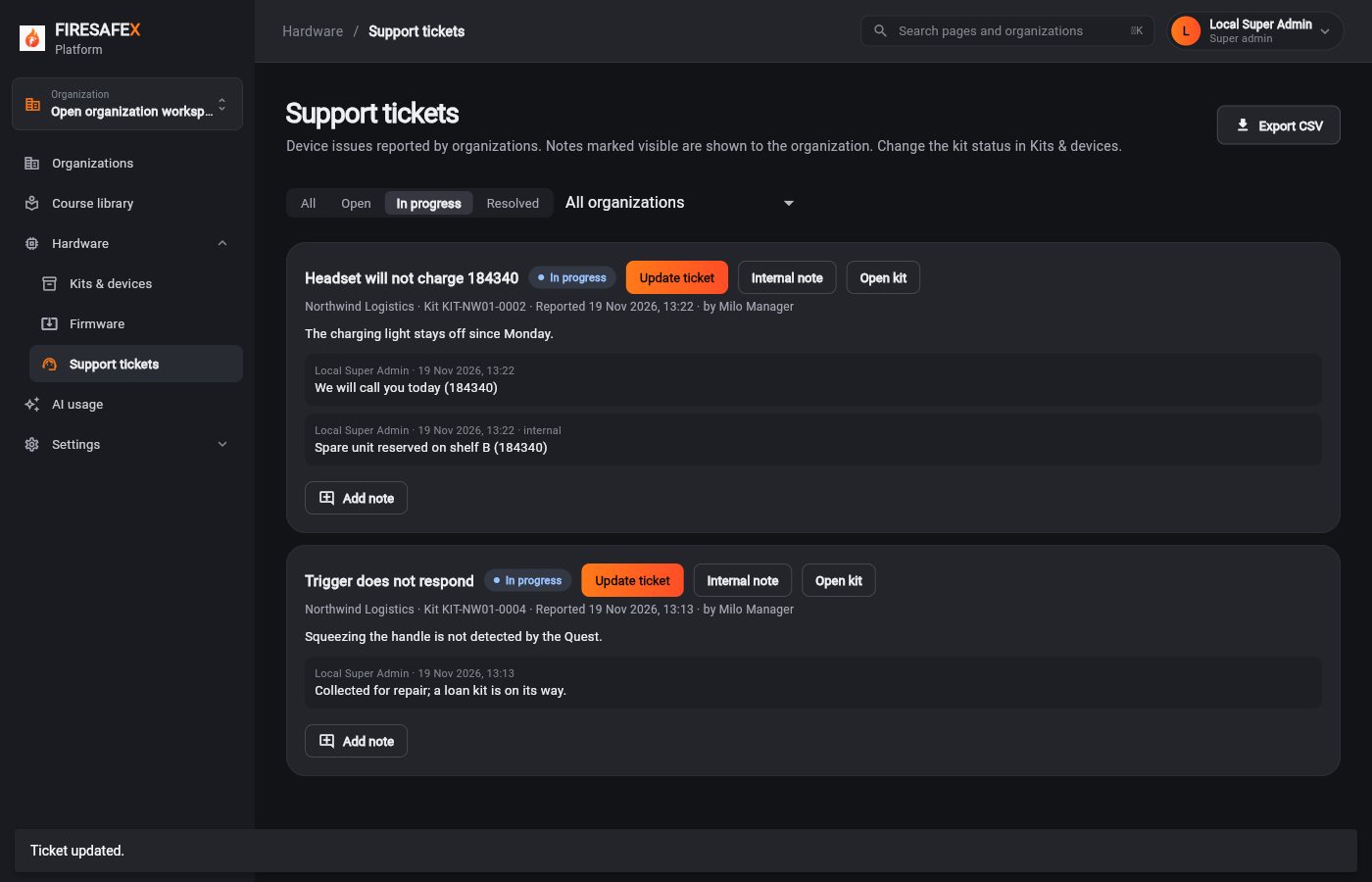
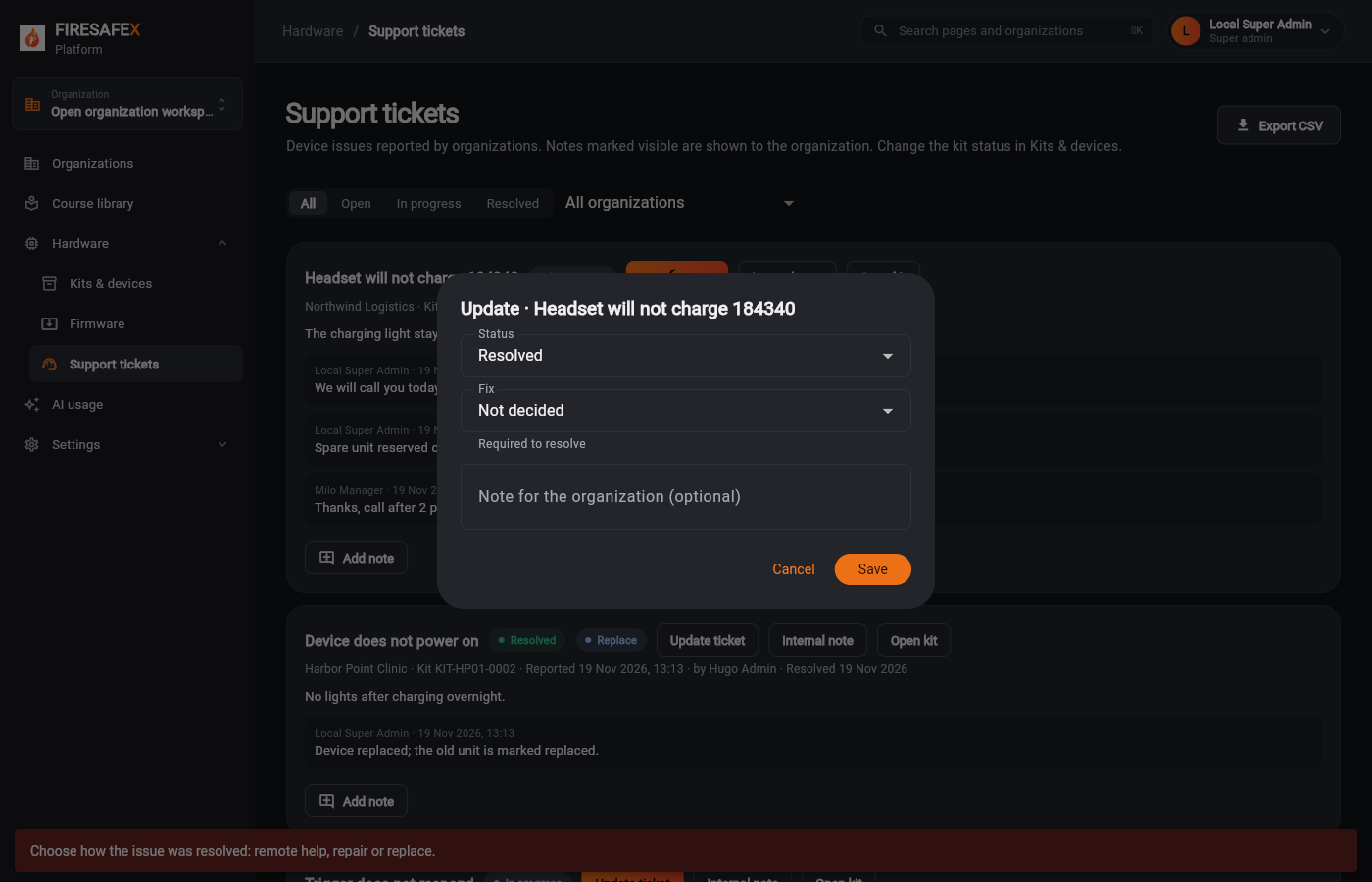
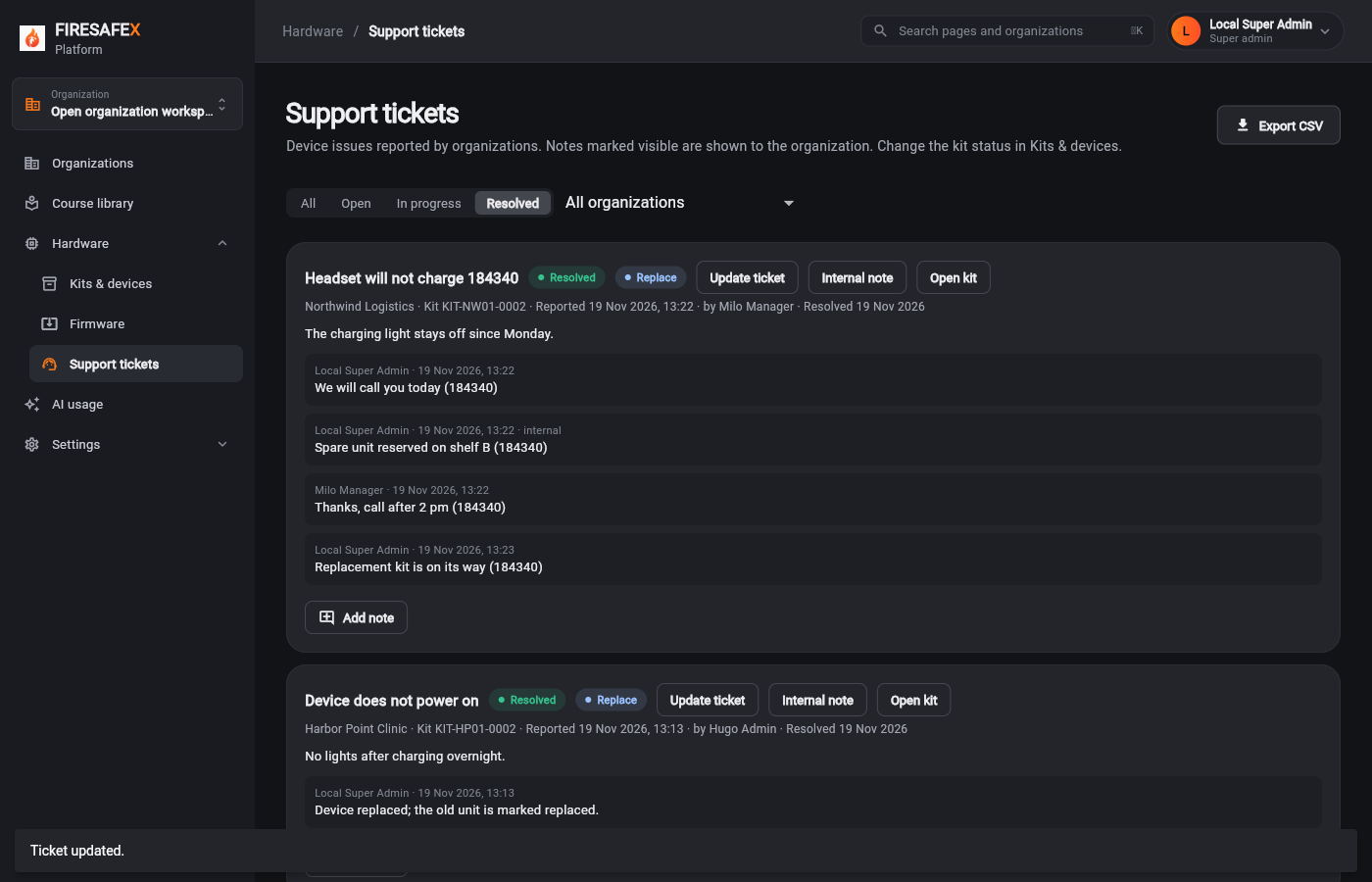
Step for: Super admin (Mako) + Kit statusScreenshots as Super adminRoles match
Signed in as Local Super Admin · Super admin
One test covers steps 9.4 and 9.5.
Step for: Super admin (Mako)Screenshots as Super adminRoles match
Tested with 9.4–9.5, shown under step 9.4.
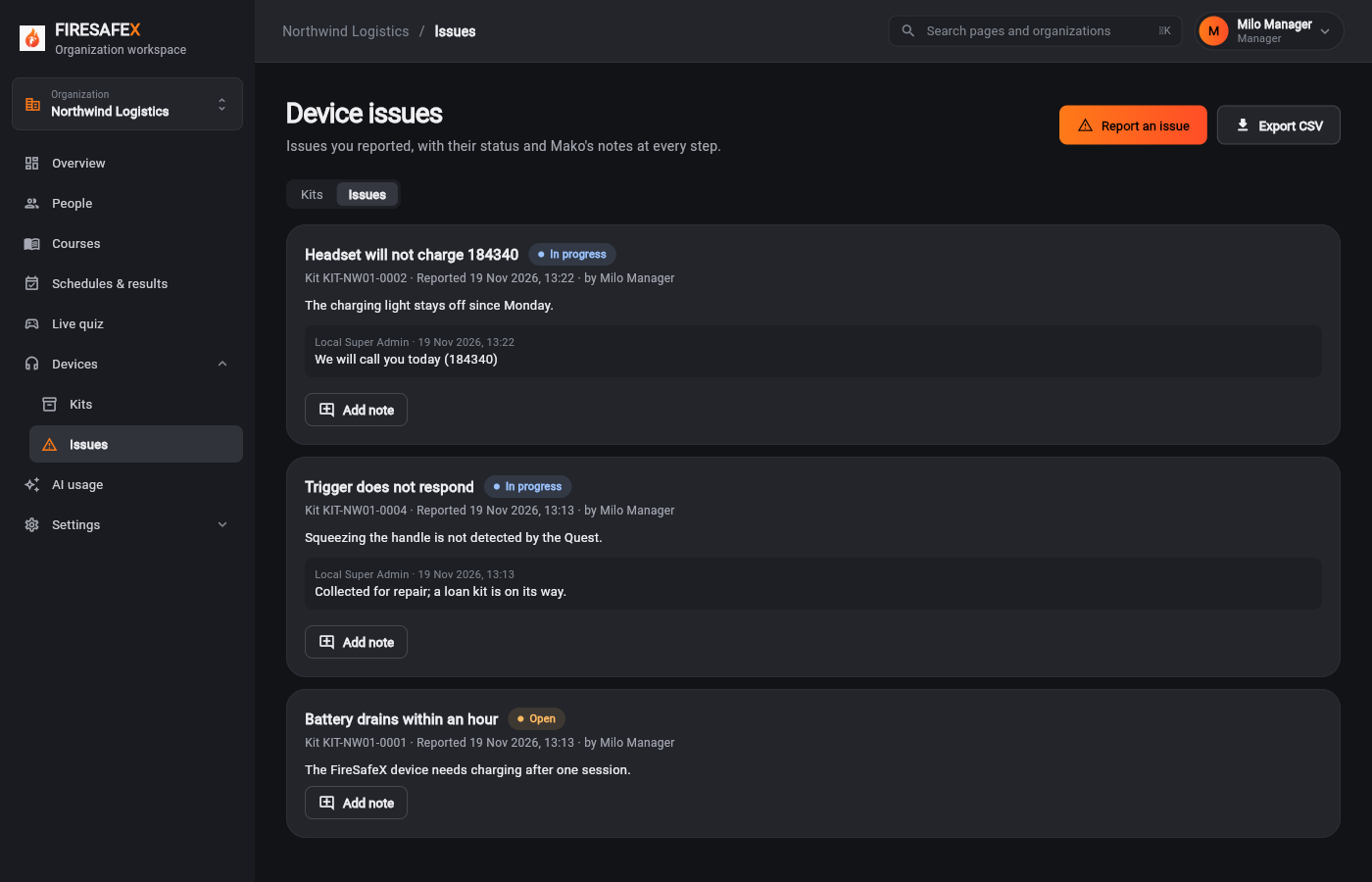
Step for: Org admin · ManagerScreenshots as ManagerRoles match
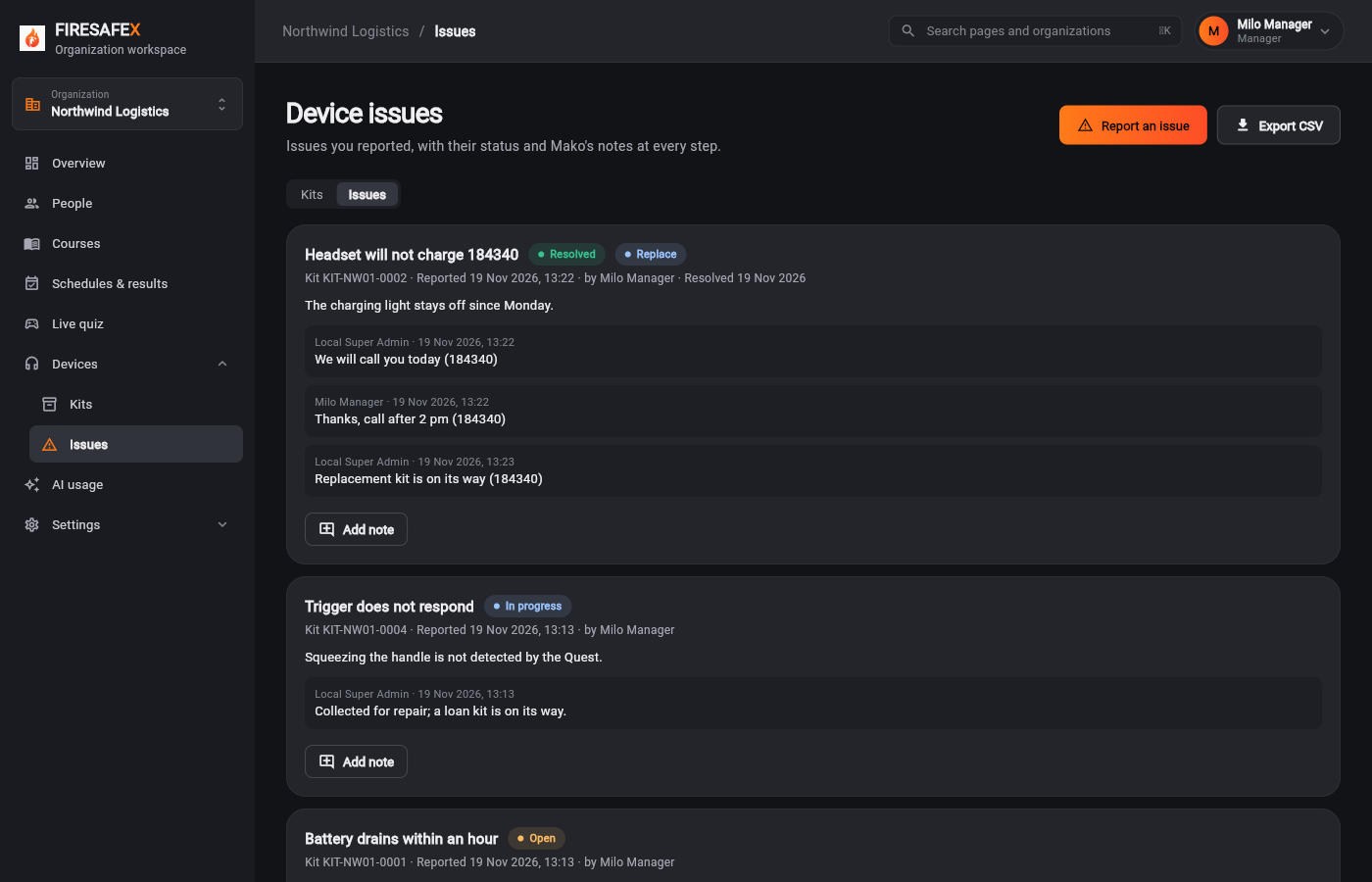
Signed in as Milo Manager · Manager
Signed in as Milo Manager · Manager
Flow 10
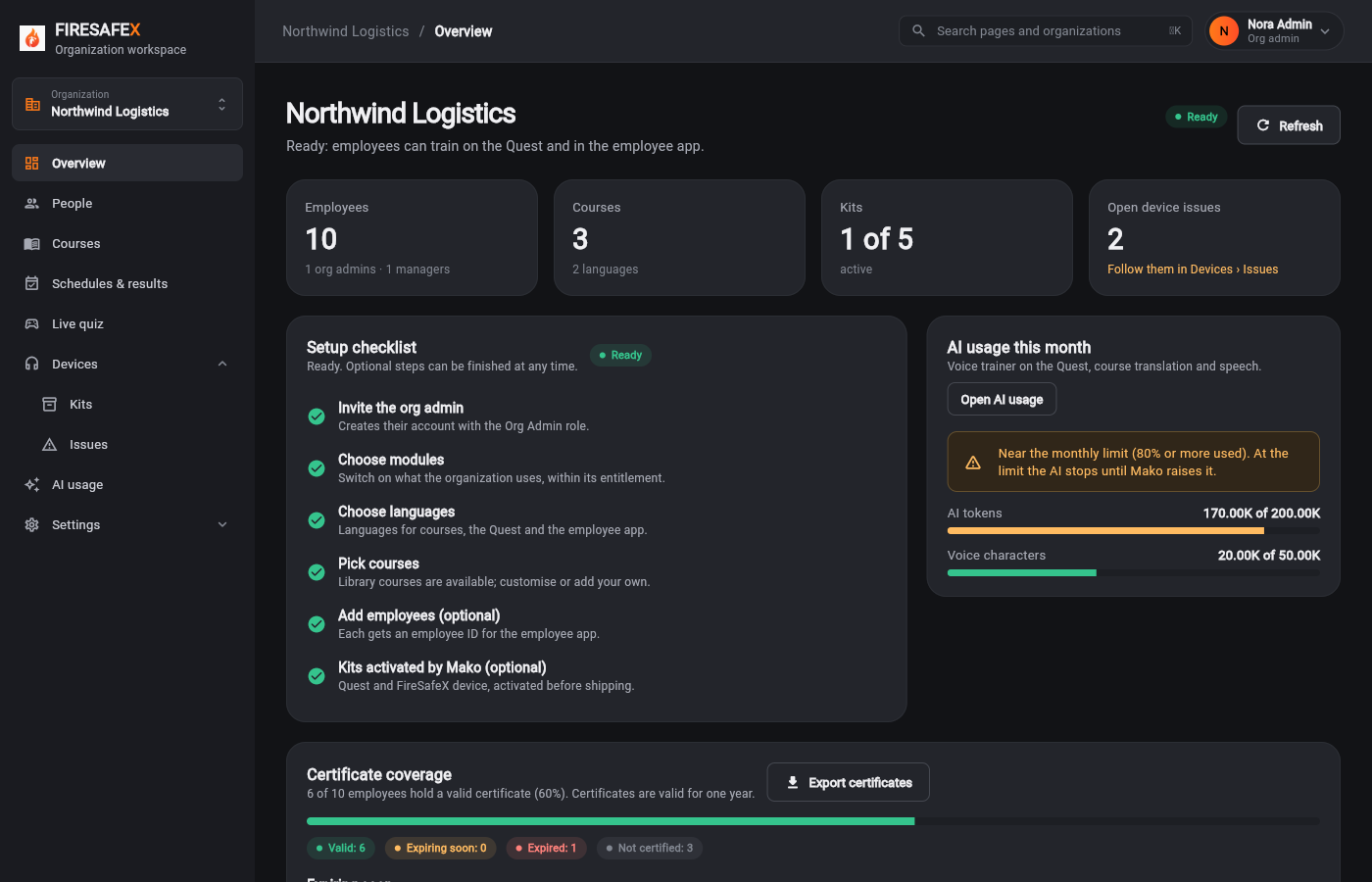
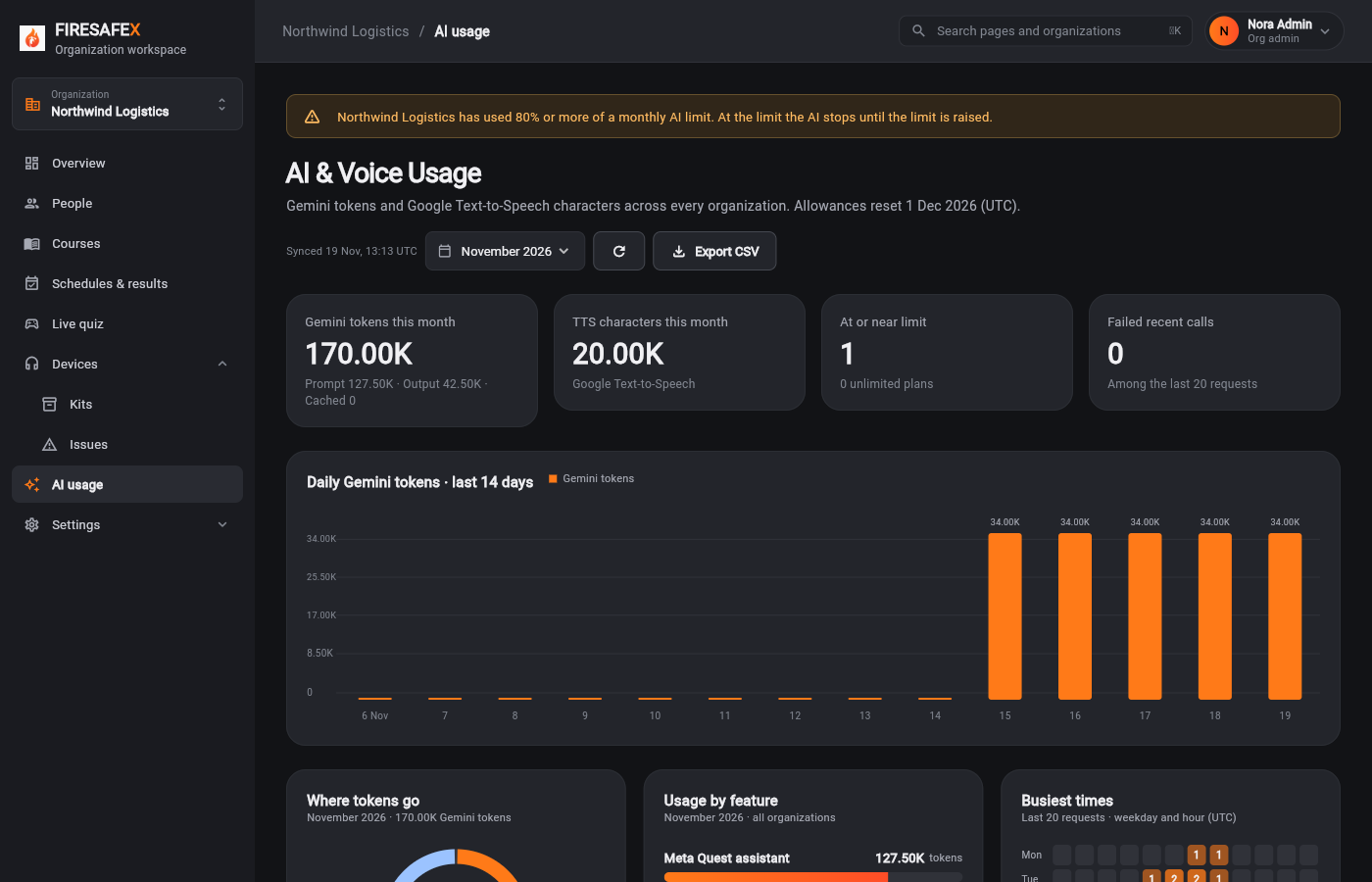
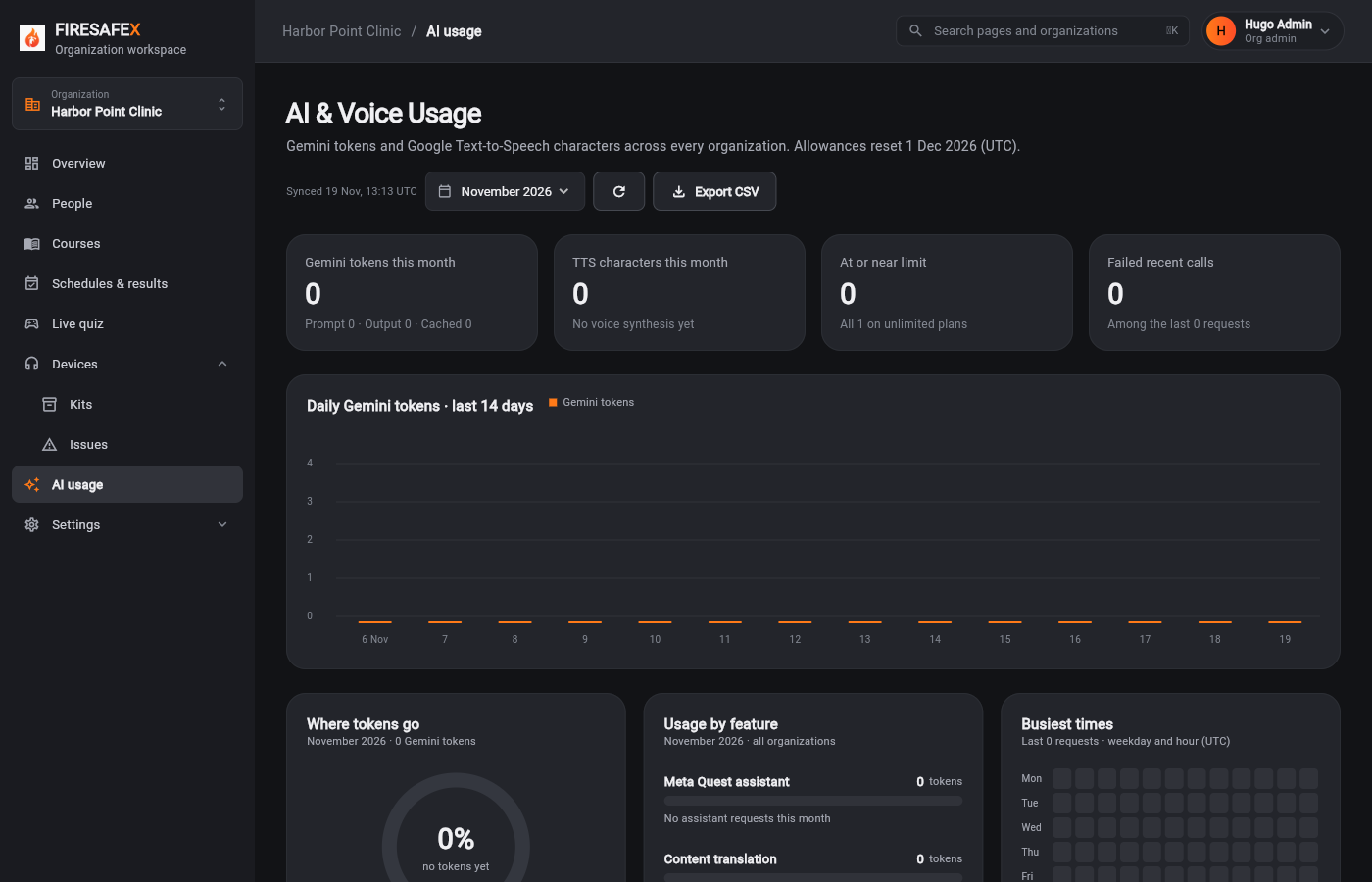
Each organization has a monthly allowance of AI tokens and voice characters
Step for: Super admin (Mako)Screenshots as Super adminRoles match
Signed in as Local Super Admin · Super admin
One test covers steps 10.1 and 10.7.
Step for: Quest trainer + translationScreenshots as Super admin, Org adminRoles match
Signed in as Local Super Admin · Super adminWanda Walkthrough 184340 · Org admin
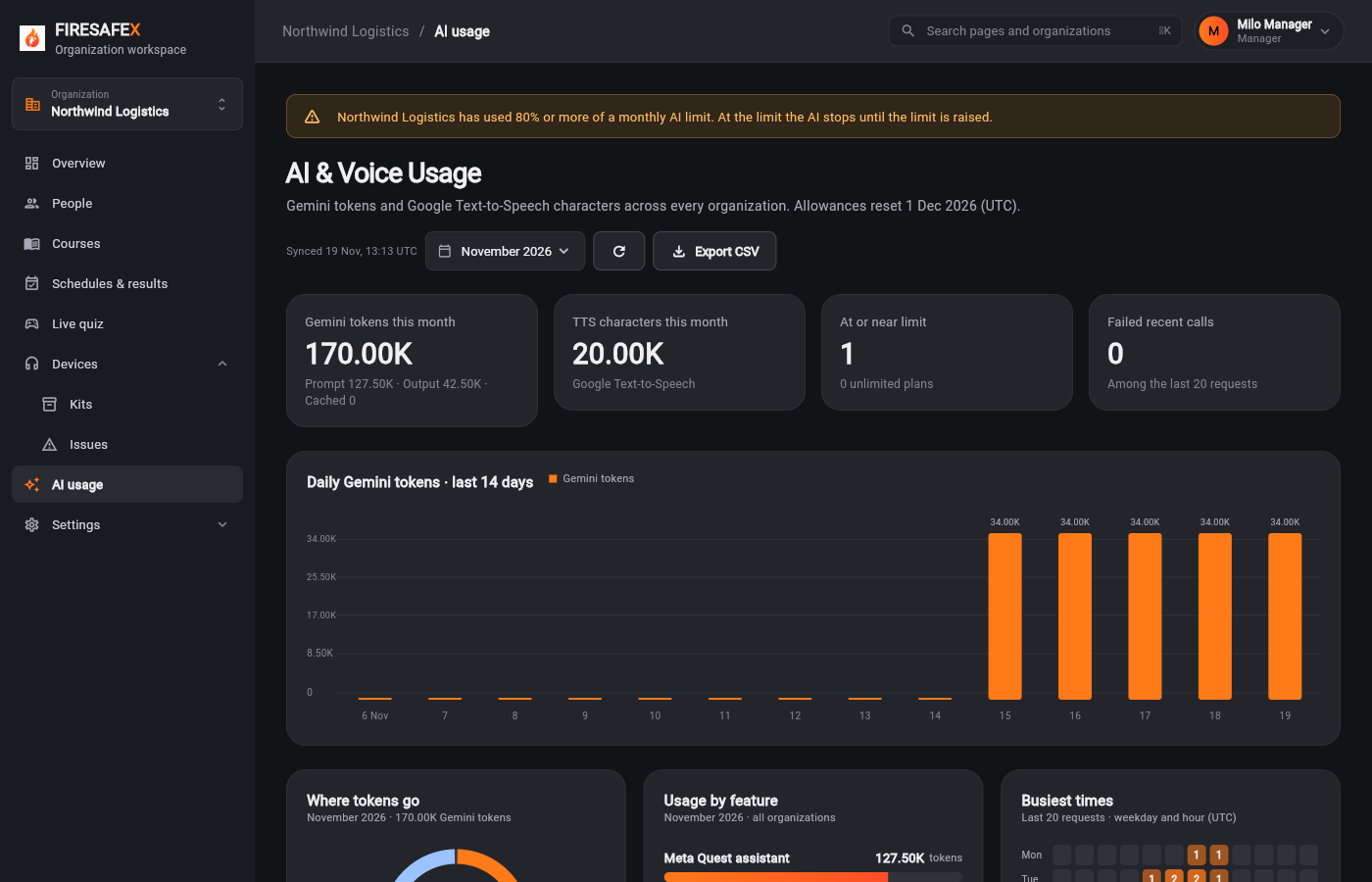
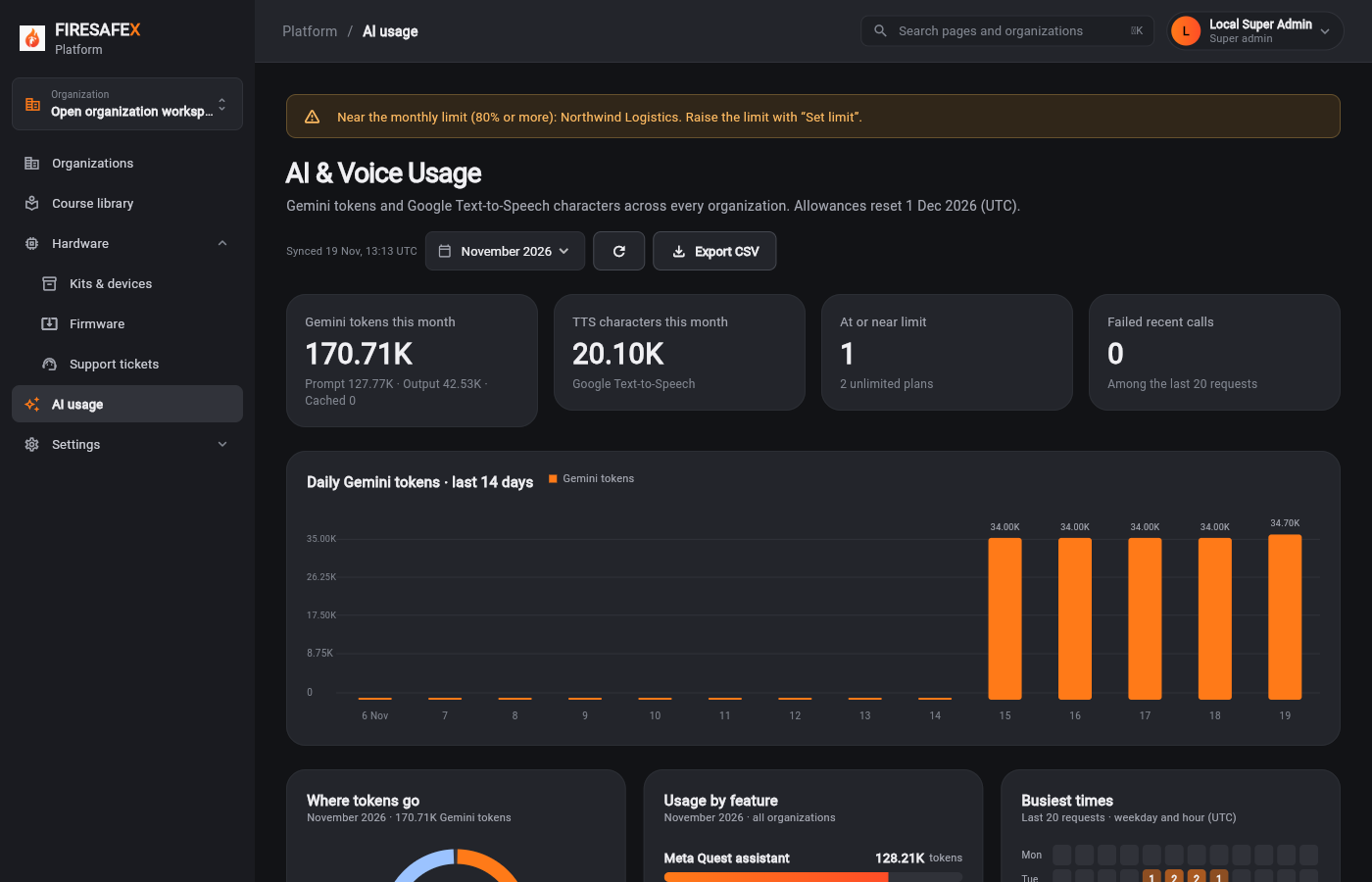
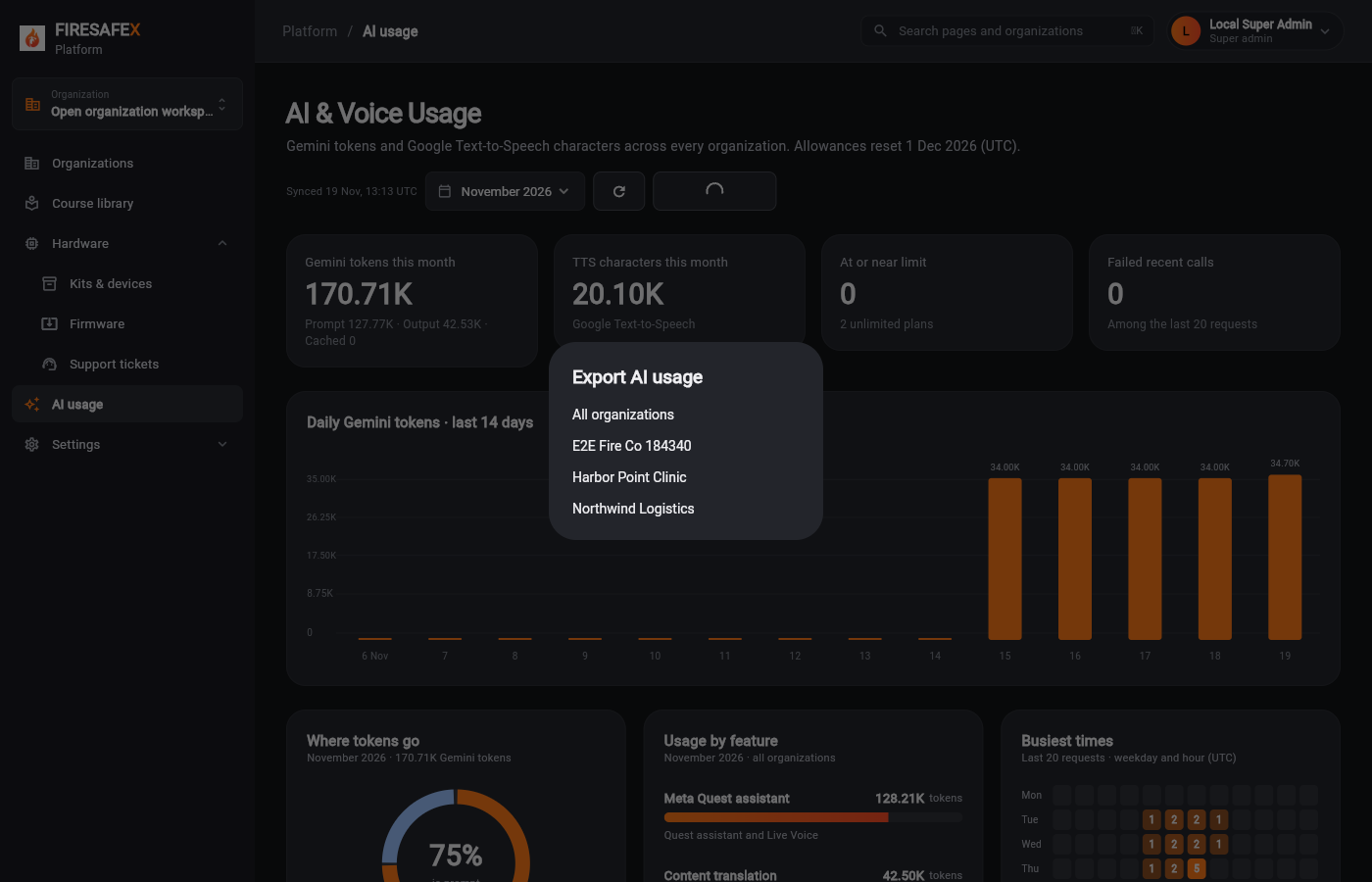
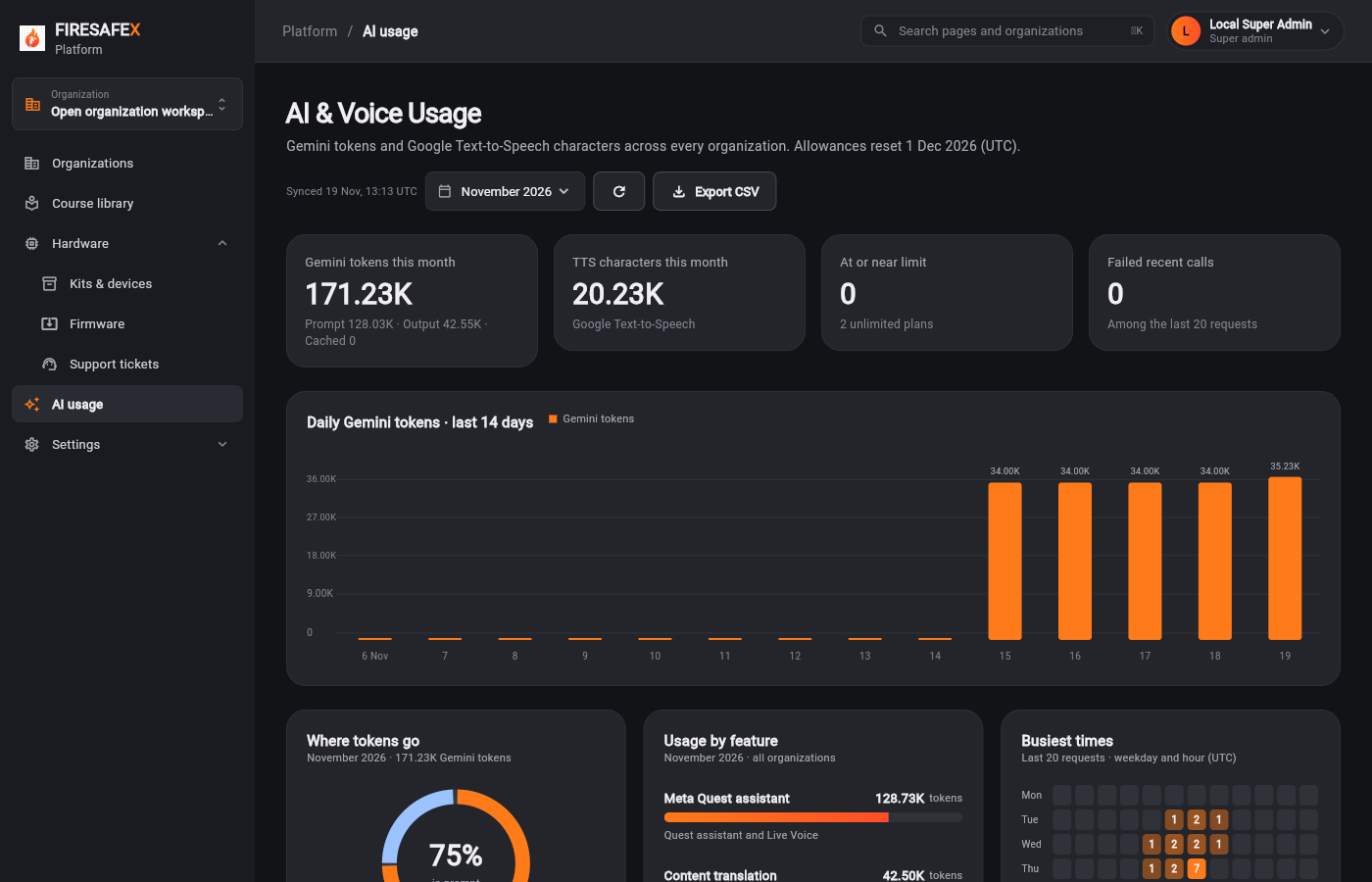 159Platform ai usage after a question
Signed in as Local Super Admin · Super admin
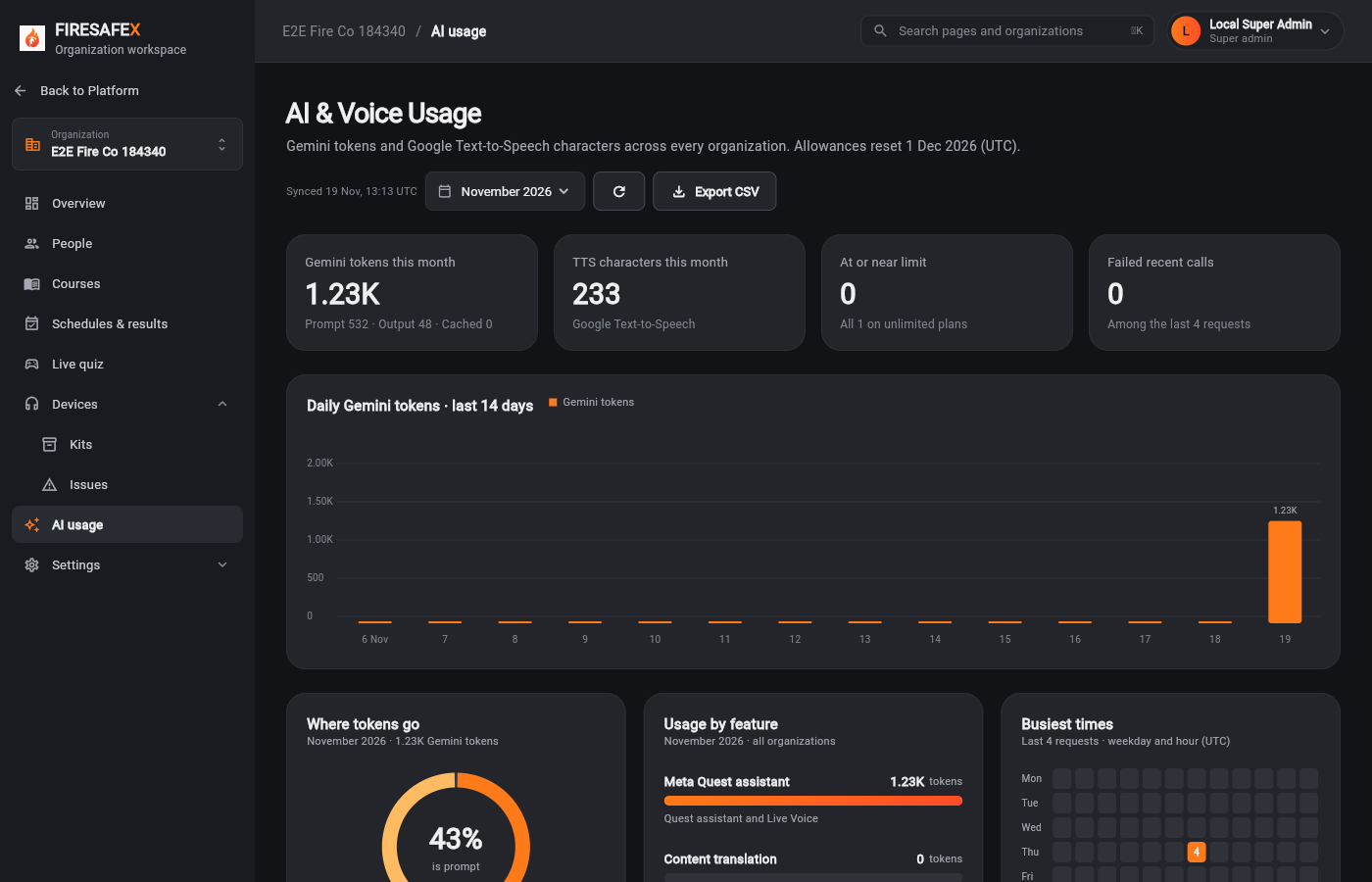 160Super admin org ai usage question recorded
Signed in as Local Super Admin · Super admin
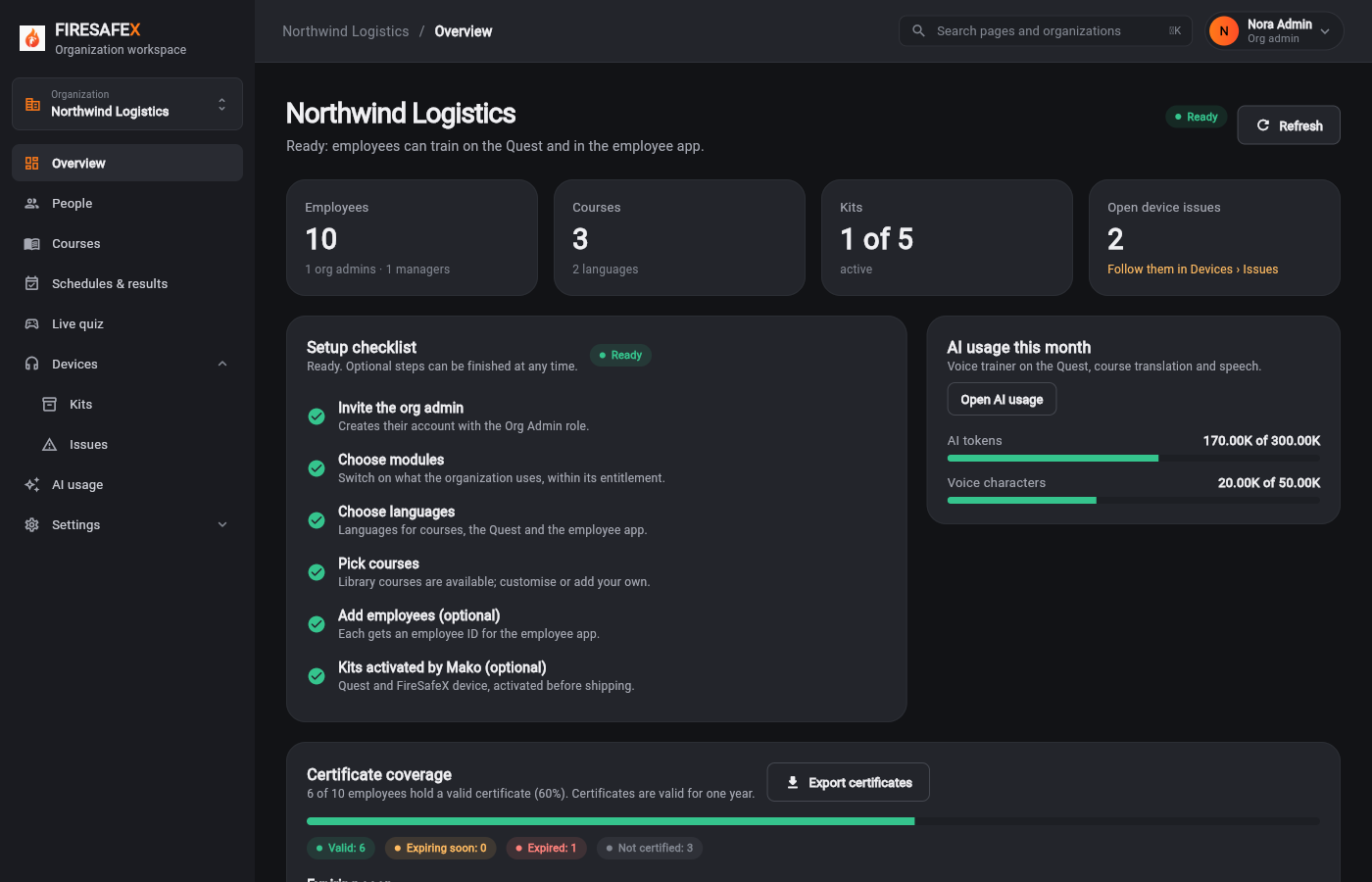
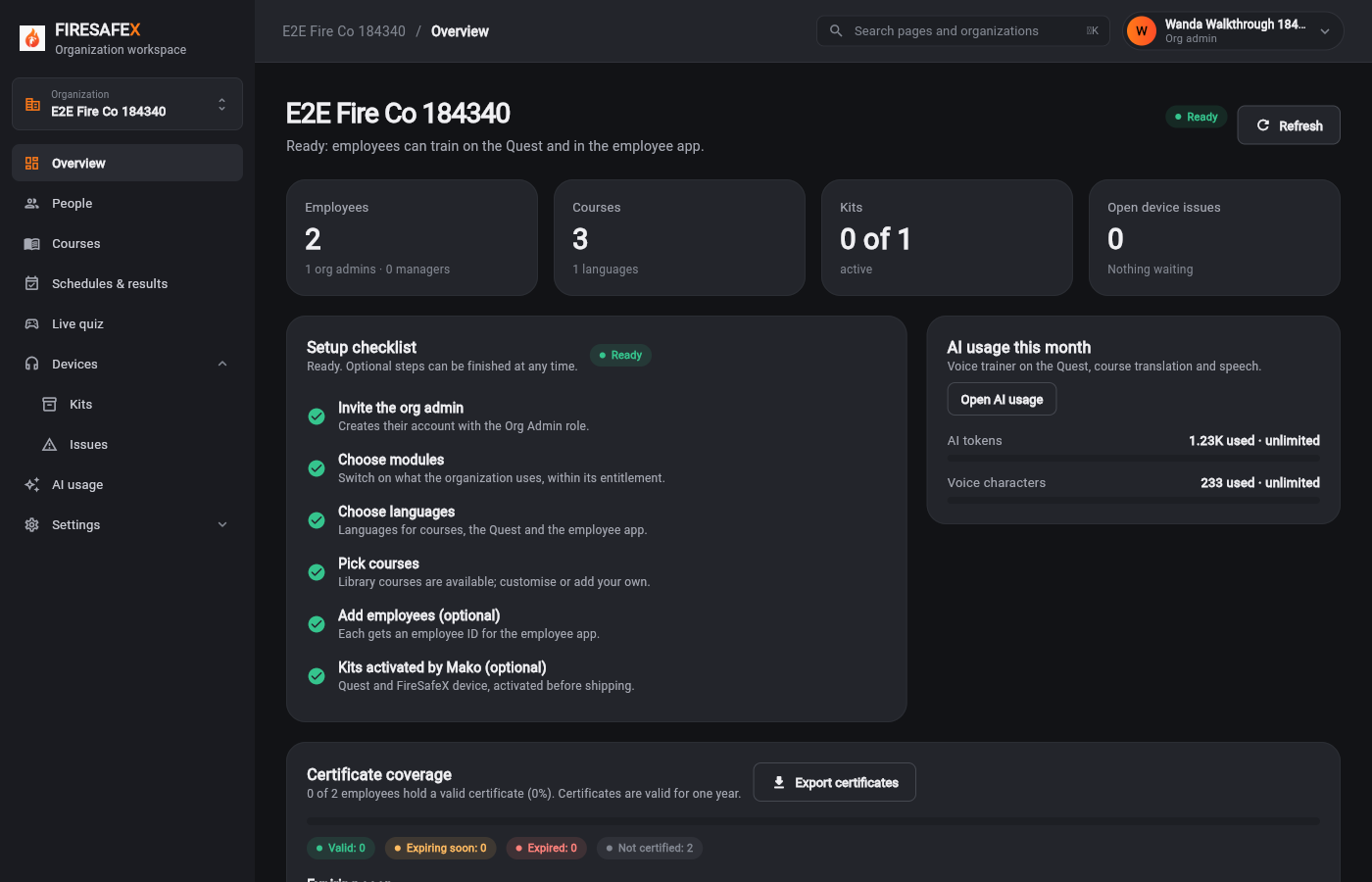 161Org admin overview ai usage after a question
Signed in as Wanda Walkthrough 184340 · Org admin
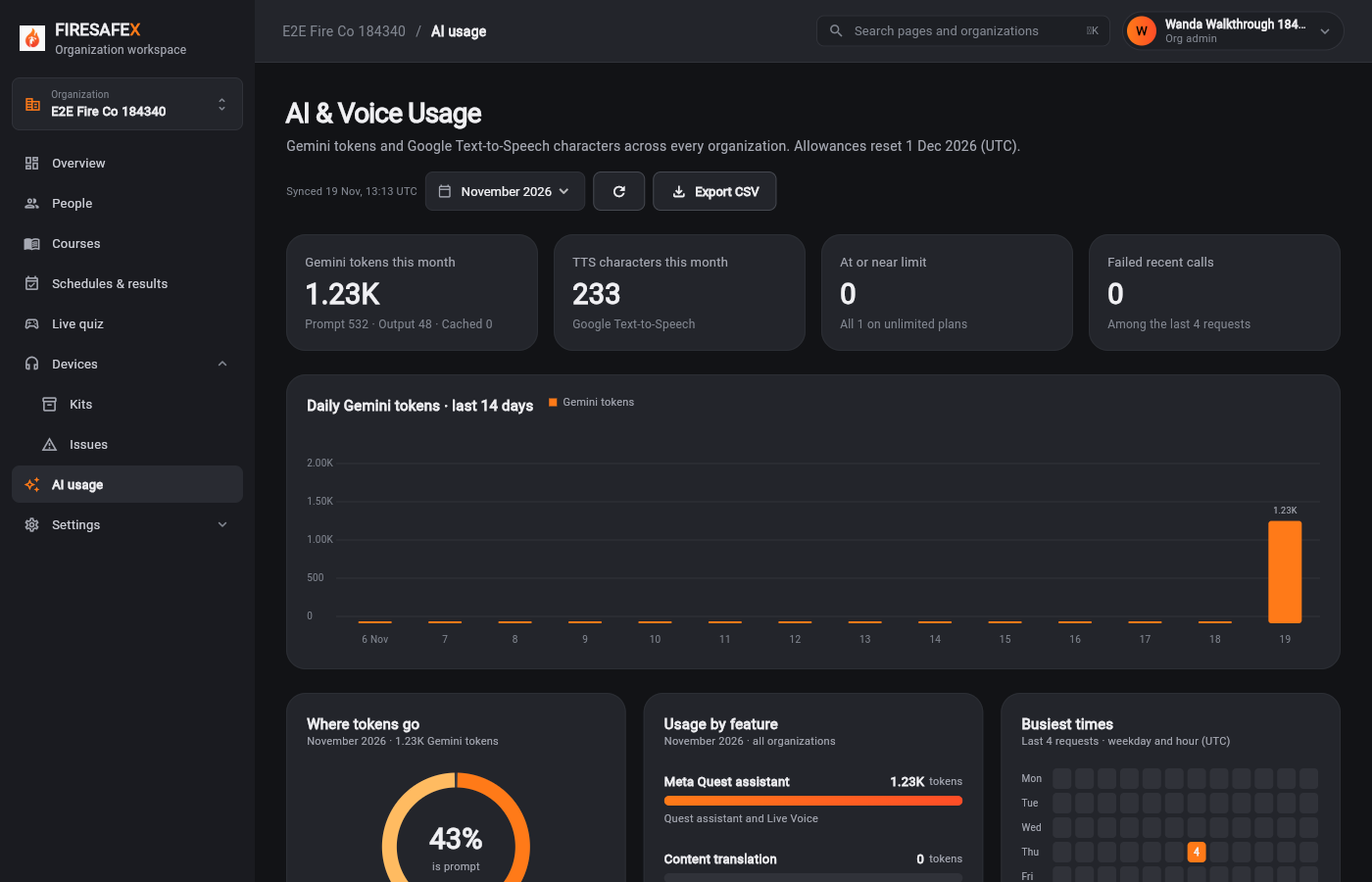 162Org admin ai usage question recorded
Signed in as Wanda Walkthrough 184340 · Org admin
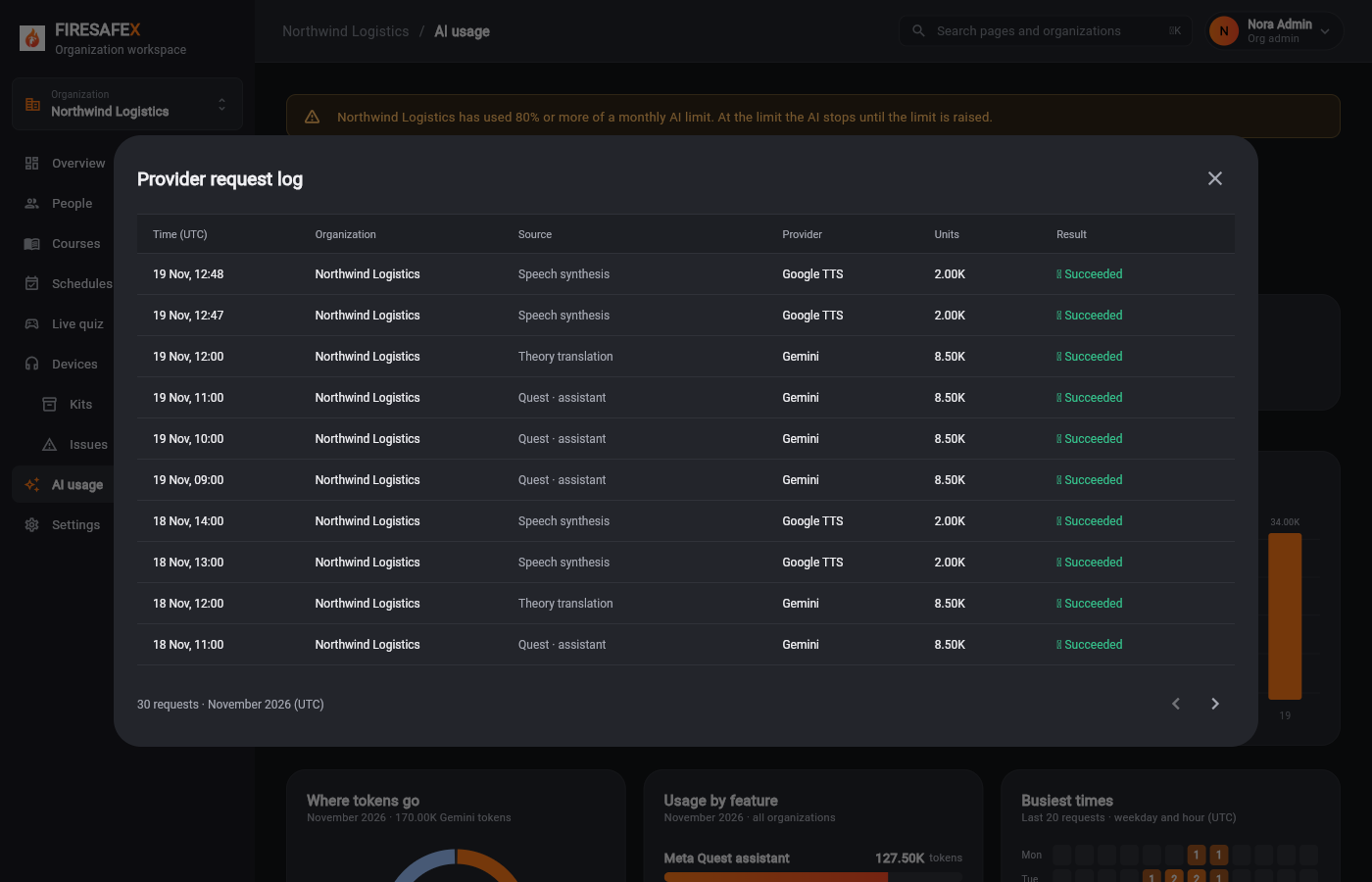
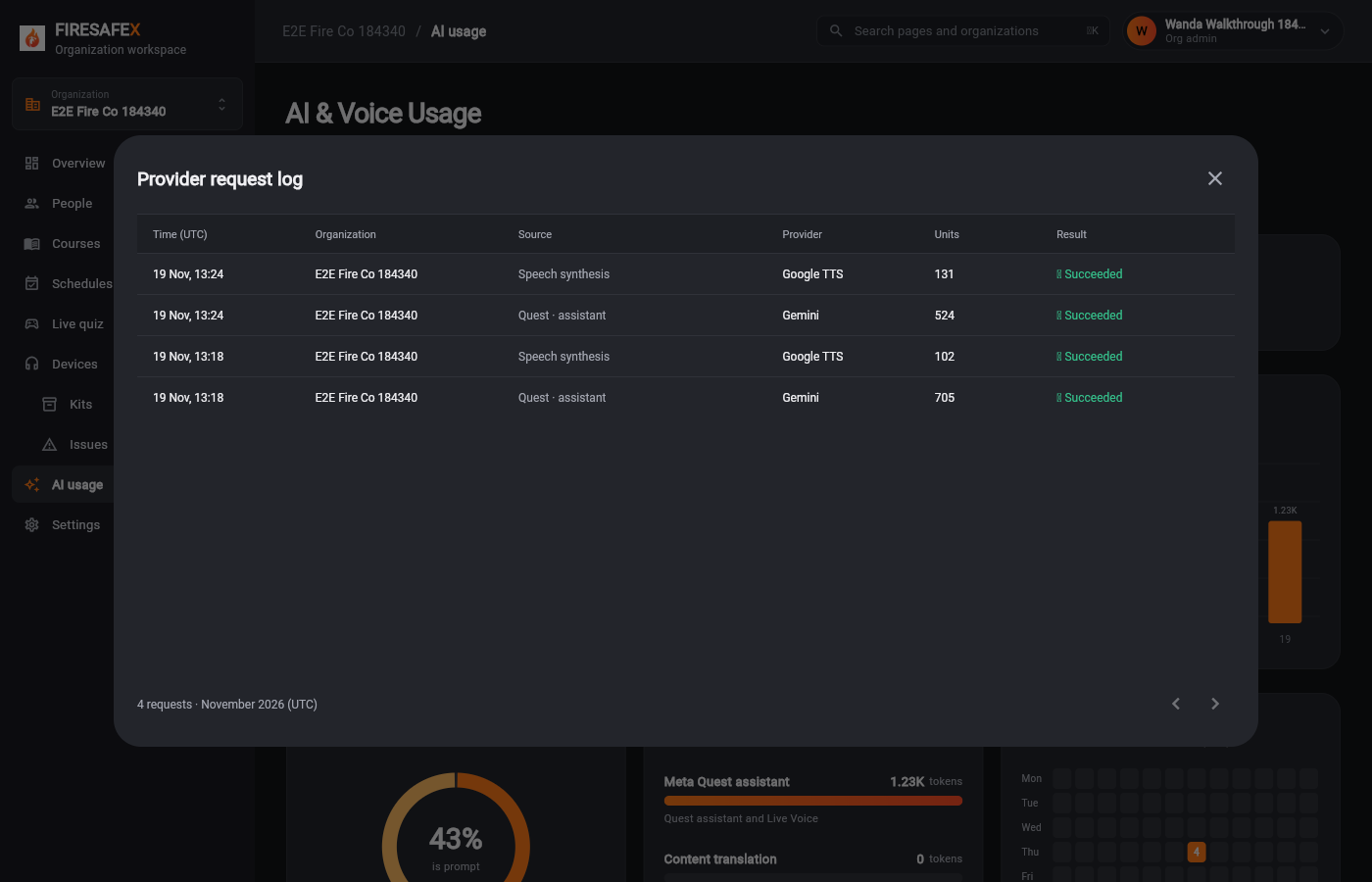 163Org admin ai usage request log
Signed in as Wanda Walkthrough 184340 · Org admin
Step for: Org admin · ManagerScreenshots as Org admin, ManagerRoles match
Signed in as Nora Admin · Org admin
One test covers steps 10.3 to 10.5.
Signed in as Milo Manager · Manager
One test covers steps 10.3 to 10.5.
Step for: Org admin · ManagerScreenshots as Org admin, ManagerRoles match
Tested with 10.3–10.5, shown under step 10.3.
Tested with 10.3–10.5, shown under step 10.3.
Step for: Super admin (Mako) + Org admin · ManagerScreenshots as Super admin, Org admin, ManagerRoles match
Tested with 10.3–10.5, shown under step 10.3.
Tested with 10.3–10.5, shown under step 10.3.
Signed in as Local Super Admin · Super admin
Step for: Quest trainer + translationScreenshots as Org admin, Super admin, Manager, Quest simulatorRoles match
Signed in as Wanda Walkthrough 184340 · Org adminLocal Super Admin · Super adminFiona Flowmanager 184340 · ManagerQuest simulator
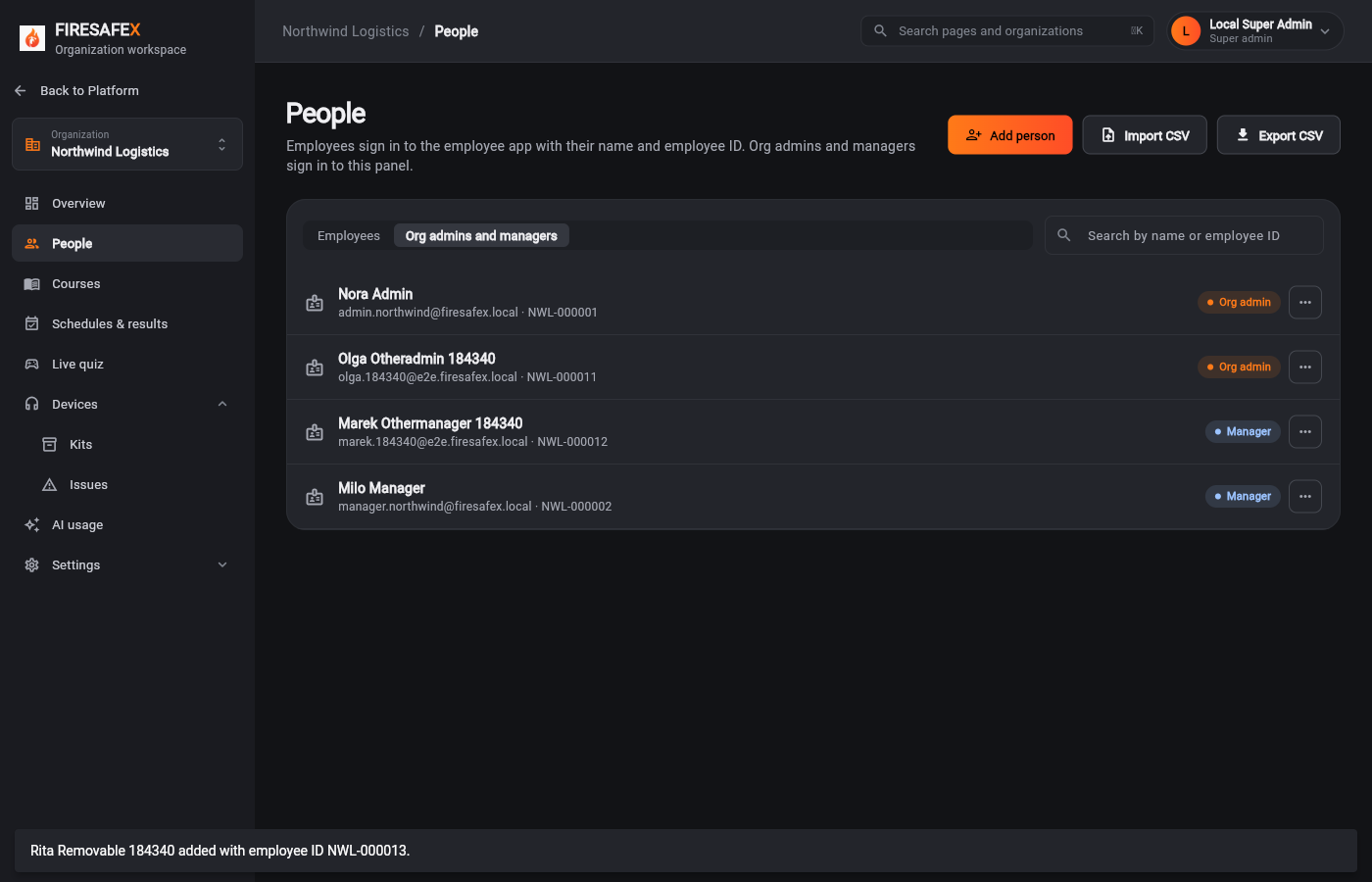
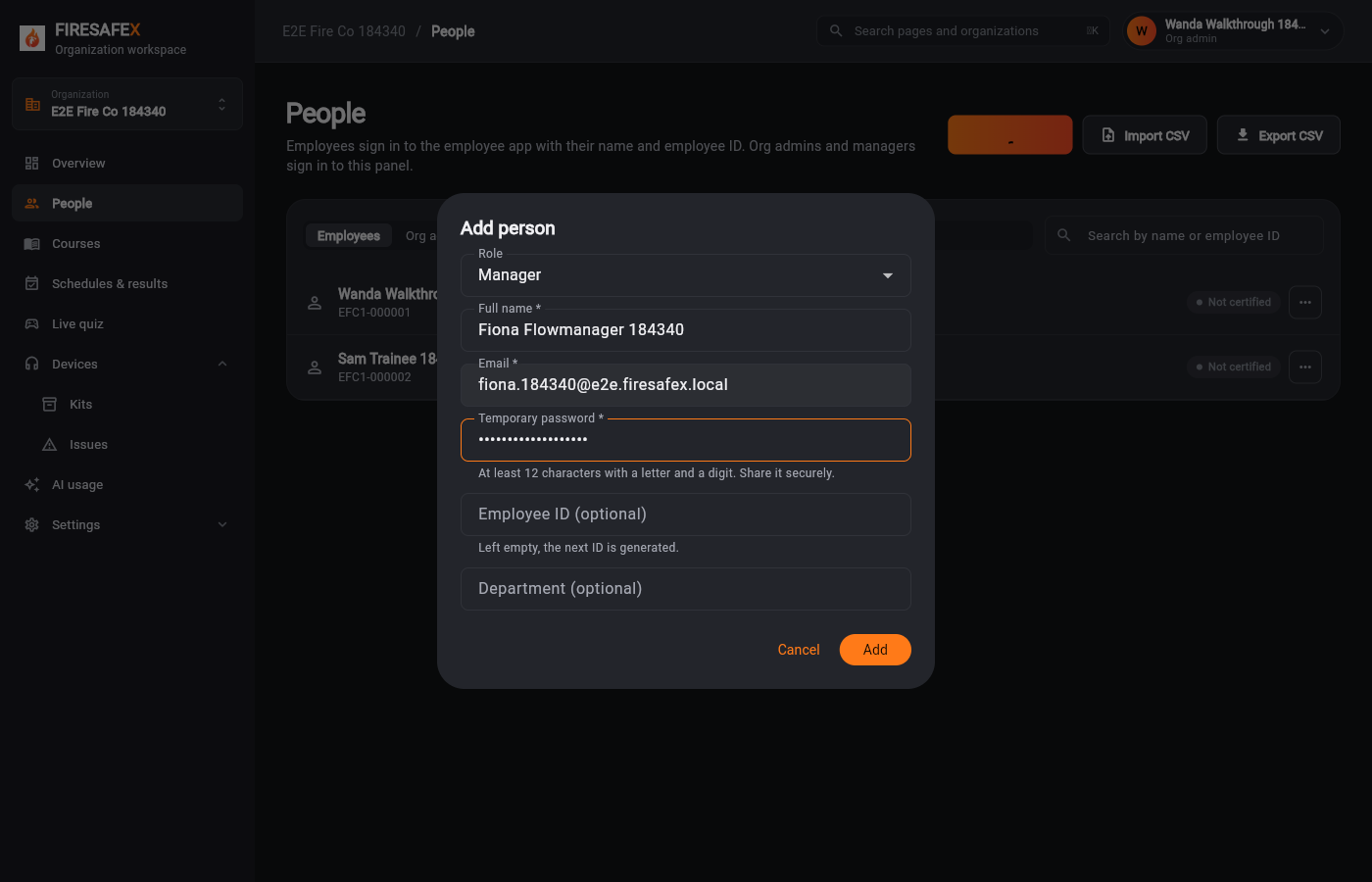 164Org admin adds a manager
Signed in as Wanda Walkthrough 184340 · Org admin
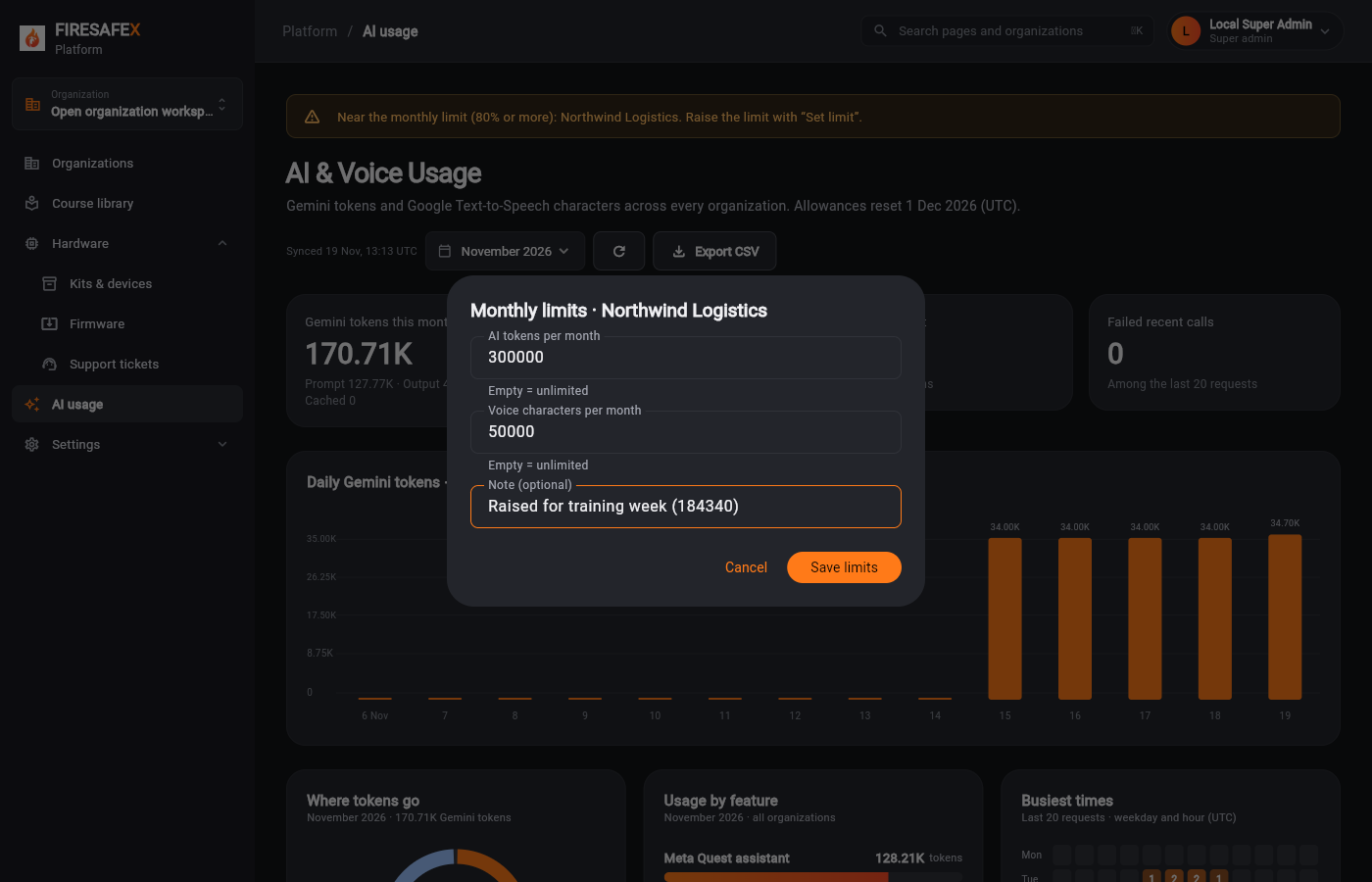
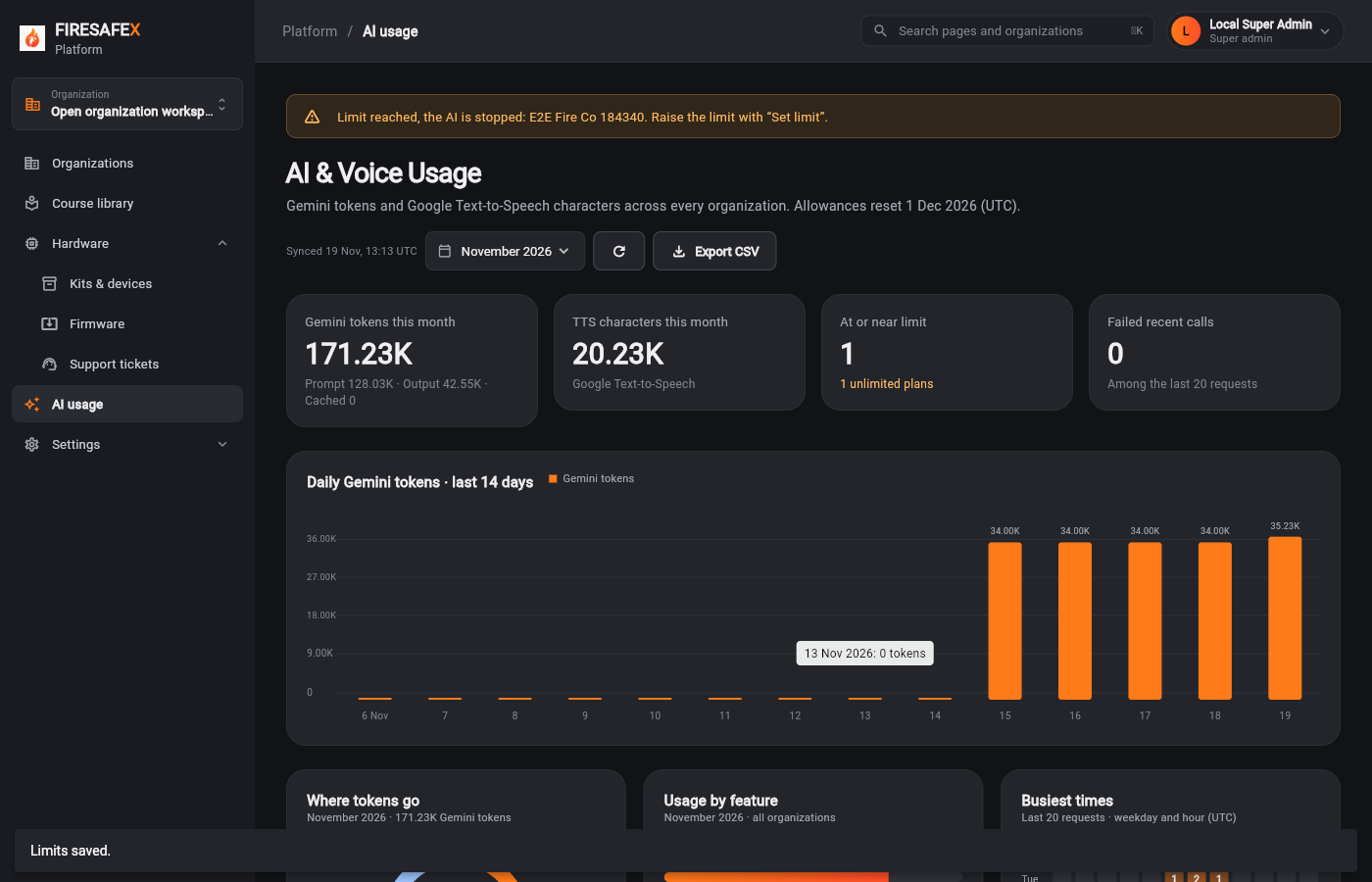 165Platform ai usage limit below usage
Signed in as Local Super Admin · Super admin
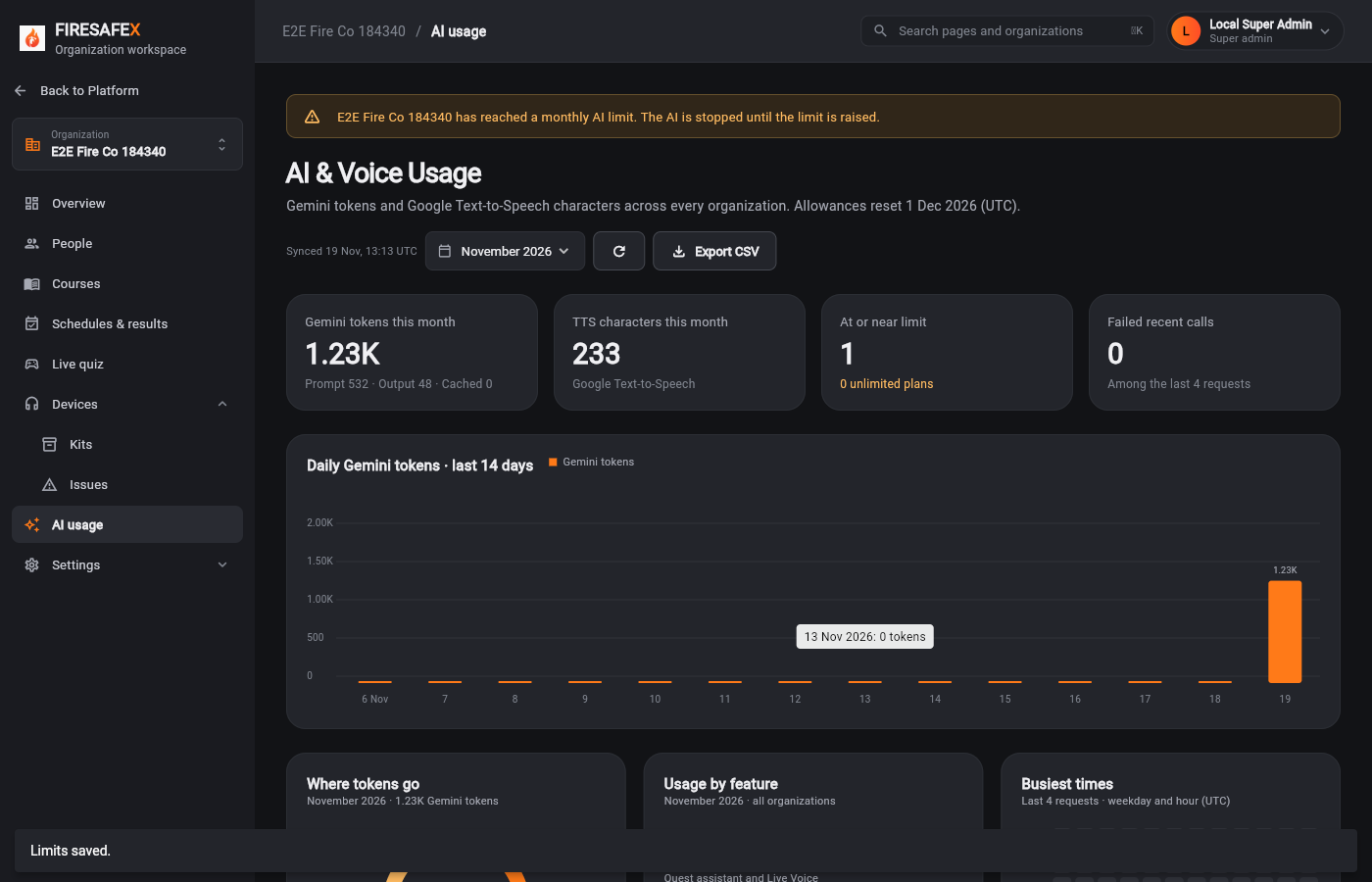 166Super admin org ai usage limit reached
Signed in as Local Super Admin · Super admin
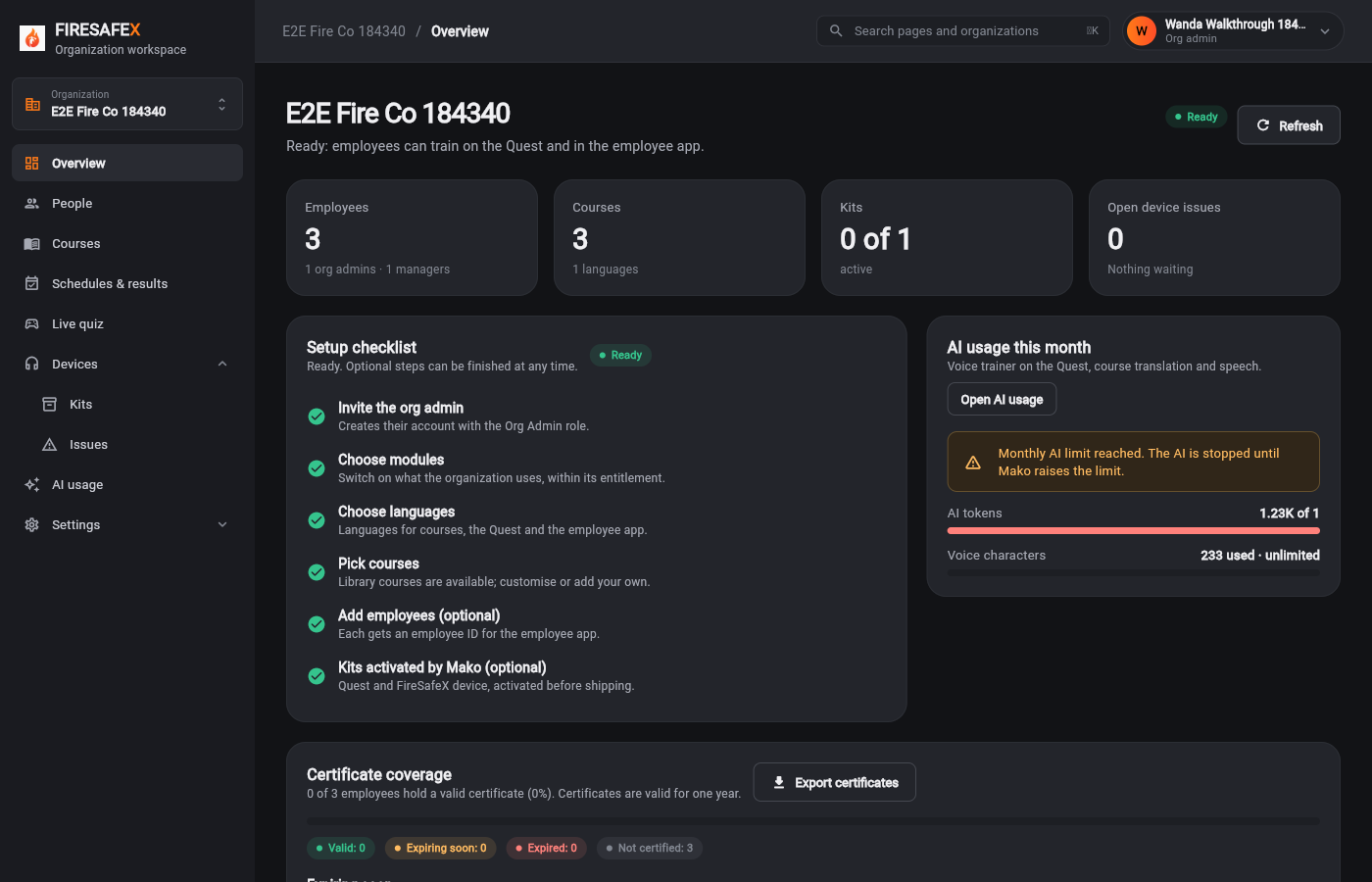 167Org admin overview ai limit reached
Signed in as Wanda Walkthrough 184340 · Org admin
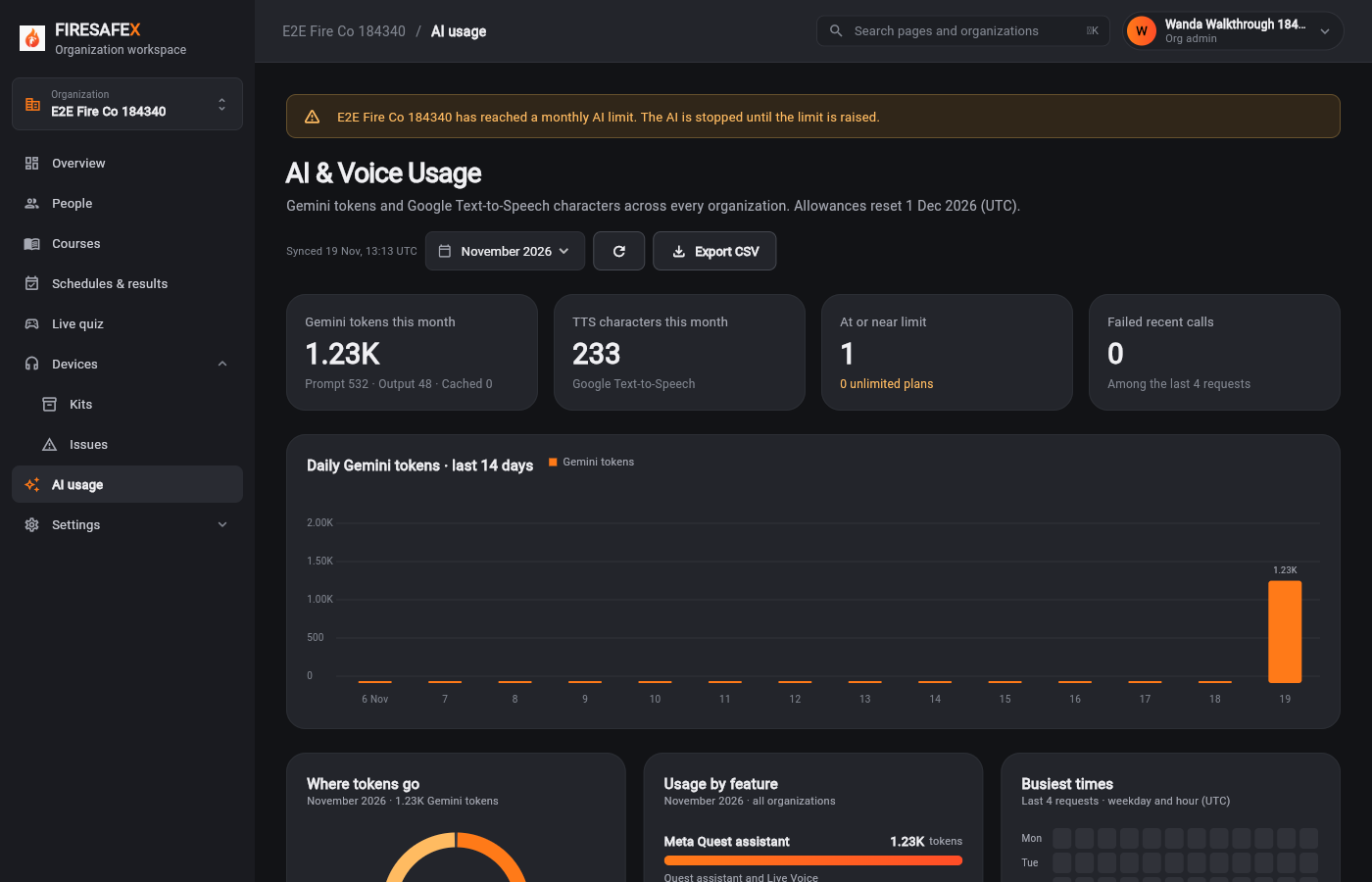 168Org admin ai usage limit reached
Signed in as Wanda Walkthrough 184340 · Org admin
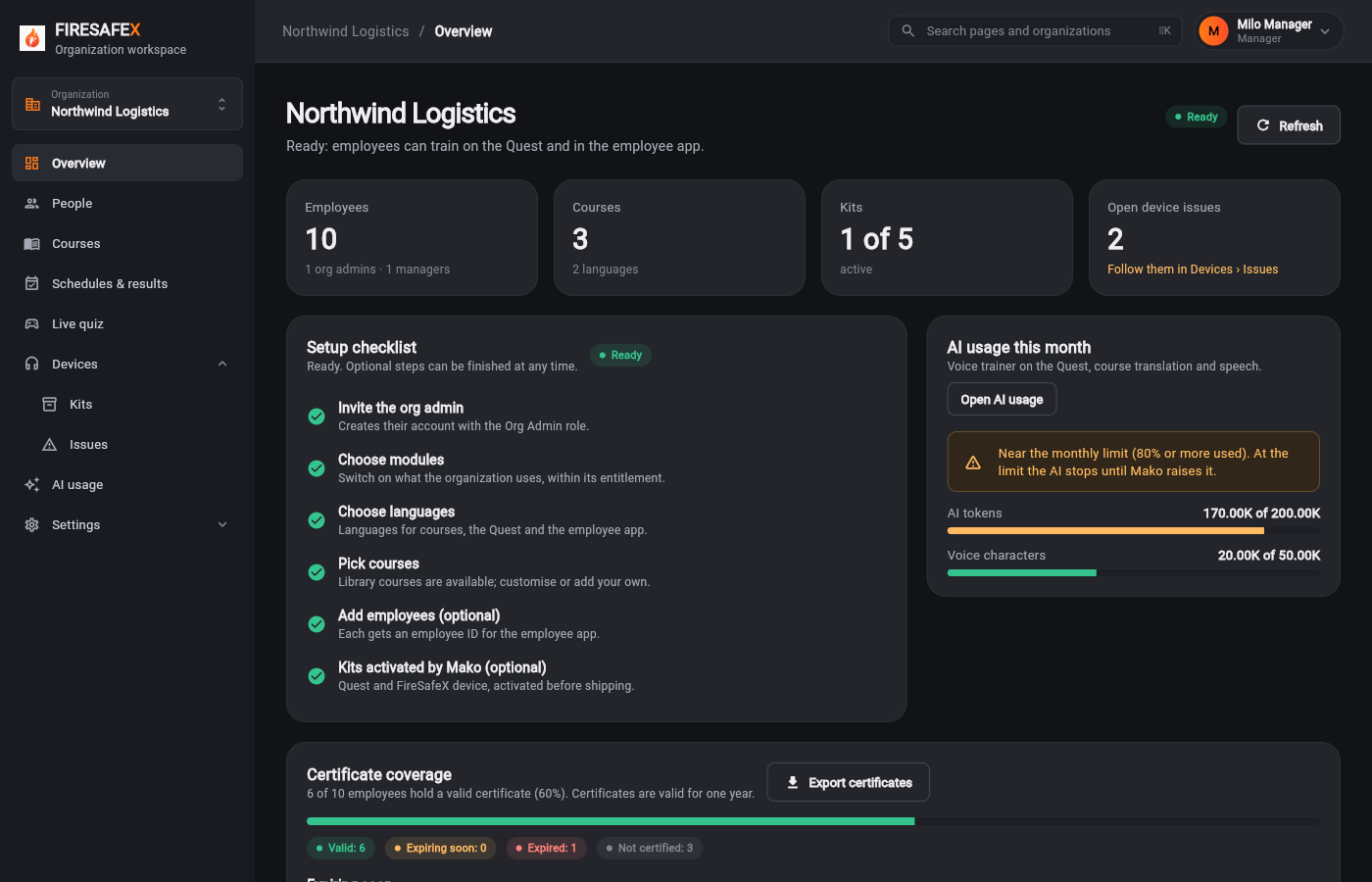
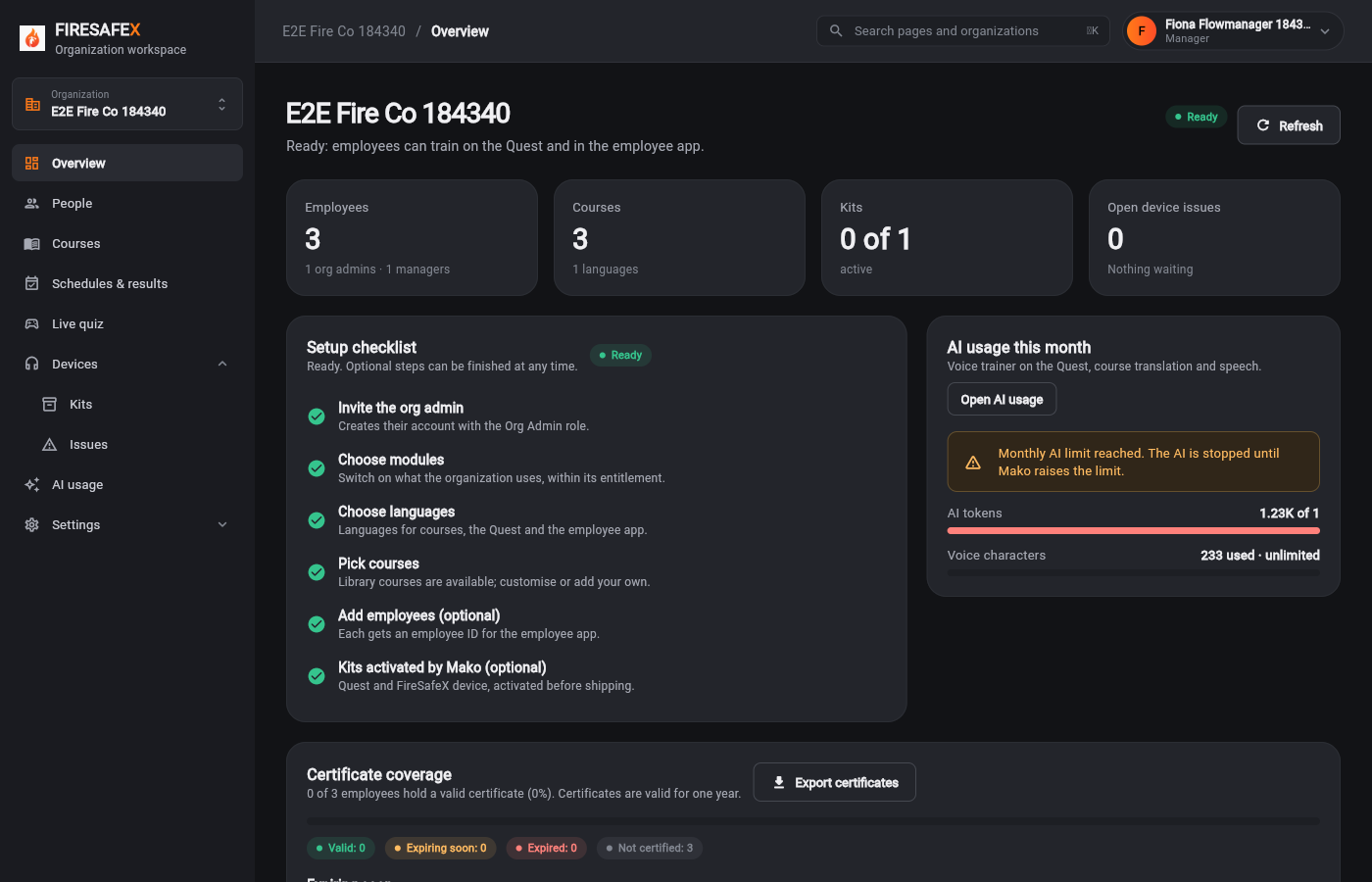 169Manager overview ai limit reached
Signed in as Fiona Flowmanager 184340 · Manager
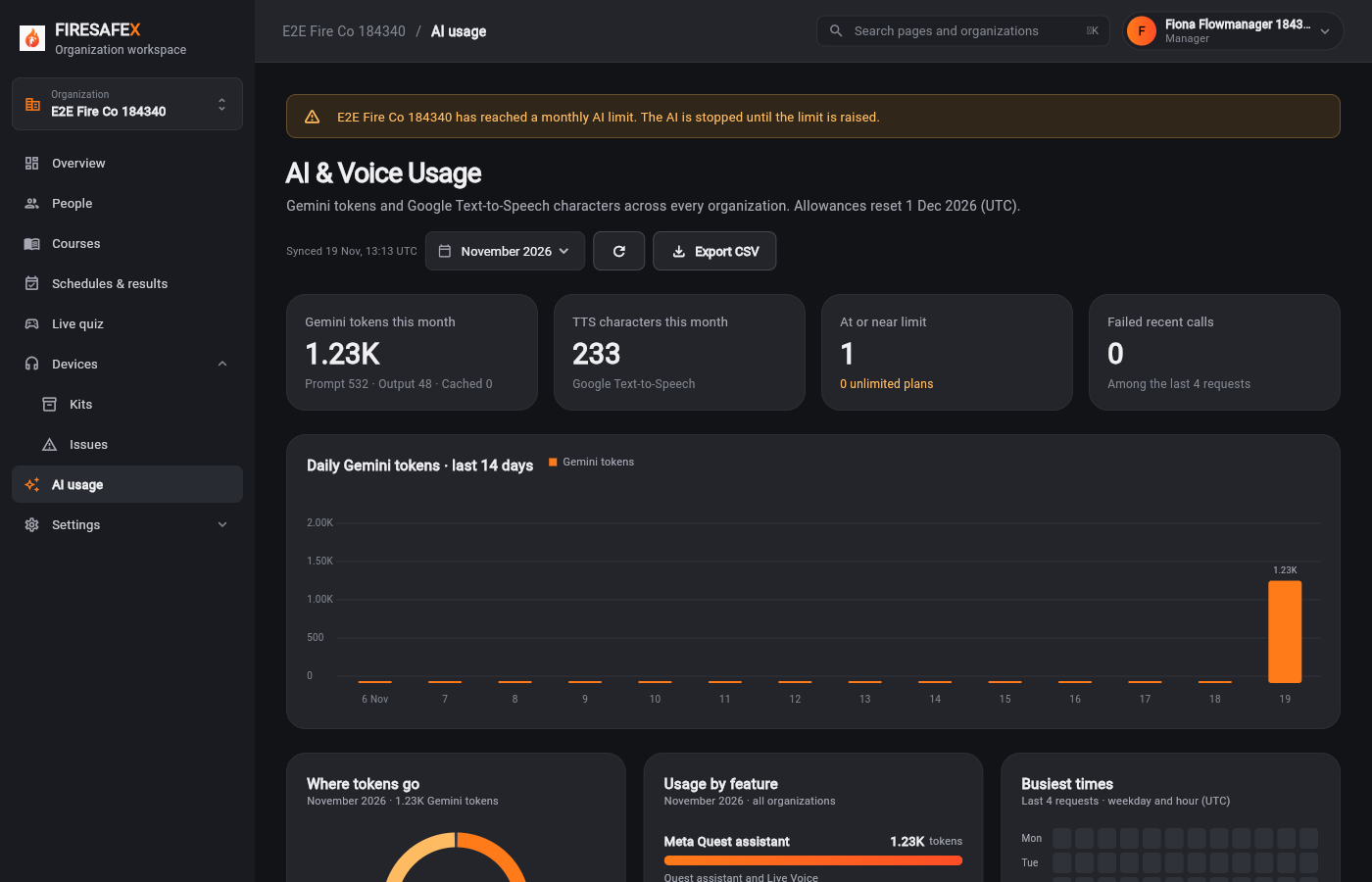 170Manager ai usage limit reached
Signed in as Fiona Flowmanager 184340 · Manager
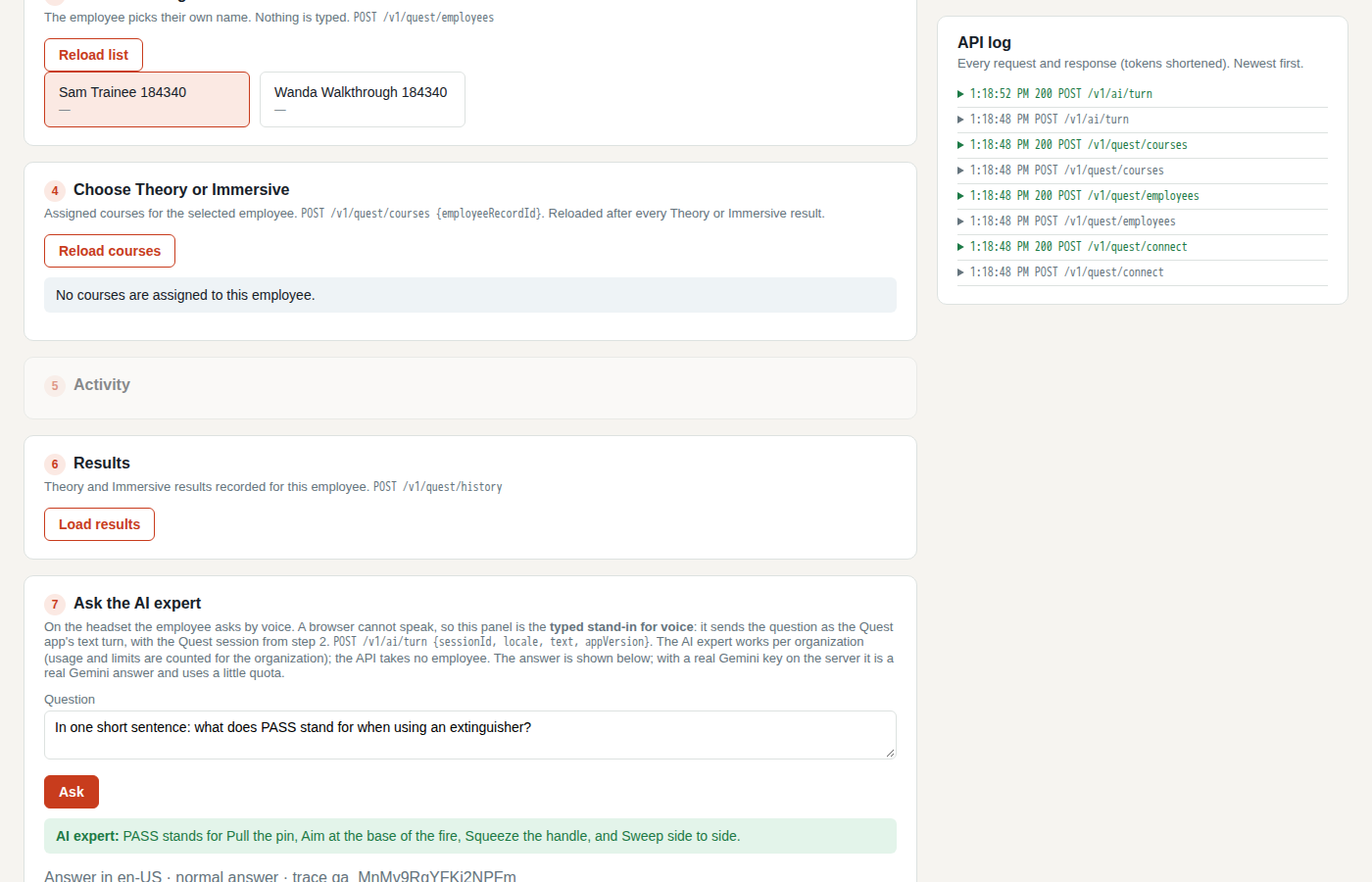
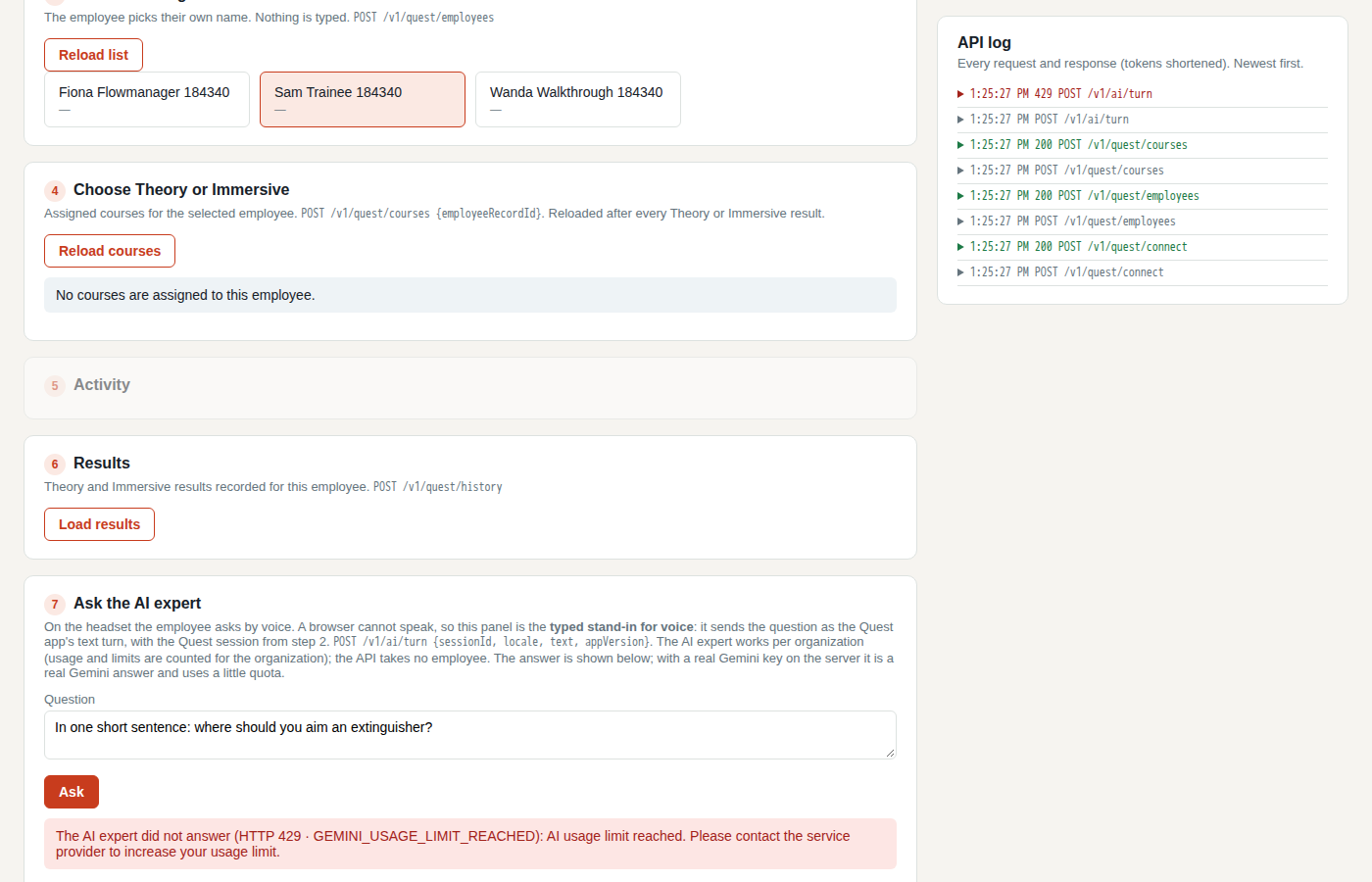 171Quest ai expert stopped at the limit
Quest simulator
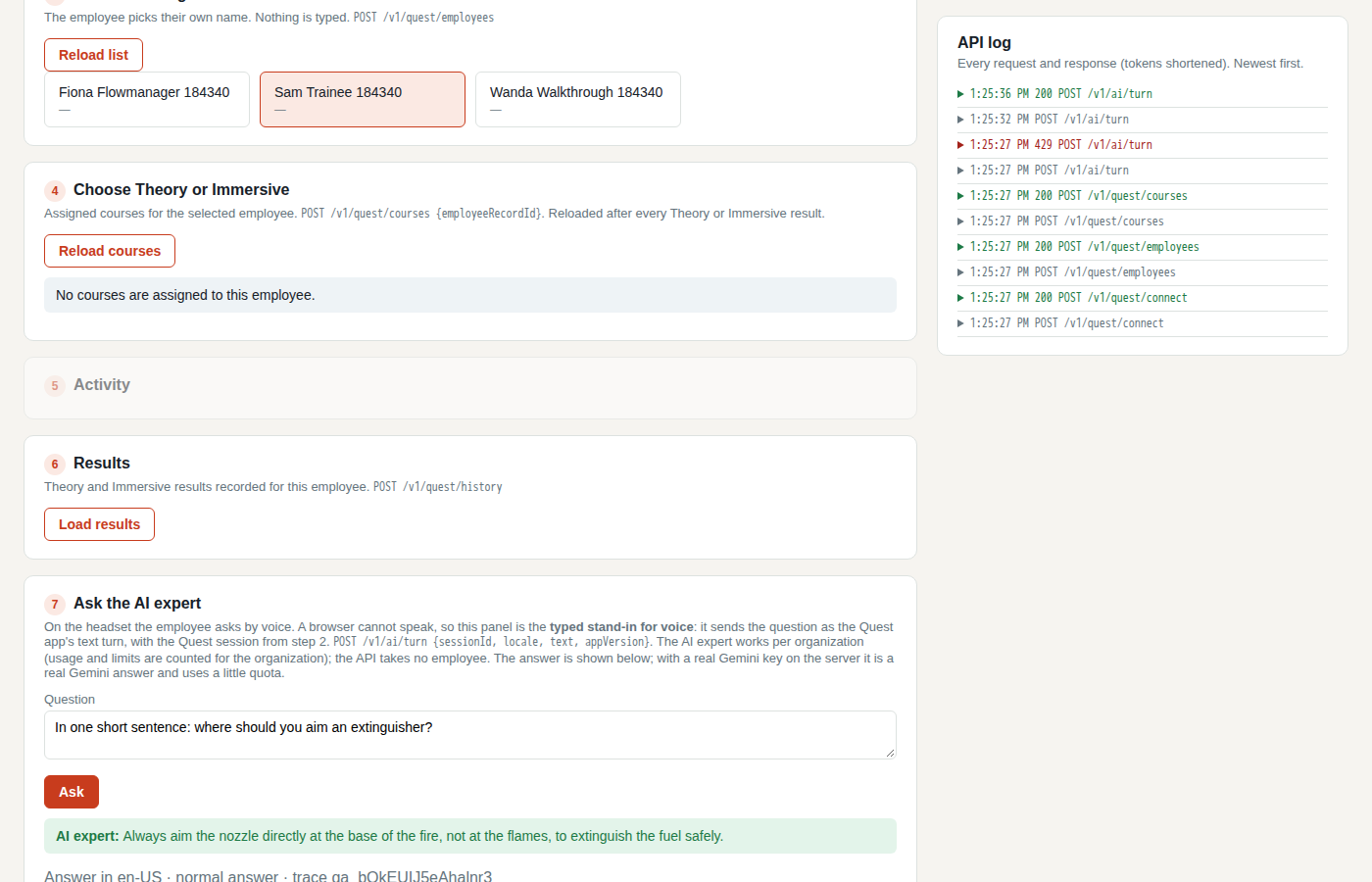 172Quest ai expert answers after raising the limit
Quest simulator
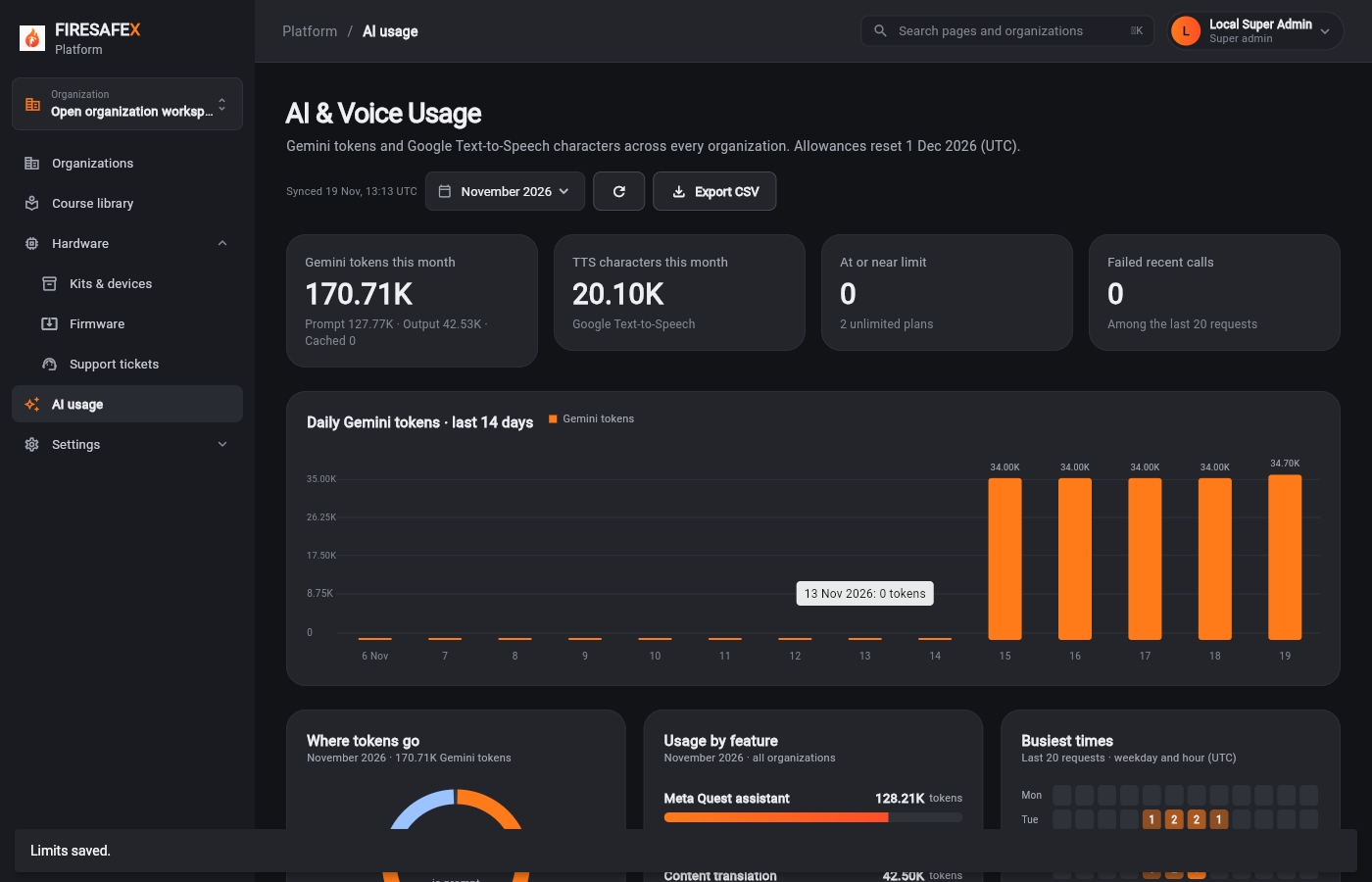
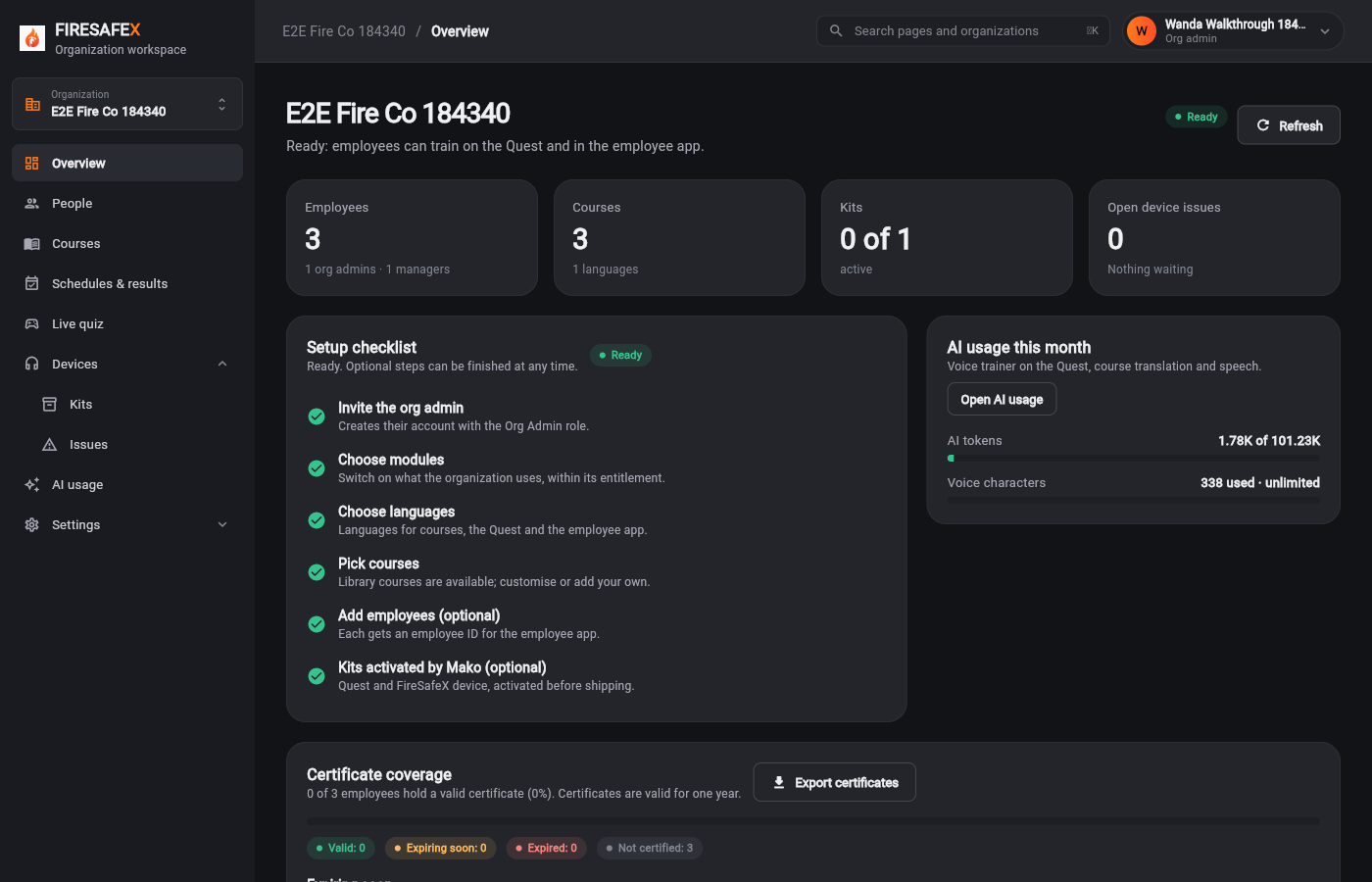 173Org admin overview limit raised
Signed in as Wanda Walkthrough 184340 · Org admin
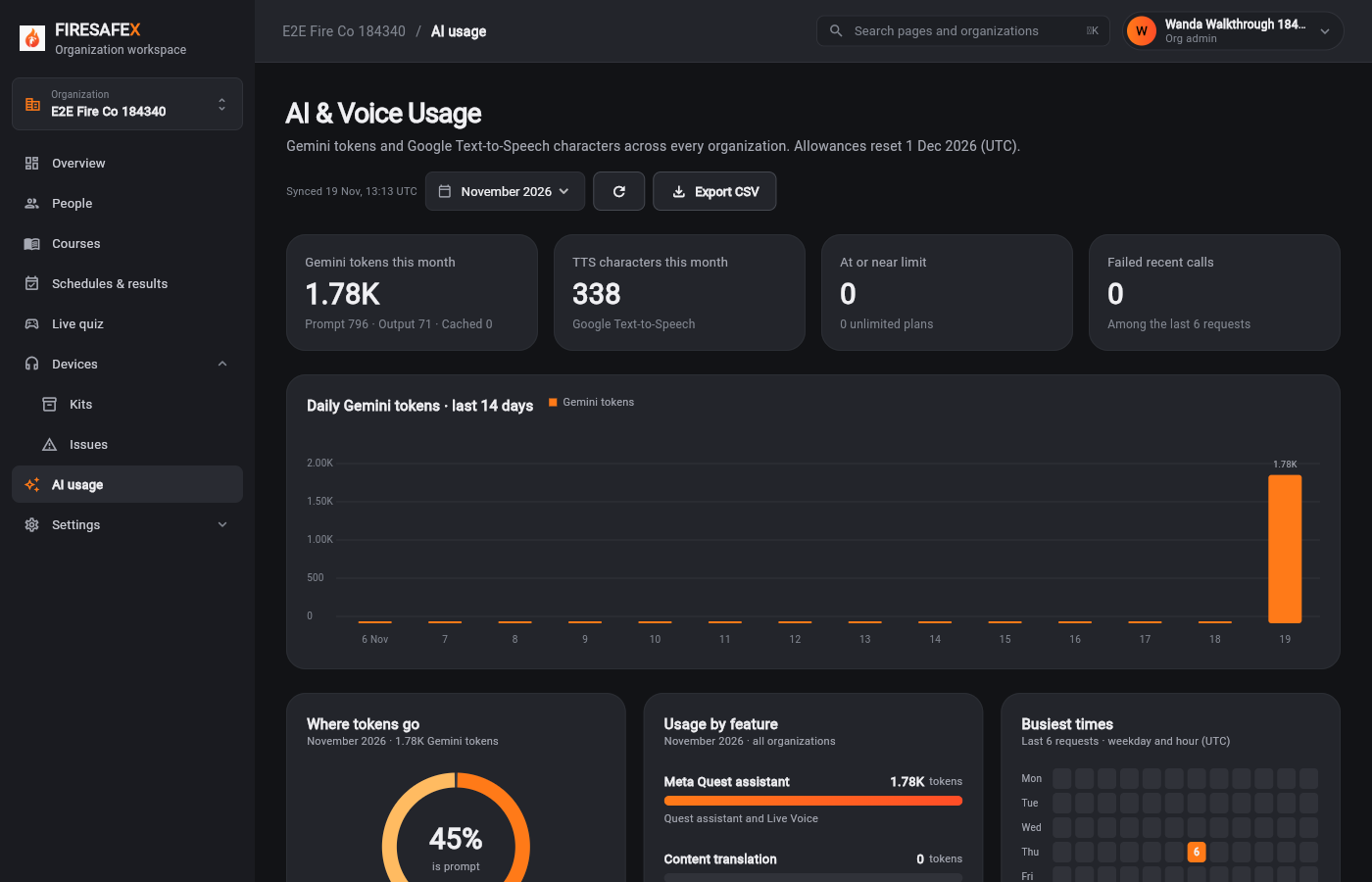 174Org admin ai usage limit raised
Signed in as Wanda Walkthrough 184340 · Org admin
Step for: Super admin (Mako)Screenshots as Super admin, Org adminRoles matchAlso as Org admin, by design
Tested with 10.1/10.7, shown under step 10.1.
Signed in as Nora Admin · Org admin
Also as Org admin The organization's own admin sees the warning gone after the super admin raised the limit.
Step for: Super admin (Mako)Screenshots as Super adminRoles match
Signed in as Local Super Admin · Super admin
Tests in this flow that check something next to the numbered steps.
Signed in as Hugo Admin · Org admin
Checks
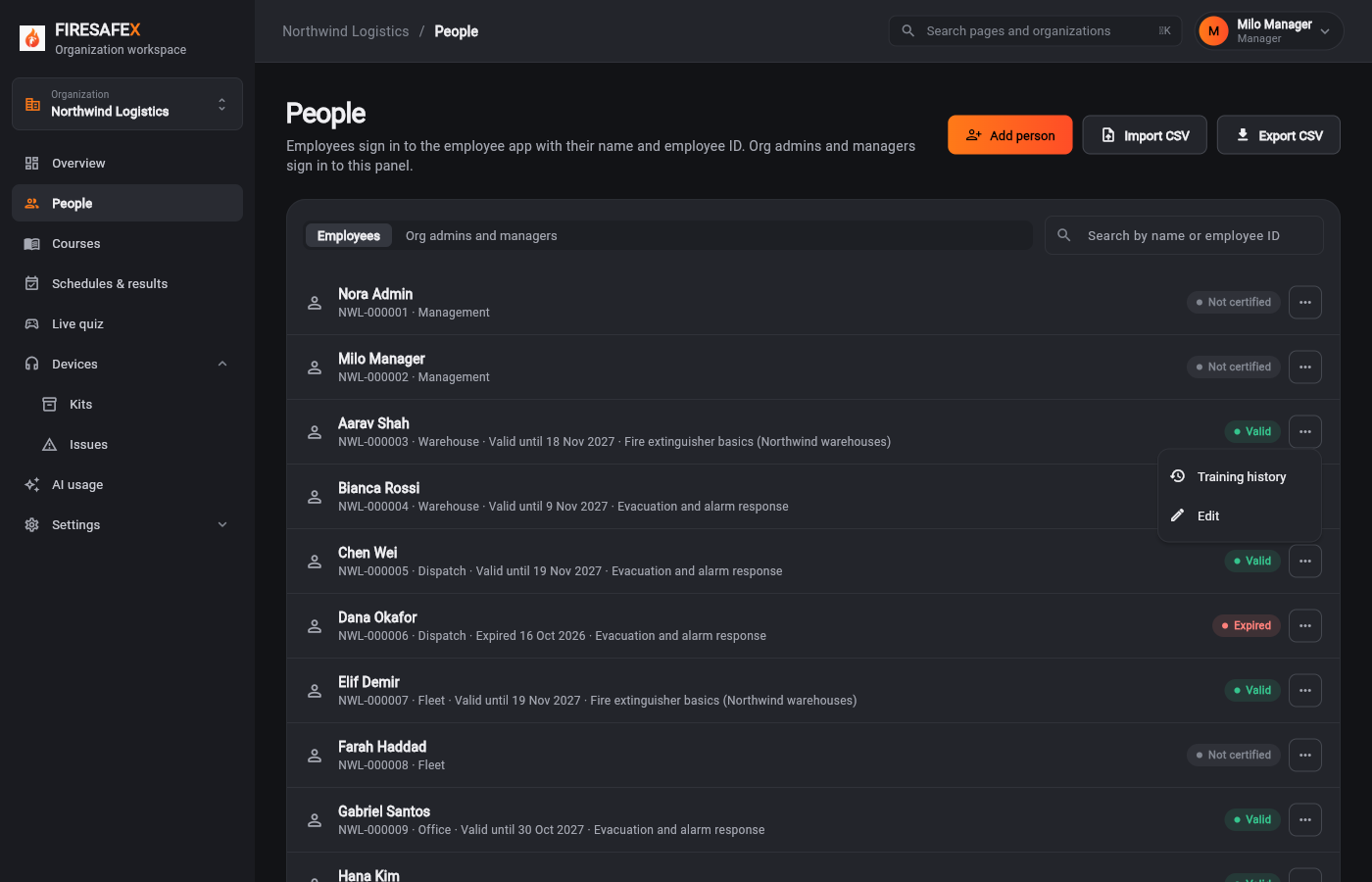
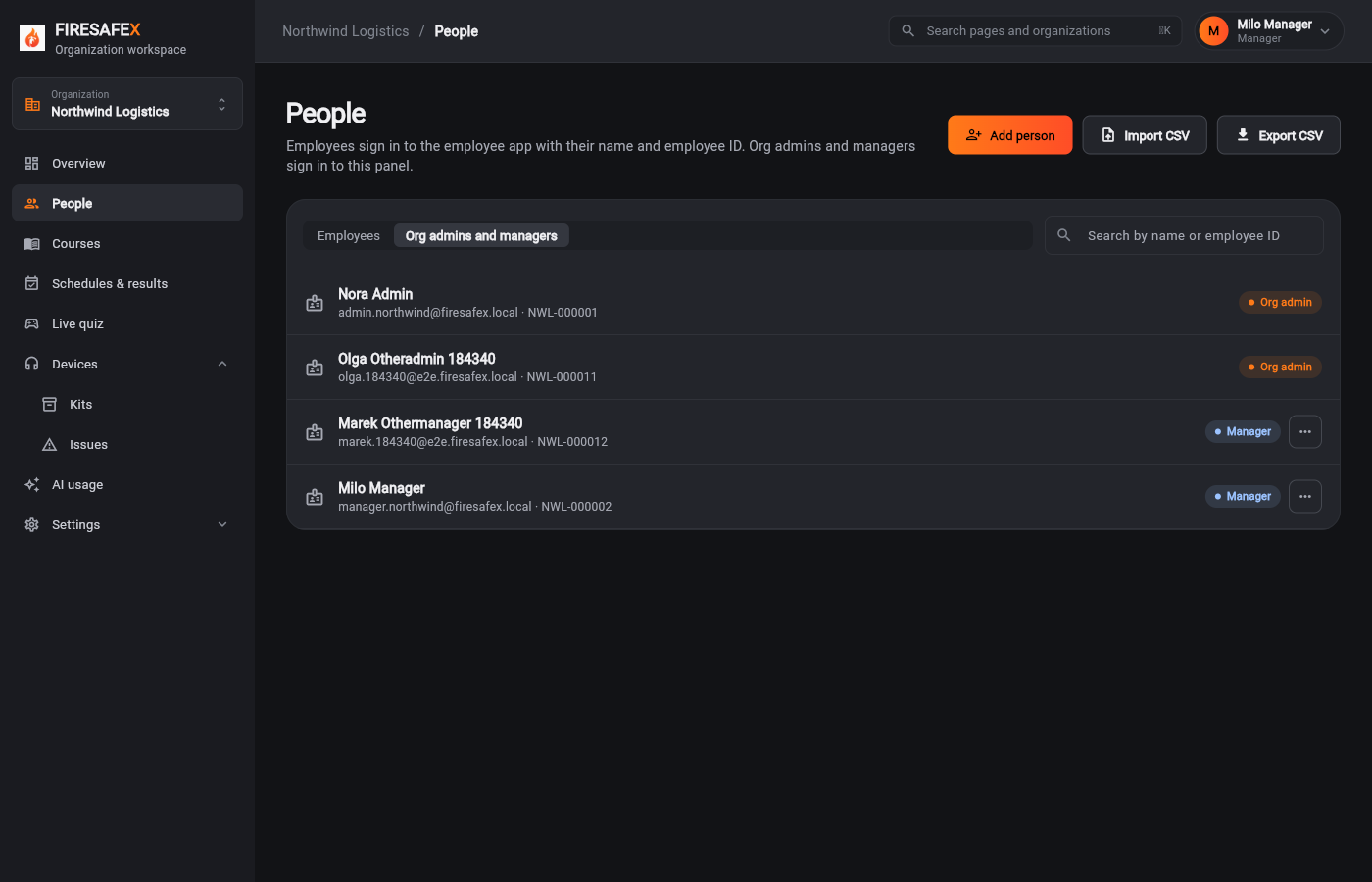
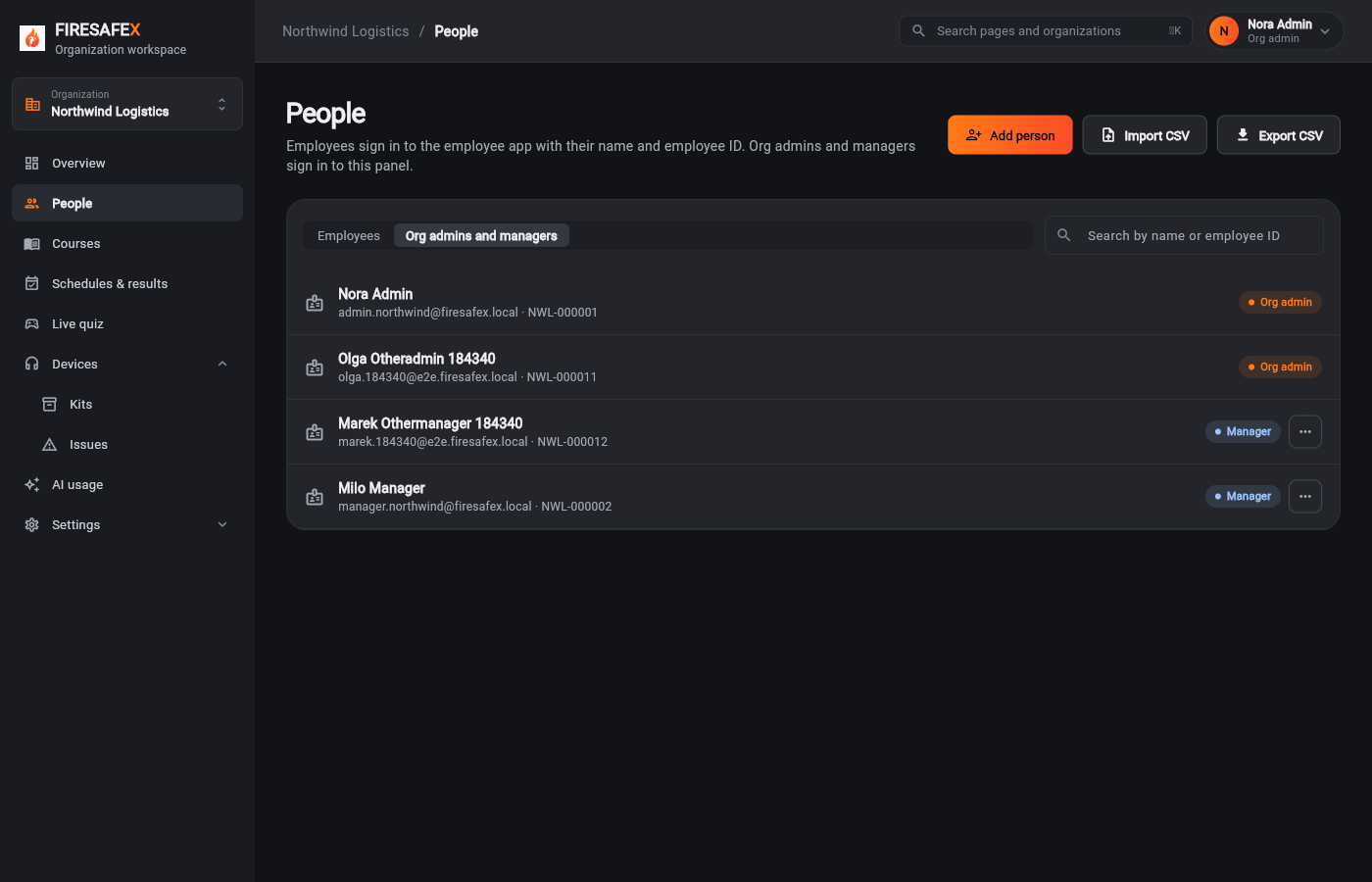
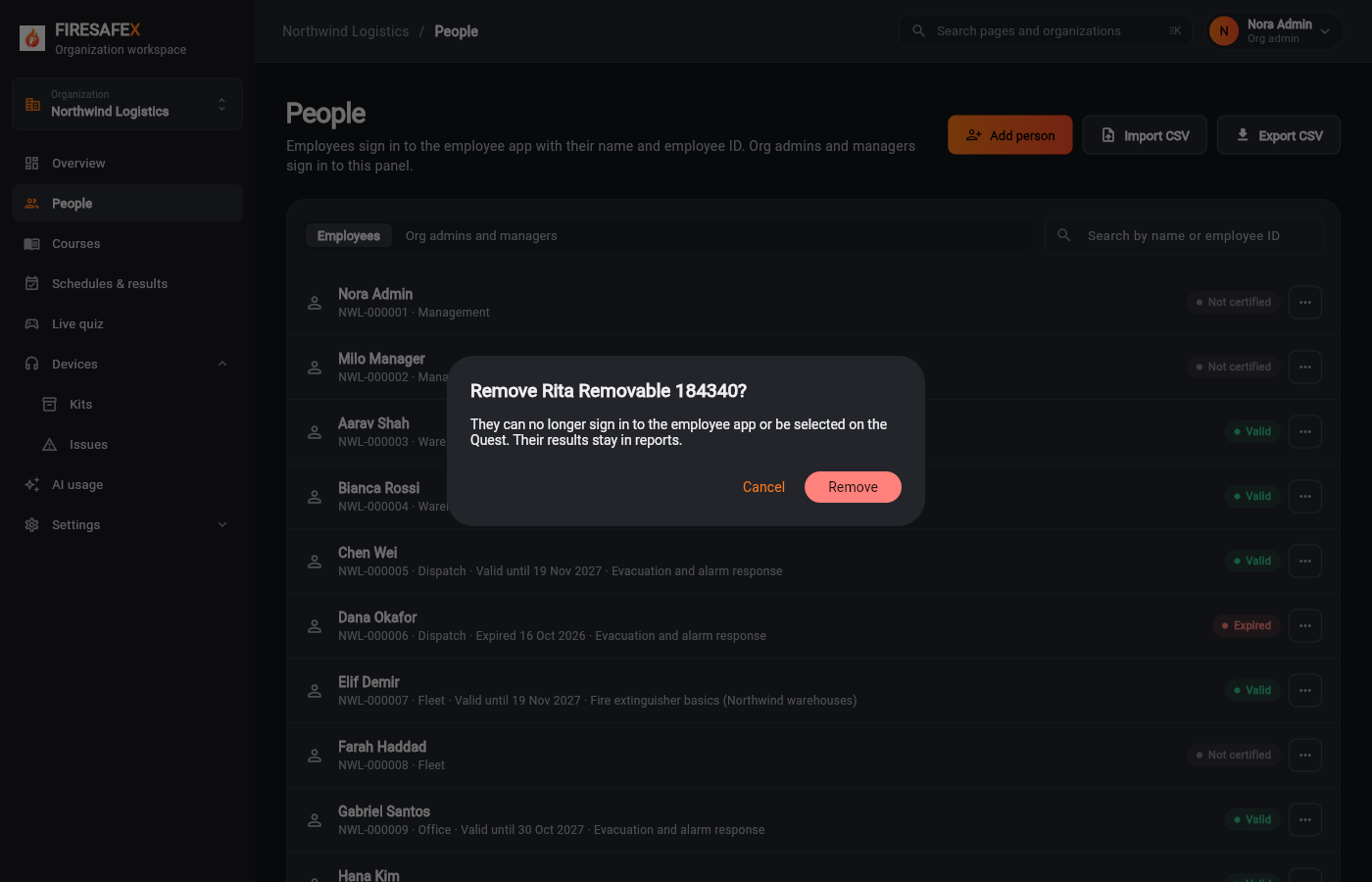
Who may do what: managers cannot remove users, org admins cannot act on another org admin, and platform pages redirect everyone but the super admin.
Signed in as Local Super Admin · Super admin
Signed in as Milo Manager · Manager
Signed in as Nora Admin · Org admin
Signed in as Milo Manager · Manager
Signed in as Nora Admin · Org admin
Signed in as Hugo Admin · Org admin
Checks
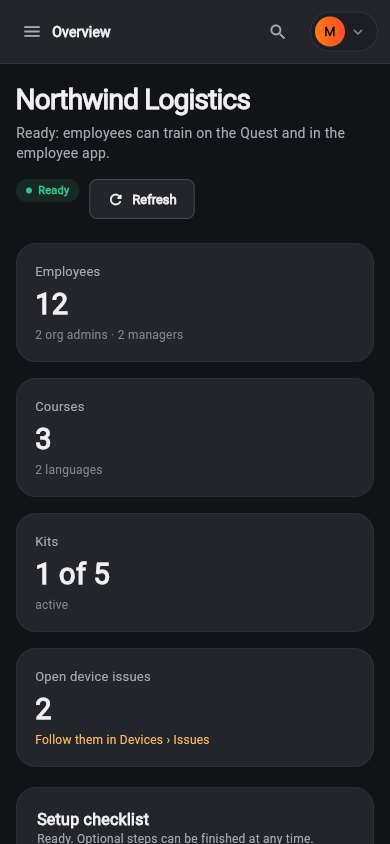
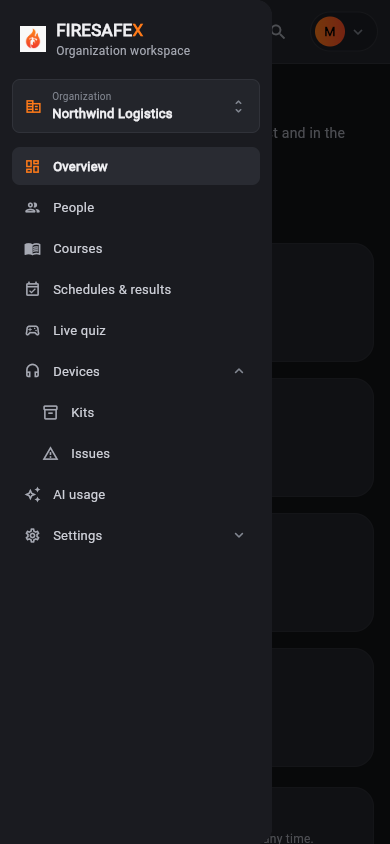
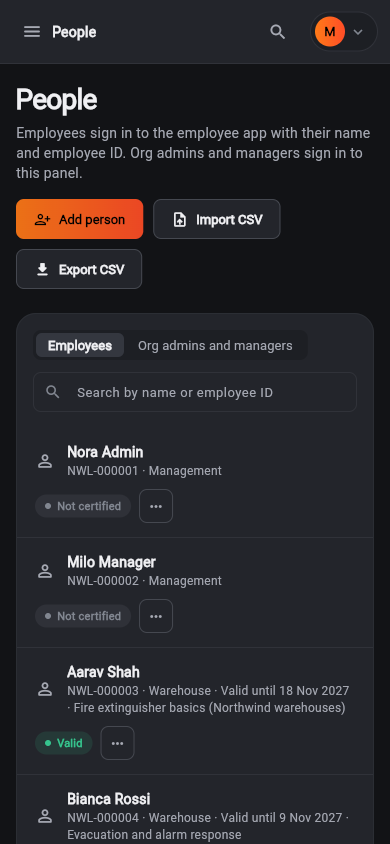
The employee app and a staff page on a 390 px wide phone screen.
Signed in as Employee app (signed out)Employee app: Bianca Rossi · NWL-000004
Signed in as Milo Manager · Manager
17 fixes
Problems the suite found while it was being written, now fixed in the code it tests.